S-01
Sign in
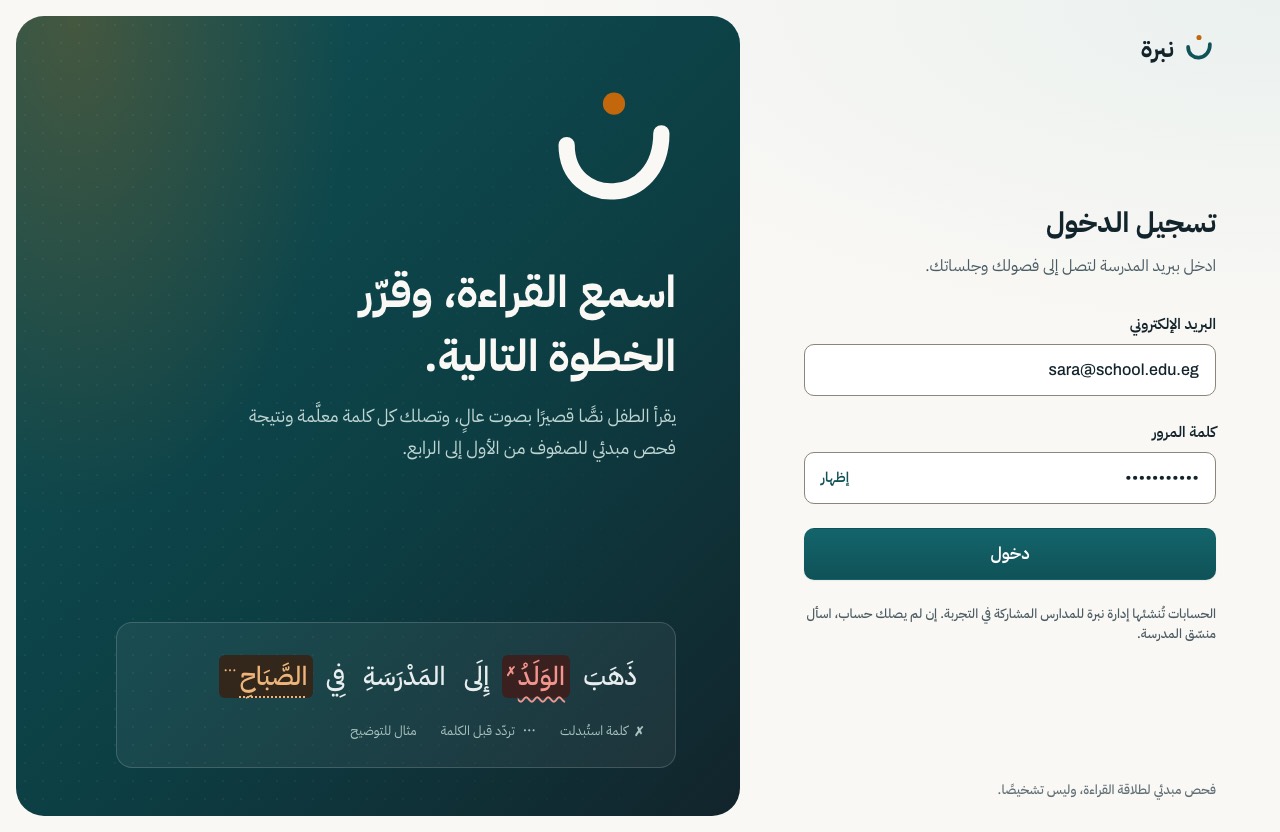
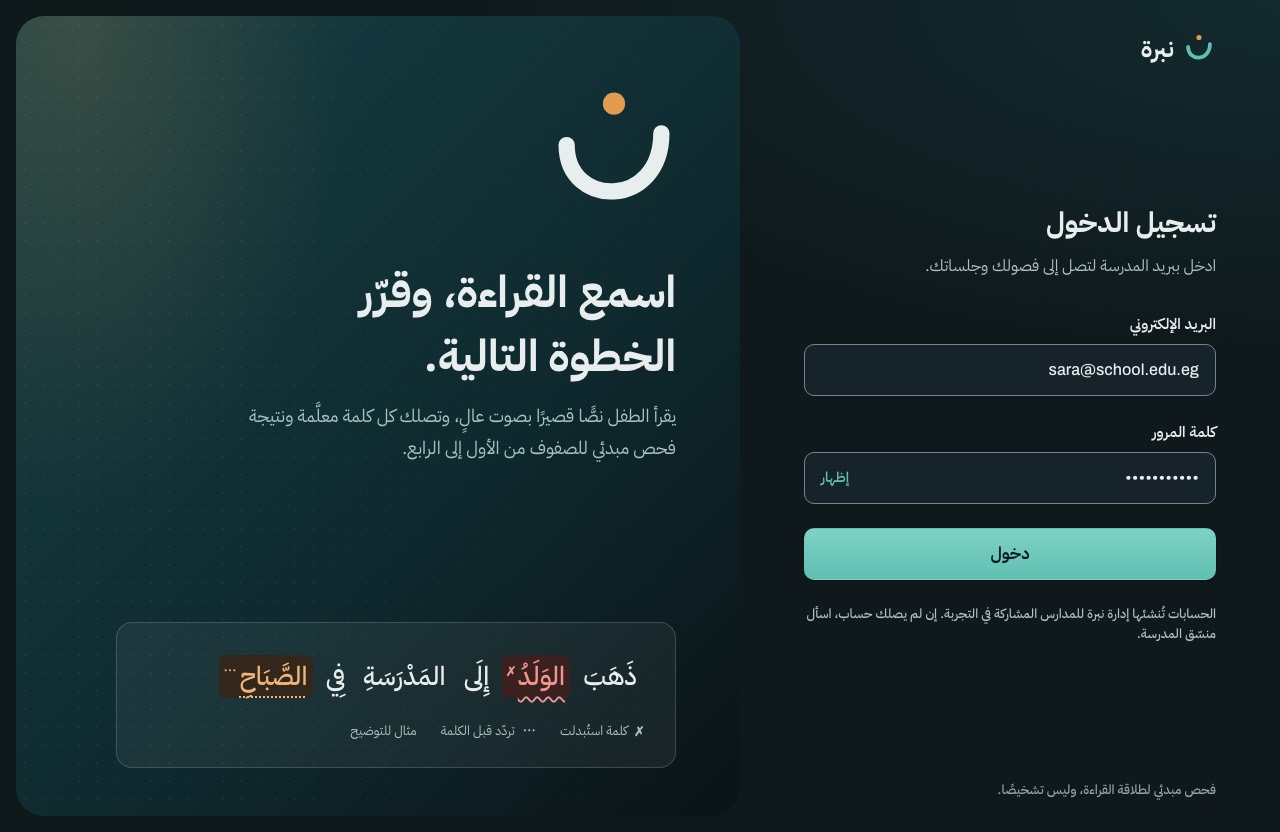
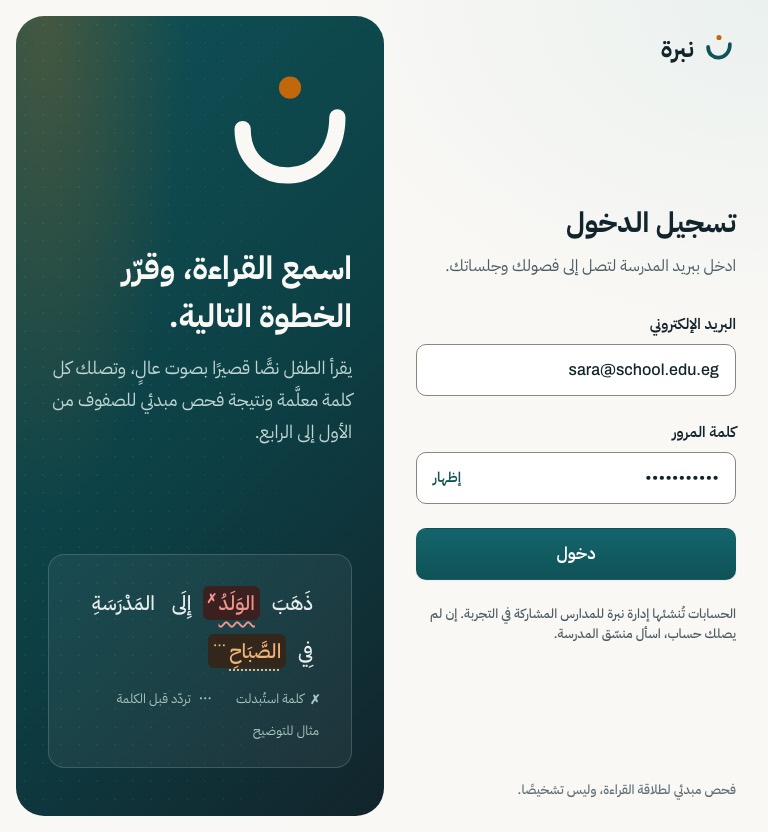
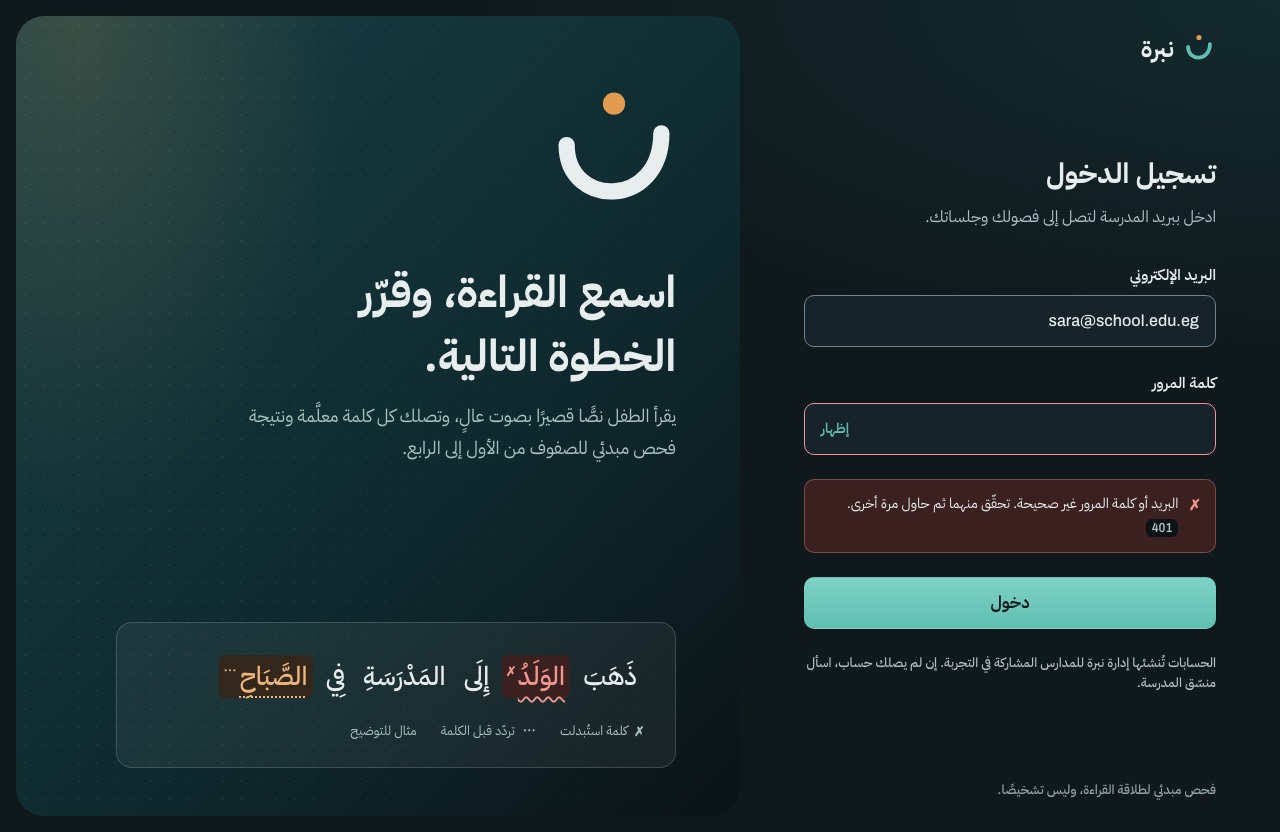
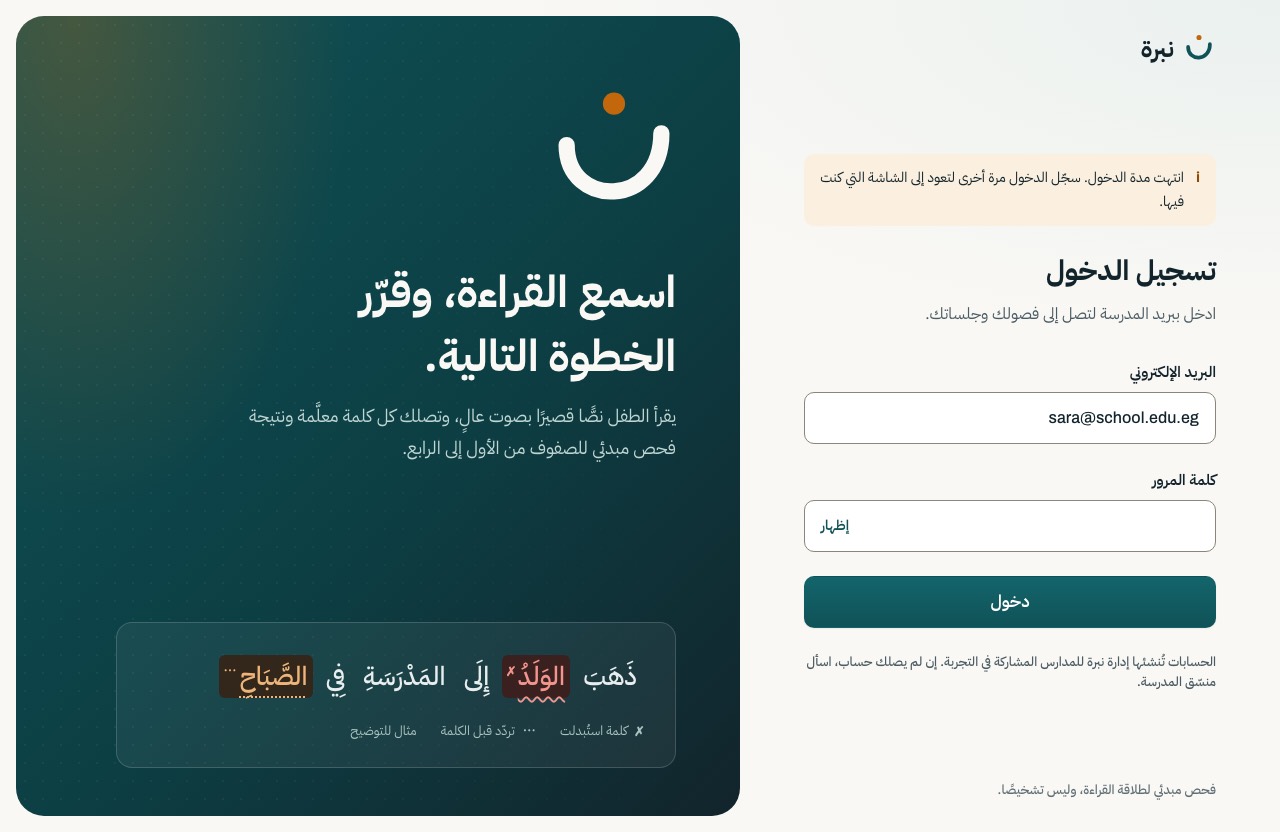
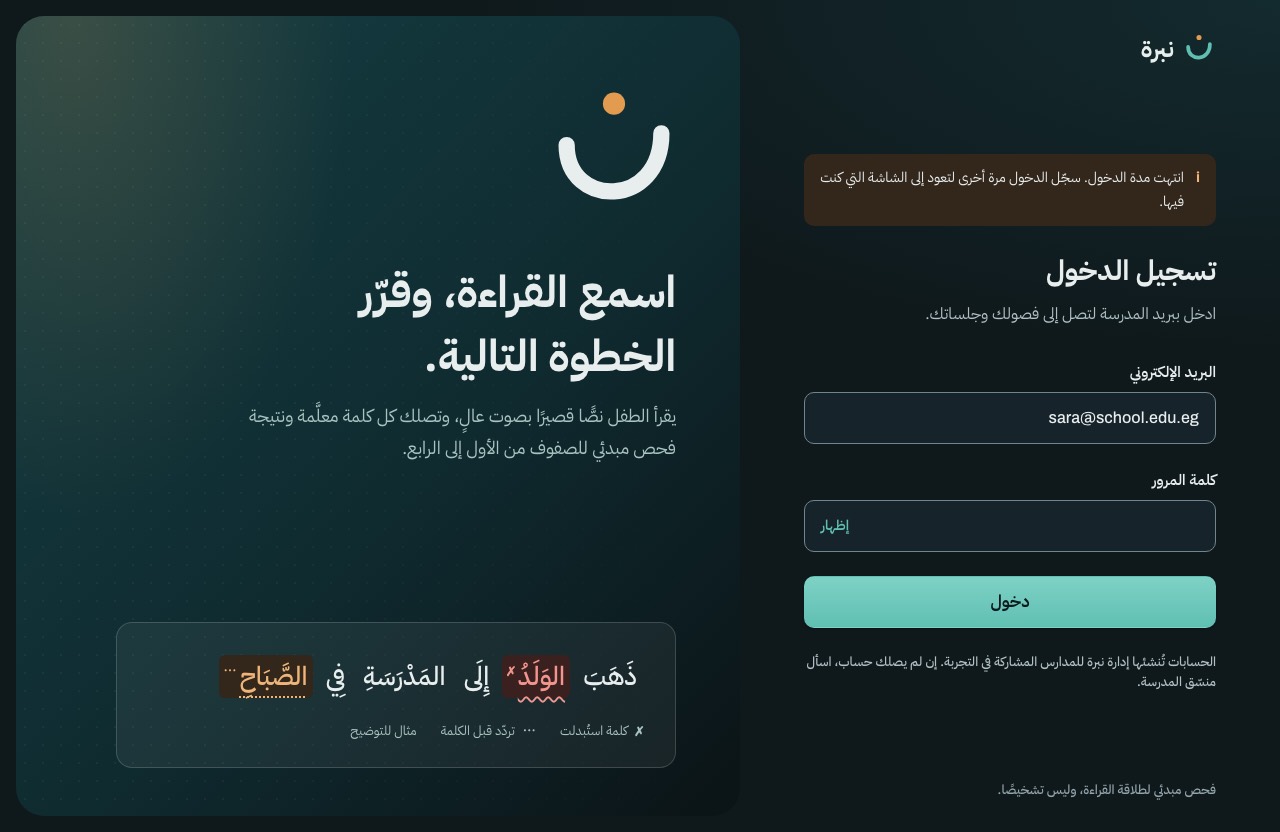
The teacher signs in. Accounts are created by the team for the pilot; there is no sign-up.
Motion The ن mark draws itself: the bowl in 900 ms, then the amber dot drops in. The form rises once.
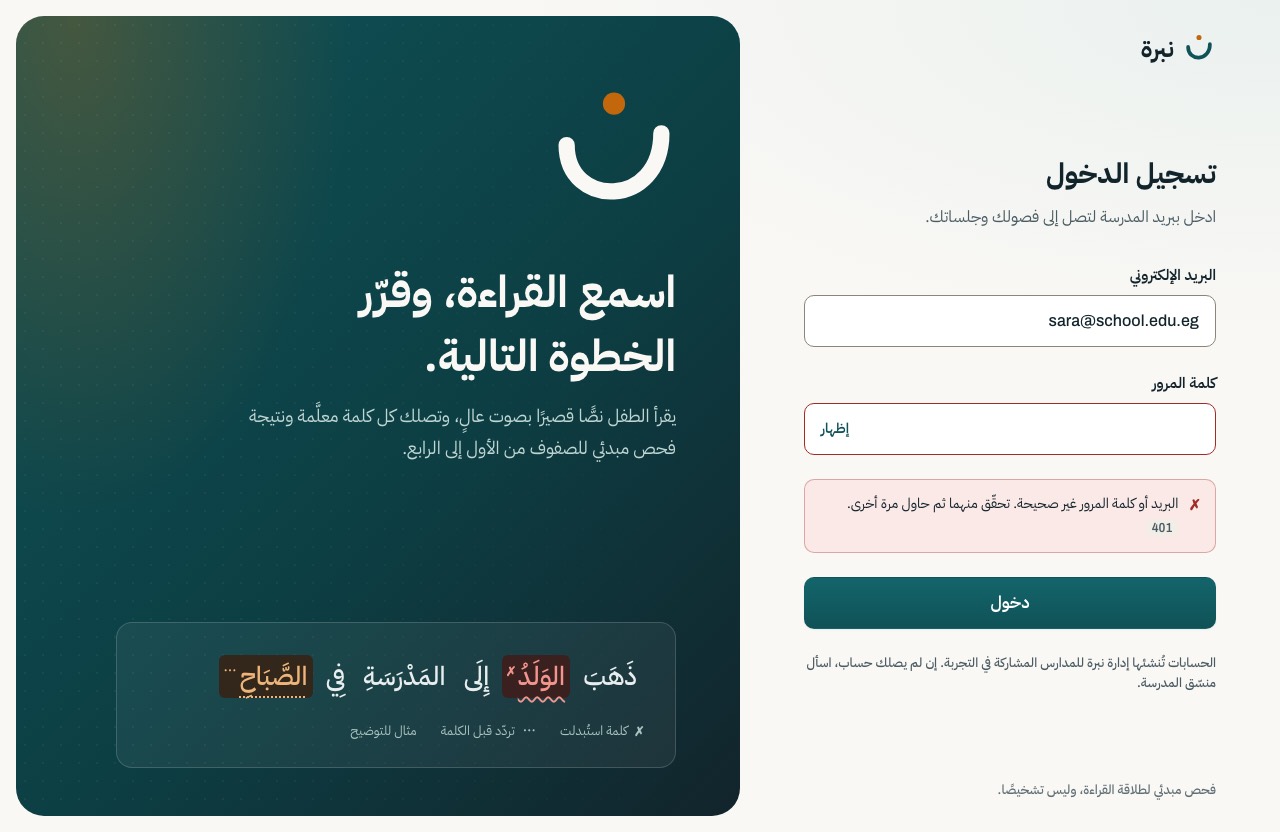
POST /auth/login




Nabra · نبرة · final visual design
A child reads a known Arabic passage aloud. Nabra marks every word and gives the teacher a risk band, low, watch or refer, with the evidence behind it. This is the look of every teacher screen: 17 screens and 62 designs, in light and dark, with every base screen and dialog at 768 px.
A screener, not a diagnosis. Nabra suggests which children a teacher may want to follow up. It never says a child has dyslexia or any other condition.
Use Light, Dark and 768 px at the top to switch every screen at once. Each screen lists its states: pick one to see it, select the image to enlarge it, or open the live design to hover, press and tab through it.
Before drawing a screen we studied 20 real products, 8 of them Arabic or right-to-left, on 2026-09-28. For each one we wrote down what to take and what to avoid. The names link to the live sites; our screenshots of them stay internal.
Tabby, Tamara and Thmanyah let big Arabic type do the work. Nabra keeps one display headline per screen, in IBM Plex Sans Arabic, with generous leading.
From Tabby (Arabic) Tamara (Arabic) Thmanyah (Arabic) IBM Plex Sans Arabic specimen
Stripe and Vercel keep their colour and glow to one spot and leave the rest quiet. Nabra allows one dusk band per teacher screen, and one amber light in it.
Bright blocks and glass look fresh, but they fight the colours that carry meaning. Nabra keeps tables and the marked passage on plain paper, and every band and word state has a glyph and a label, not colour alone.
From Careem (Arabic) Lamsa (MENA classroom) ReadingFluency.app
Amira Learning draws a voice as columns of dots. Nabra uses the same idea for the listening dots, with the amber dot of the ن at the centre.
From Amira Learning
Headspace shows how a sensitive subject can feel warm and never alarming. A result screen must never feel like a game, and it never gives a diagnosis.
Material 3, Linear and Apple's guidelines treat motion as named durations and curves, short, with no bounce. Nabra has four durations and three curves, and the cursor adds a ring without hiding the pointer.
From Material 3: easing and duration Linear Apple HIG: pointing devices
Took One heavy Arabic headline, centred, with nothing competing. Arabic display type can carry a whole screen by itself.
Avoided Its playful crowd illustration; Nabra's subject is a child's result, not a lifestyle.
Took Very large Arabic display type with tight, deliberate line breaks, and a few small sparkle accents that act as a signature.
Avoided Display weights this heavy on working screens; we keep them for one headline per screen.
Took Bold Arabic words on solid colour blocks, each block one idea. Proof that colour fields and Arabic type work together when the type is big enough.
Avoided Rainbow of block colours; our colours are reserved for meaning (bands, word states).
Took Editorial Arabic hierarchy: a strong title, a quiet one-line summary, metadata in a lighter tone, generous leading. The model for our list rows and result meta line.
Avoided Nothing to avoid here; it is a type lesson.
Took Arabic ed-tech with a gradient ground and kashida-stretched words as a graphic device. Shows how Arabic calligraphic stretching reads as identity.
Avoided Kashida stretching on UI text; it breaks search and screen readers. Display only, if ever.
Took A dark Arabic learning product: right-aligned hero text, clear primary action, dark mode that still reads well.
Avoided Pure red primary actions; for us red means `refer`.
Took Correct RTL mirroring of navigation, Latin product names sitting inside Arabic sentences, and whitespace as the main luxury. The model for mixing child codes like S07_G2 into Arabic lines.
Took Our only typeface. Tall ascenders and clear counters at 24 px and up; it needs the 1.75 leading the system already sets, more for tashkeel.
Avoided Weights under 400 for Arabic body text; the thin strokes break up on classroom screens.
Took Voice made visible: columns of dots like a sound wave. The closest product to ours; it confirms that the listening metaphor is the right visual idea.
Avoided Purple-to-teal rainbow gradients; our gradient is one hue family, teal to ink, with one amber light.
Took A marked passage as the hero of the product, with the roster beside it. Confirms our S-12 layout: passage first, numbers second.
Avoided Errors marked by colour fill alone, and the generic dark-purple SaaS look. Every one of our marks has a shape and a glyph.
Took A friendly, chunky primary button with a visible pressed edge. Our pressed state borrows the idea: the button moves 1 px and loses its glow.
Avoided Child-facing playfulness on teacher screens.
Took A MENA early-years product showing a teacher dashboard as the promise. Teachers here expect charts and lists, not decoration.
Avoided Many chart colours at once.
Took Restraint: one type family, tight hierarchy, the product itself as the image. Motion is short and always answers an action.
Avoided Near-black everything; teachers work in daylight, so light is our primary theme.
Took A gradient used as a signature in one place, with the rest of the page quiet. Our dusk band follows this: one per screen at most.
Avoided Full-spectrum colour; ours stays inside the brand's teal, ink and amber.
Took Glow as a single light source behind one object. Our amber glow is the ن dot's light, in one corner of the dusk band.
Avoided Glow on everything; ours is for the key control and the selected item only.
Took The selected panel carries a soft coloured glow outline. The pattern for our key-control glow on hover.
Avoided A glow as the only sign of focus; we keep the 2 px focus ring.
Took Texture and soft blurred colour edges make a flat screen feel crafted. Our dusk band has a faint dot grain for the same reason.
Avoided Wobbly edges on working UI.
Took Warm, calm and rounded for a sensitive subject. The tone we want around a child's result: kind, never alarming.
Avoided Mascots and bright orange fields.
Took The pointer should react to what it is over, and never redefine what people expect. Our cursor adds a ring; it never hides the system pointer or the text caret.
Took Motion as tokens: named durations and easing curves. Our motion family uses the same idea with four durations and three curves.
Avoided Spring overshoot; nothing in Nabra bounces.
Each direction was drawn on the same screen, the top of the class dashboard, so they could be compared fairly. We kept the one whose signature comes from the Nabra mark itself.
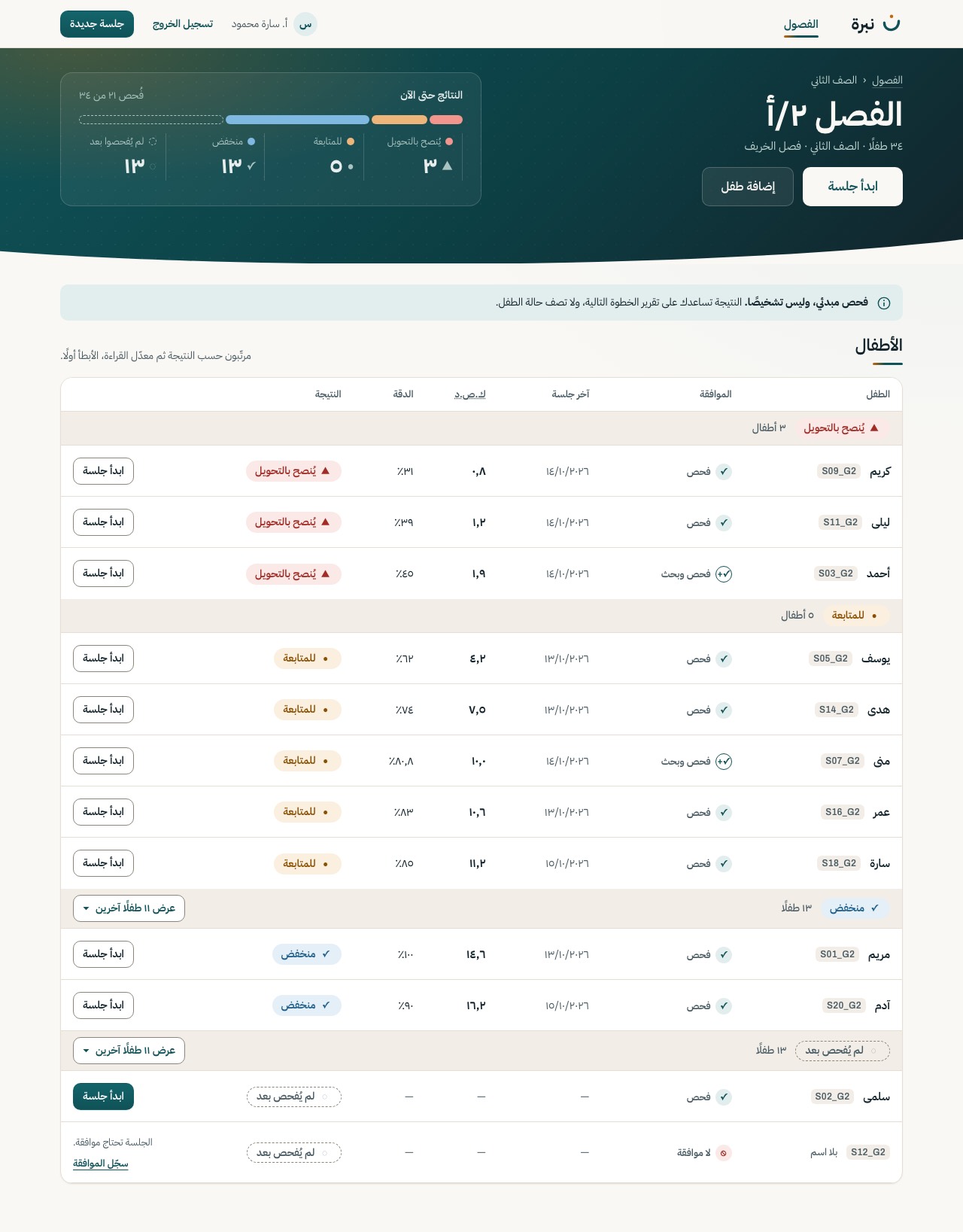
A deep-teal band carries the identity; the work happens on paper below it. The amber dot is the light, the cursor and the end of the voice line. Tables and the marked passage stay on plain surfaces, where they read best.
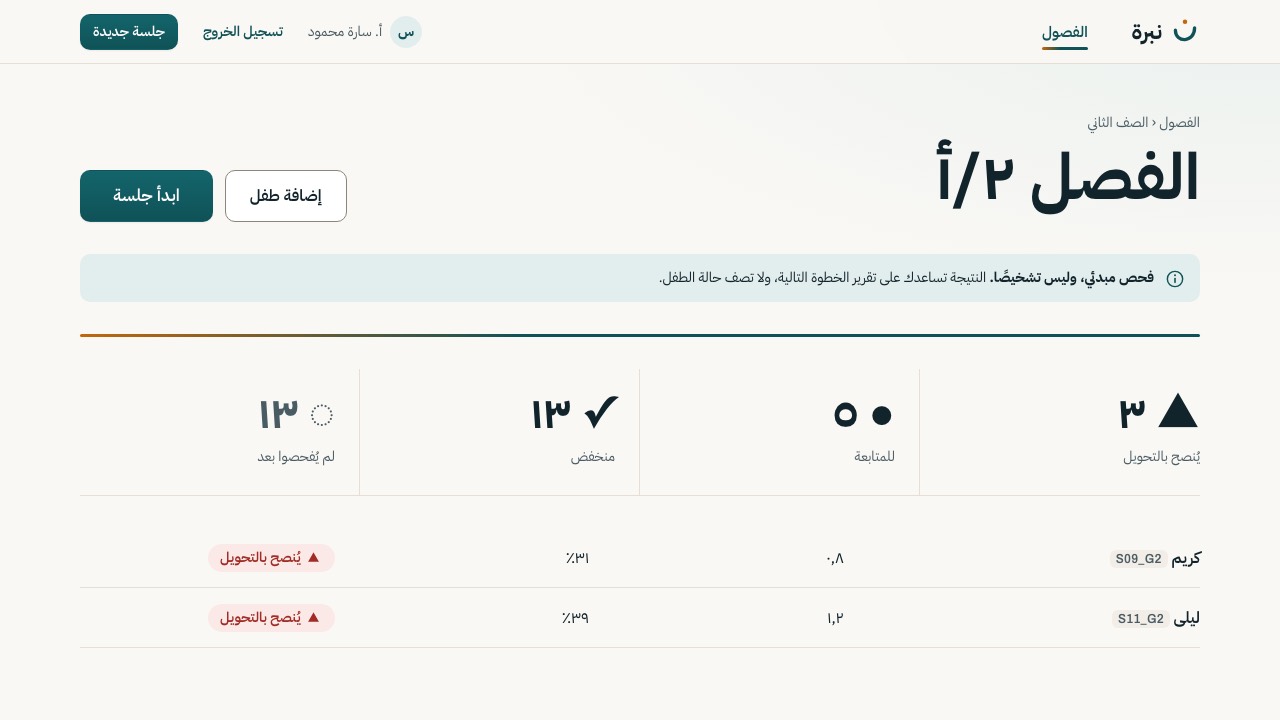
Big Arabic type, hairlines and no gradient. The calmest and most print-like. It fails the brief: no idea for motion, no identity beyond the logo, and at a glance it could be any admin page.
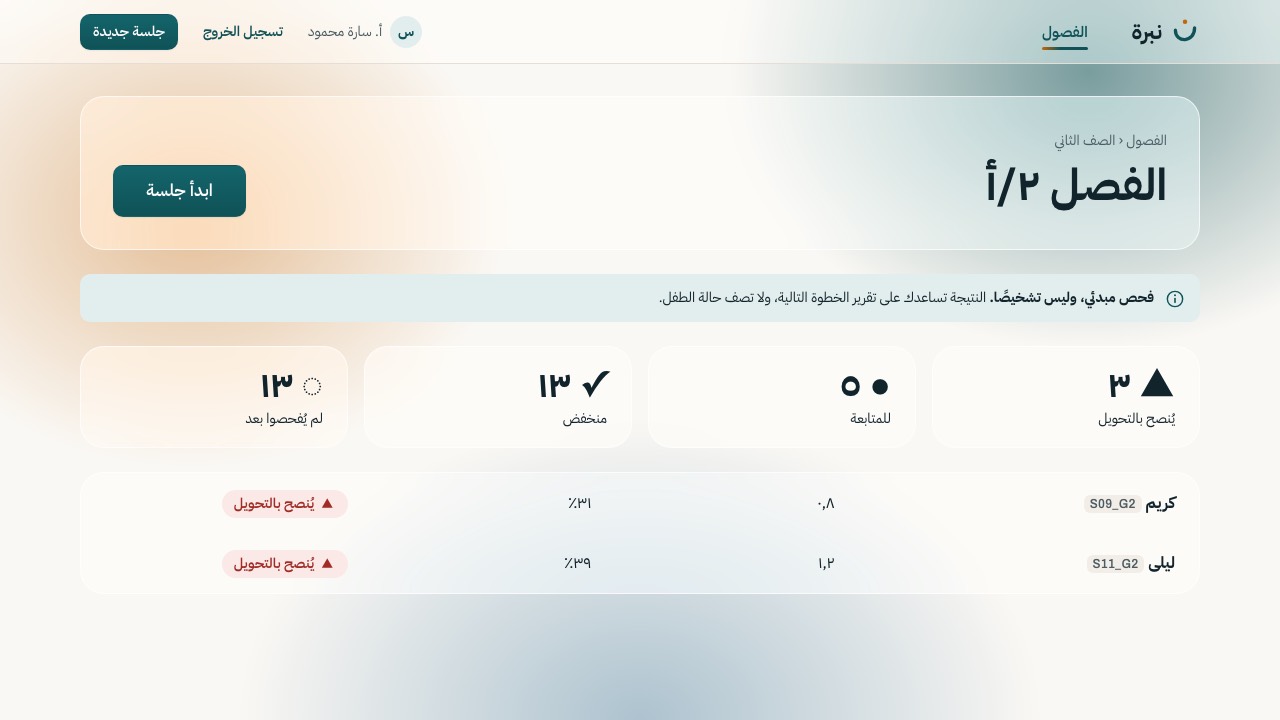
Frosted cards over a drifting colour field. Glass lowers the contrast of tables and band pills, the field's colours compete with the colours that carry meaning, and it reads as a generic AI-product look.
What A keeps from B: the discipline of one display headline per screen, generous leading and hairline tables. What A keeps from C: only the lesson that colour must stay out from under data.
At most one gradient band per teacher screen, from the brand teal to ink, with a faint dot grain. It holds identity: the sign-in panel, the classes header, the class result, the child header. Everything a teacher works in stays on paper.
The amber dot of the ن is the only warm light: the glow in the band's corner, the desktop cursor, the end of the voice line under section titles, the centre of the listening dots, and the recording dot.
The curve of the ن's bowl, with its right end higher as in the mark, shapes the lower edge of the band on the class dashboard, and the edge of this page's opening.
Risk bands and word states have their own colours, and every one also carries a glyph and a label, so no meaning rests on colour alone. Text keeps 4.5:1 contrast on every point of a gradient.
ذَهَبَ الوَلَدُ إِلَى المَدْرَسَةِ
IBM Plex Sans Arabic for every Arabic word, with 1.75 leading and more for tashkeel. Archivo only for the Latin wordmark and headings like the ones on this page.
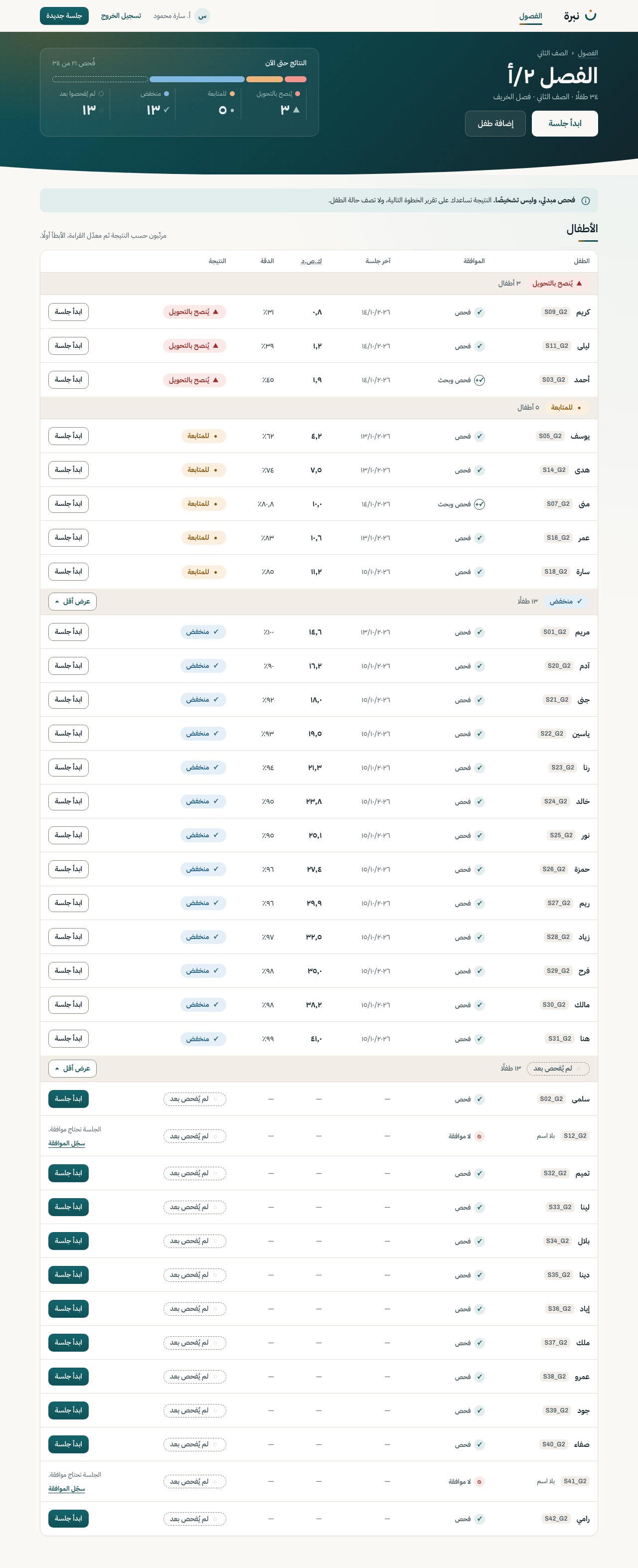
The teacher signs in, sees their classes and opens one. The class dashboard is where most of the time is spent: every child under a band heading, with refer and watch always open and the screener notice above the list.
S-01
The teacher signs in. Accounts are created by the team for the pilot; there is no sign-up.
Motion The ن mark draws itself: the bowl in 900 ms, then the amber dot drops in. The form rises once.
POST /auth/login
S-02
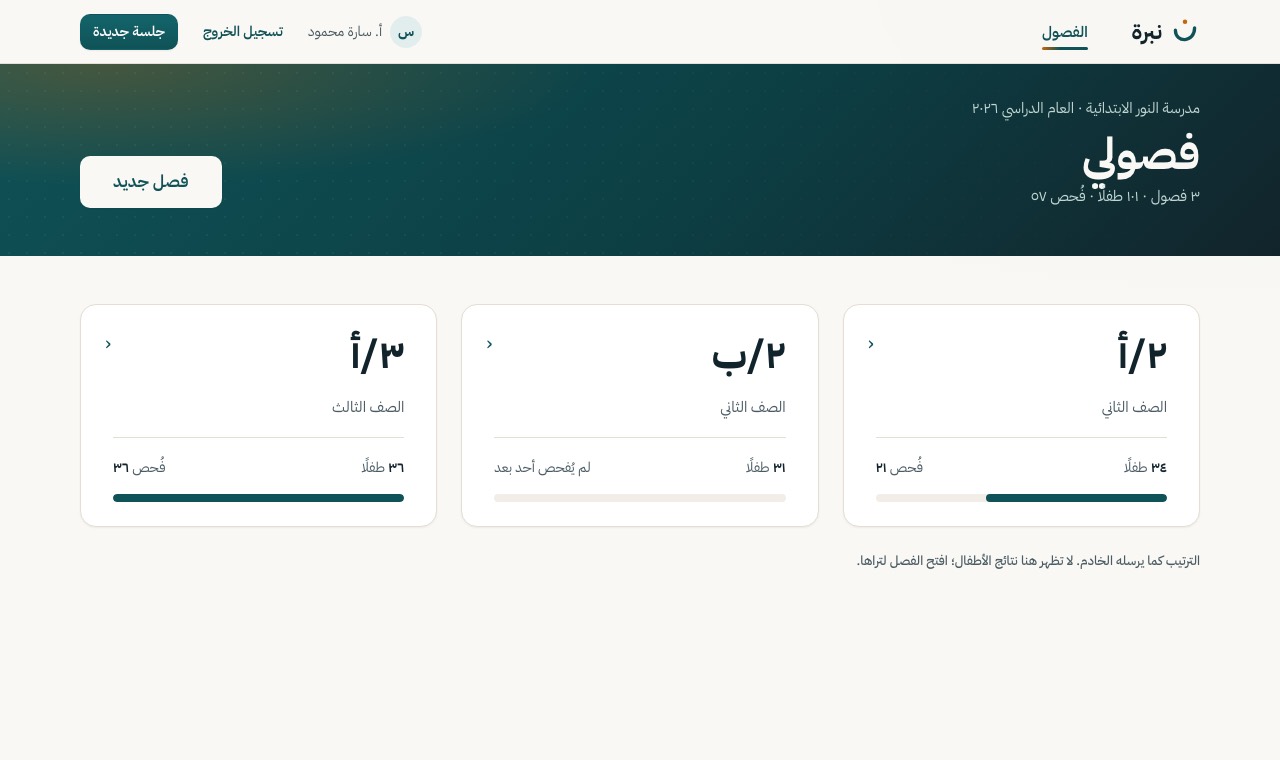
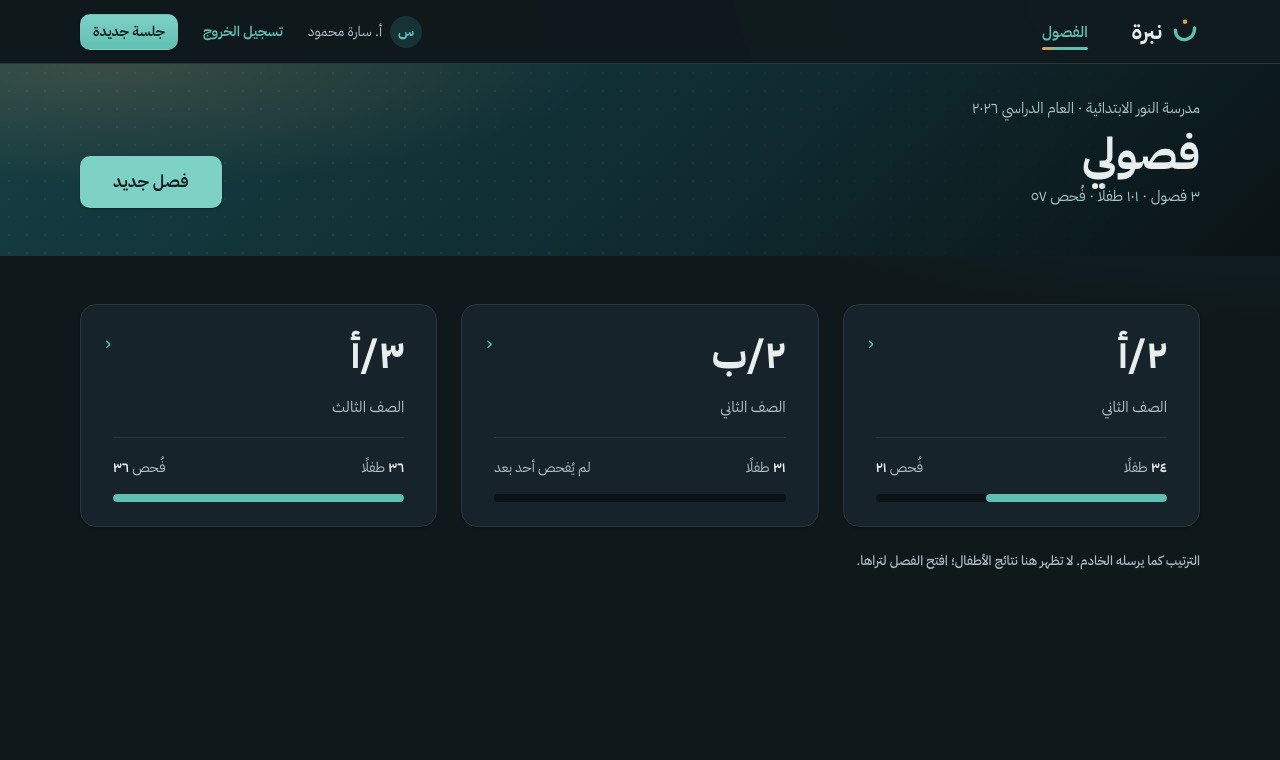
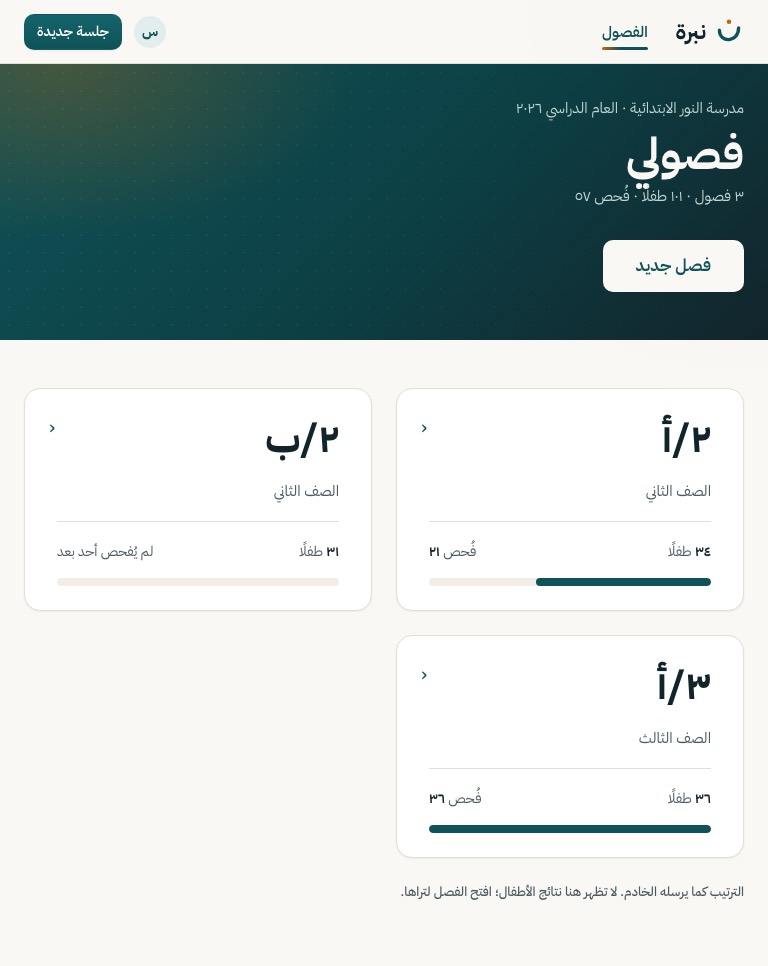
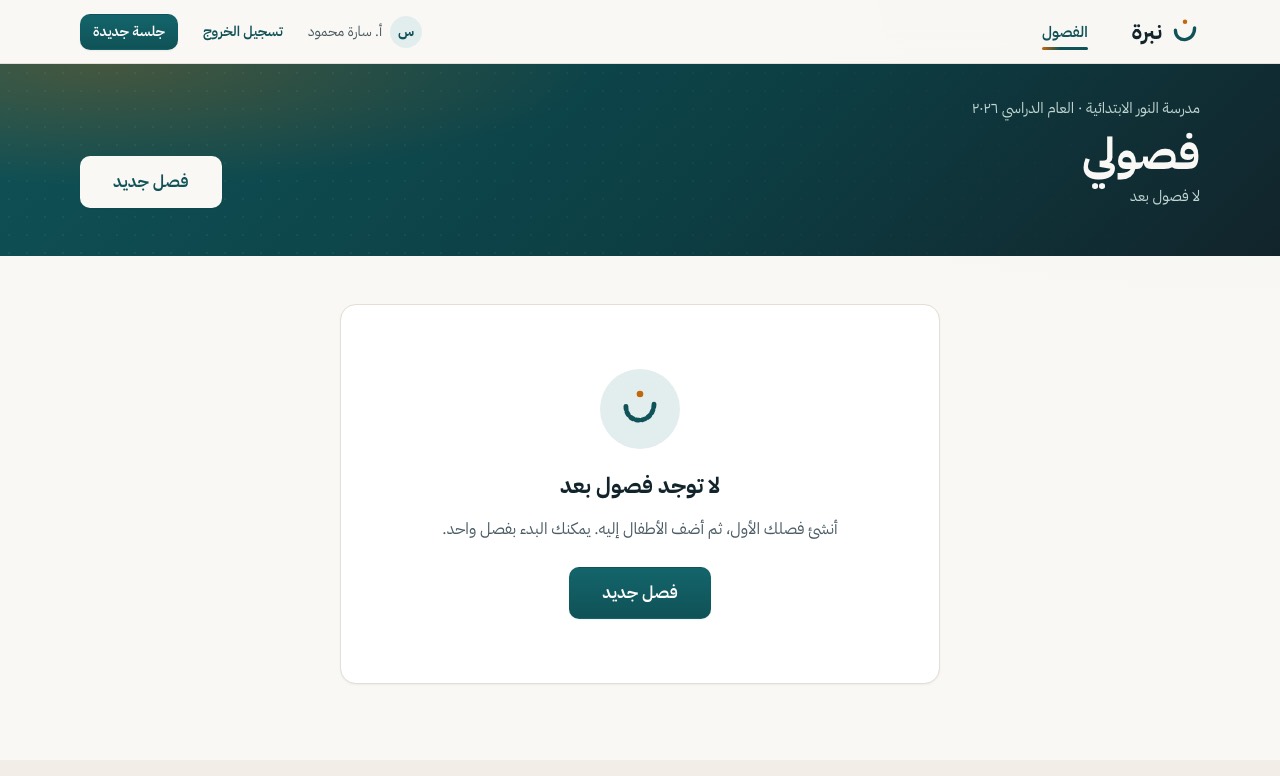
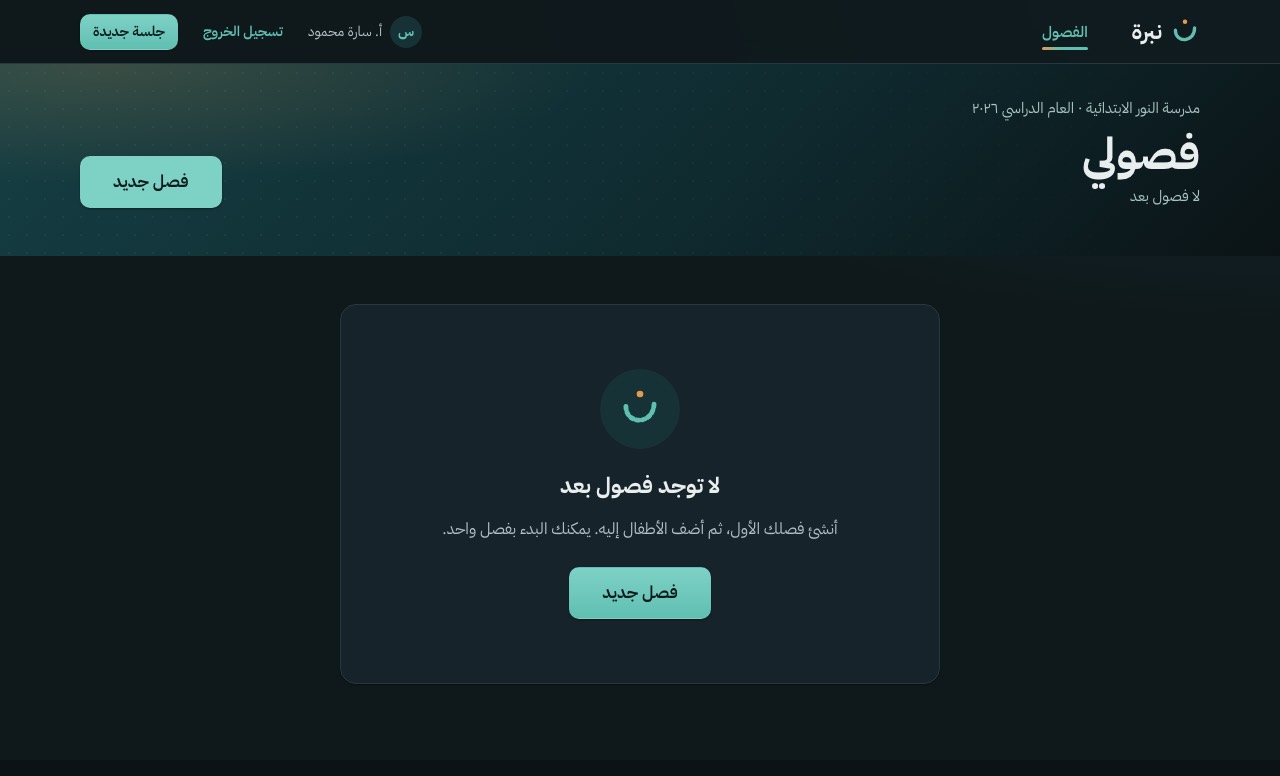
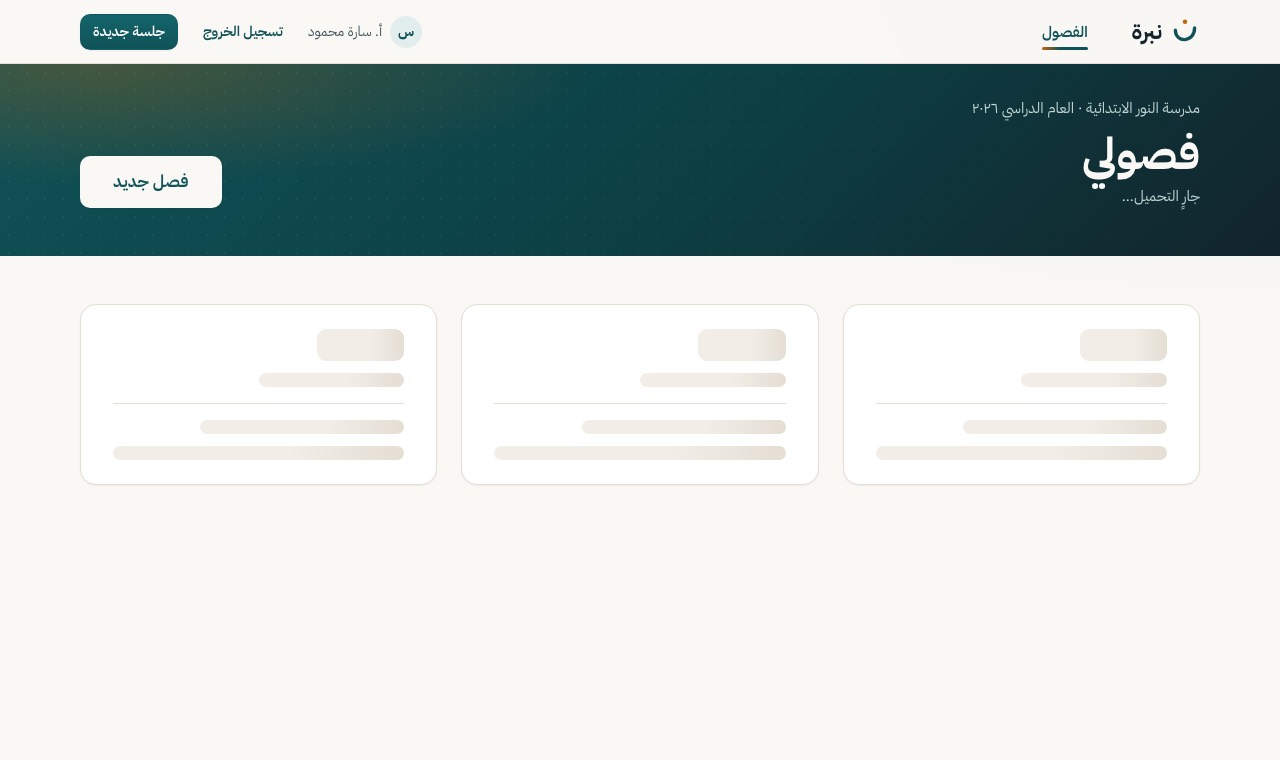
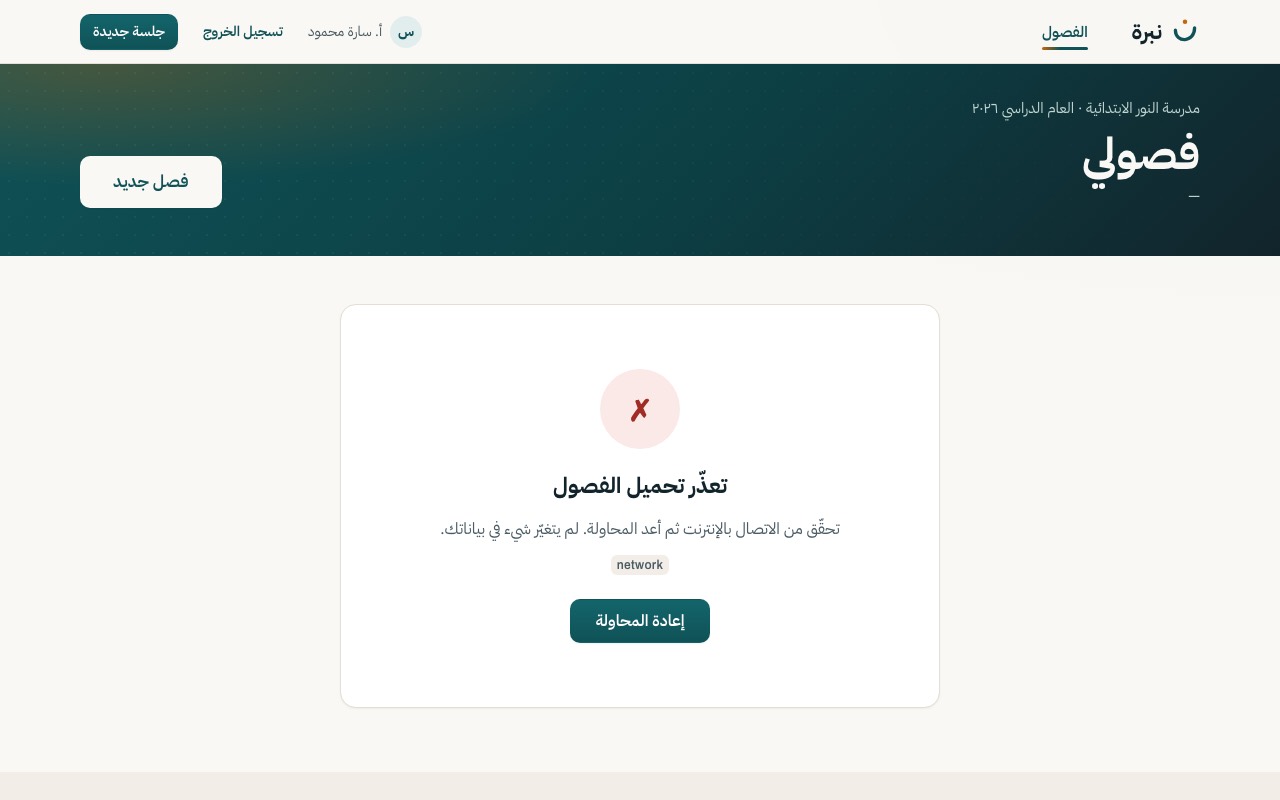
The teacher's classes with how many children were screened. «فصل جديد» opens S-03.
Motion The cards rise in a short stagger; a card lifts under the pointer.
GET /class
S-03
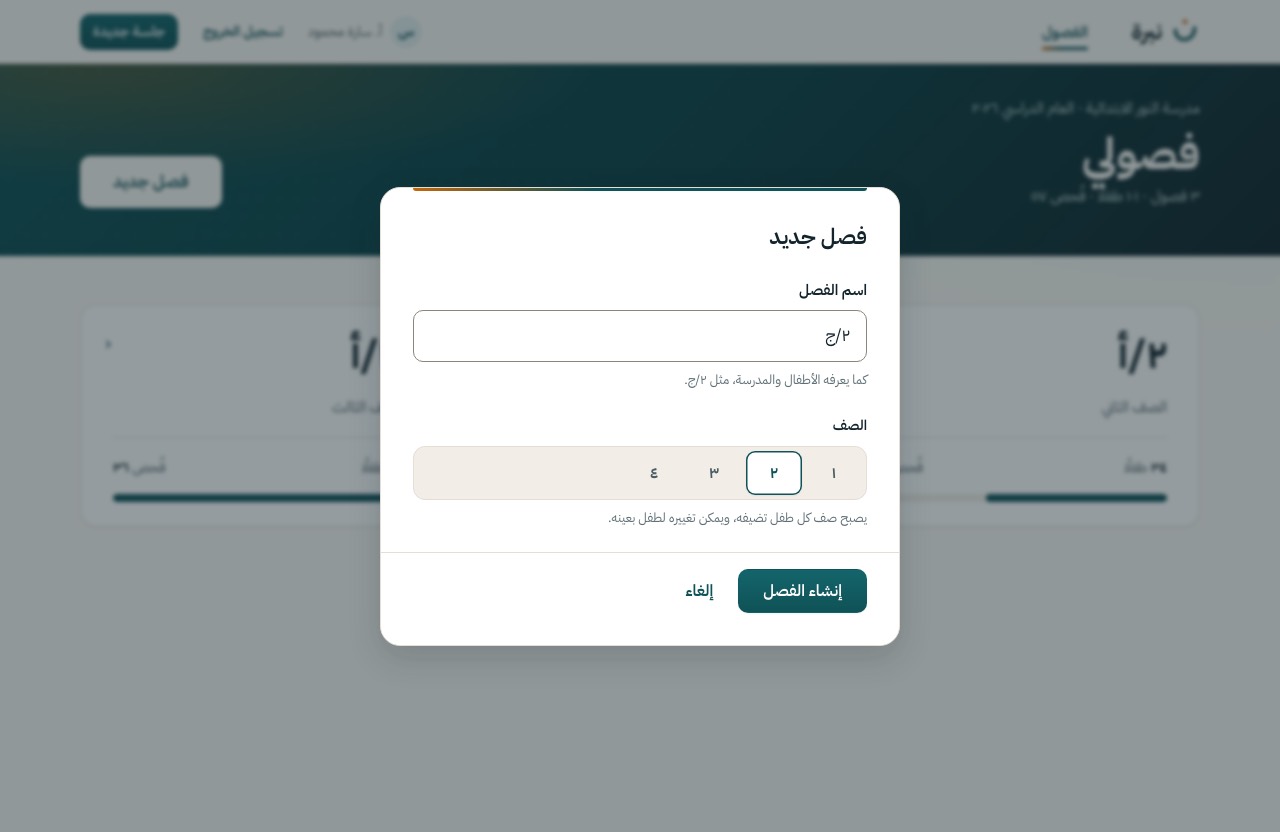
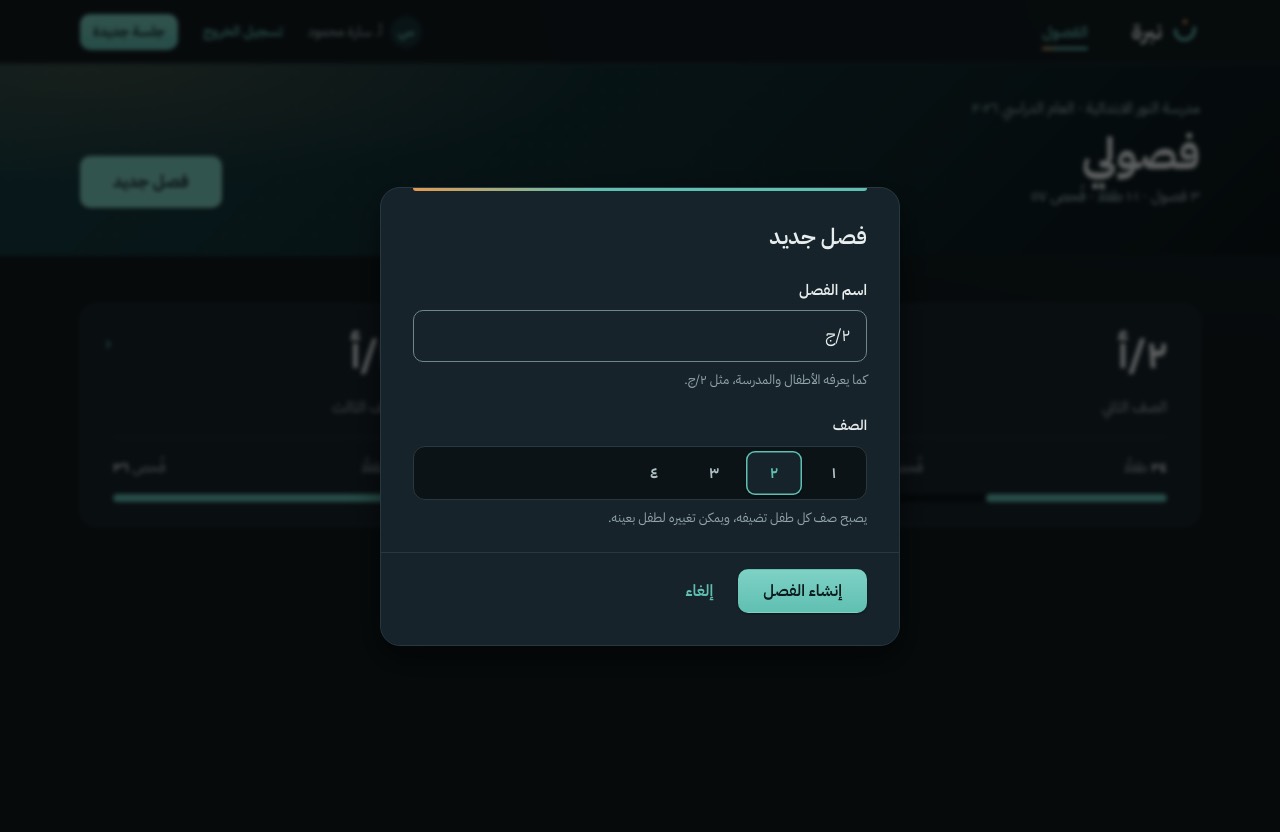
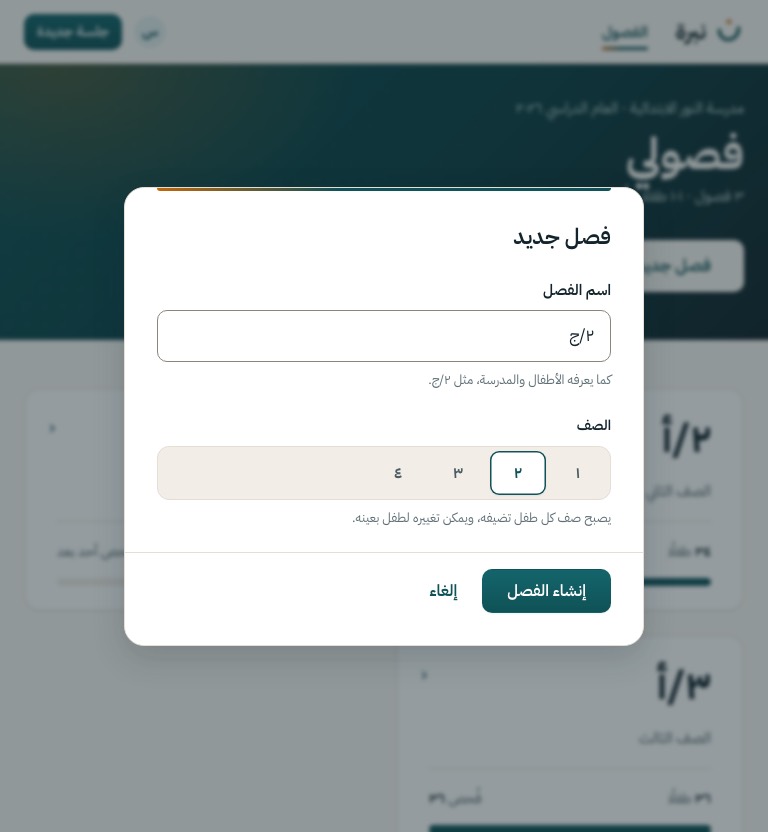
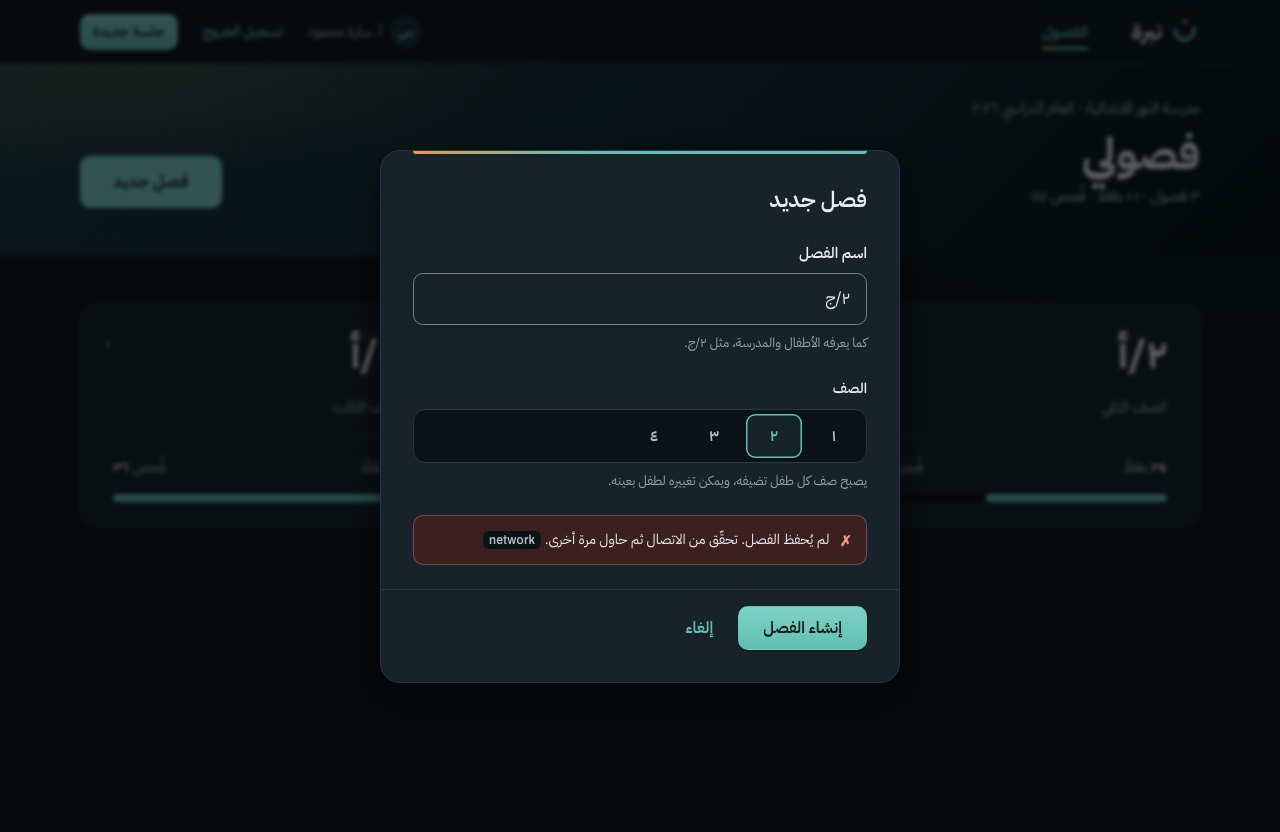
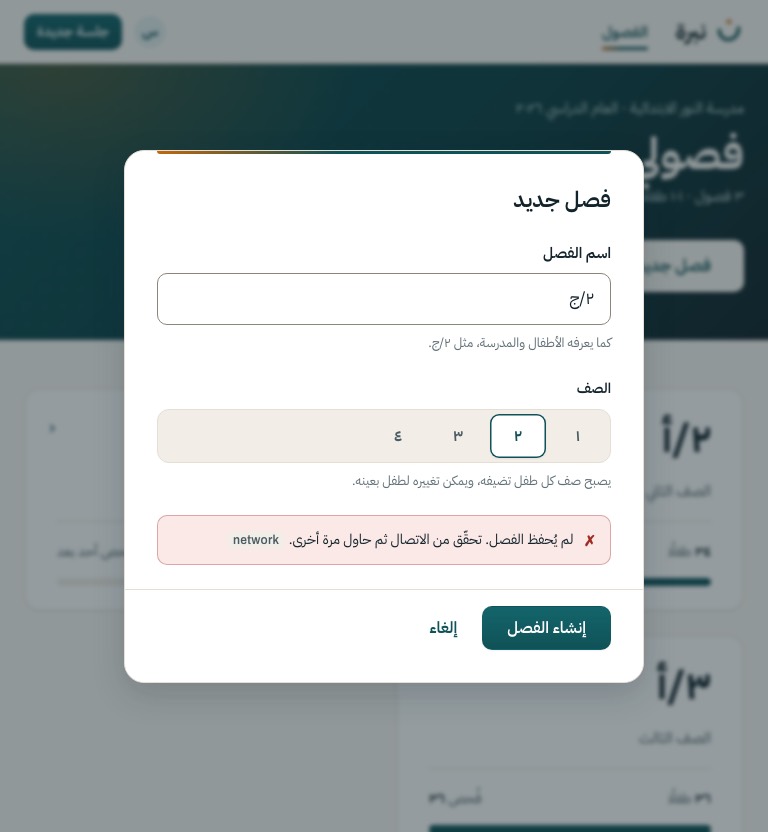
Name and grade for a new class, over S-02. Escape or «إلغاء» closes it and changes nothing.
Motion The scrim fades in and the dialog rises 12 px; closing reverses it.
POST /class
S-04
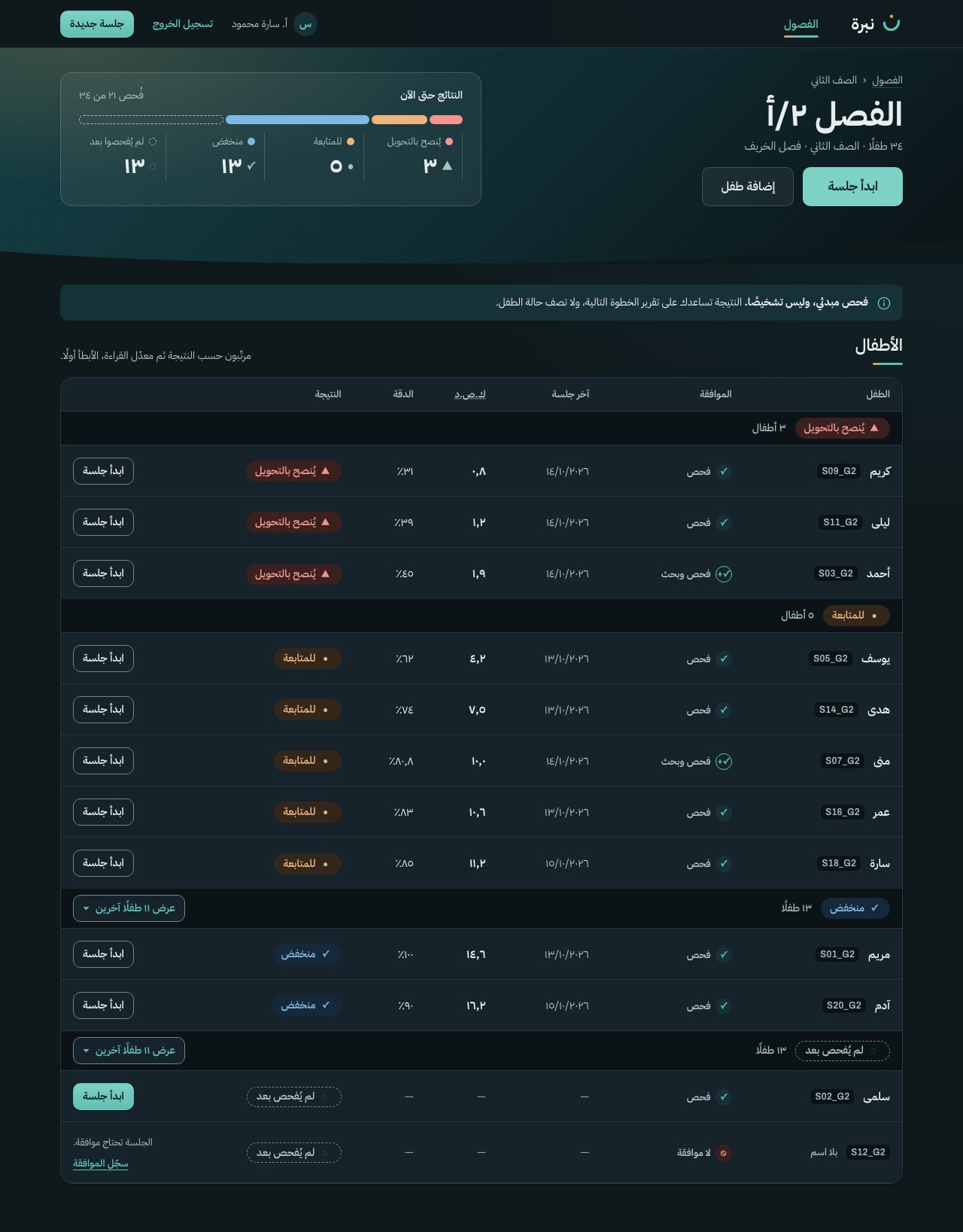
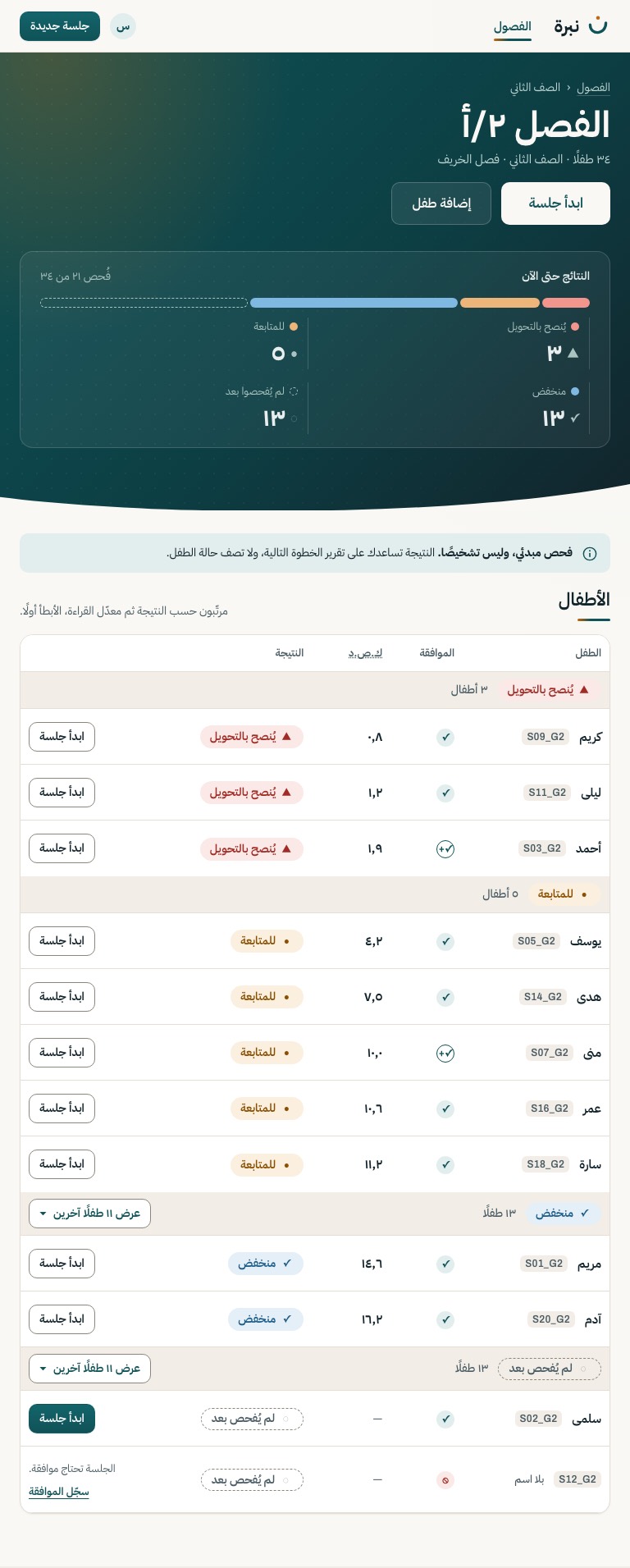
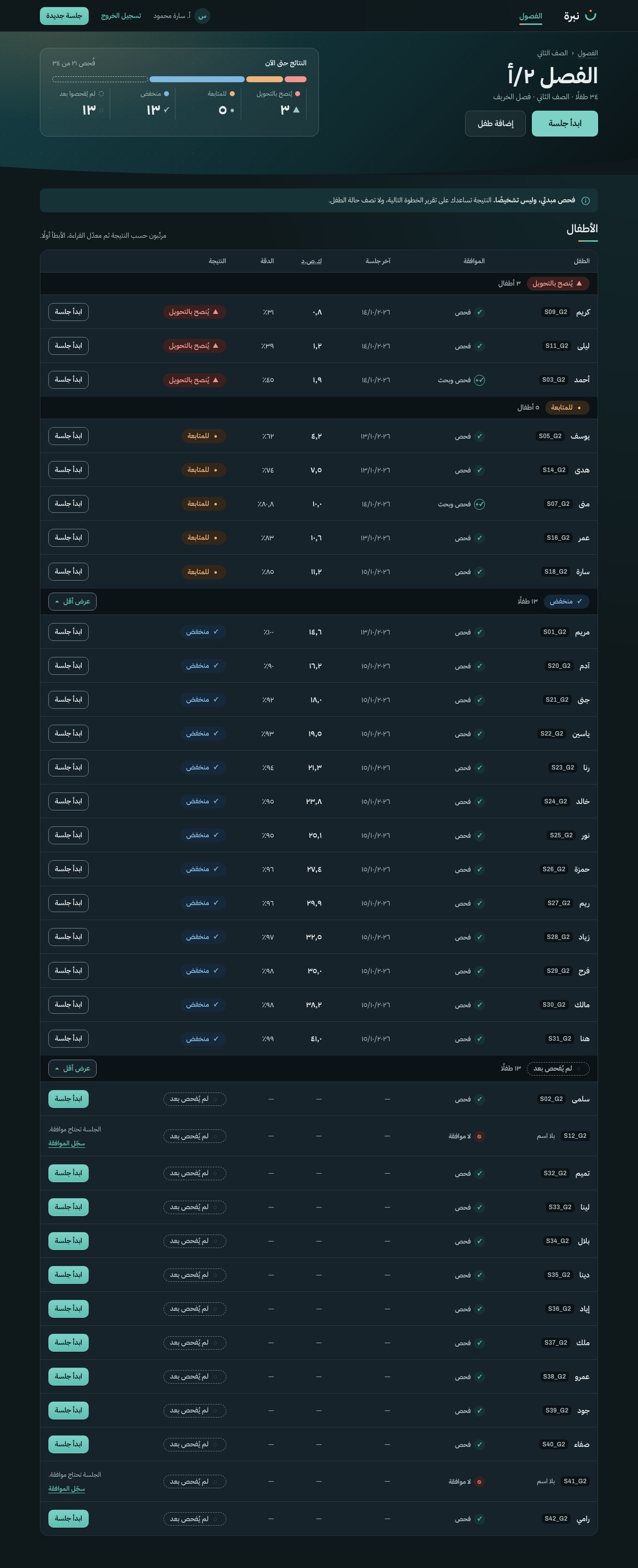
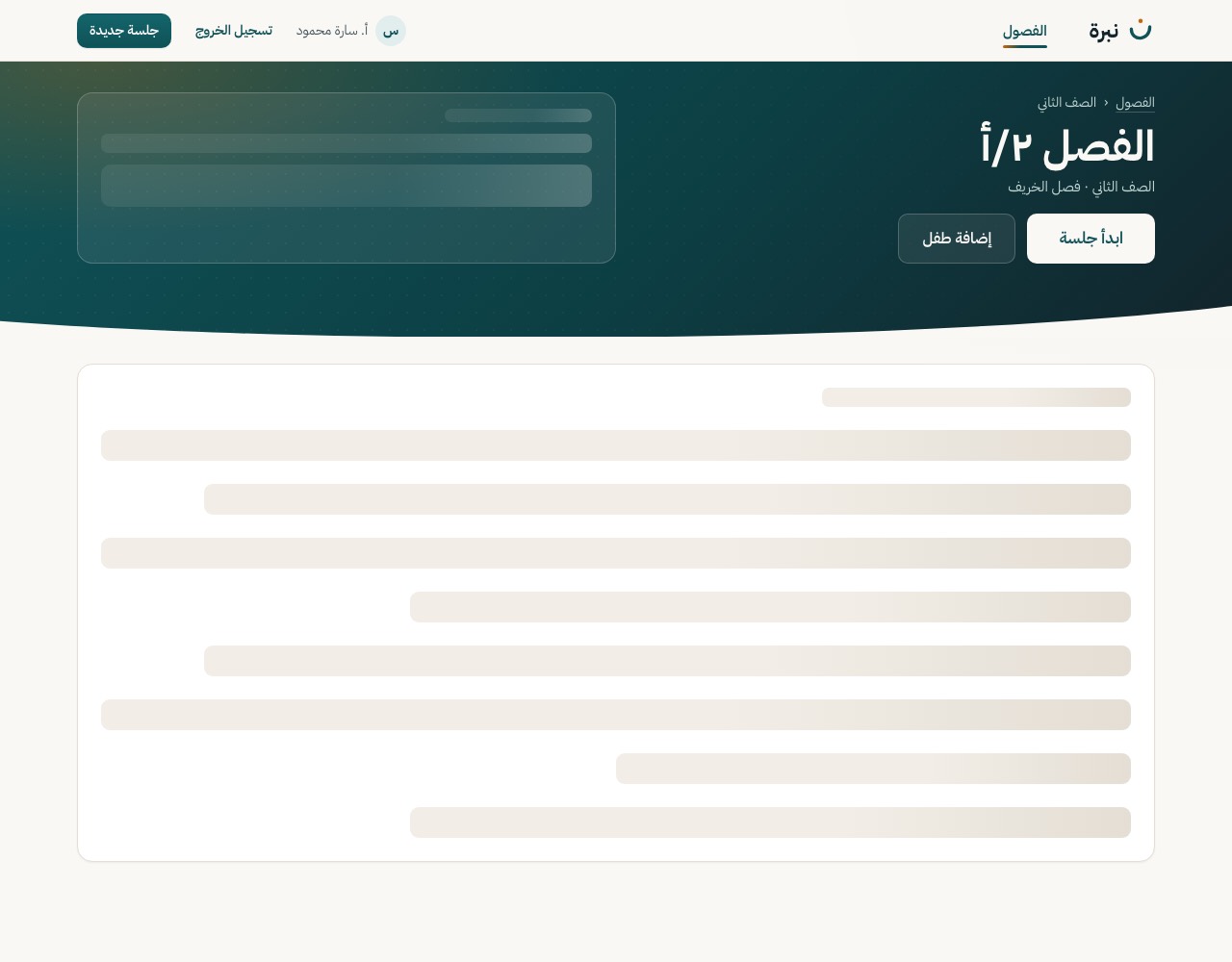
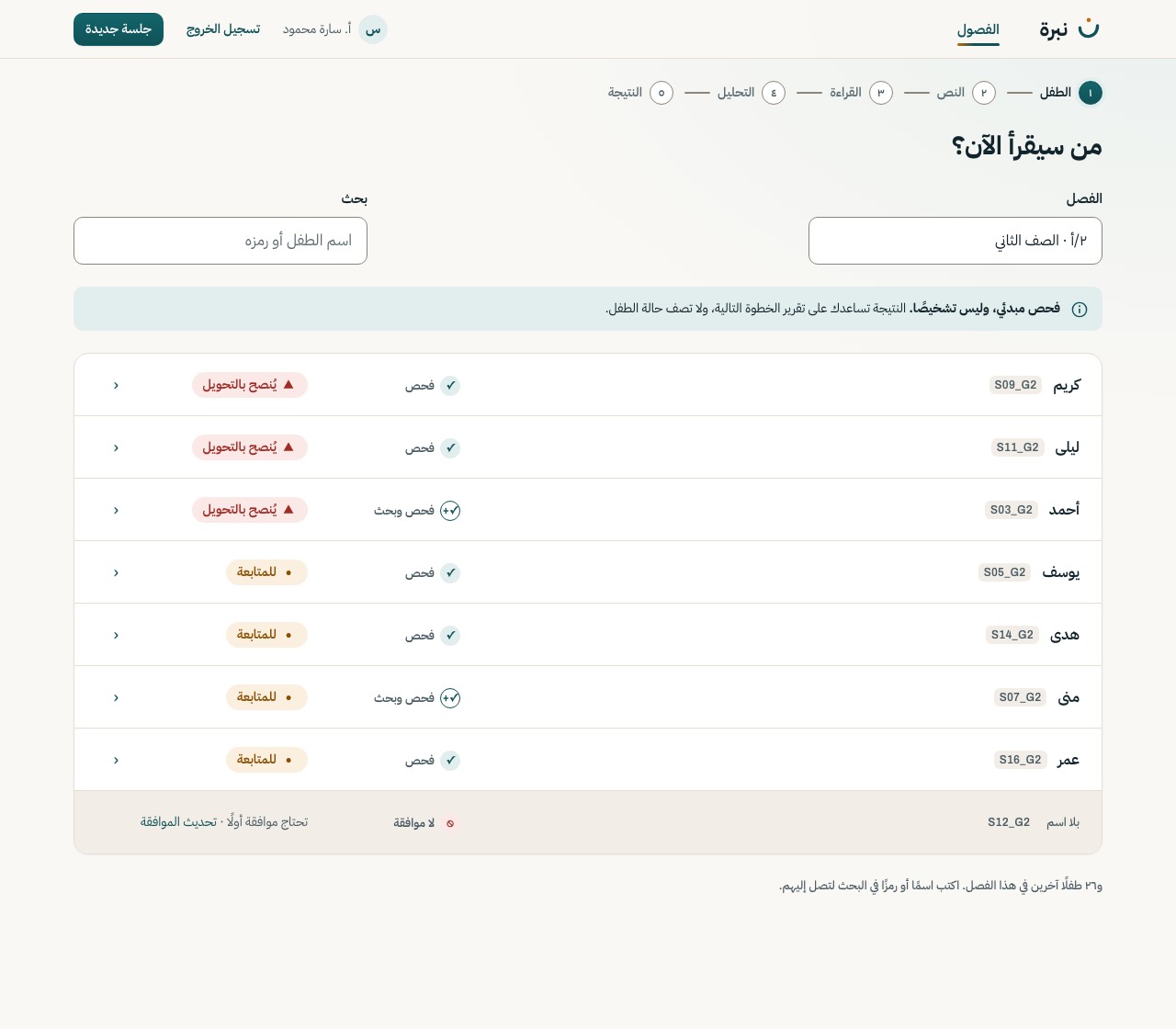
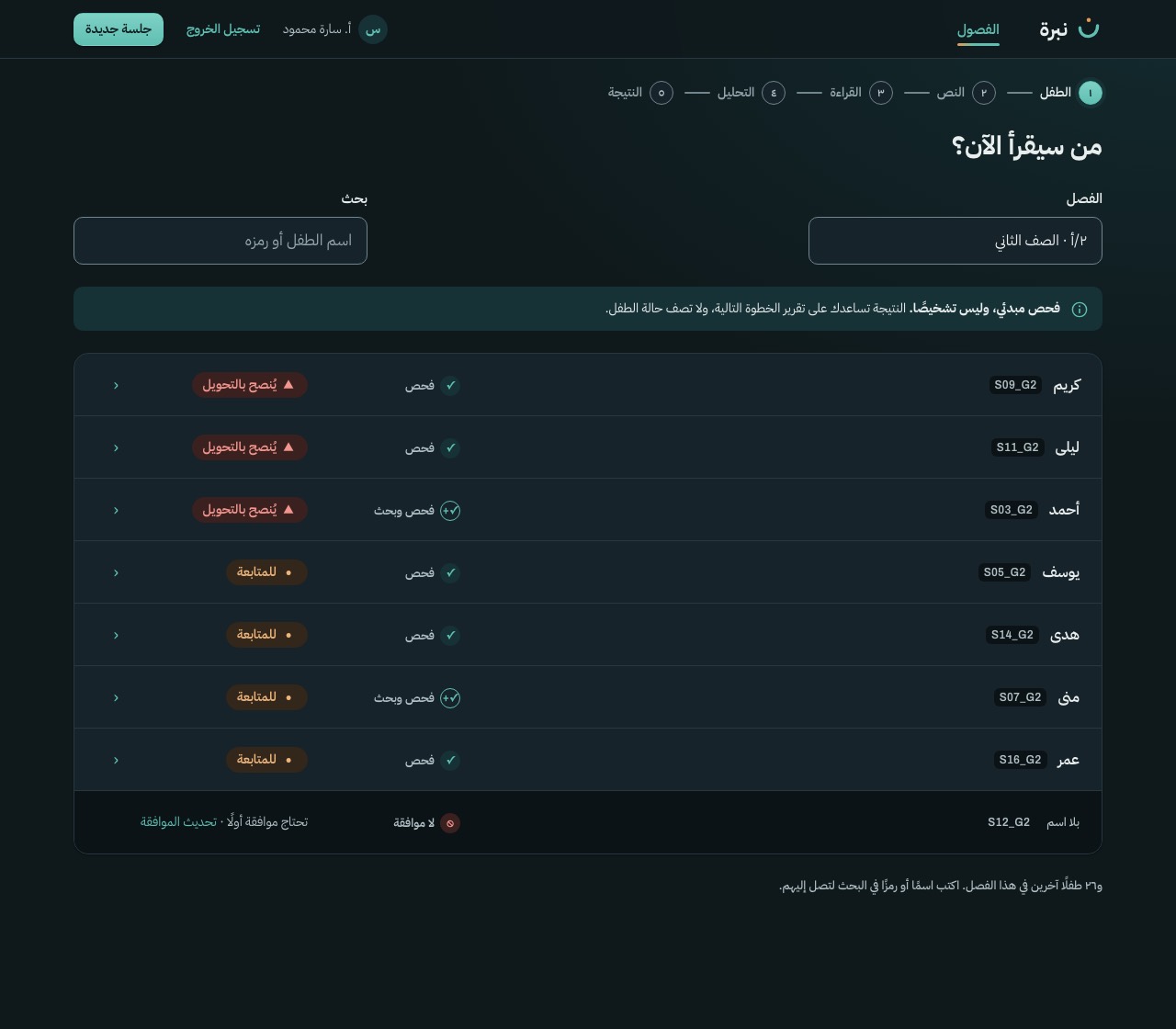
The class result on a compact dusk band, the screener notice, then every child under band headings in the API order. Refer and watch are always open; low and not screened fold after two rows.
Motion Only the band bar grows, segment by segment from the start edge. Counts, bands, the notice and the list are there from the first frame; a row lights up under the pointer and shows «ابدأ جلسة» (always visible on touch).
GET /class/{id}/children
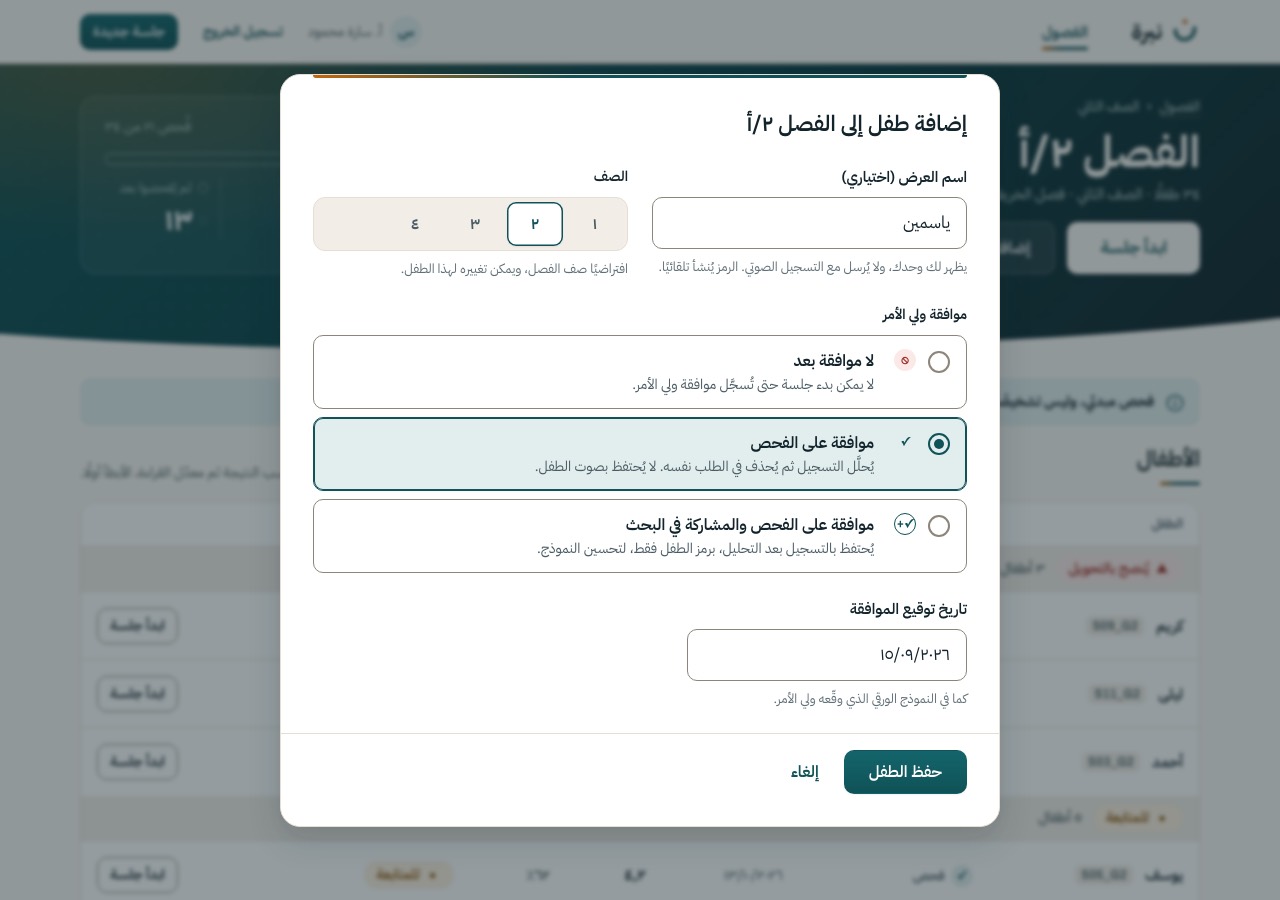
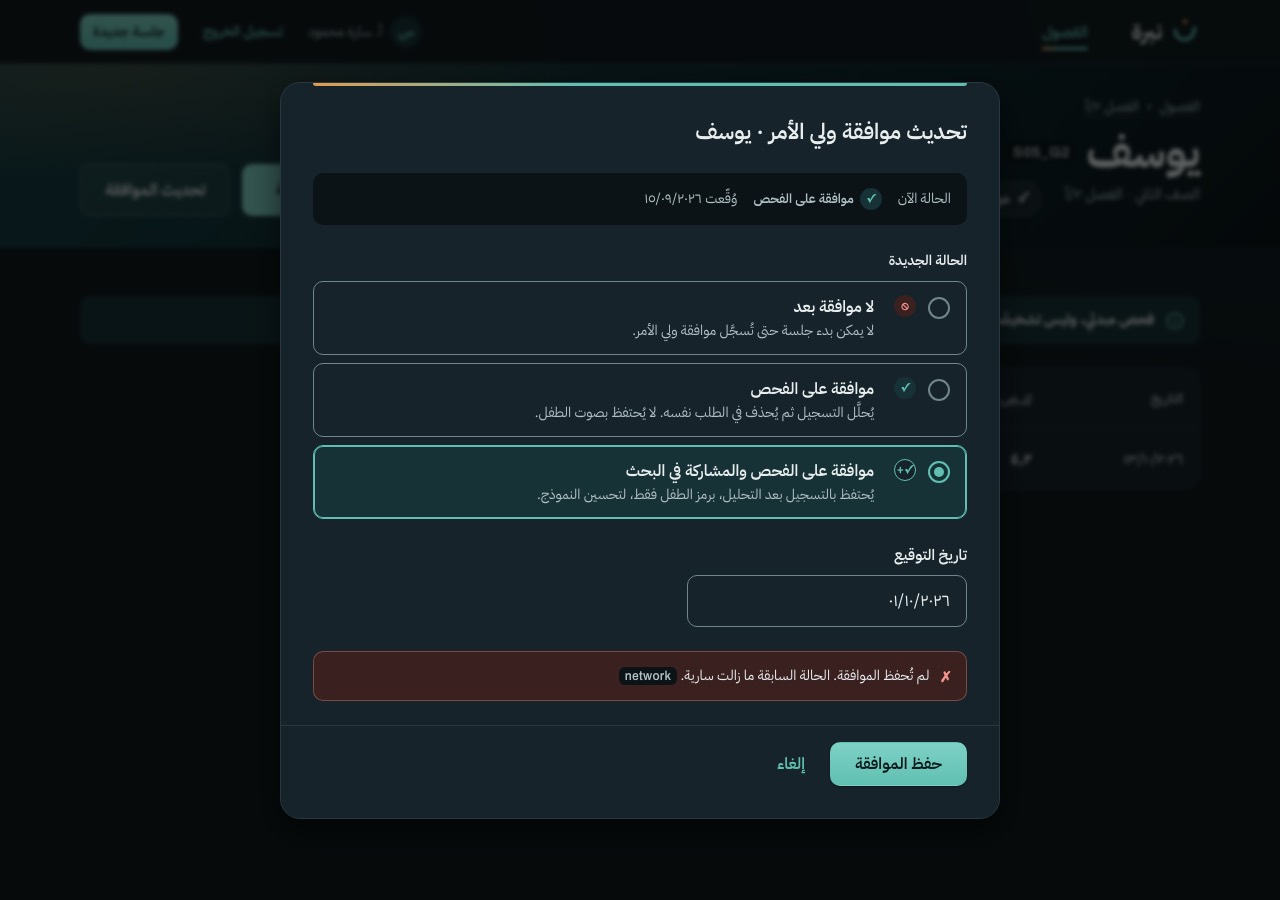
Adding a child, recording a parent's consent, the child's history, and deleting a child's data when a parent withdraws. Consent decides whether a session may start and whether any audio is kept; by default the audio is deleted after analysis.
S-05
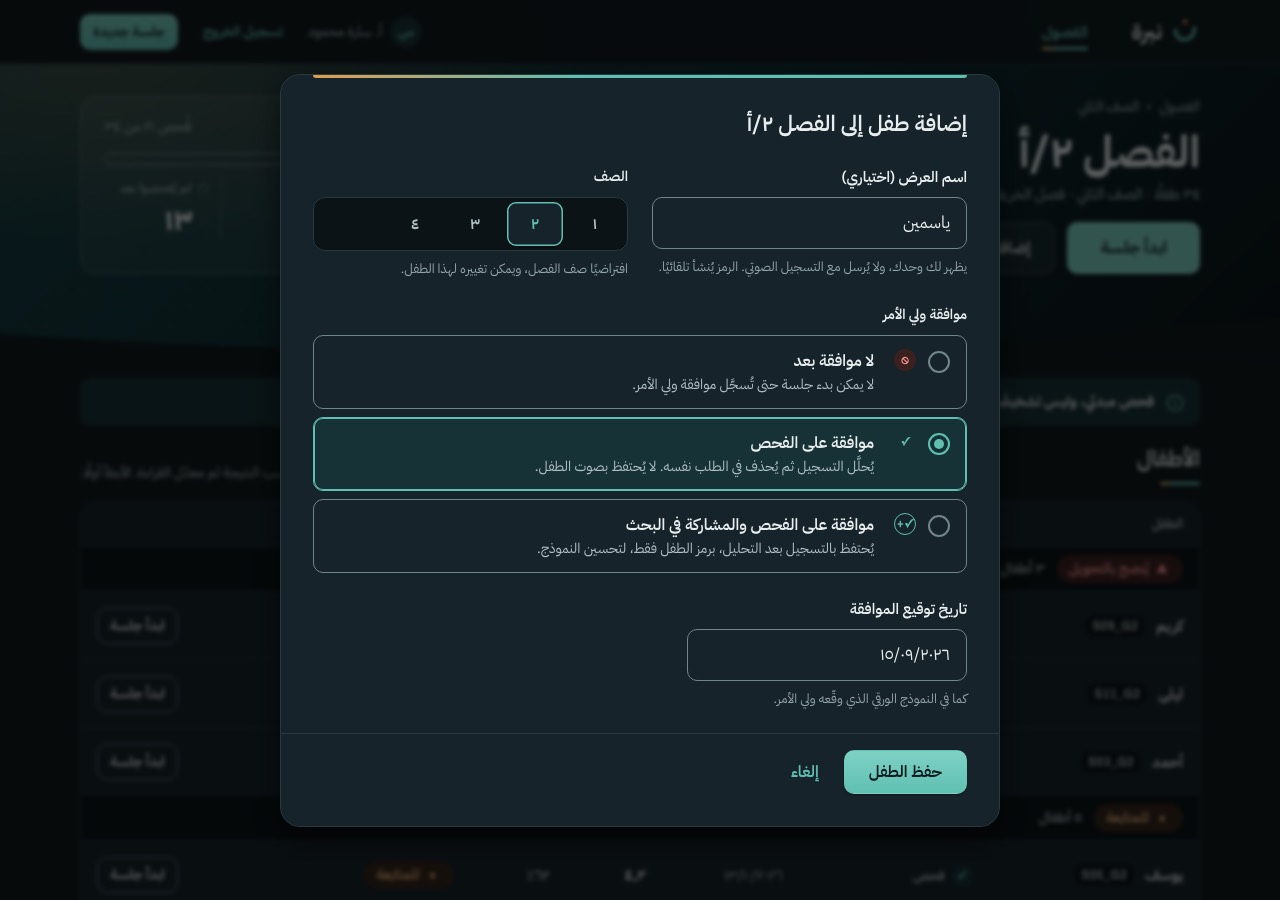
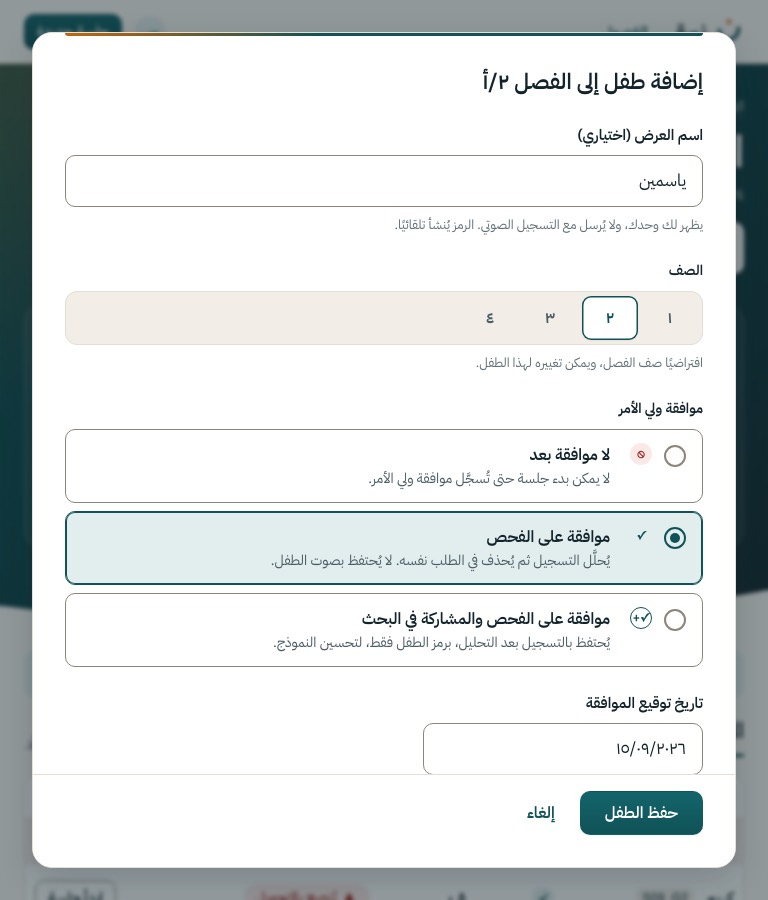
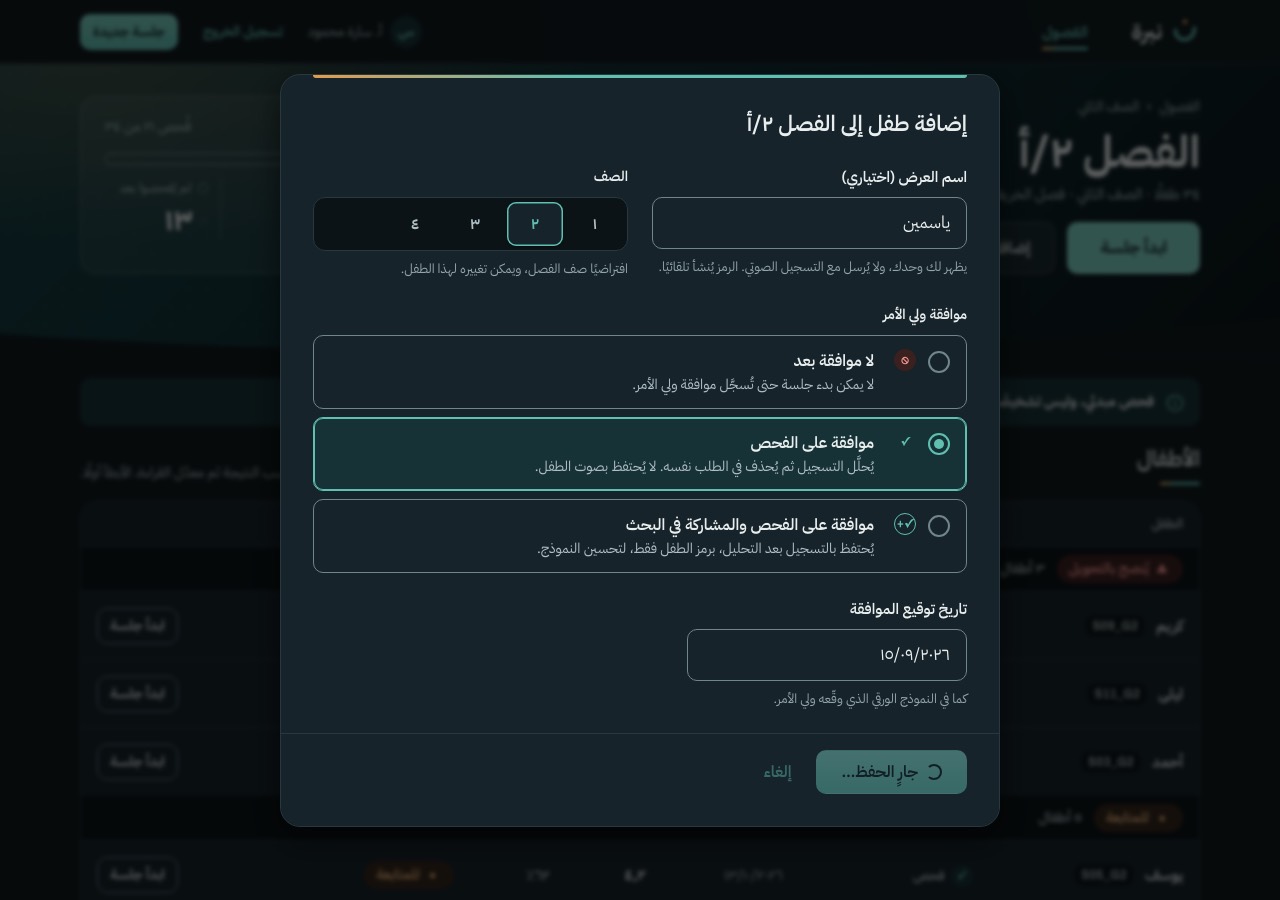
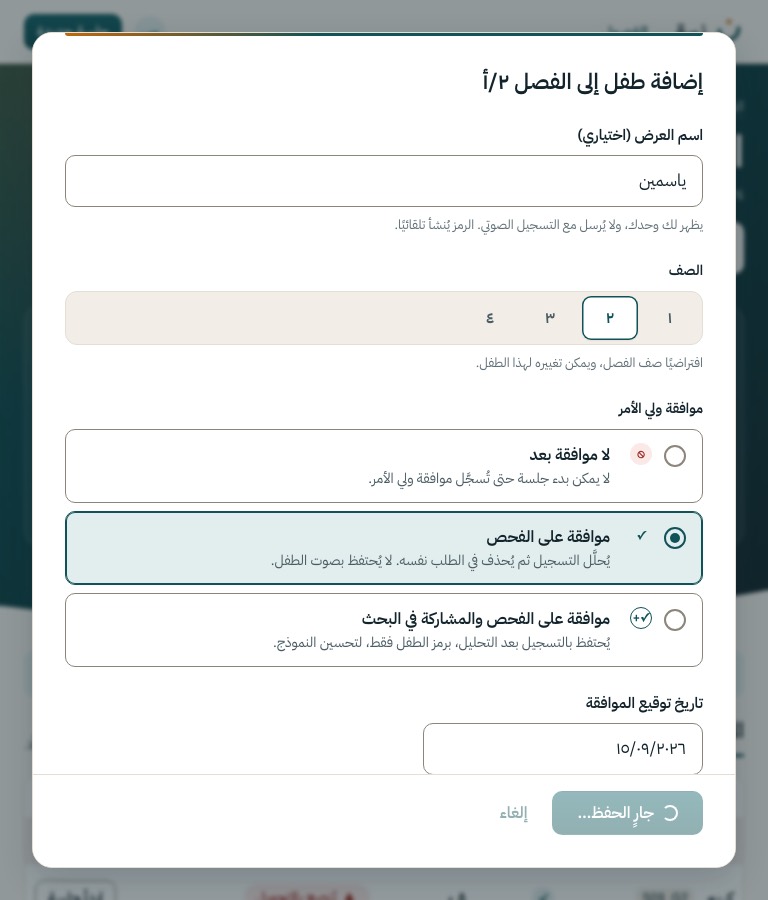
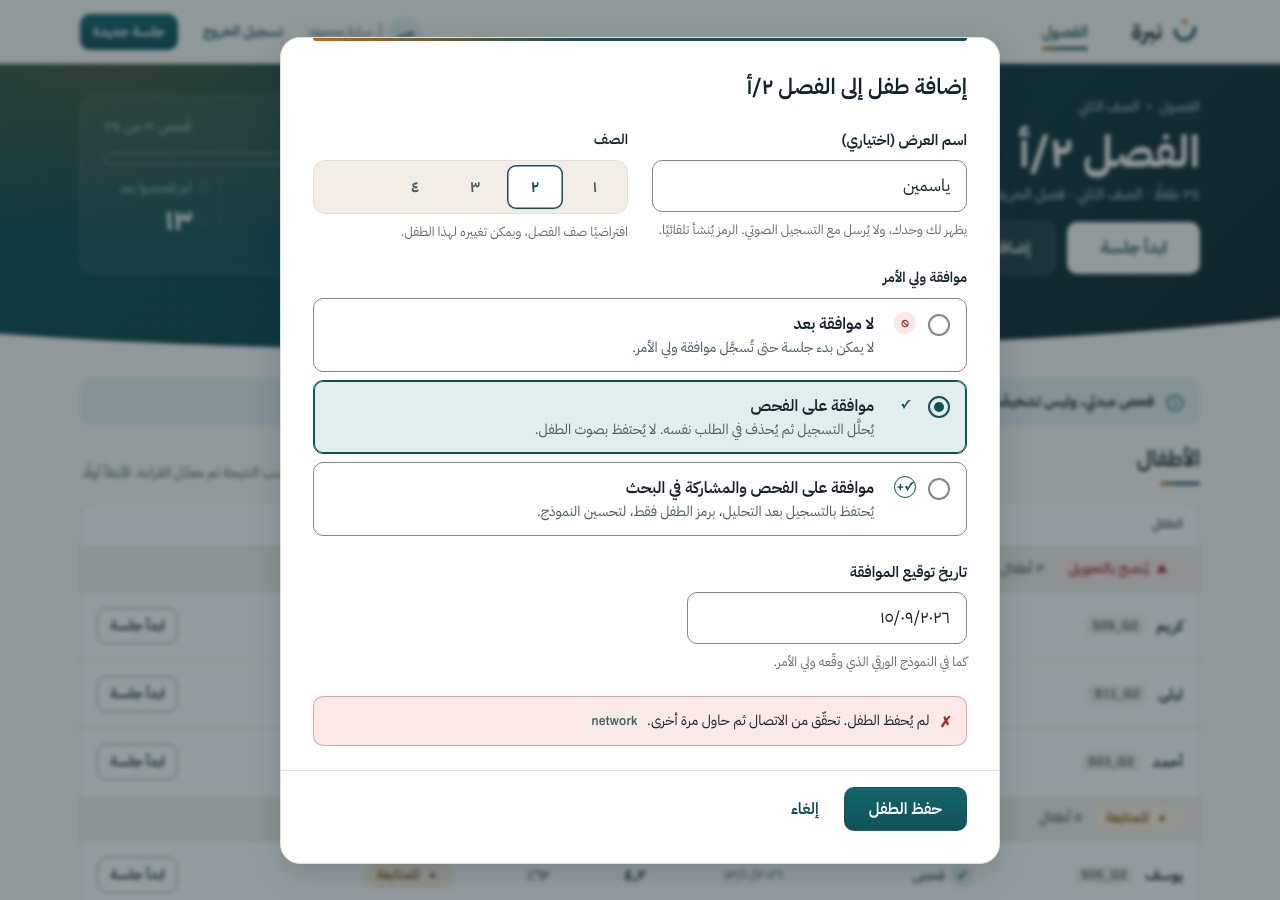
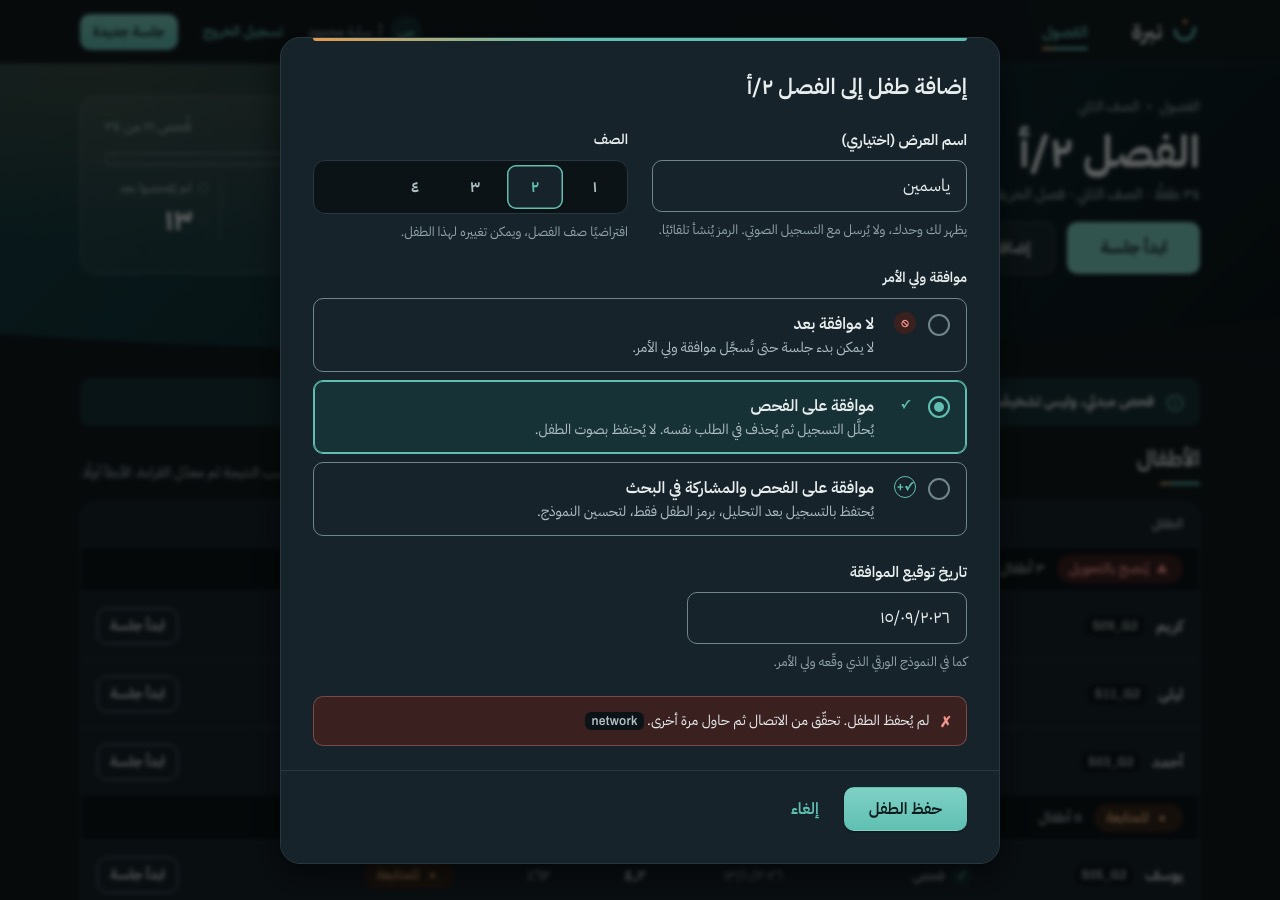
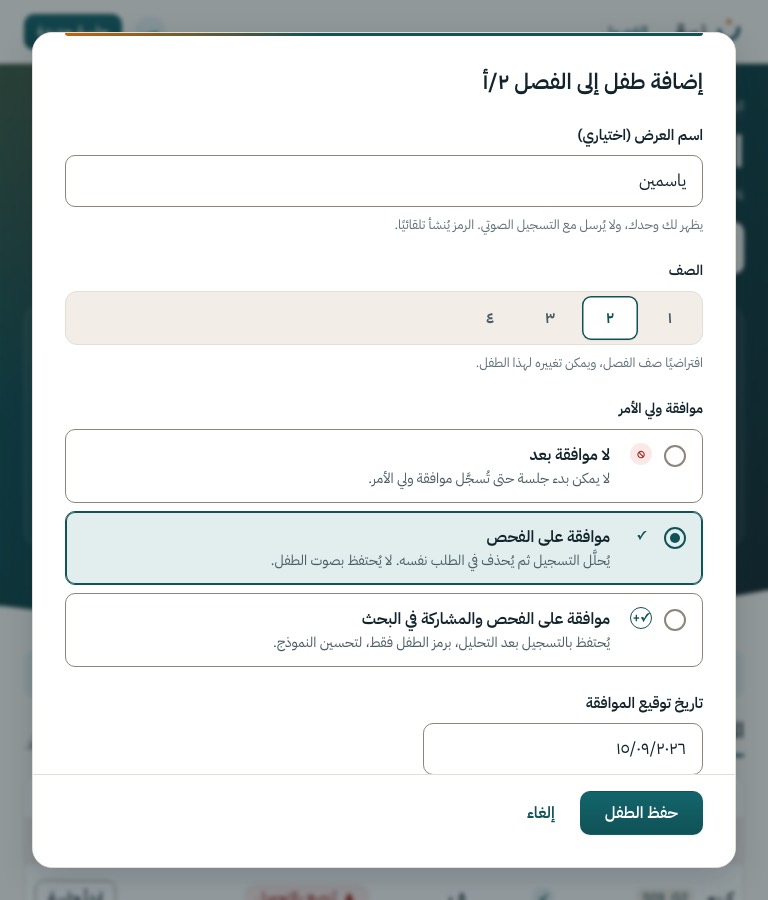
Optional display name, grade and consent, over S-04. The code is generated by the server; the name never travels with the audio.
Motion The dialog rises 12 px over a fading scrim. The consent choices are radio cards: the selected one takes the teal ground and ring.
POST /class/{id}/children
S-06
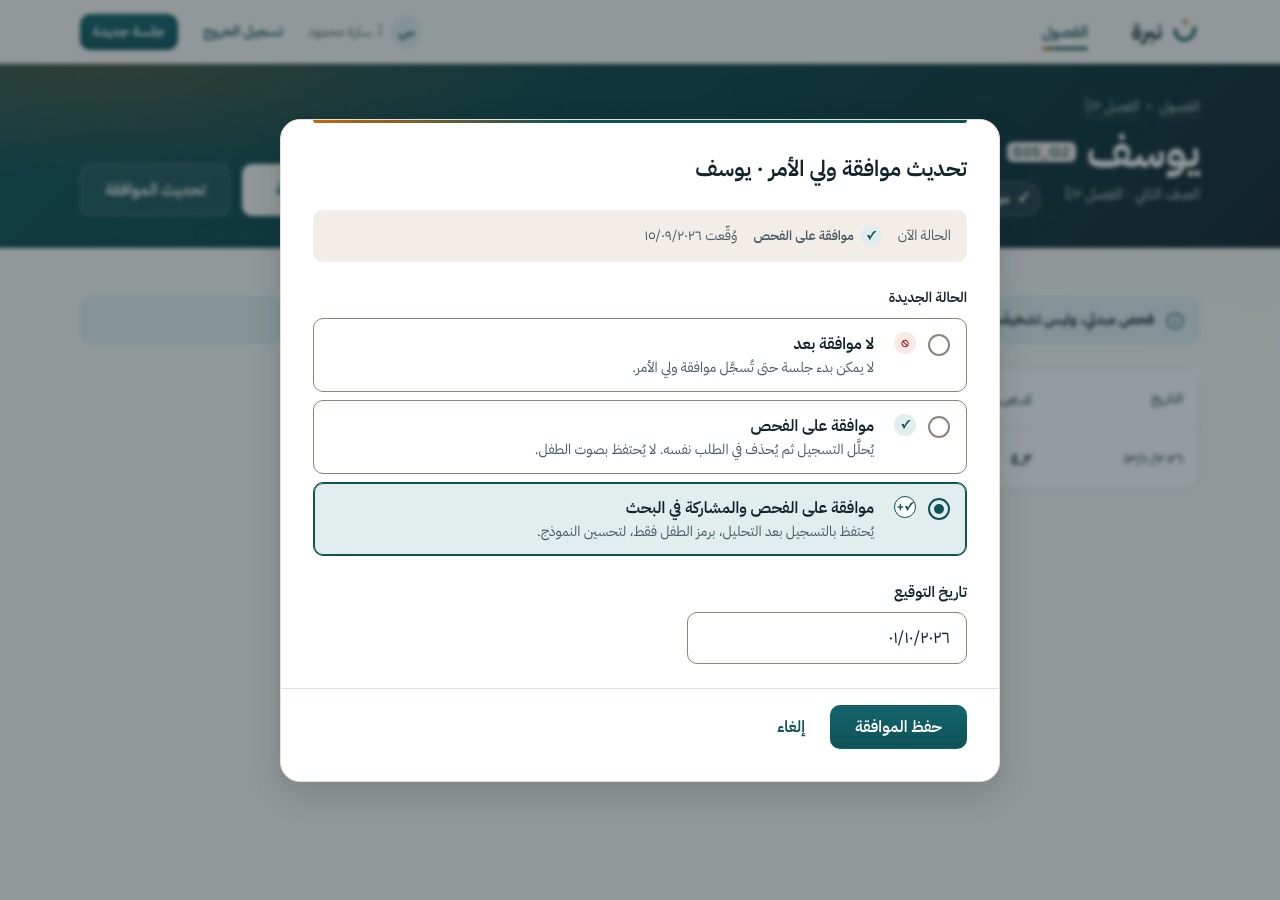
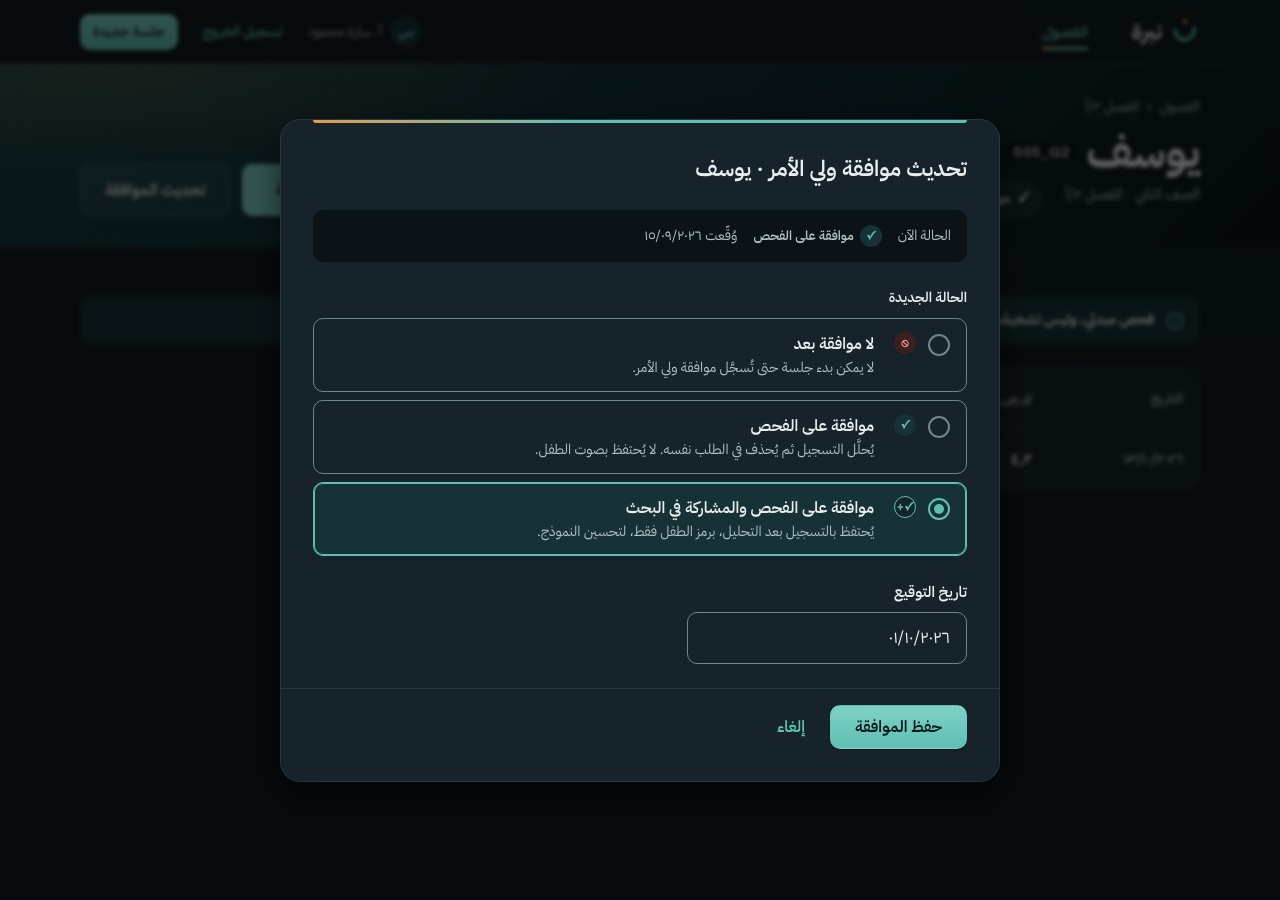
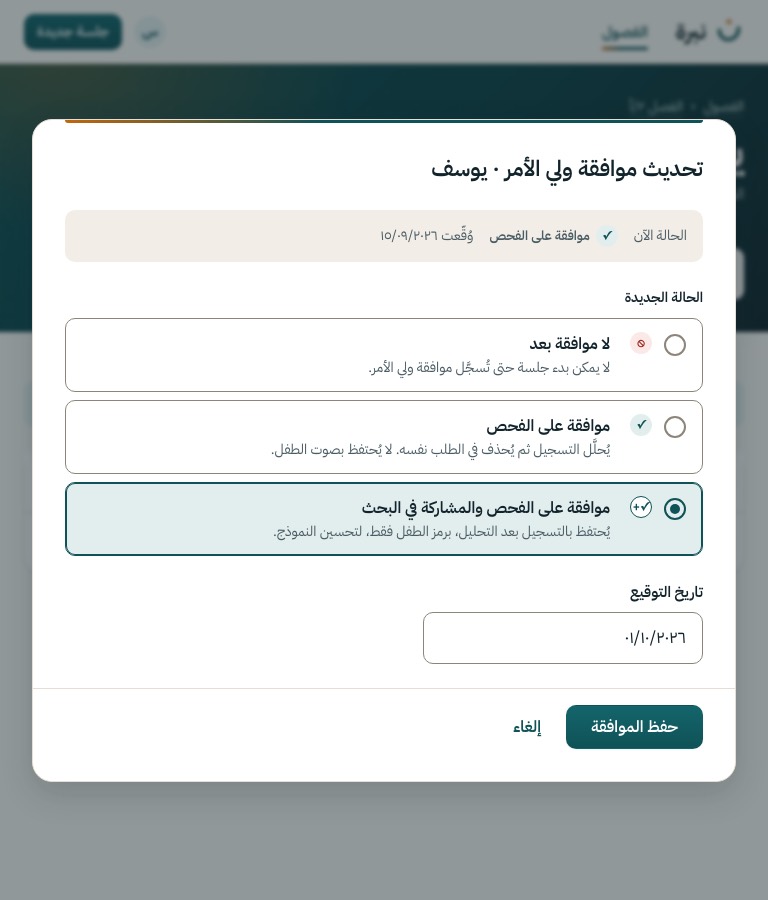
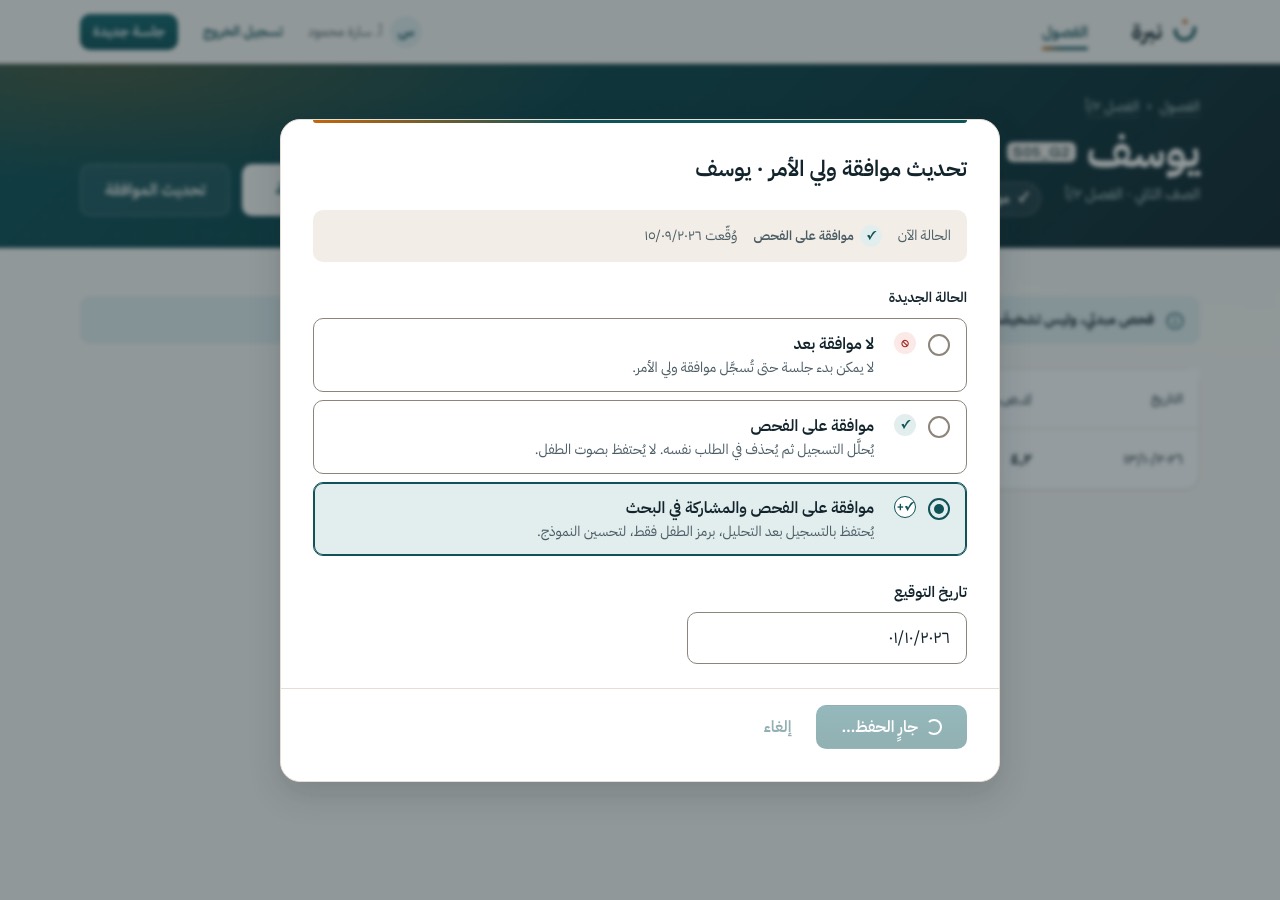
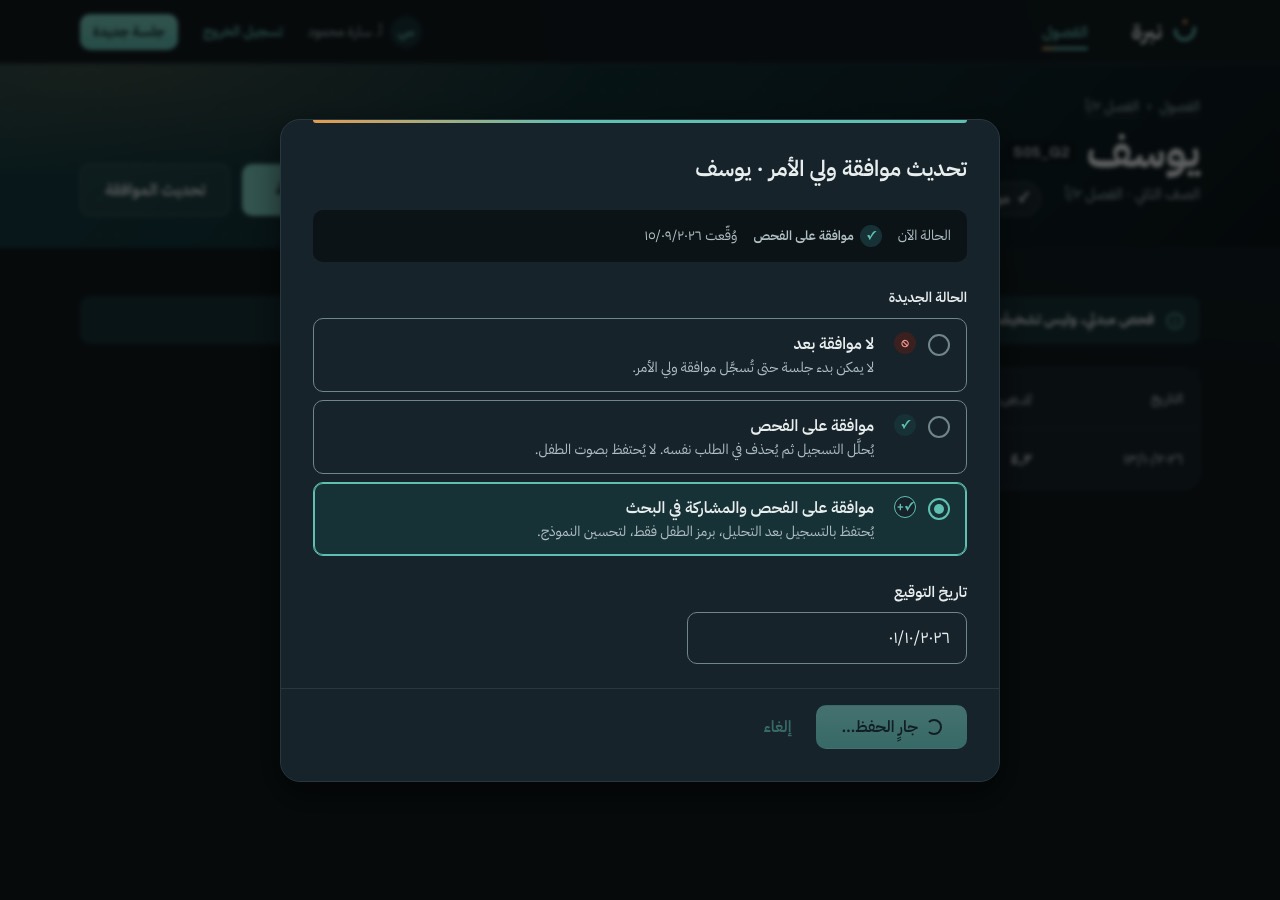
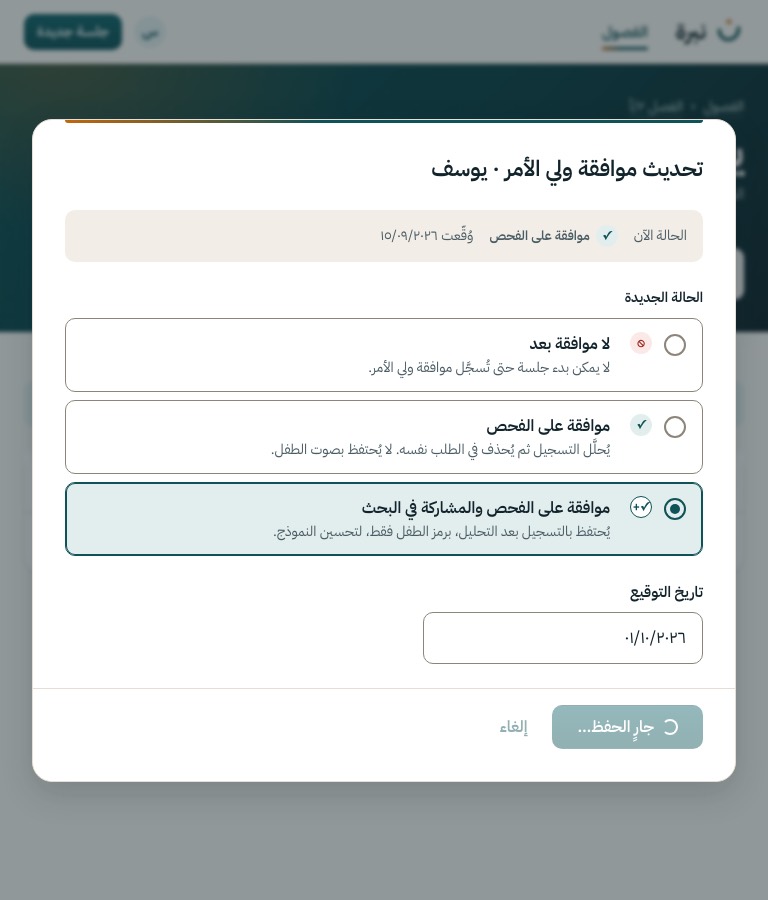
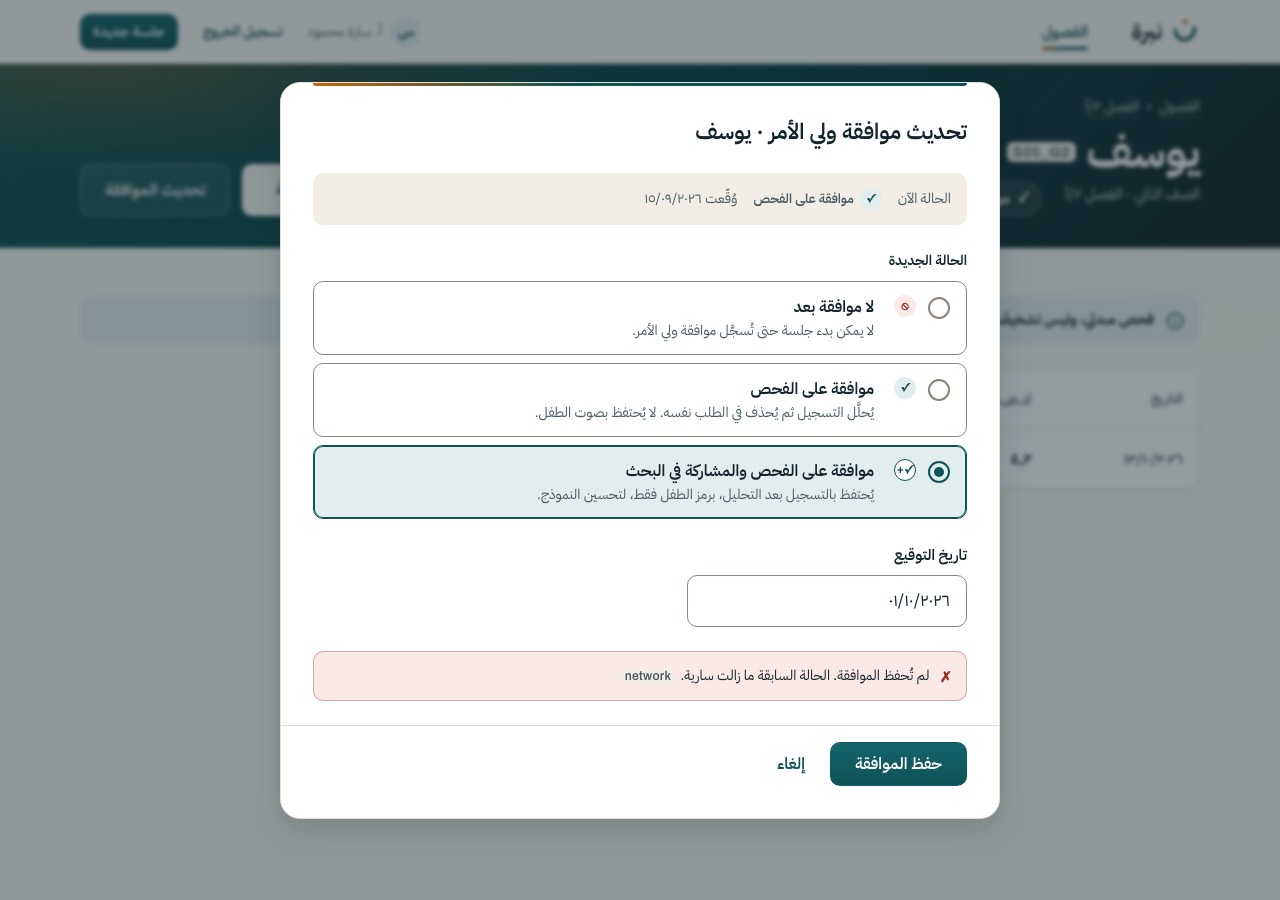
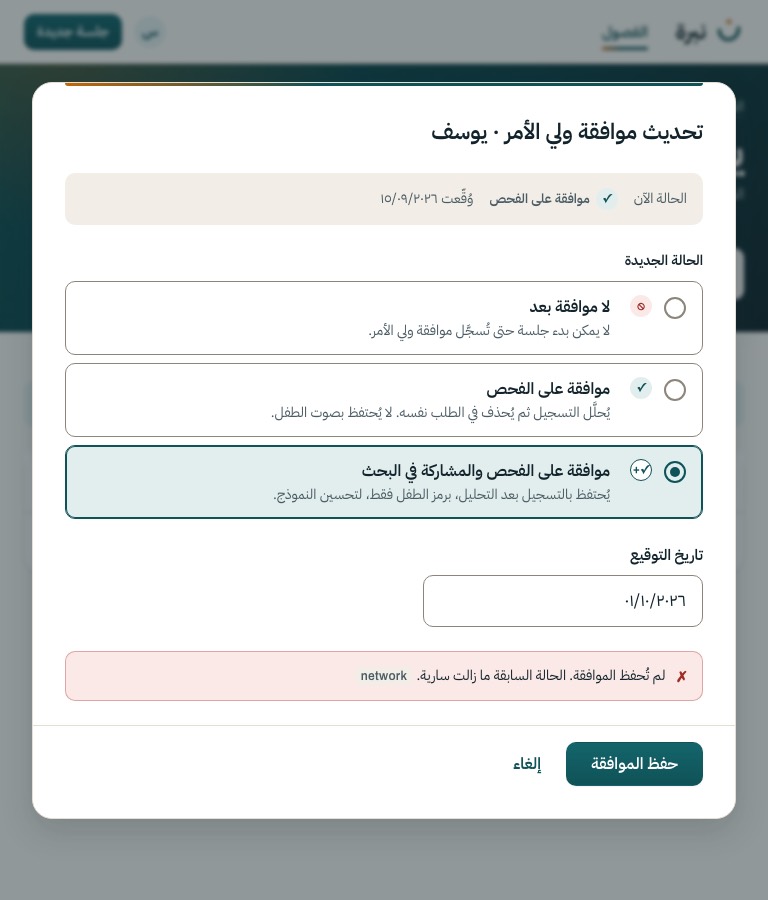
Change the consent state and record the signed date, over S-13 or S-04. The current state is shown first, and the three choices use the same words as S-05.
PATCH /child/{id}/consent
S-13
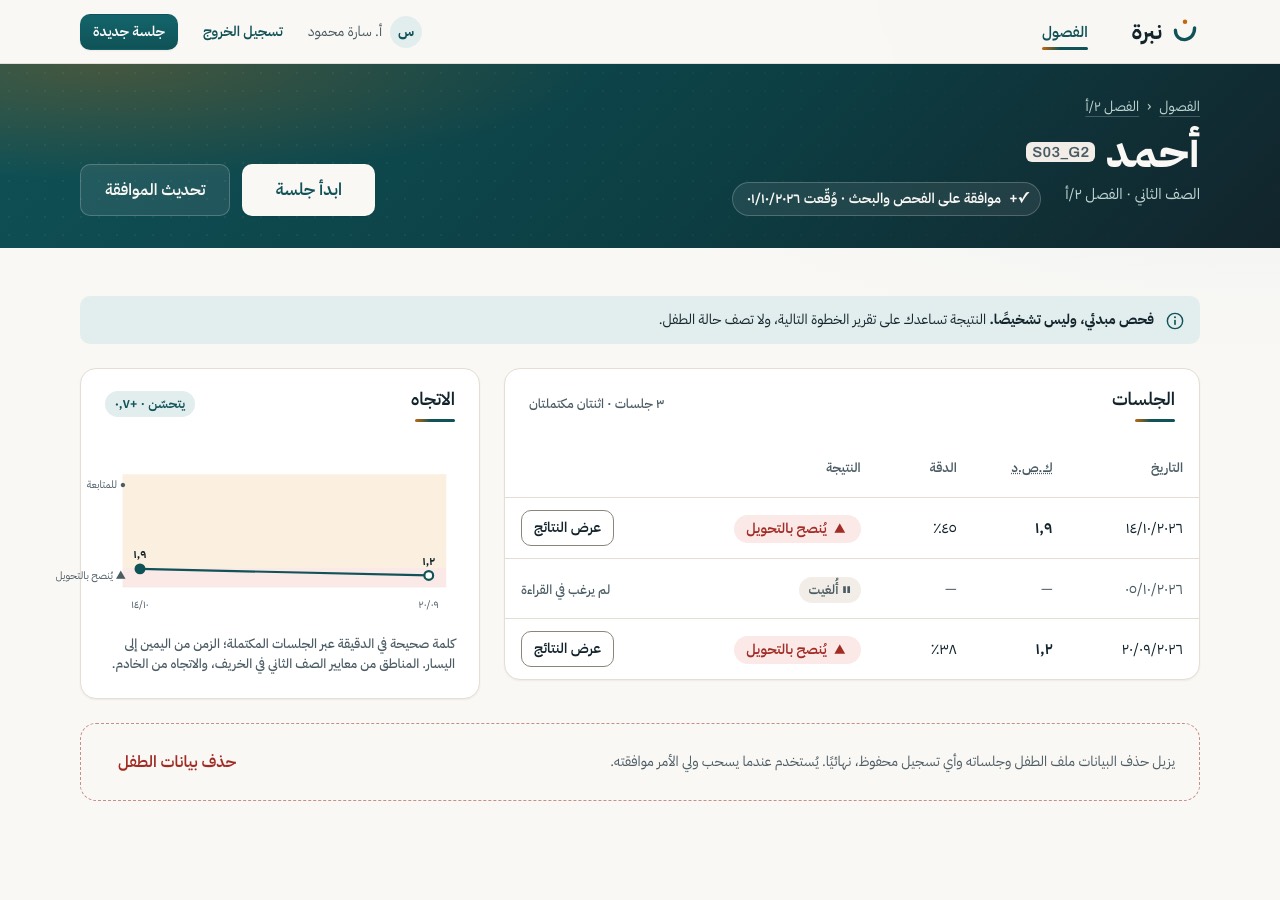
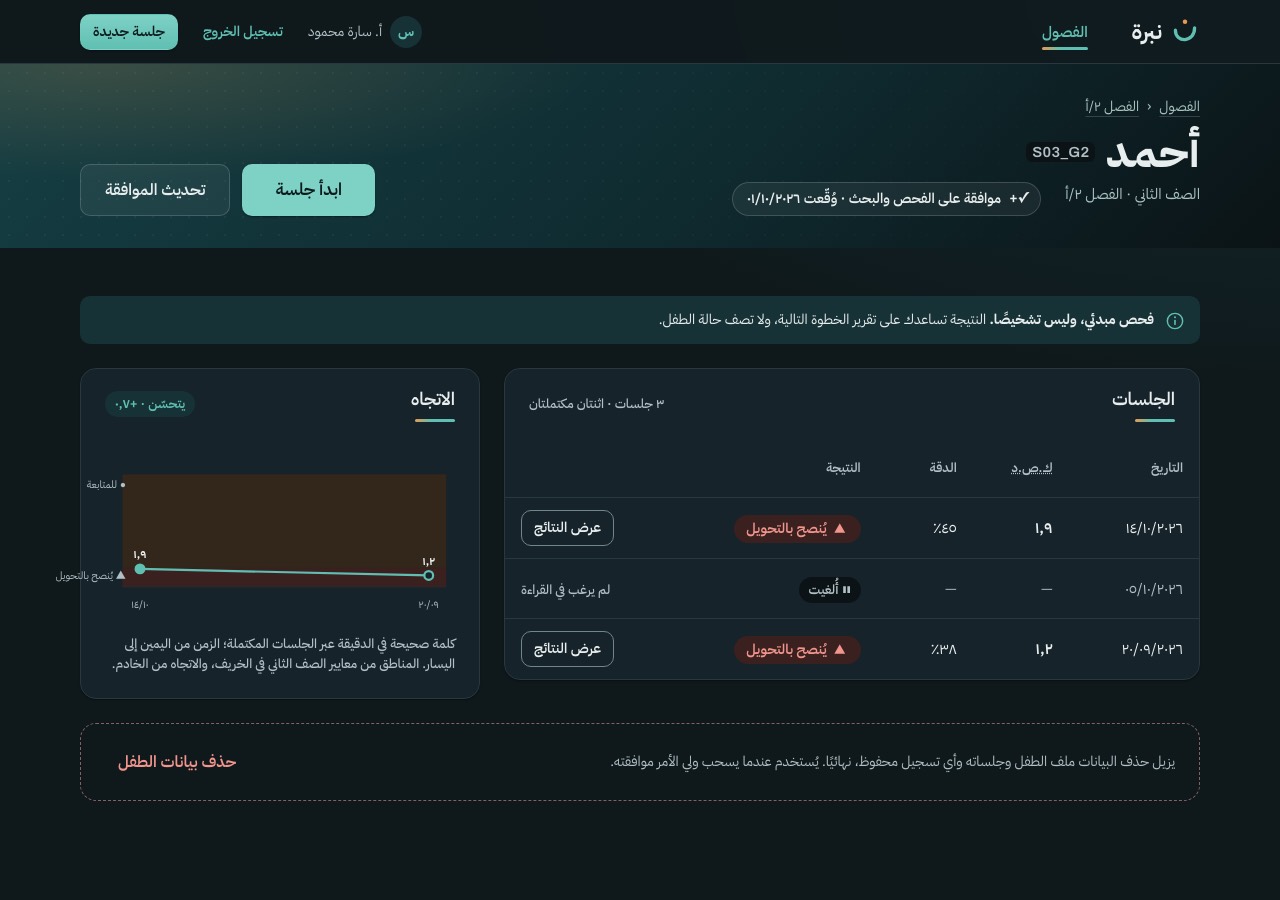
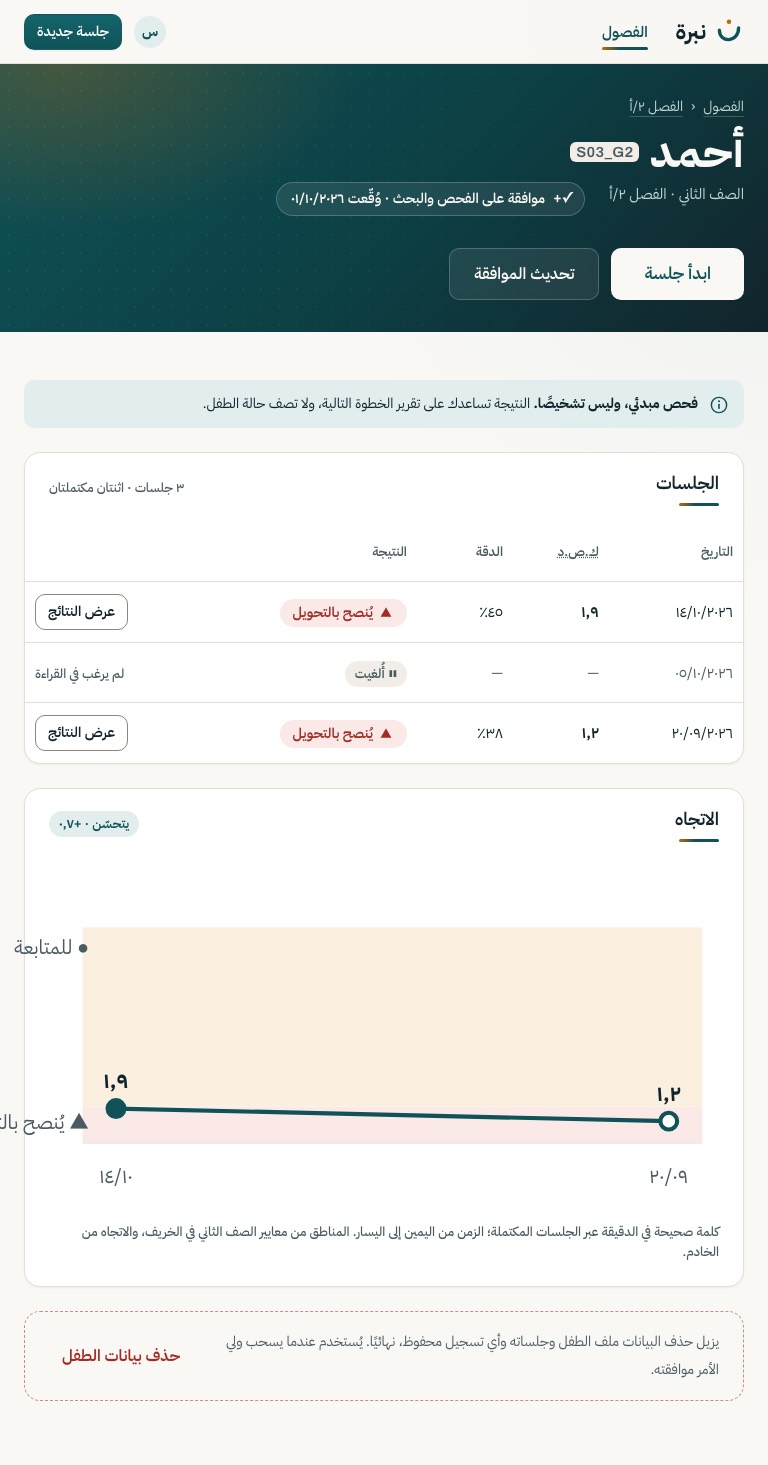
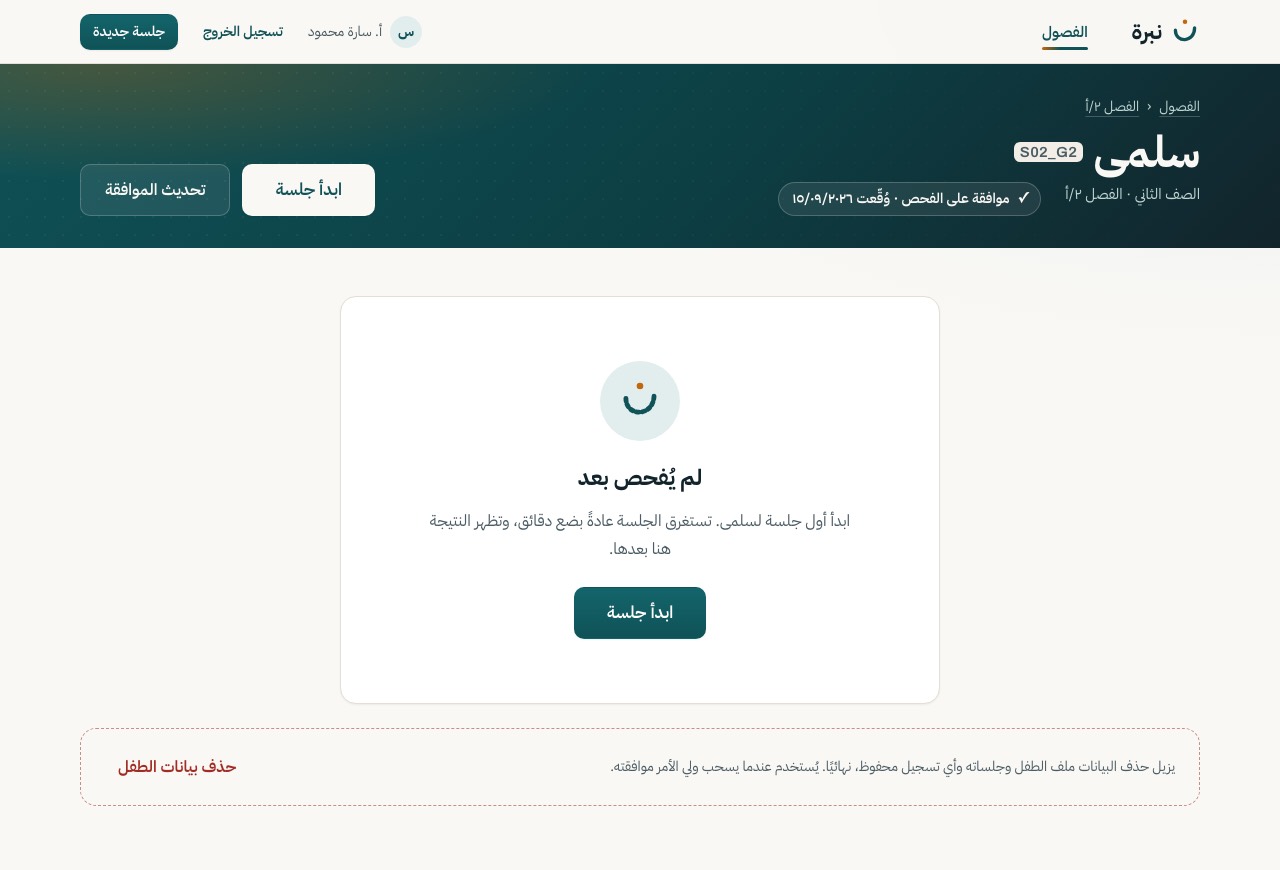
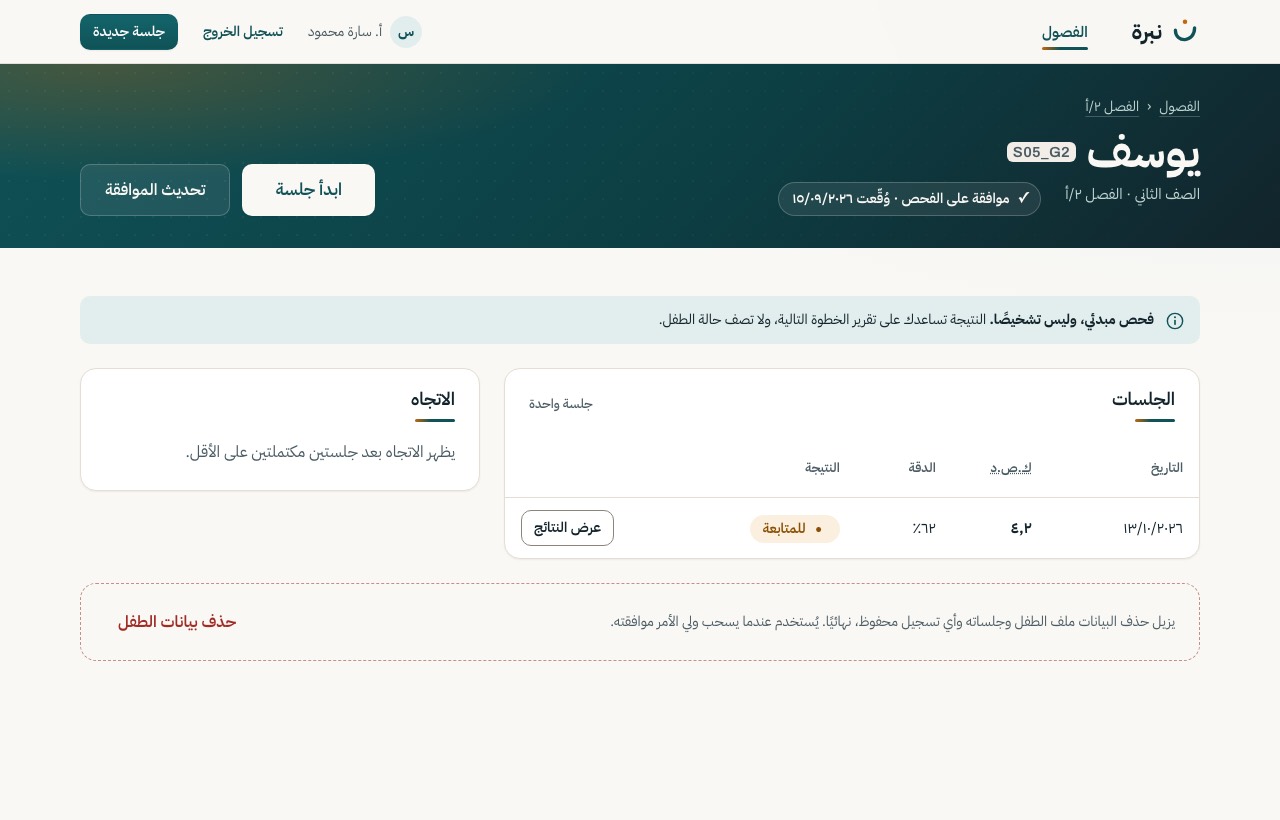
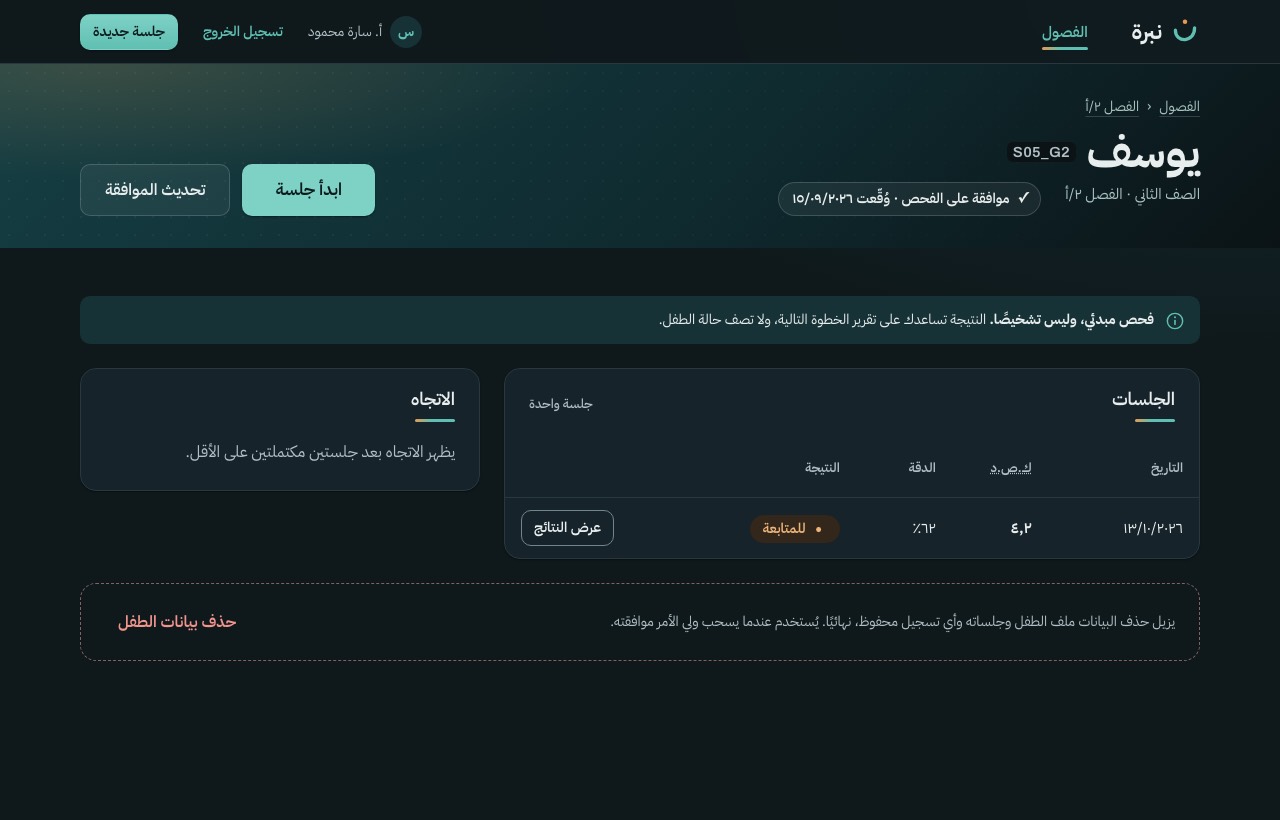
The child on a compact dusk band with their consent, then every session (cancelled ones marked ⏸), the WCPM trend against the norm zones, and a quiet delete at the end.
Motion The band title and actions rise once; the history, the trend and the notice are there from the first frame.
GET /child/{id}/history
S-15
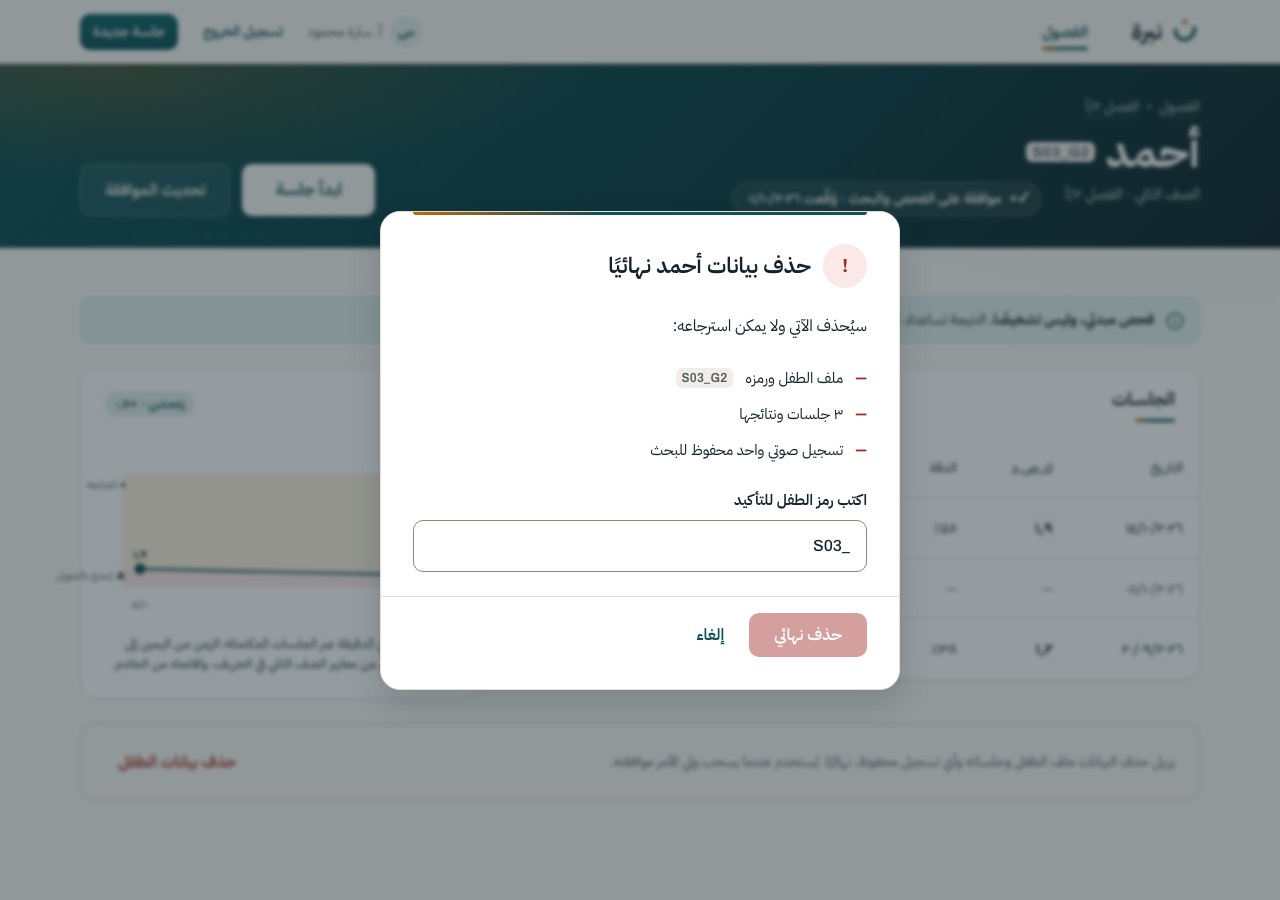
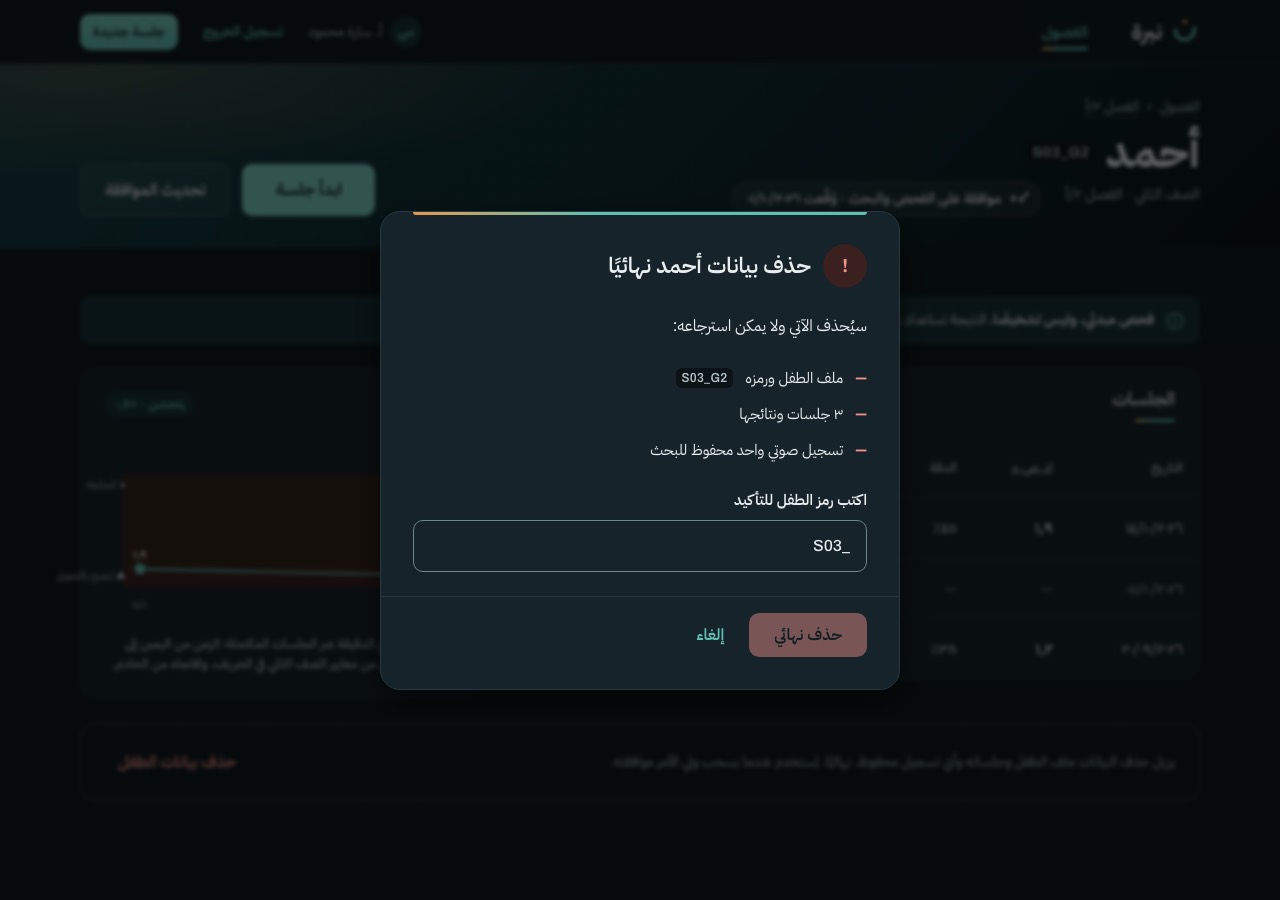
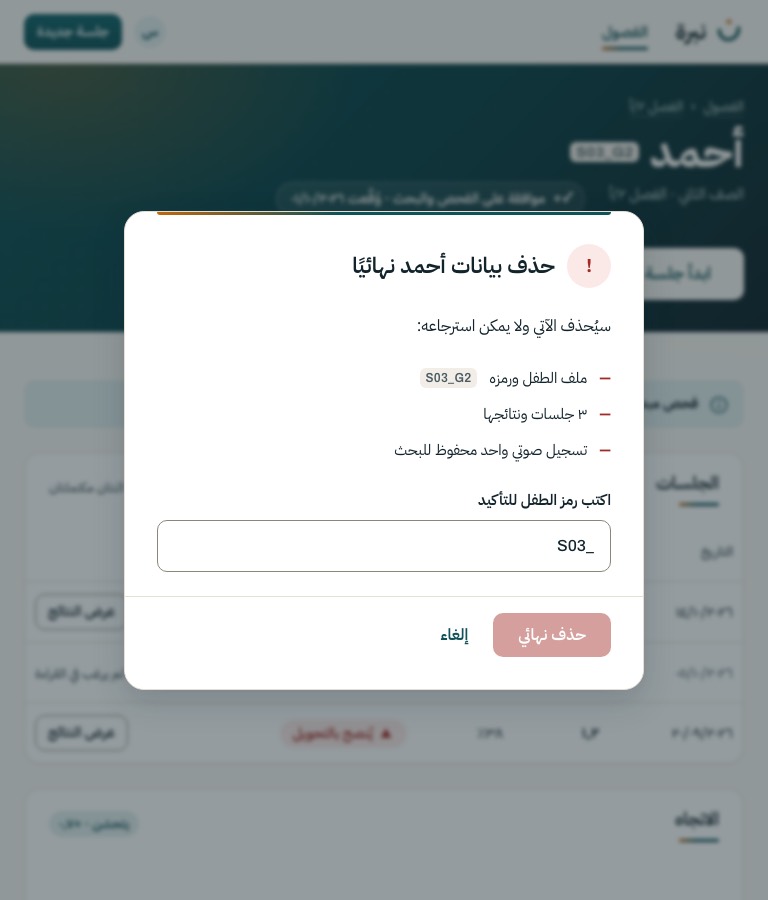
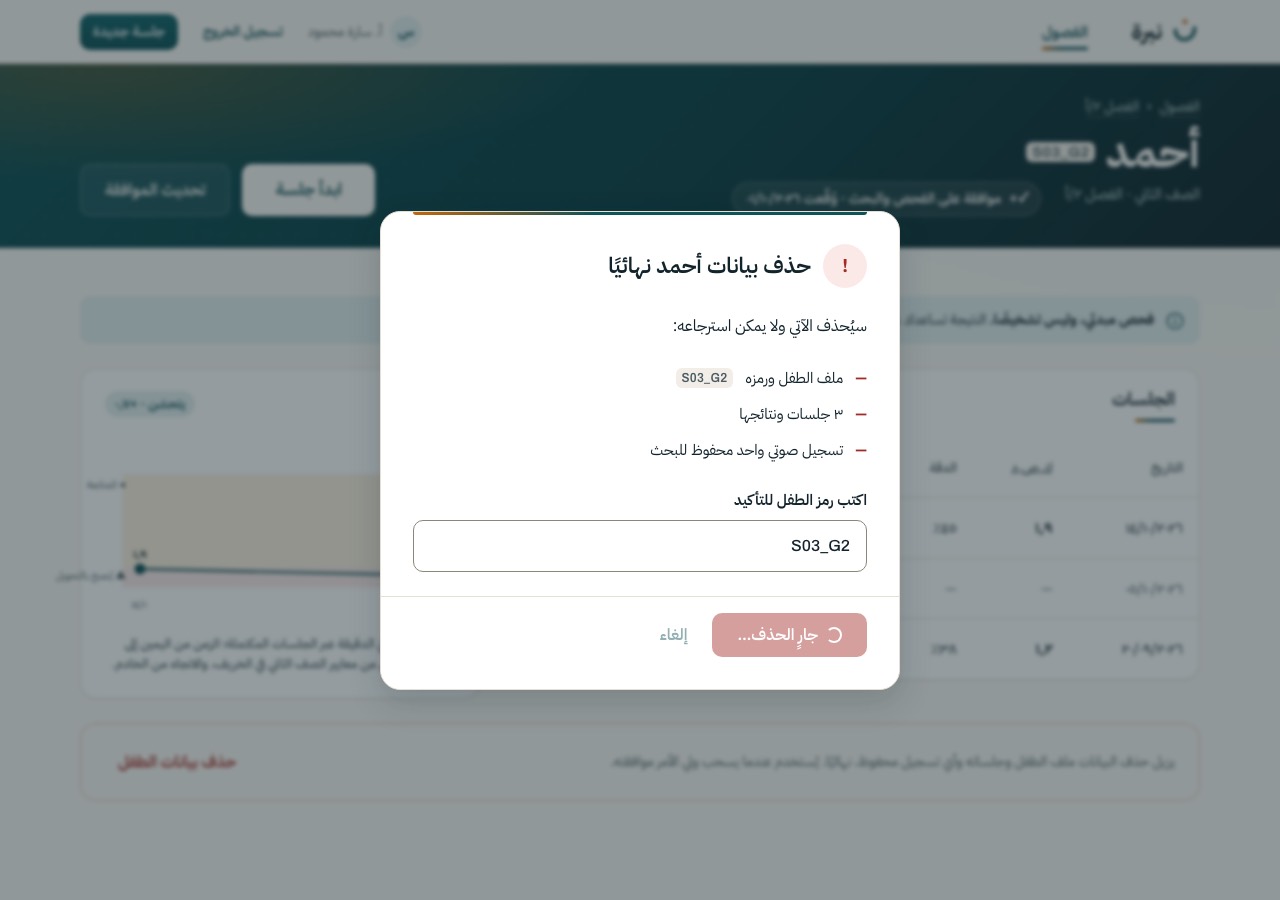
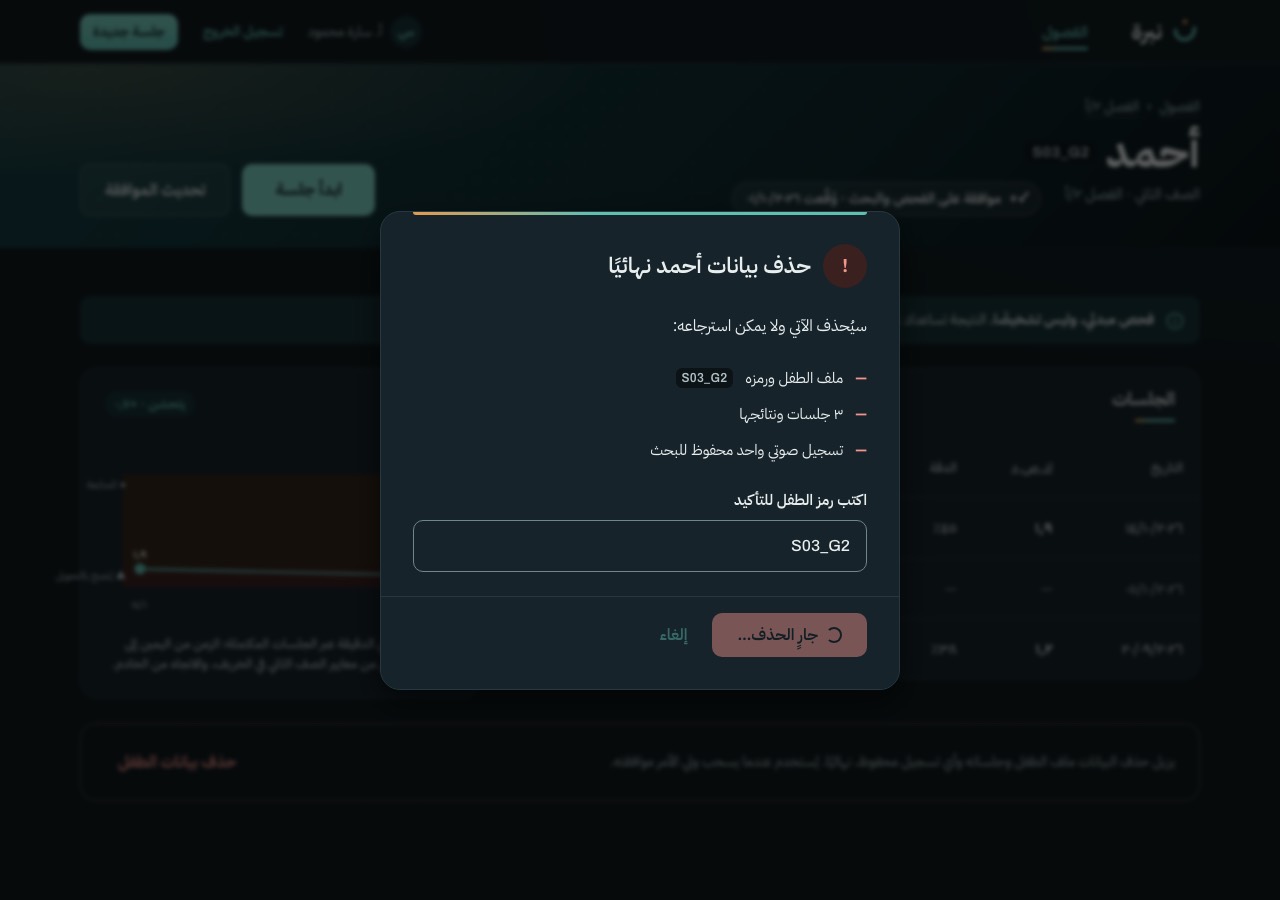
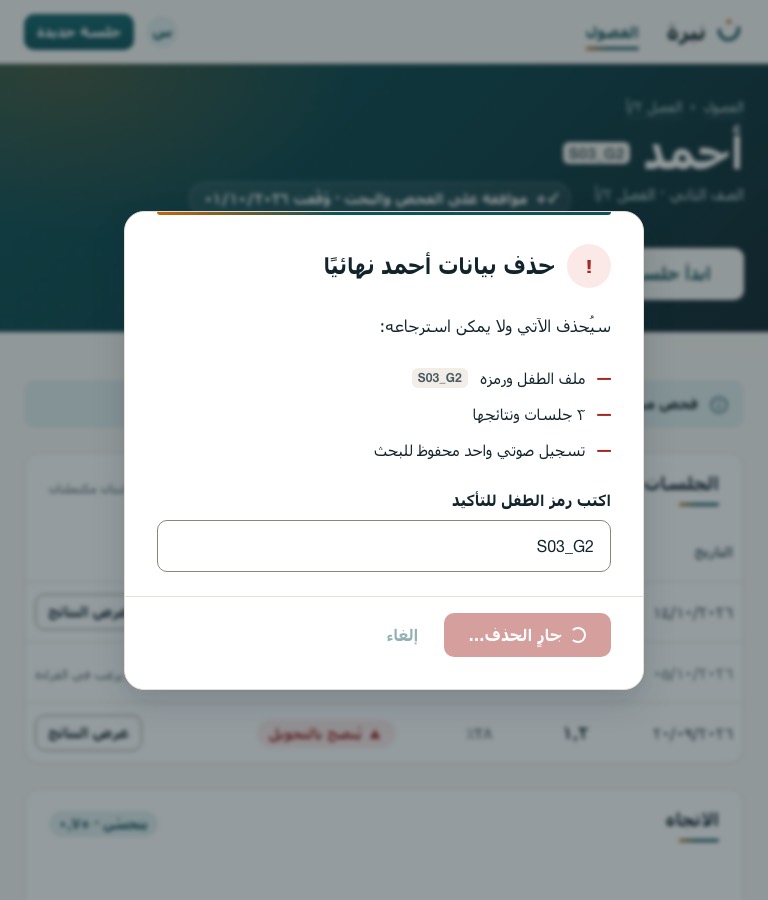
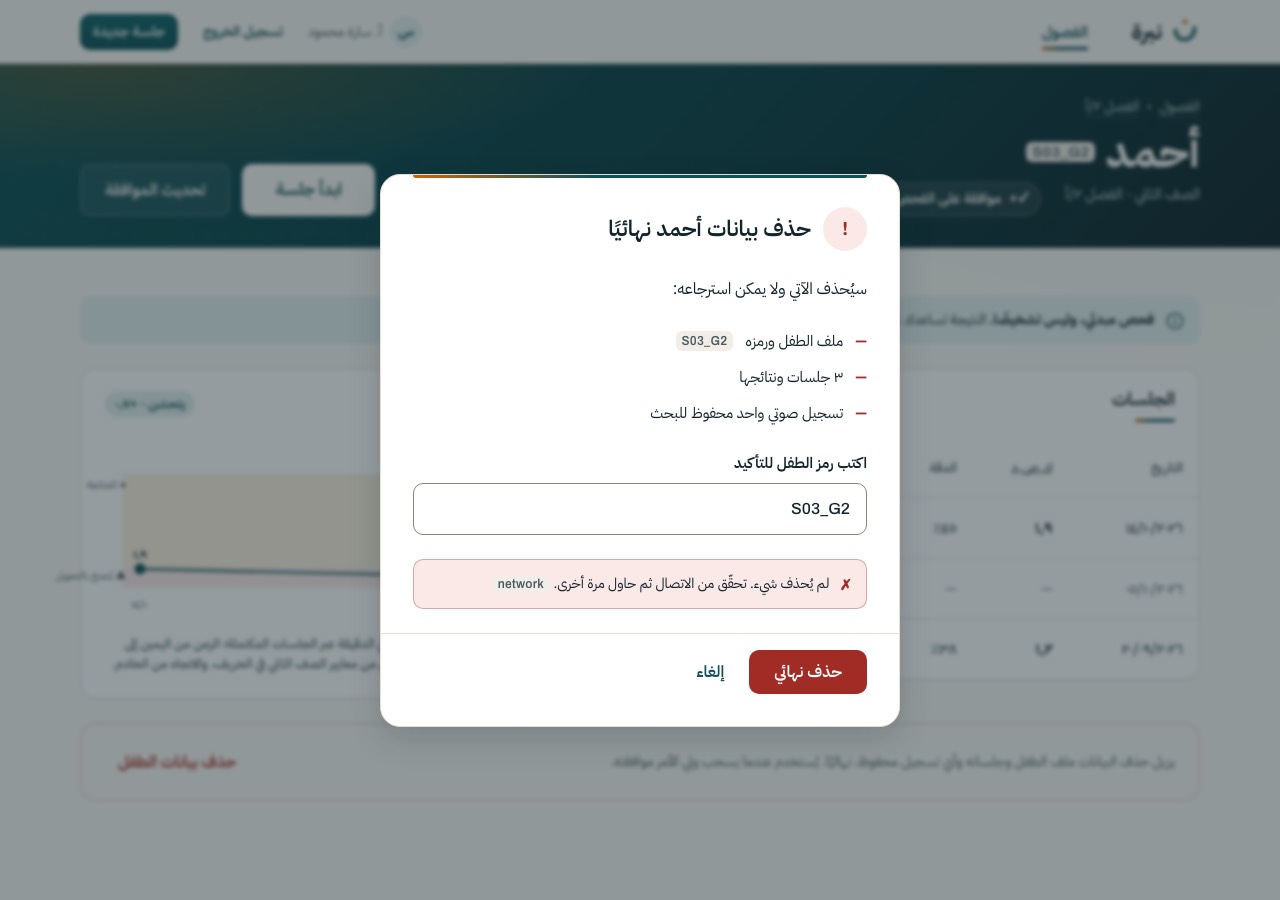
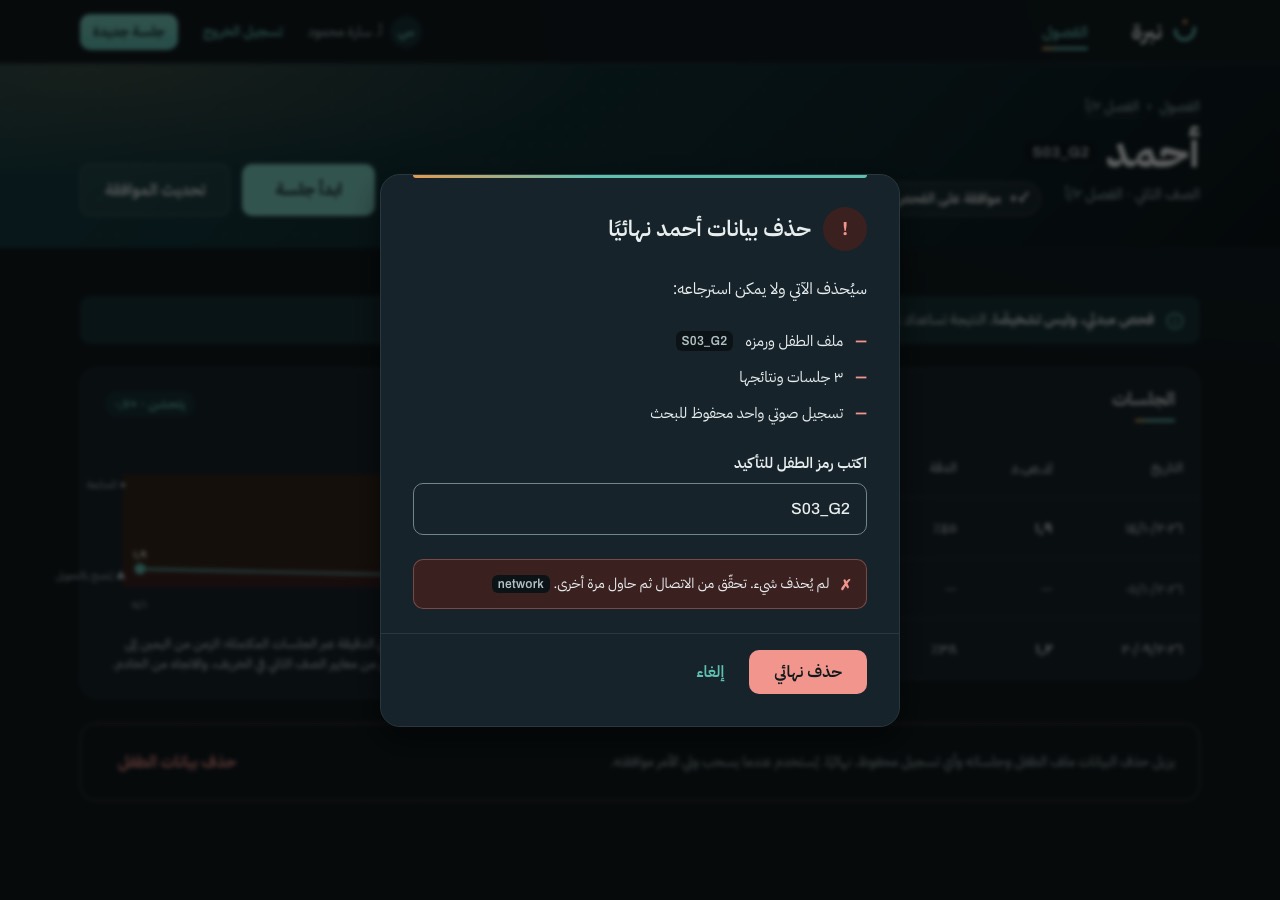
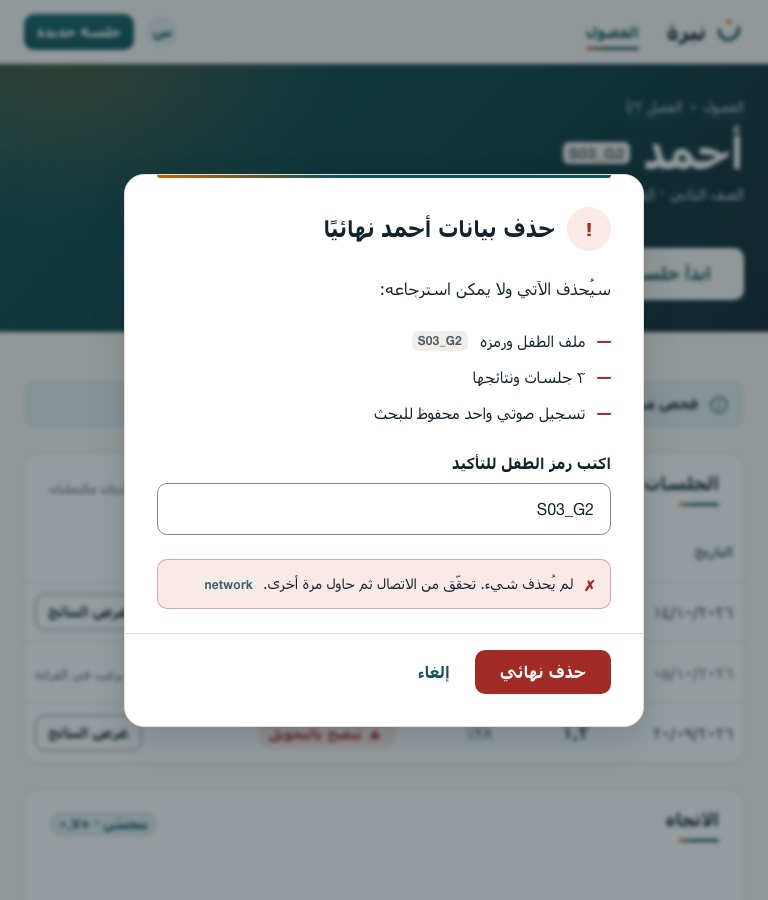
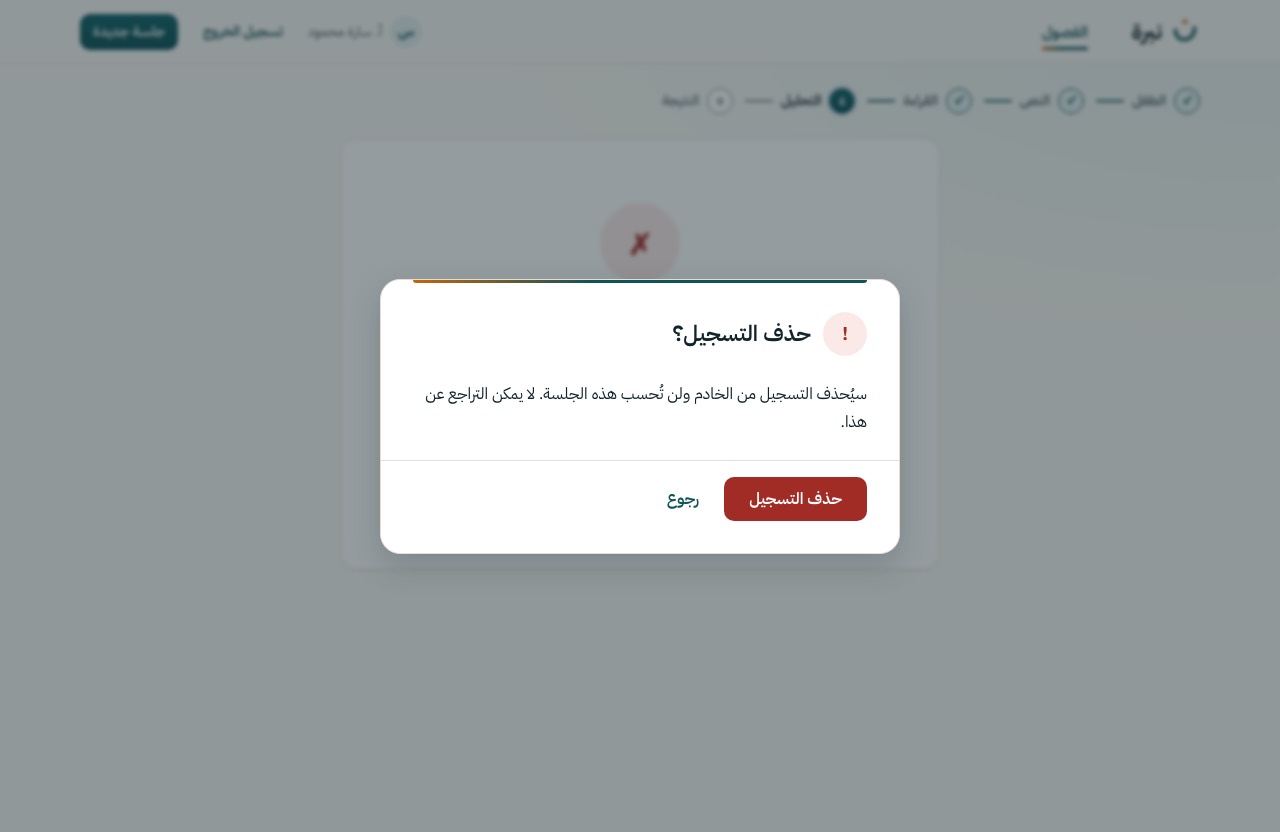
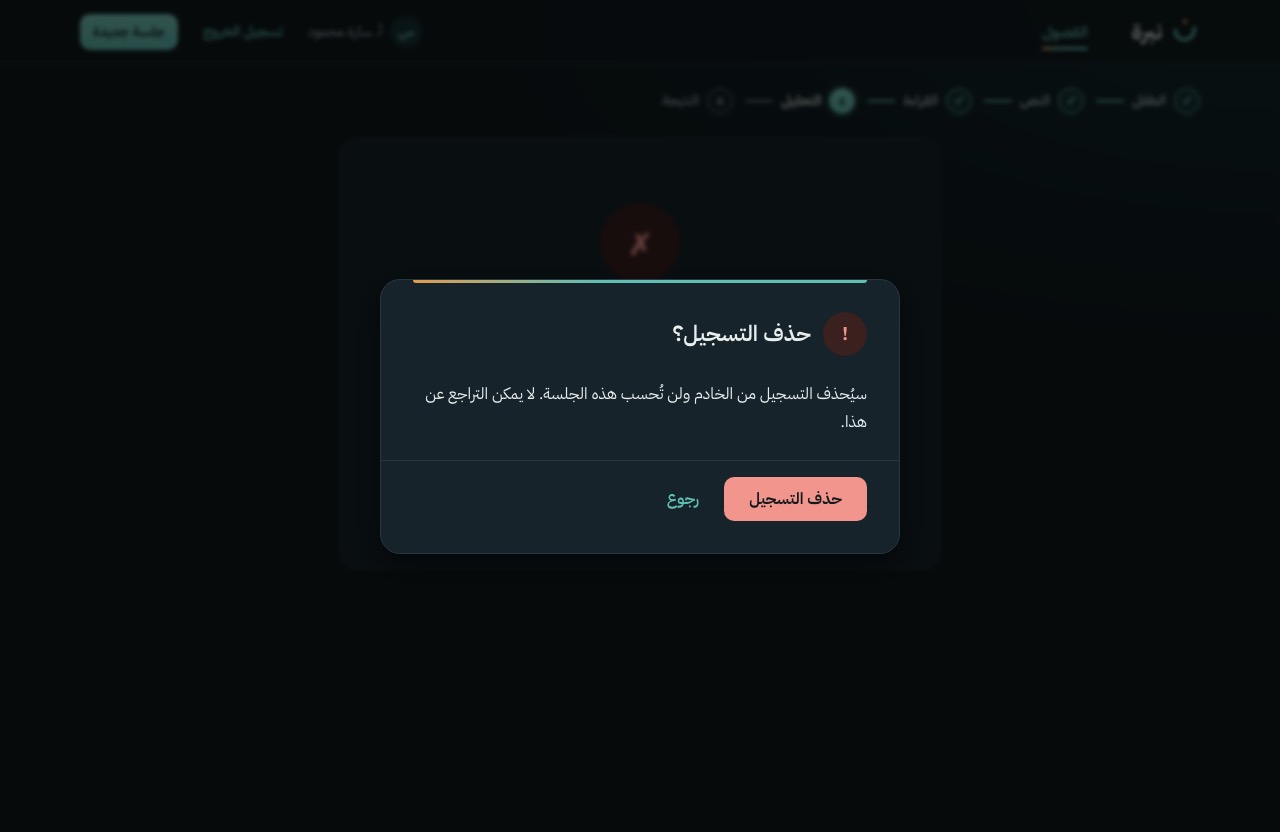
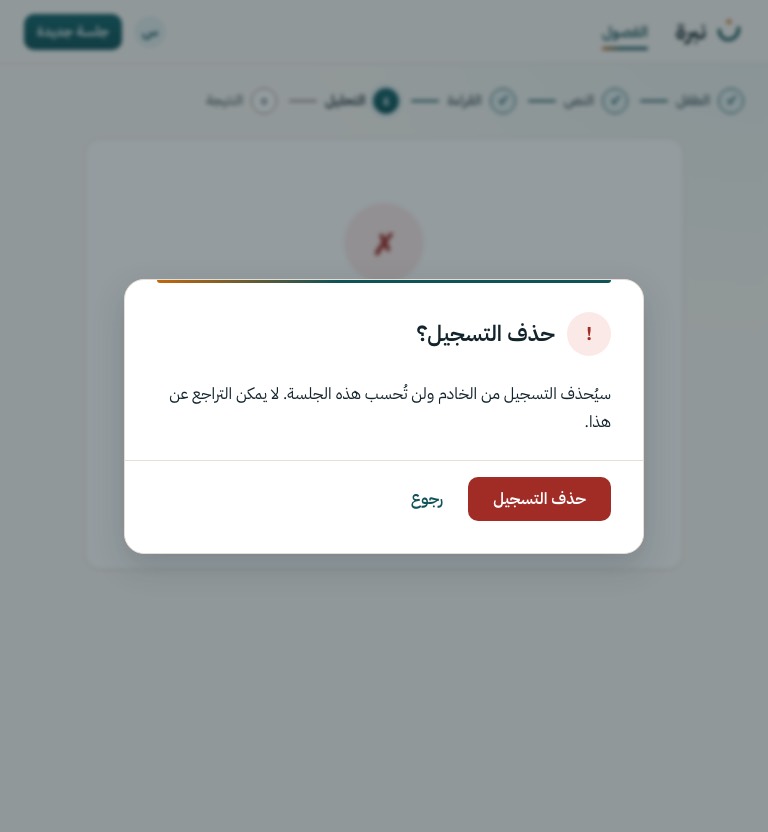
Type the child's code to confirm; what will be removed is listed first. Used for a parent's withdrawal. The one destructive action in the product.
DELETE /child/{id}
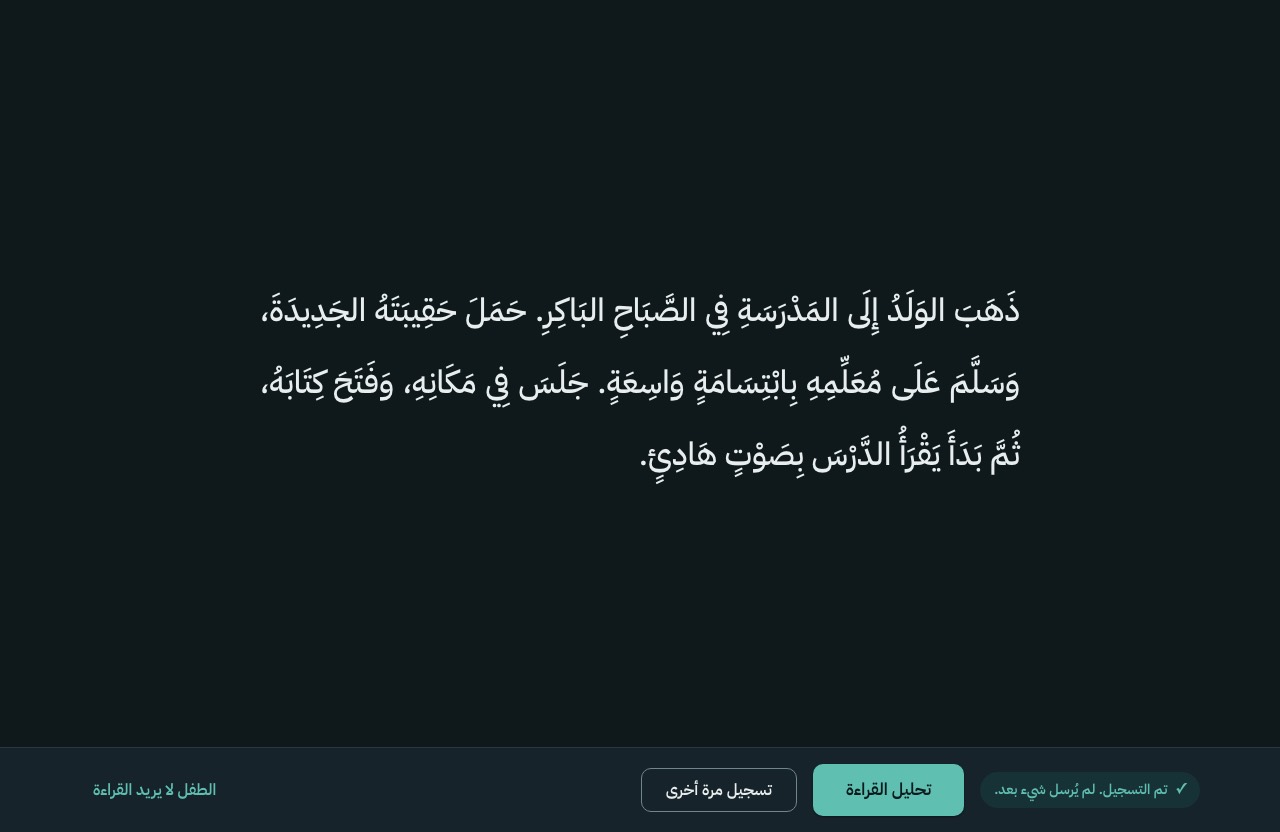
Choosing the child and the passage, checking the microphone, the reading, and the wait while it is analysed. The reading stage, S-10, is the child's screen: the passage on plain paper, and nothing near it that moves, glows or counts.
S-07
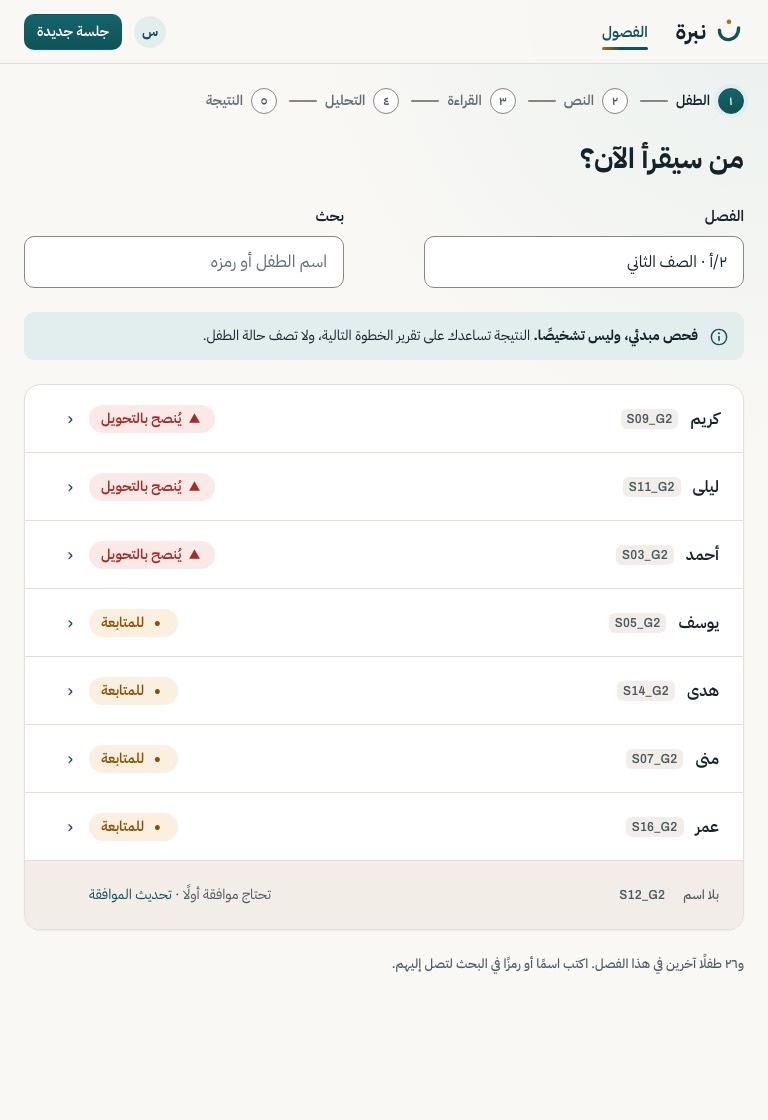
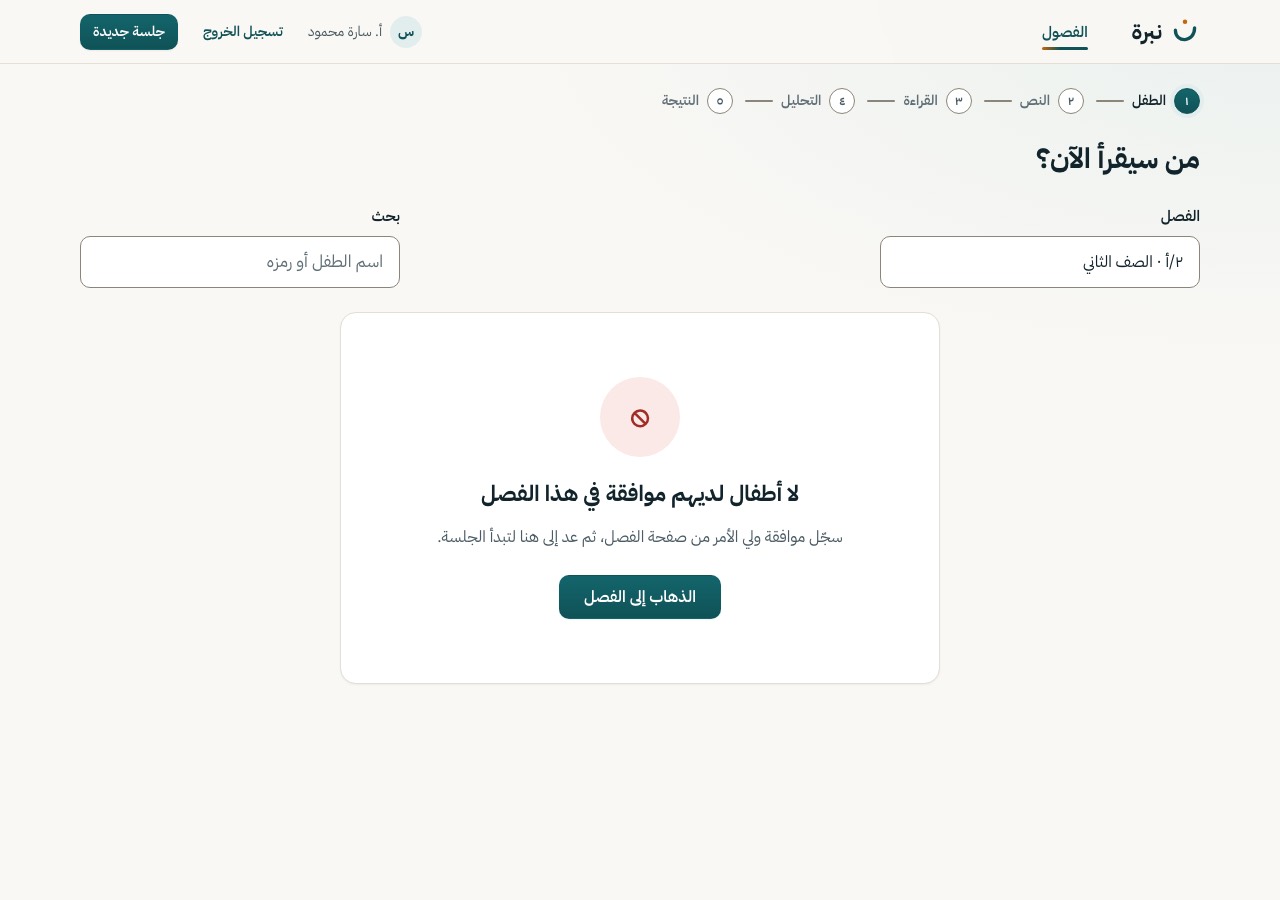
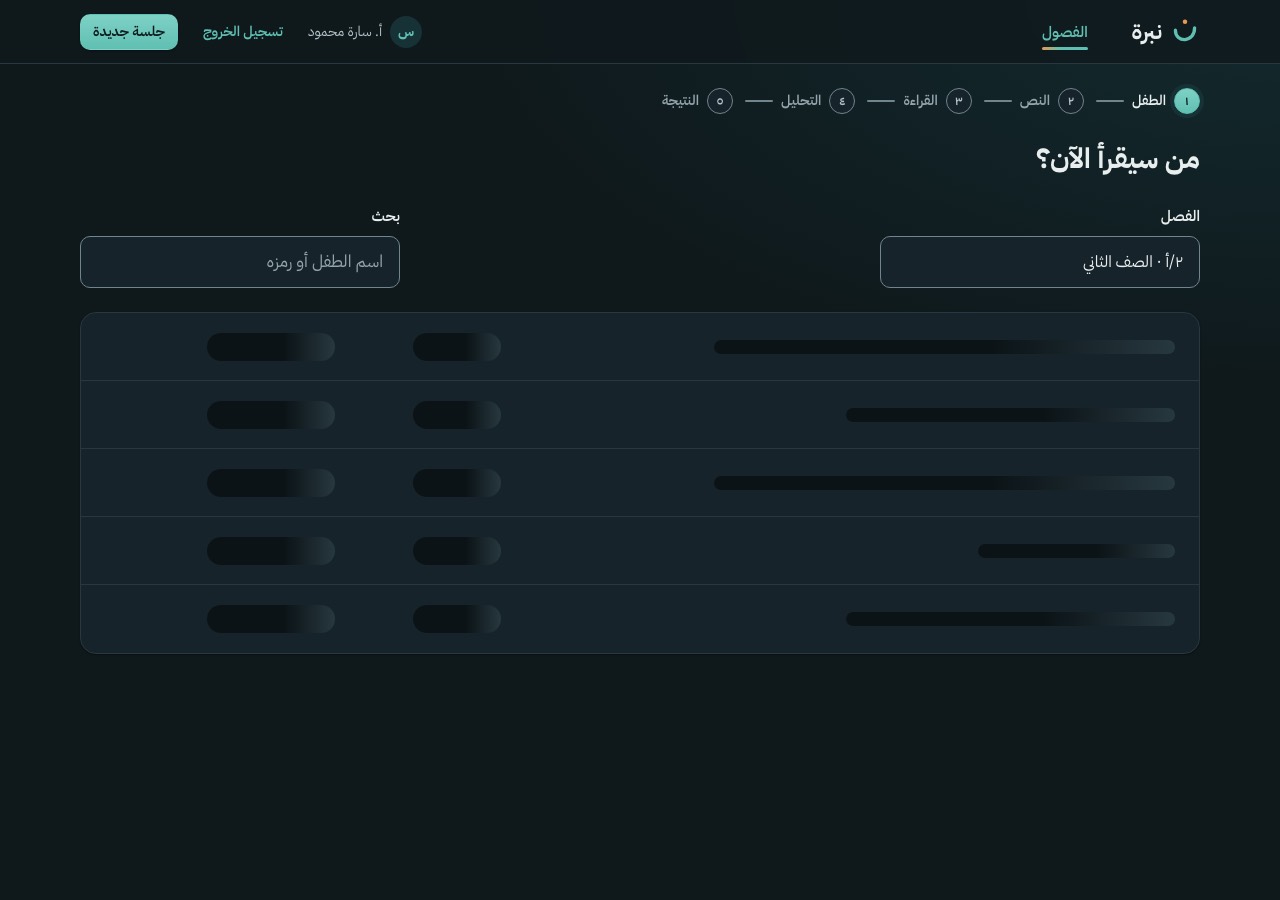
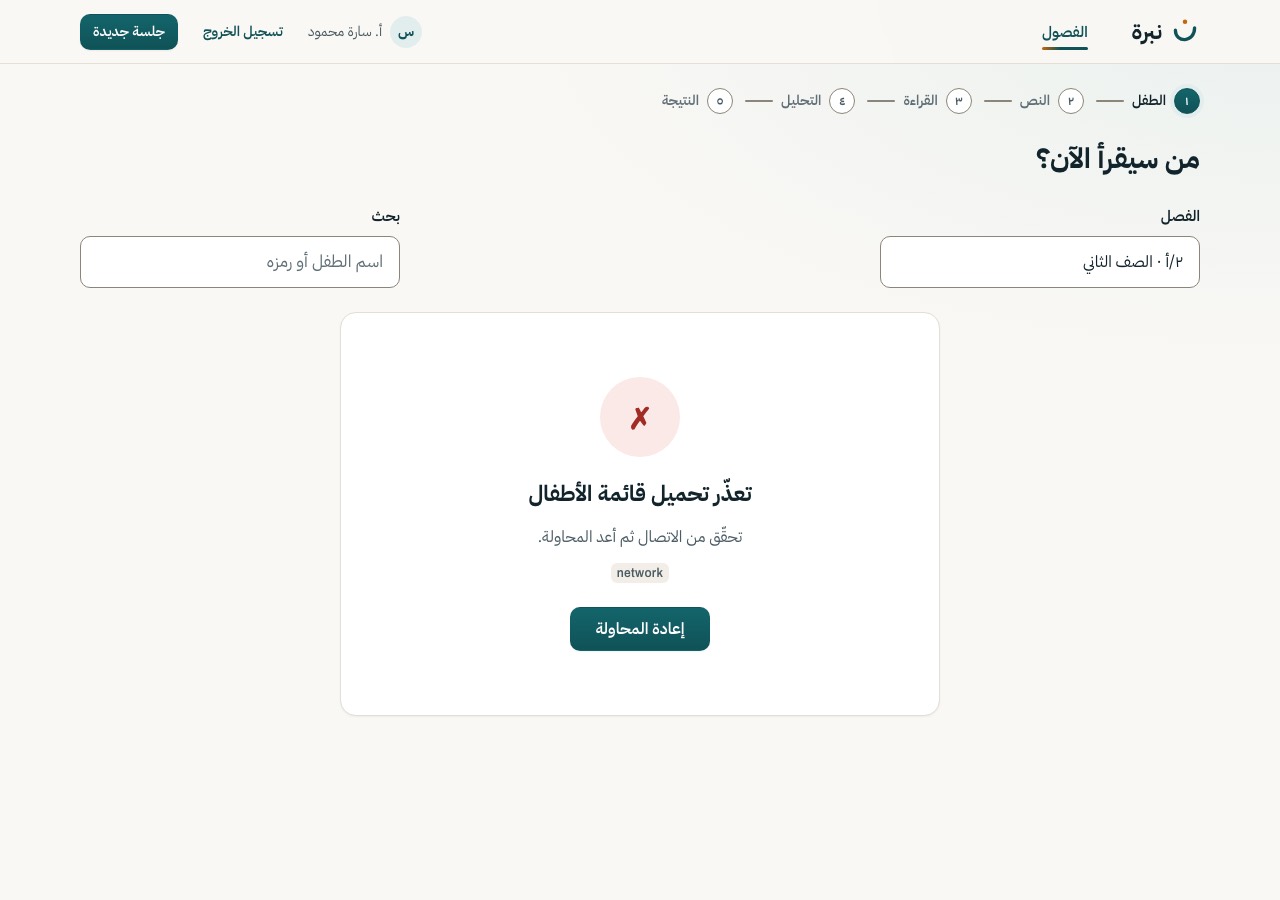
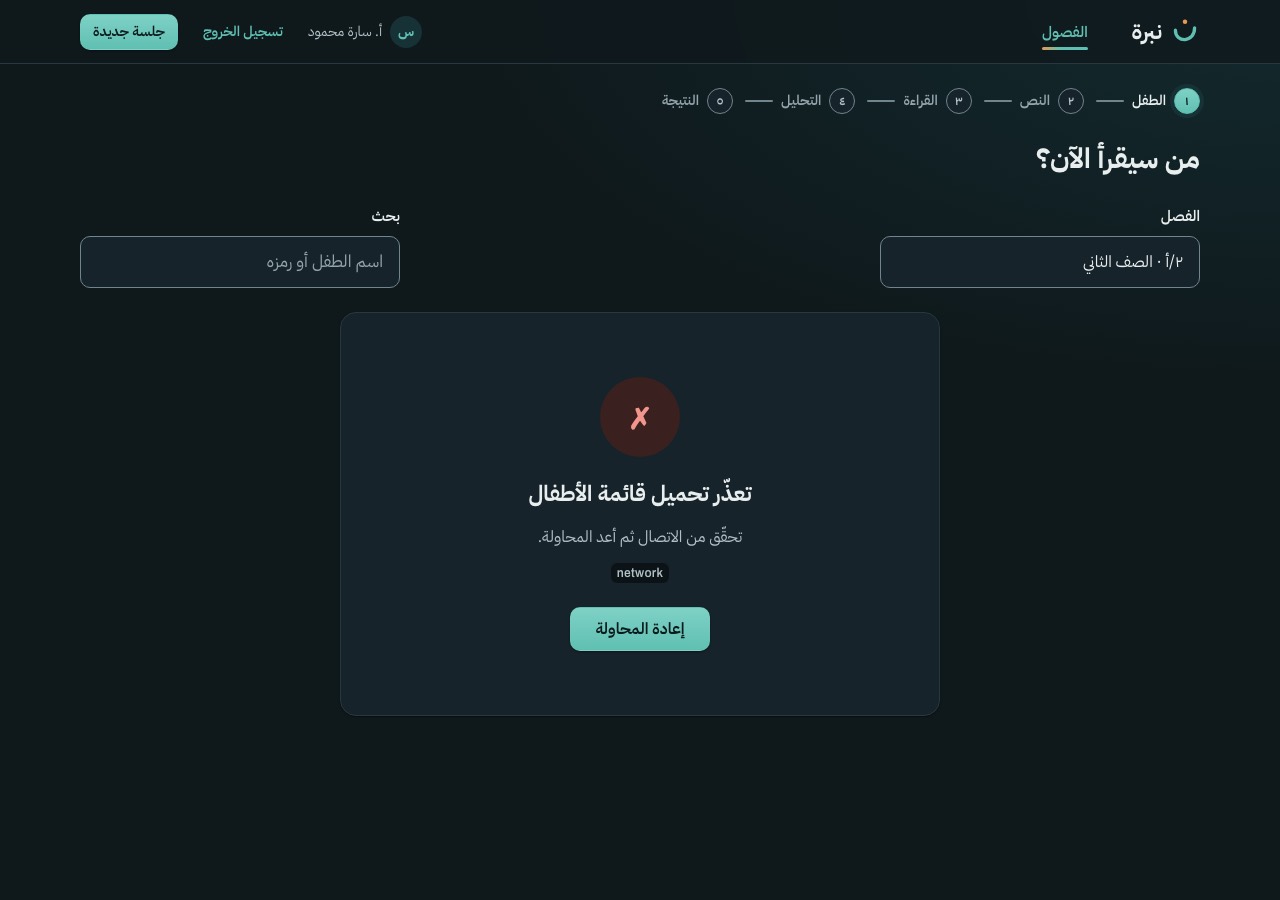
Only when a session starts from «جلسة جديدة» in the app bar: the class, then the child. Children without consent are listed but cannot be picked; the row says why. Picking a child opens S-08.
GET /class · GET /class/{id}/children
S-08
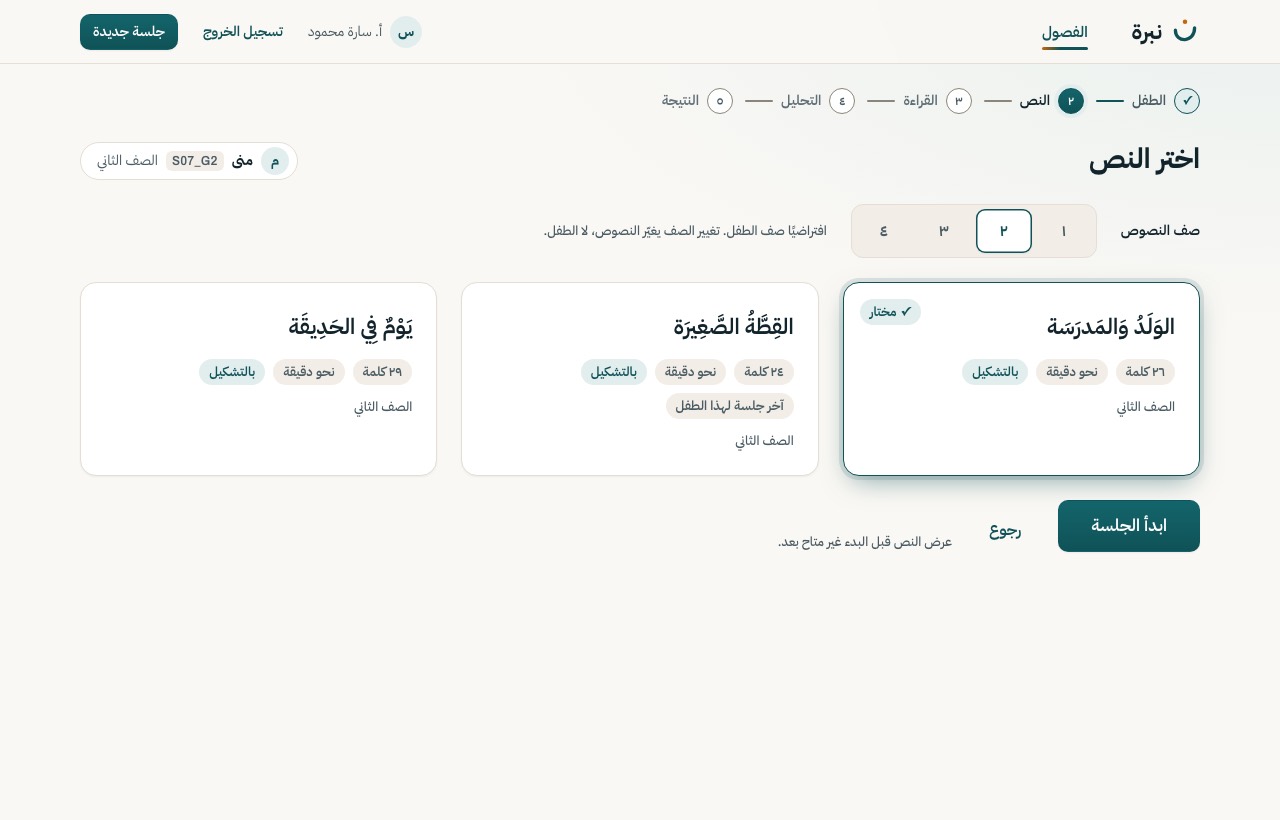
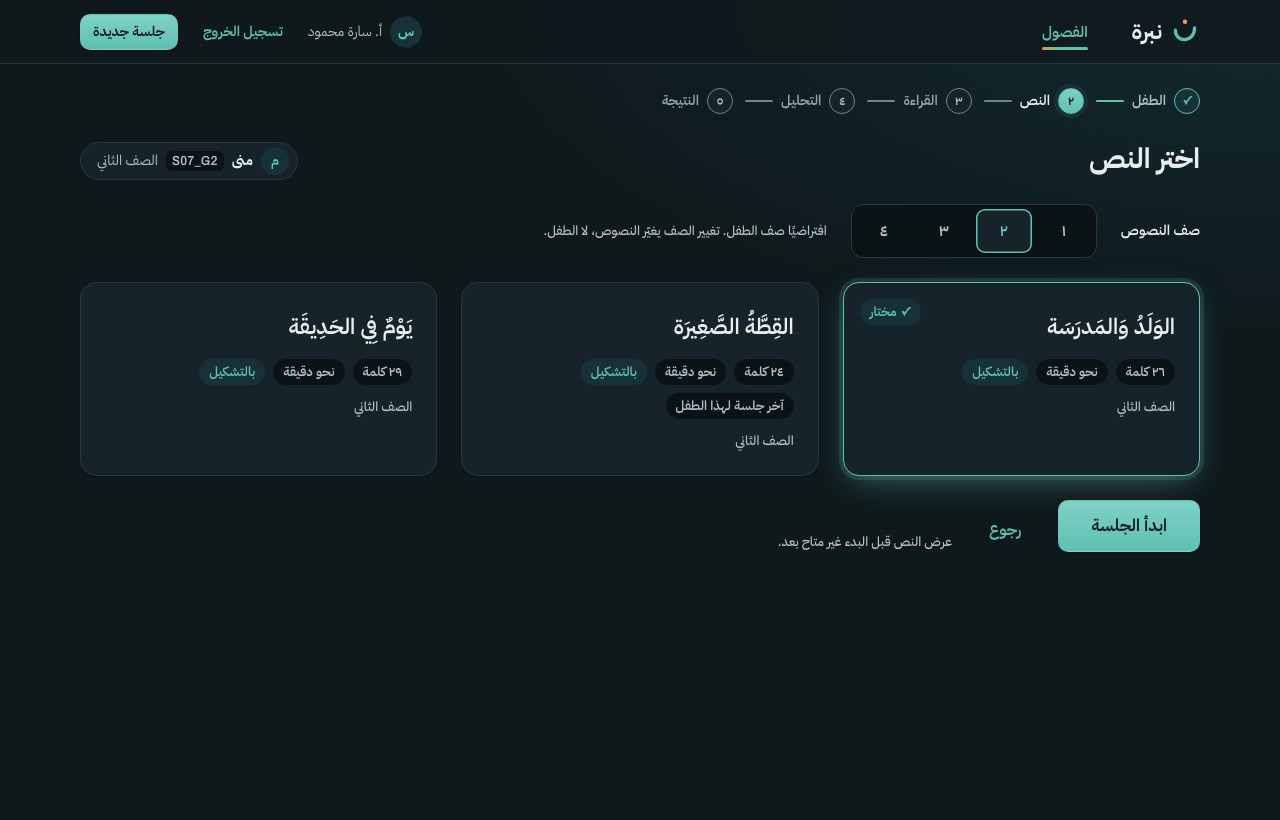
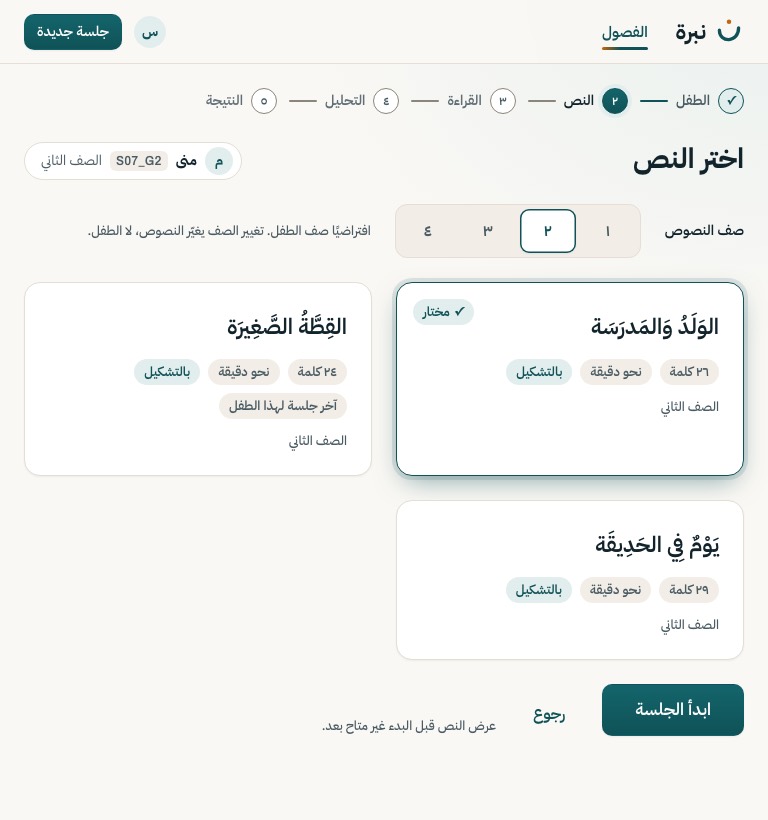
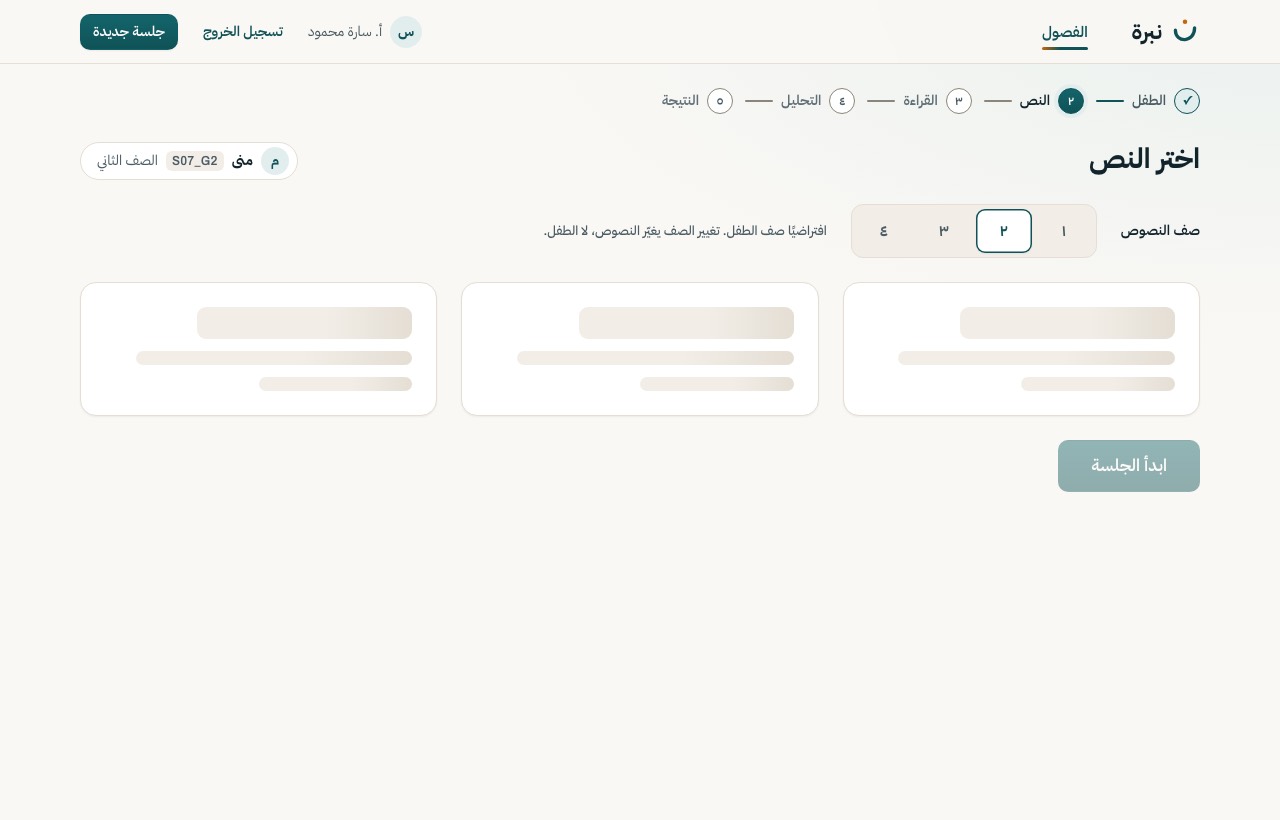
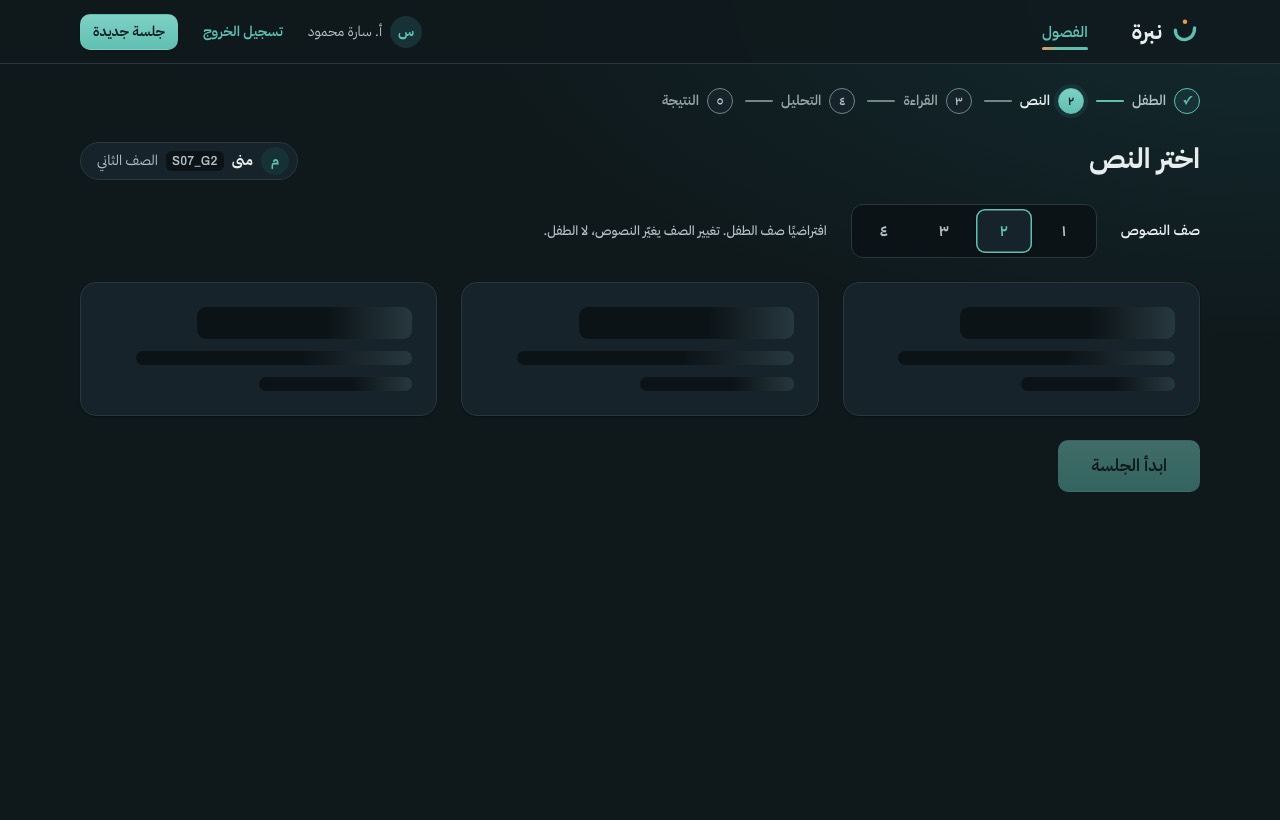
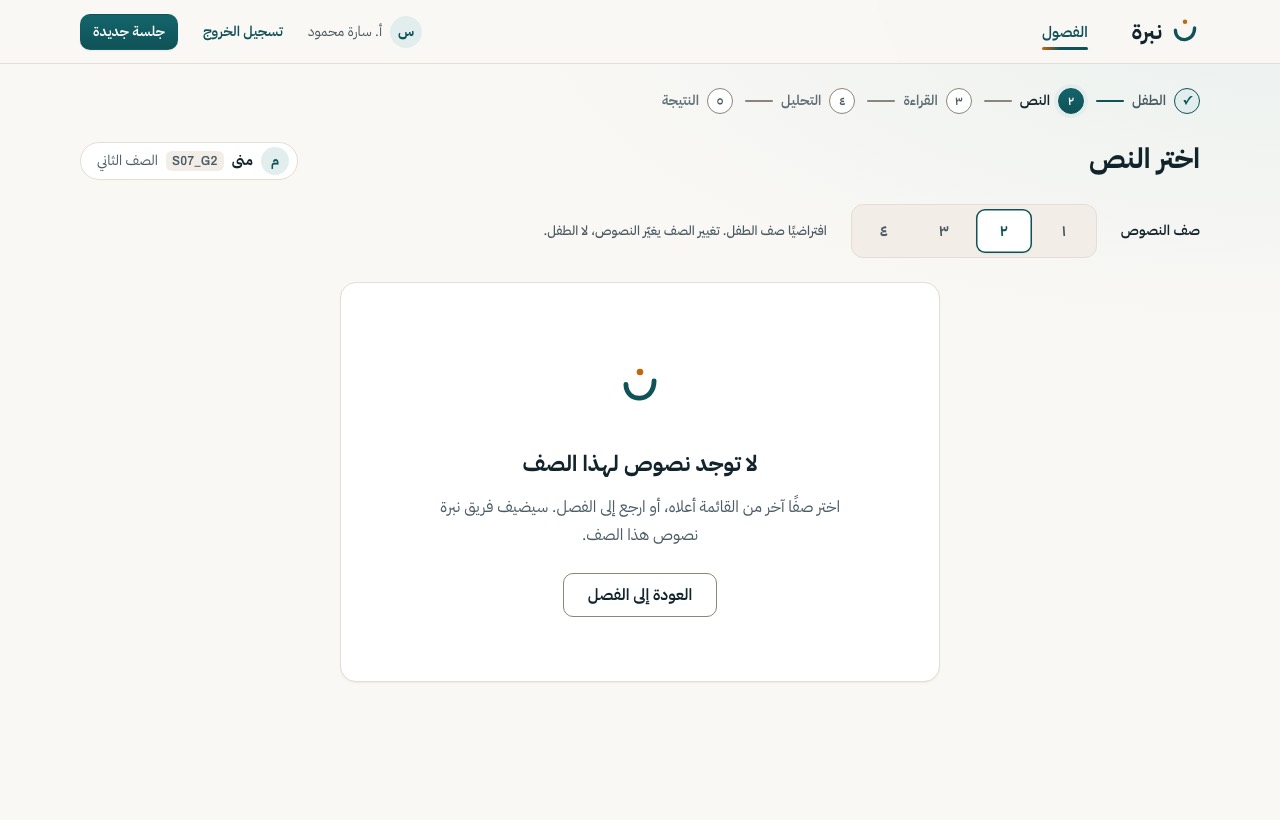
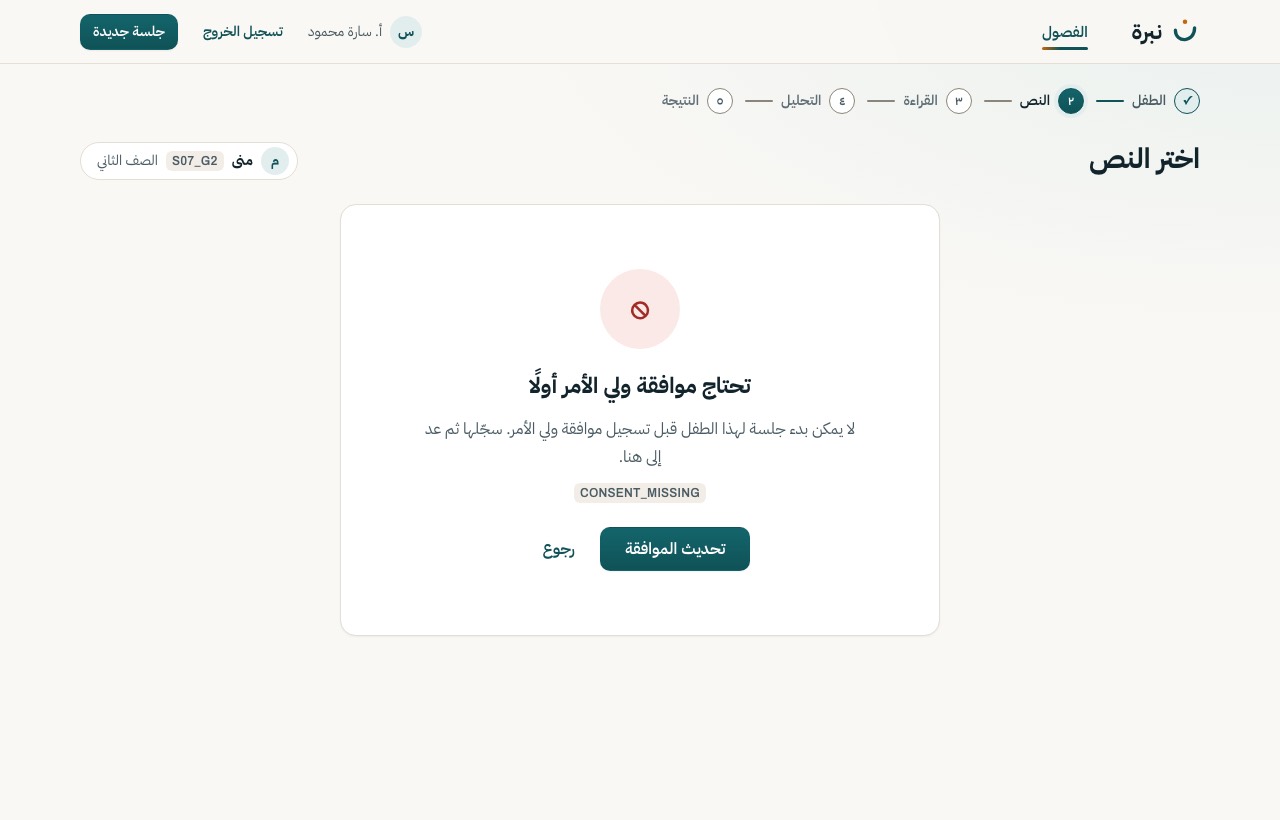
Grade preselected from the child; three or more passages with word count, usual time and tashkeel mode. The passage read last time is marked so the teacher can pick another. «ابدأ الجلسة» creates the session.
Motion A passage card lifts under the pointer; the chosen one keeps the key-control glow.
GET /passage?grade= · POST /session
S-09
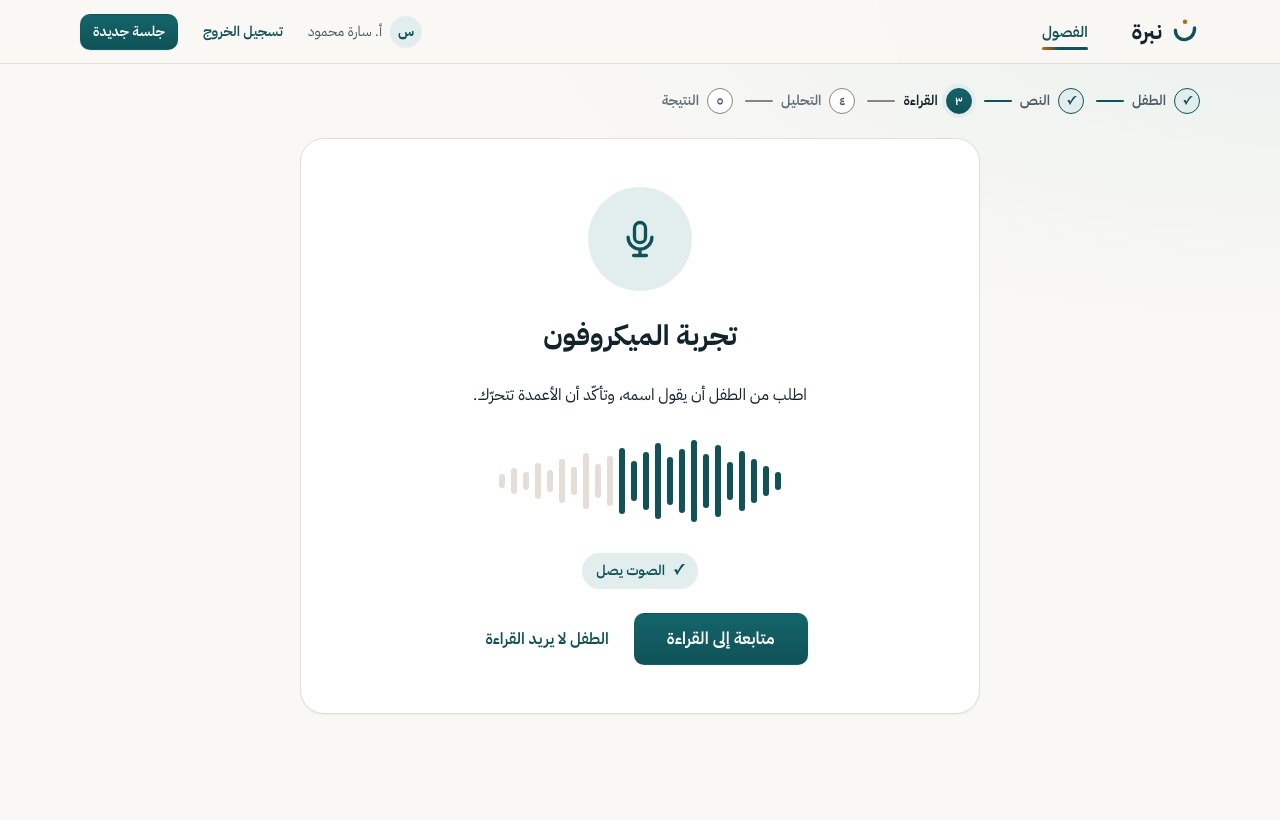
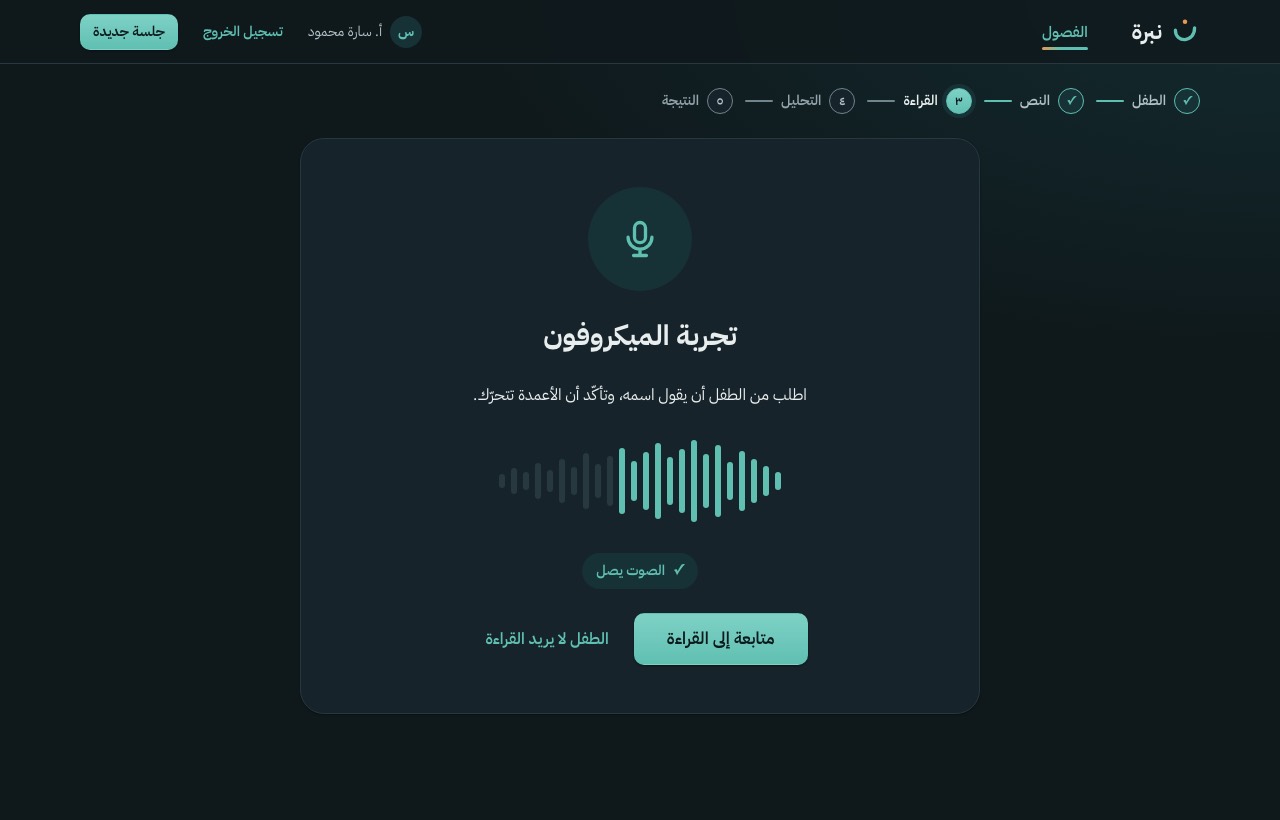
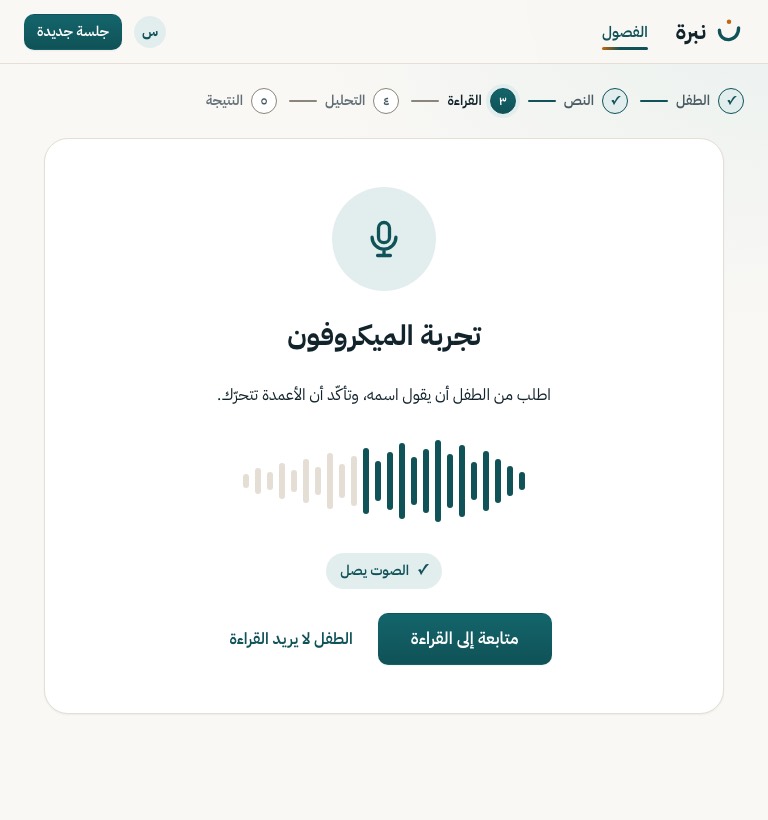
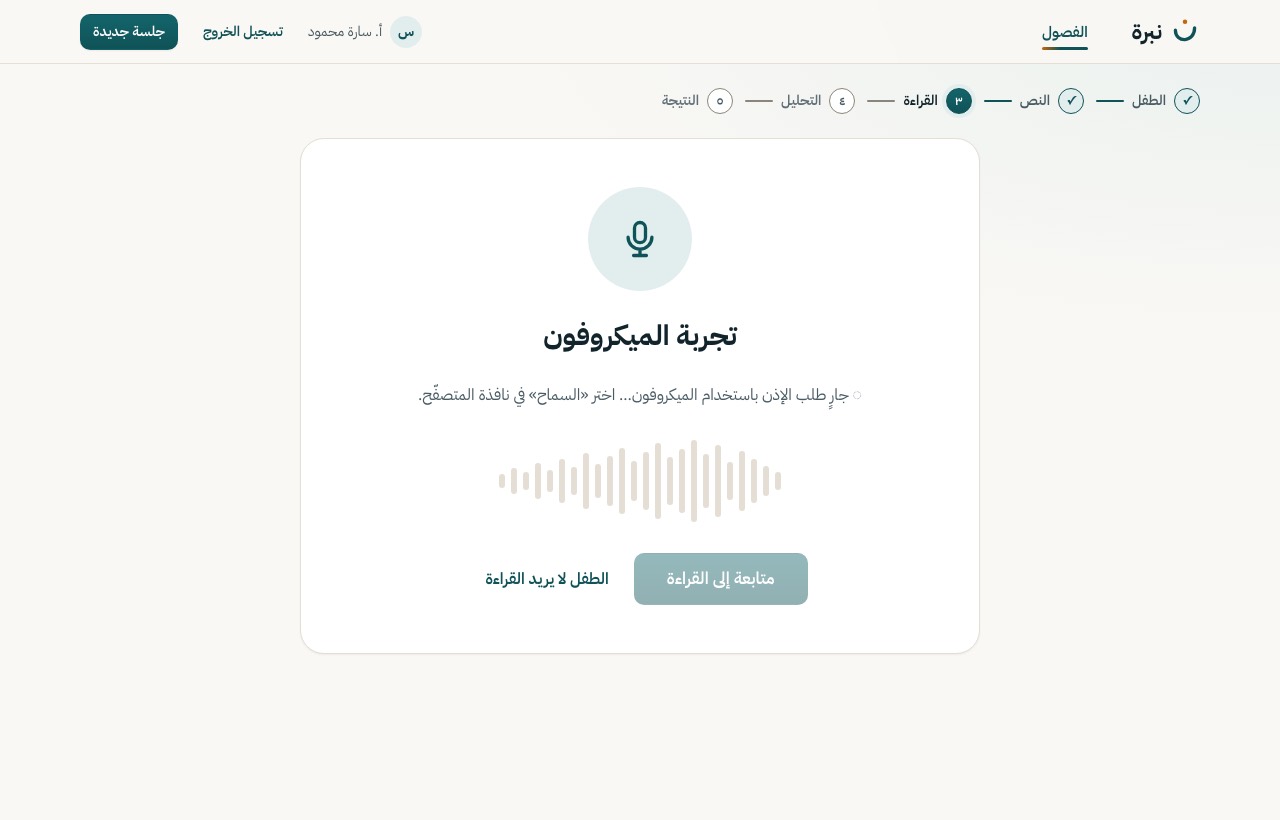
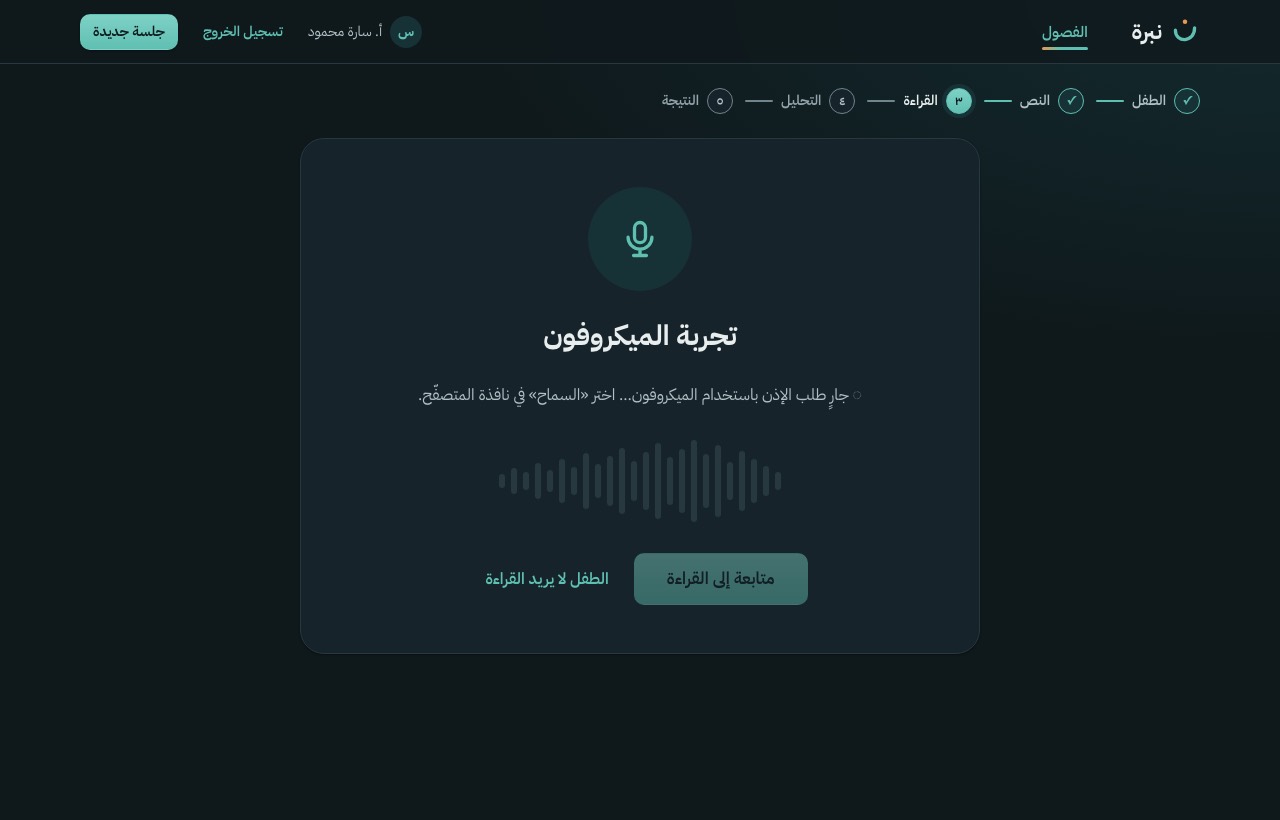
Ask for the microphone, show the level as columns of dots, one plain instruction. «متابعة» is enabled once sound is heard; «الطفل لا يريد القراءة» is always there. The session already exists (status created).
Motion No decoration moves. In the app the columns follow the live microphone level: data, not animation.
Web Audio API (no request)
S-09b
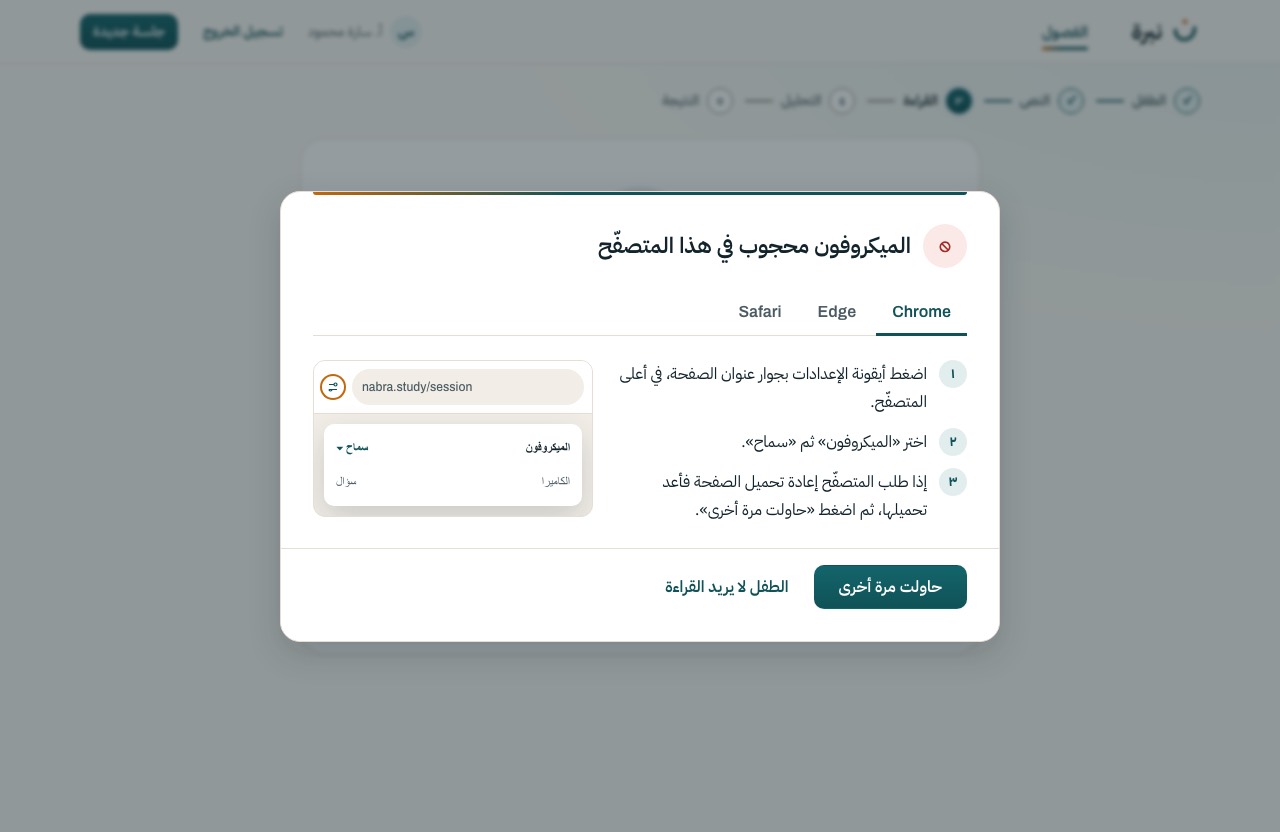
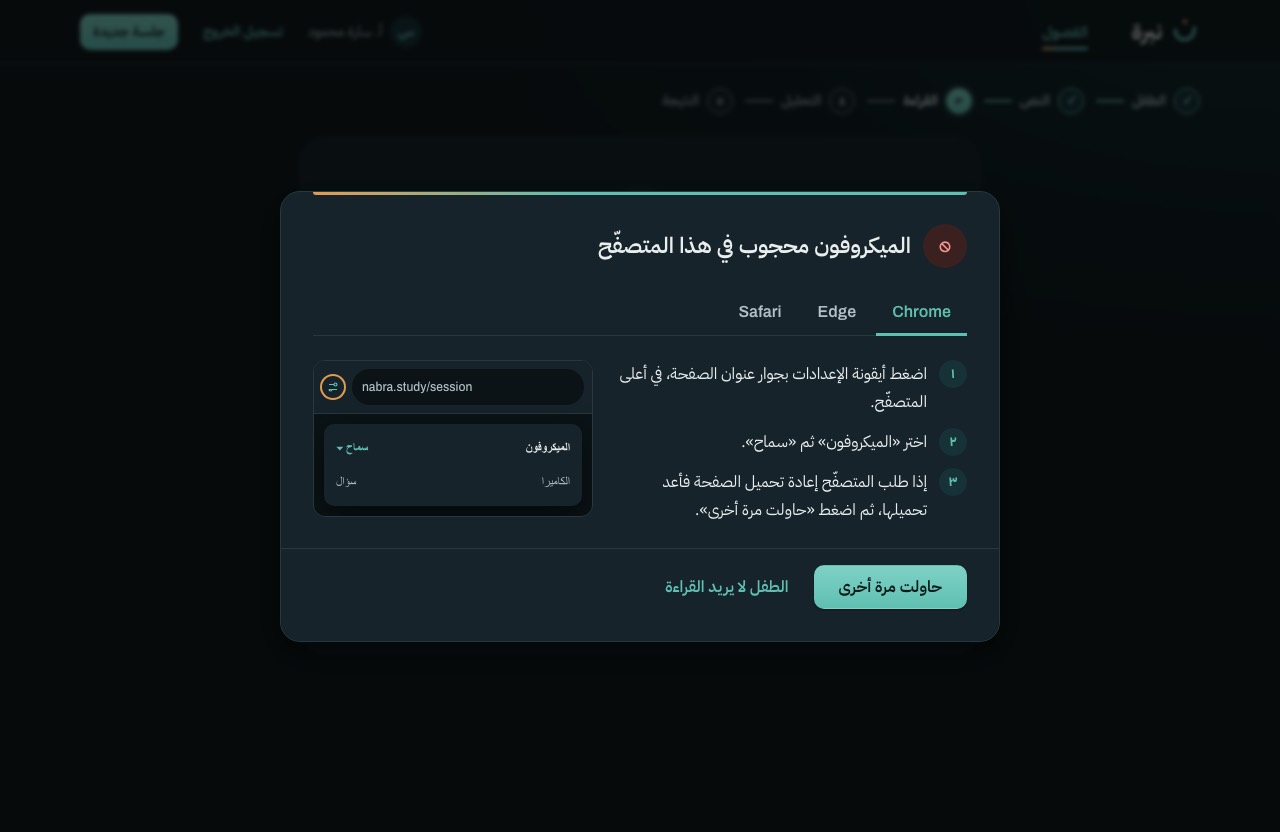
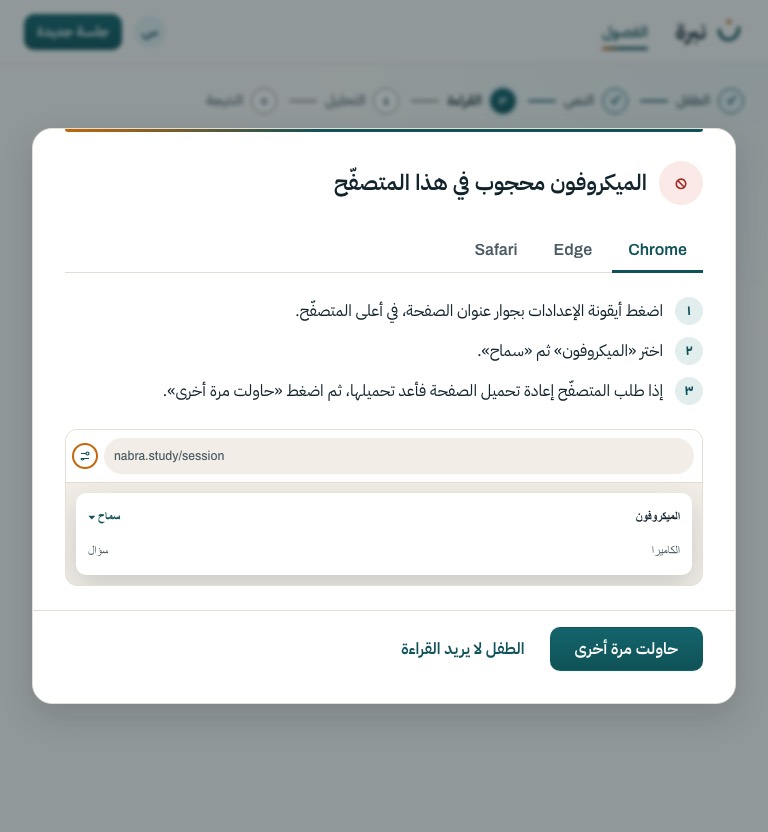
The browser refused the microphone. Three short steps for the teacher's browser, detected and preselected, with a picture of where the permission is; then retry.
S-10
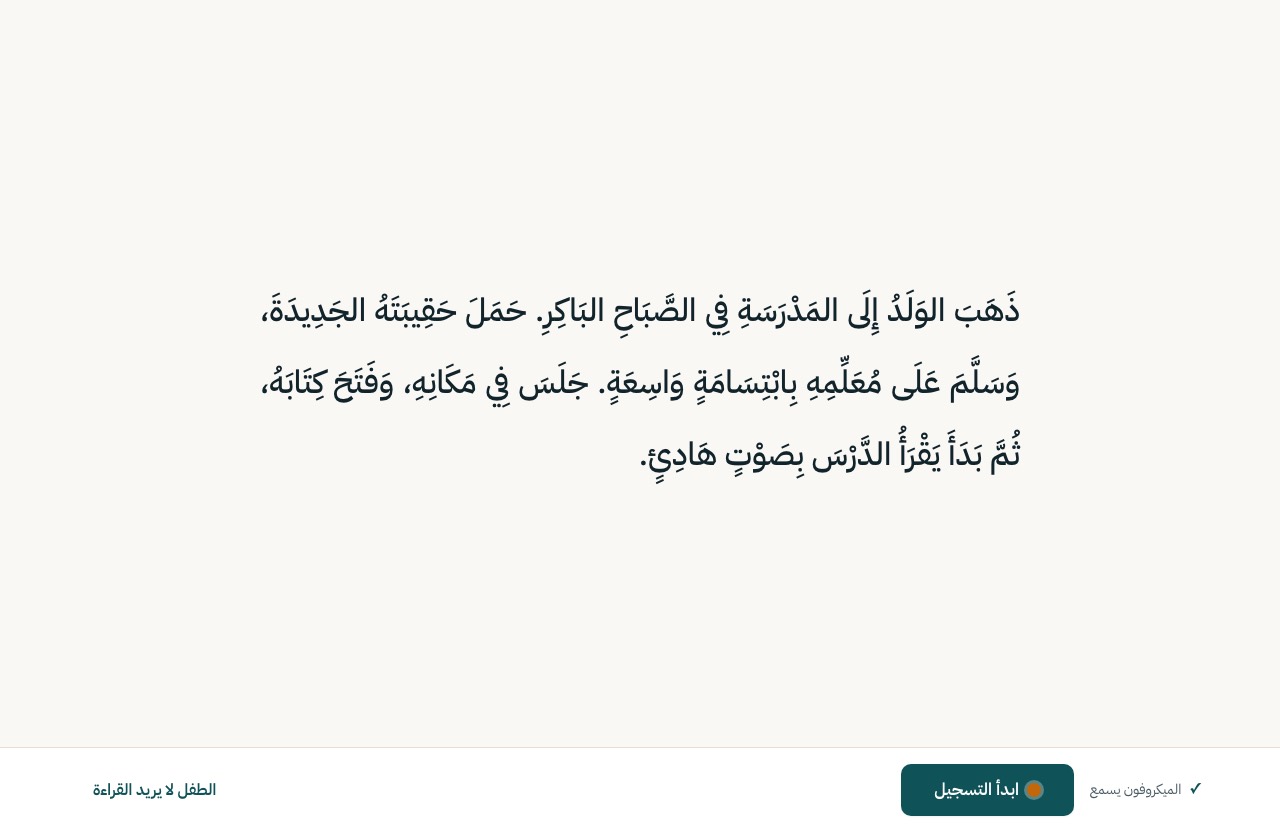
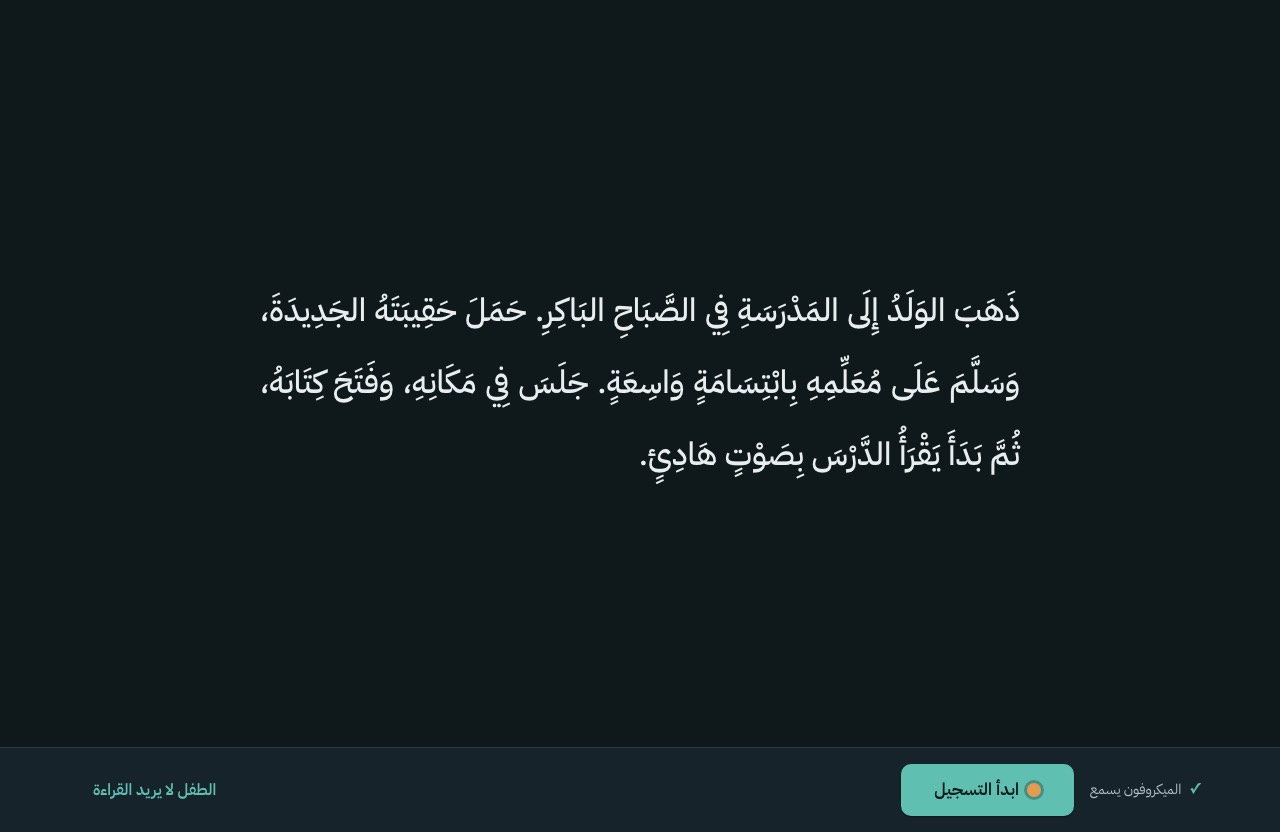
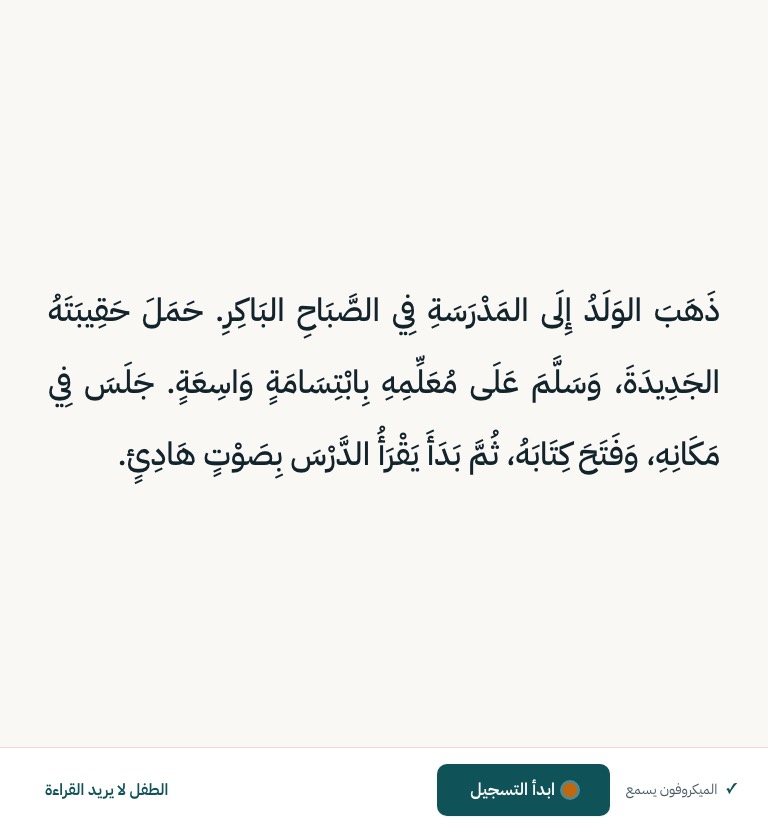
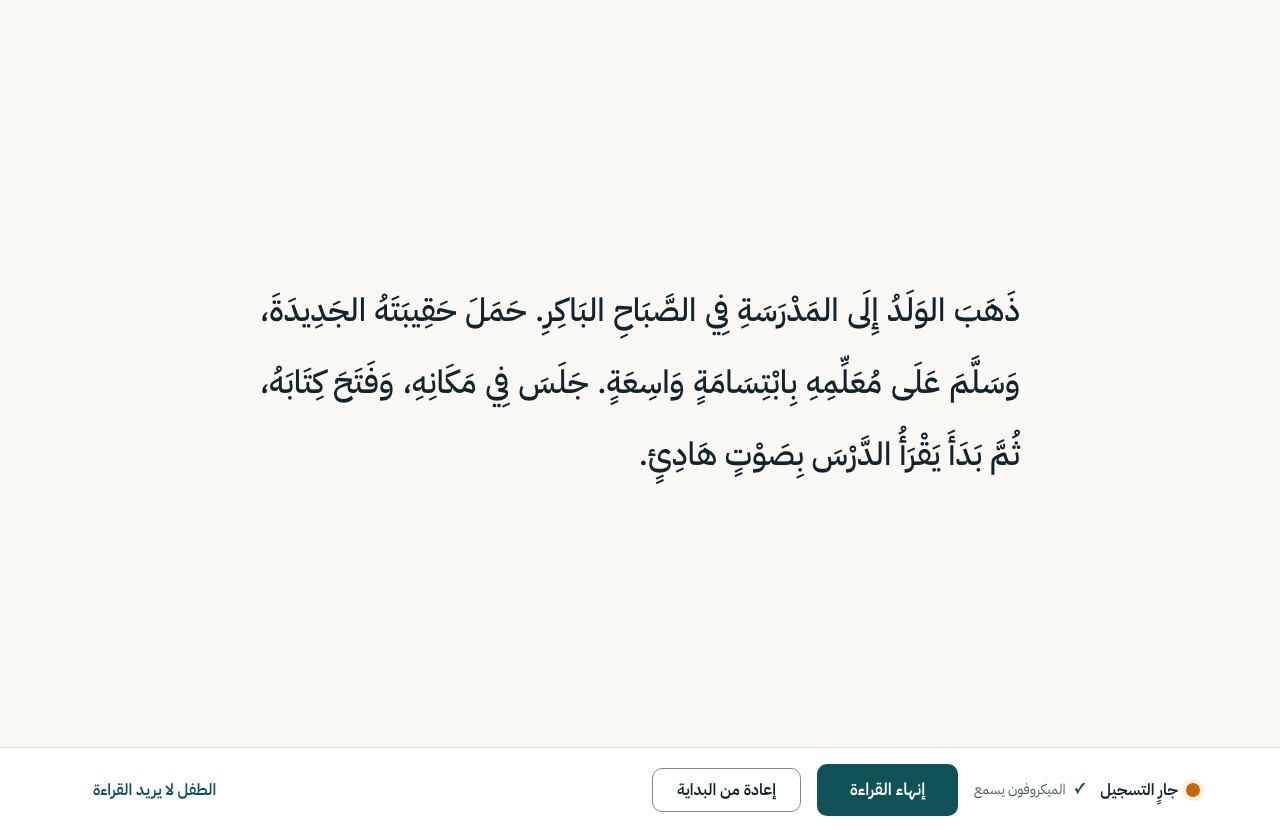
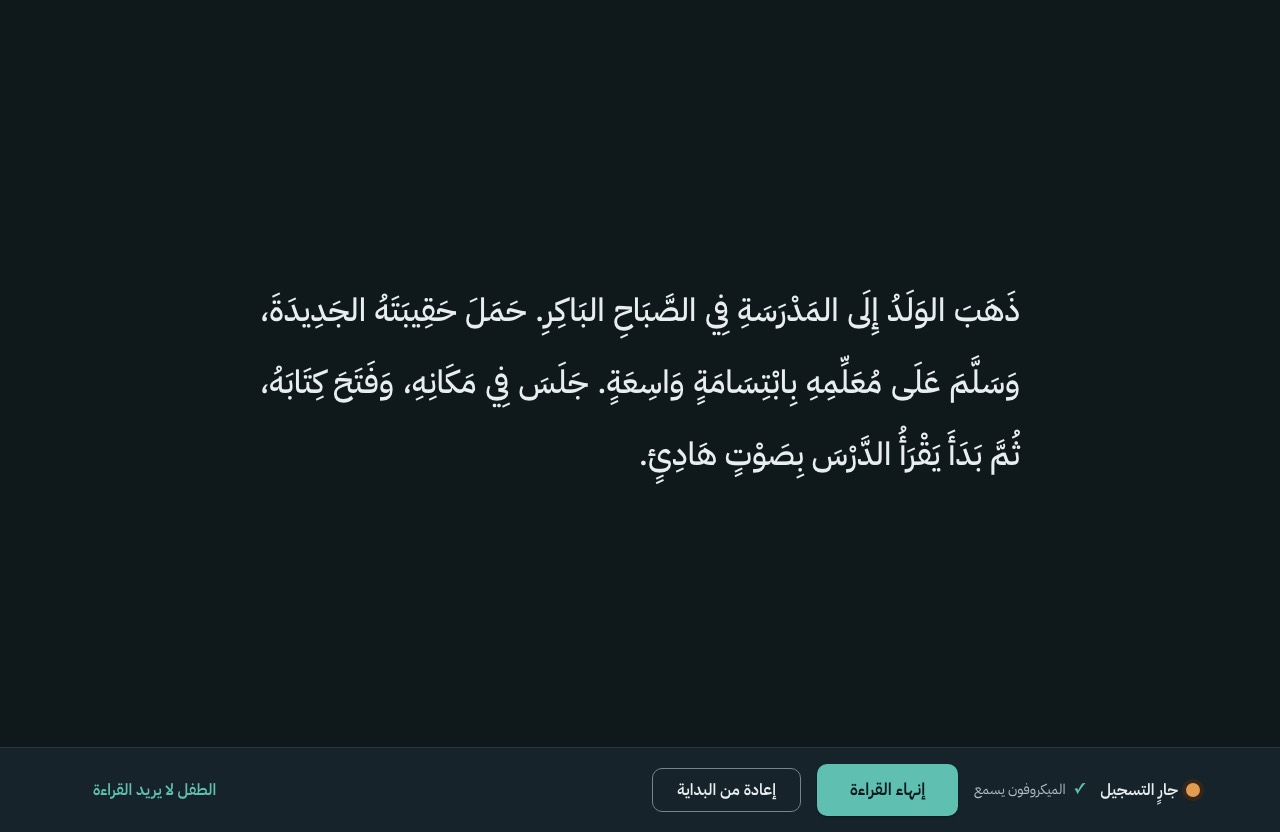
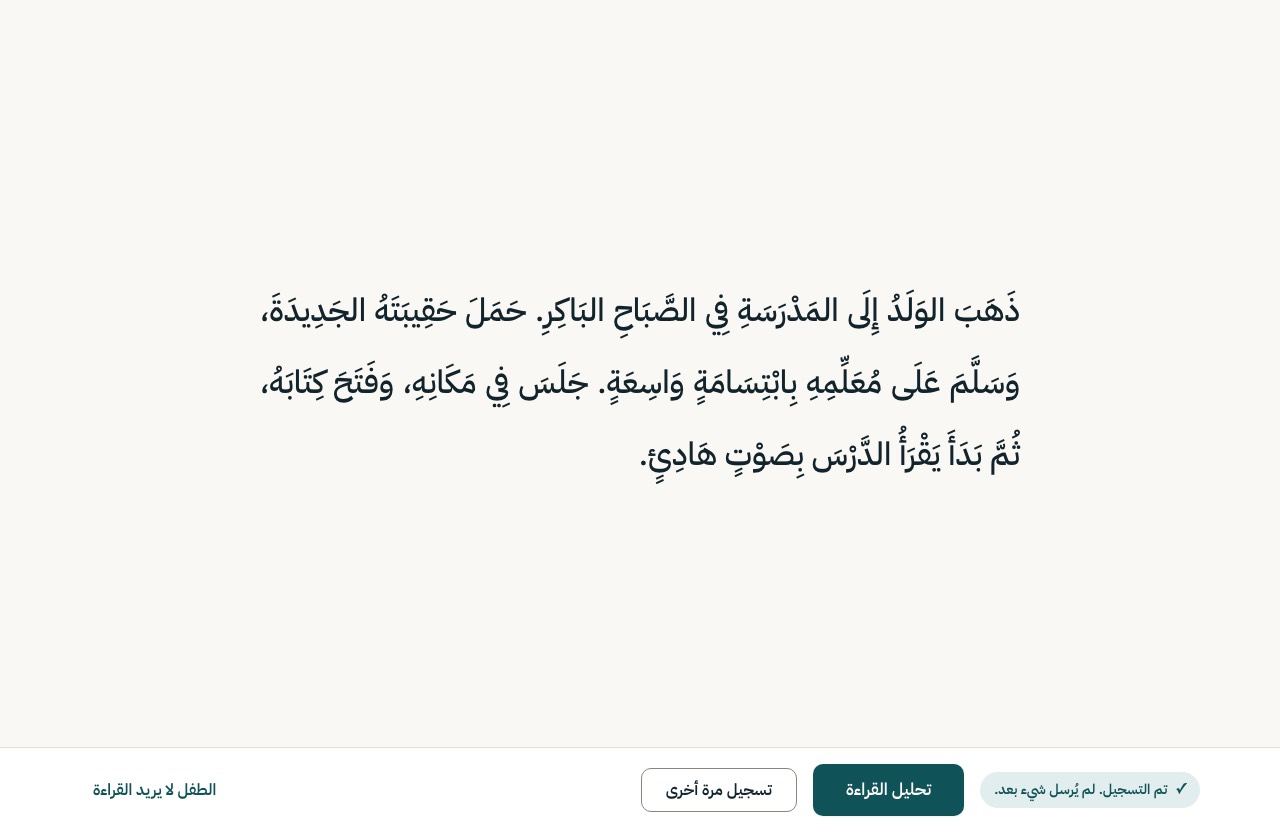
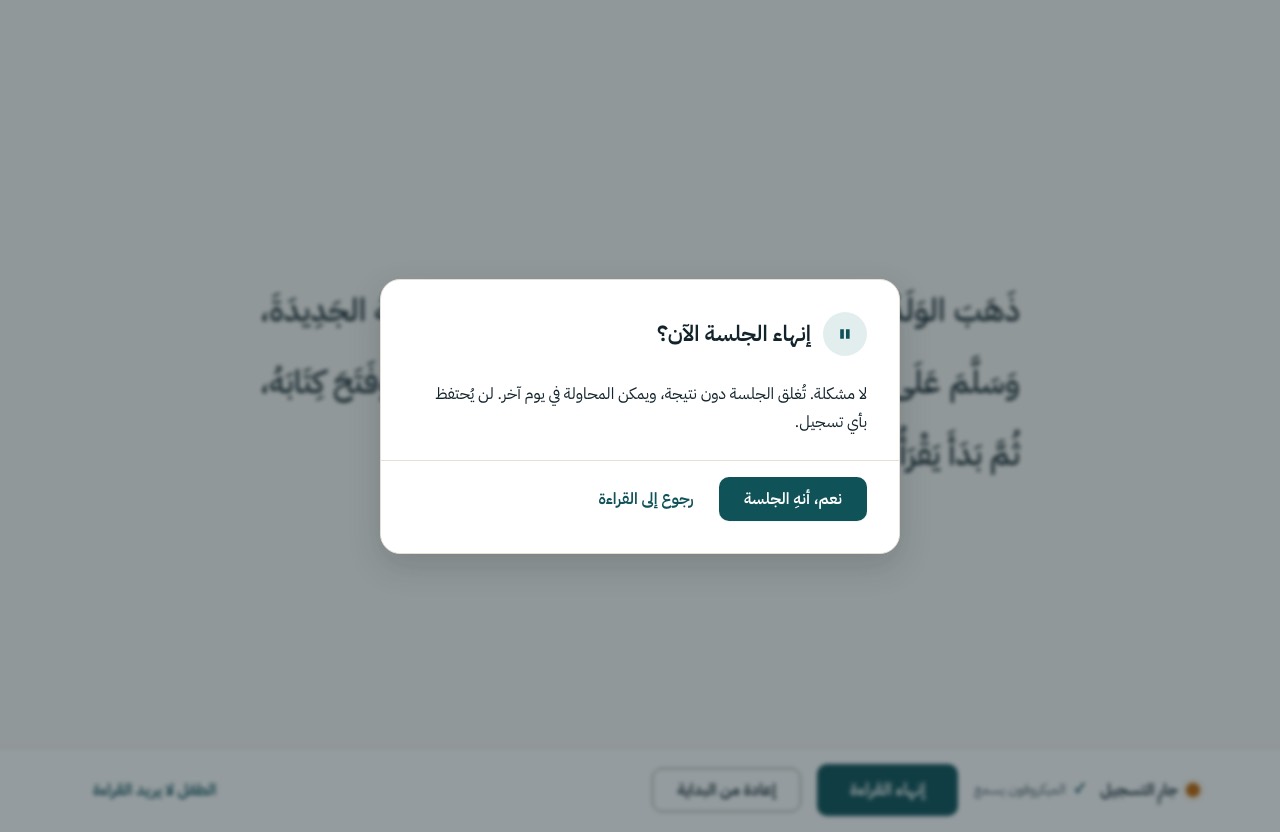
The child sees the passage and nothing else, in calm reading type on plain paper: no app bar, stepper, timer, score, mark, gradient, glow, reveal or custom cursor (D-15). The teacher's bar sits below the passage.
Motion None. Only the recording dot breathes while recording; reduced motion holds it steady.
Still by rule. Nothing moves, glows or reveals here (D-15).
PATCH /session/{id} on cancel
S-11
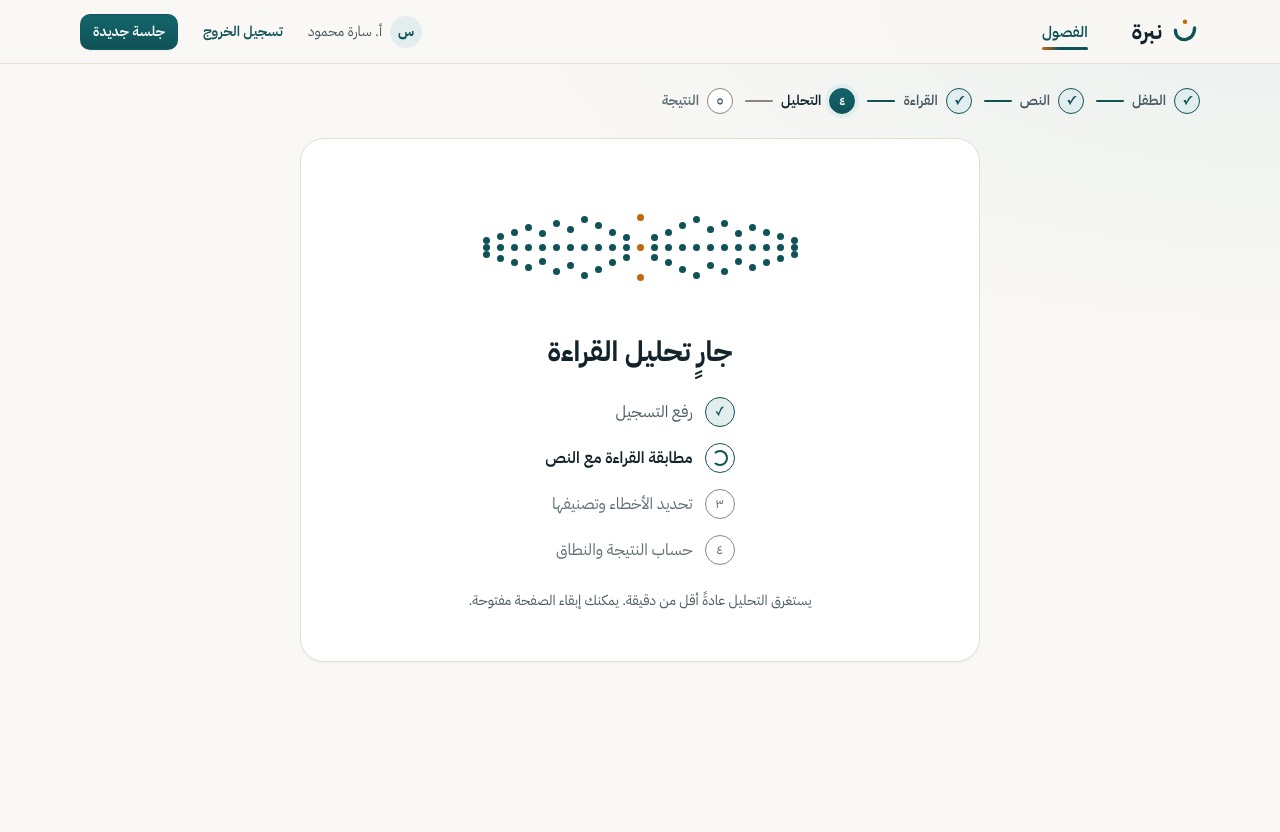
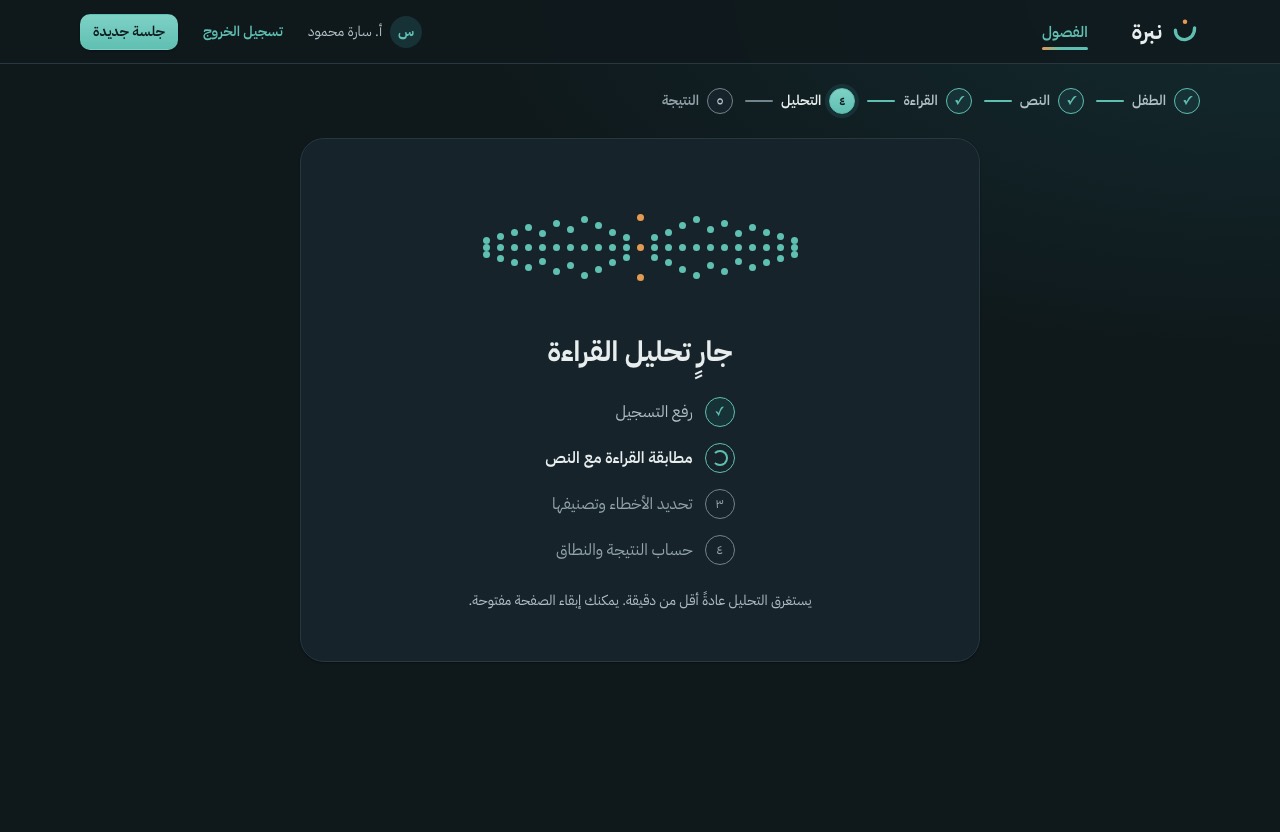
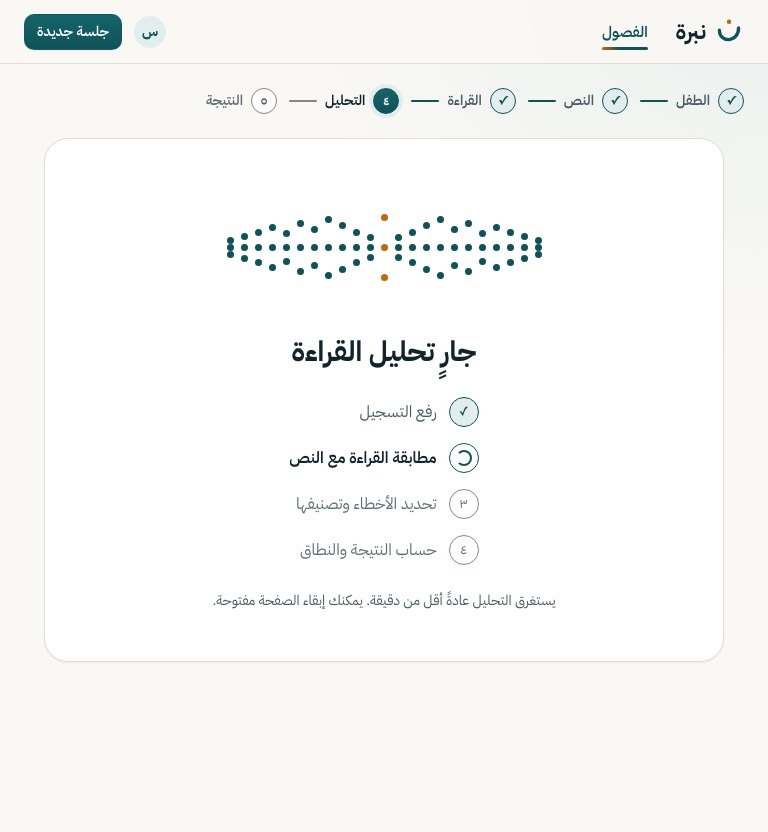
Upload and analysis progress in teacher words, in D-13 order. Only the upload has real progress; the rest advance on time until the response arrives. No cancel: the request is in flight.
Motion A progress state, so it may loop: columns of dots breathe like a voice, with the ن's amber dot at the centre, and the current step spins. Reduced motion holds both still.
POST /analyze
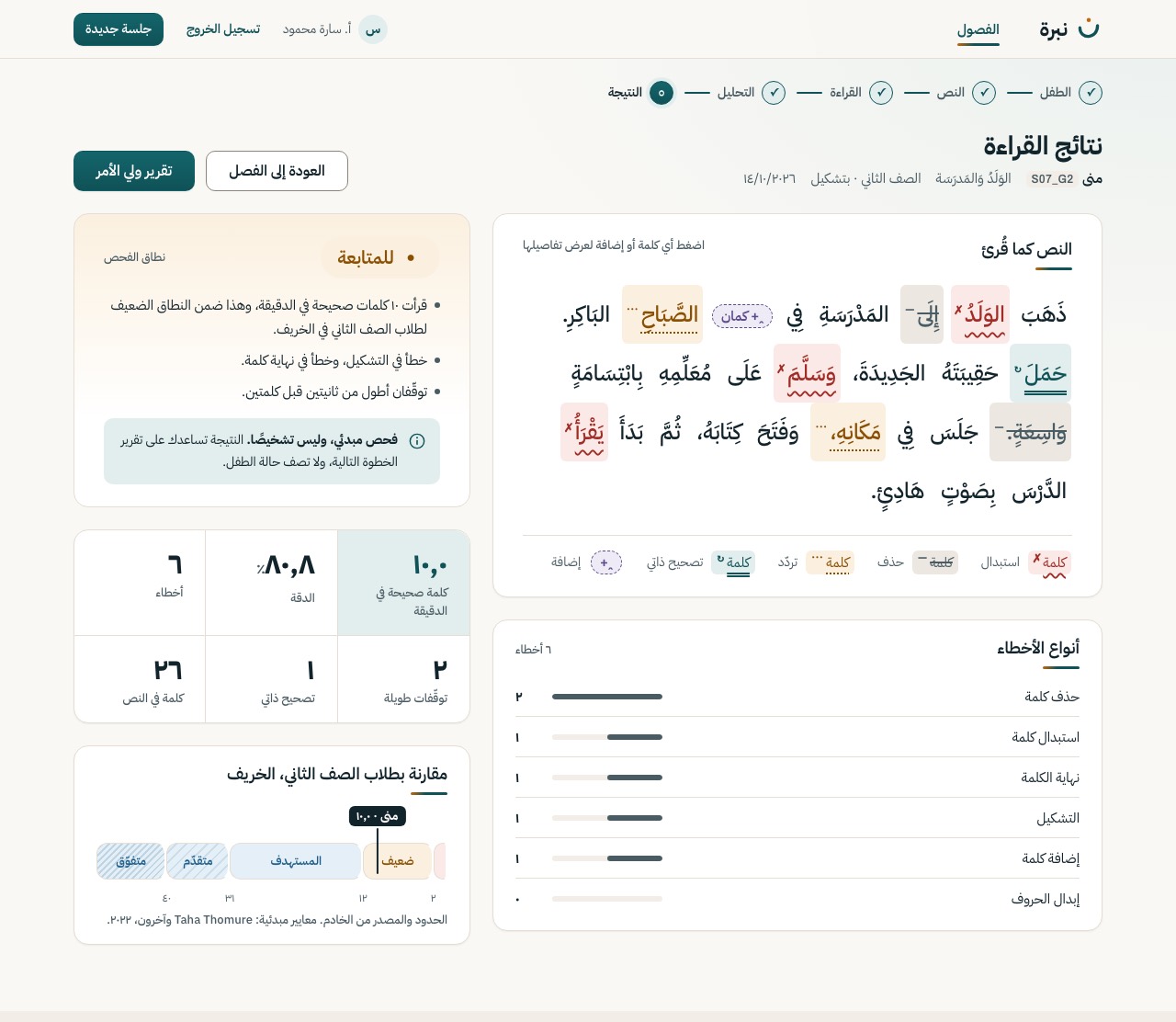
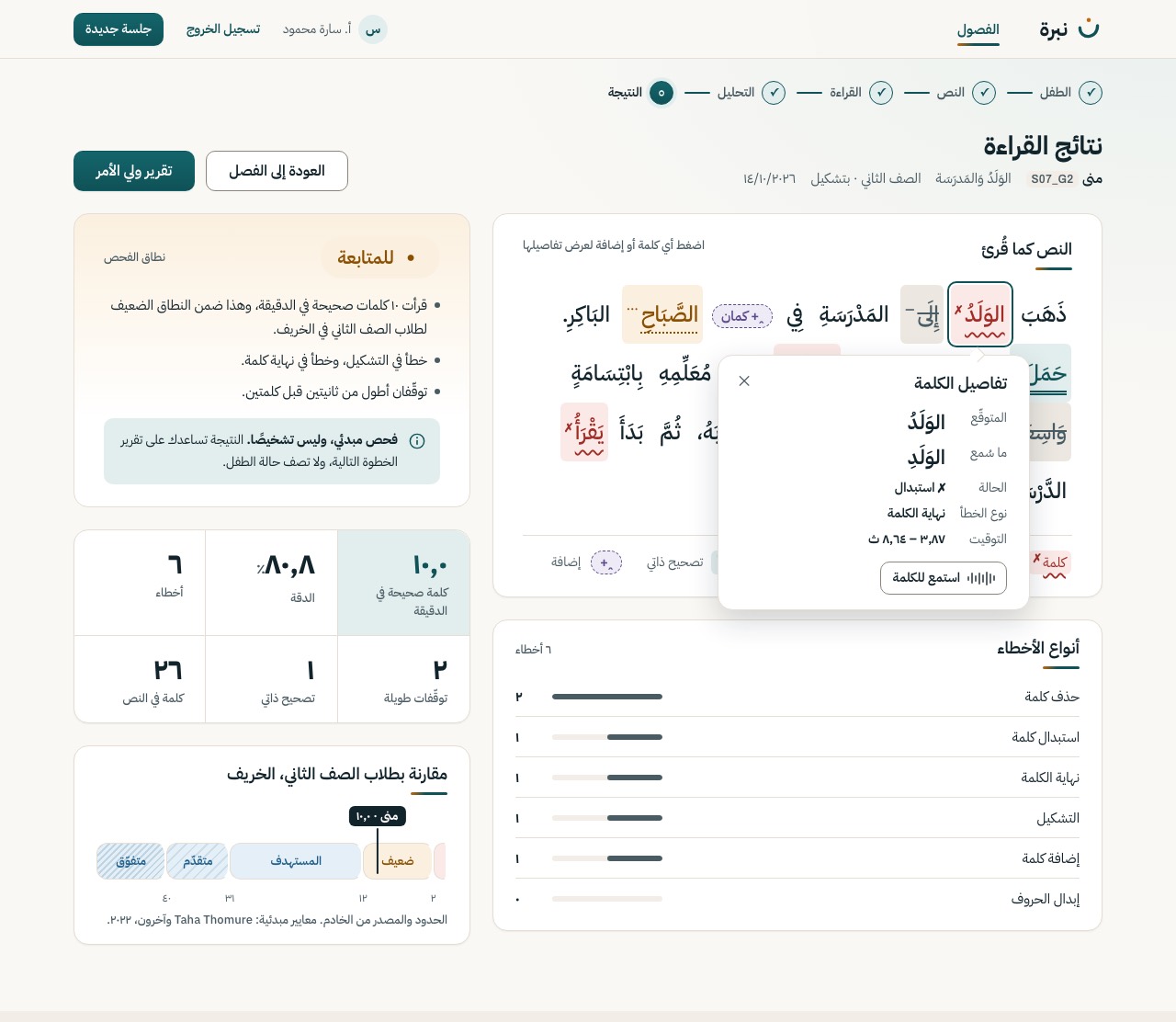
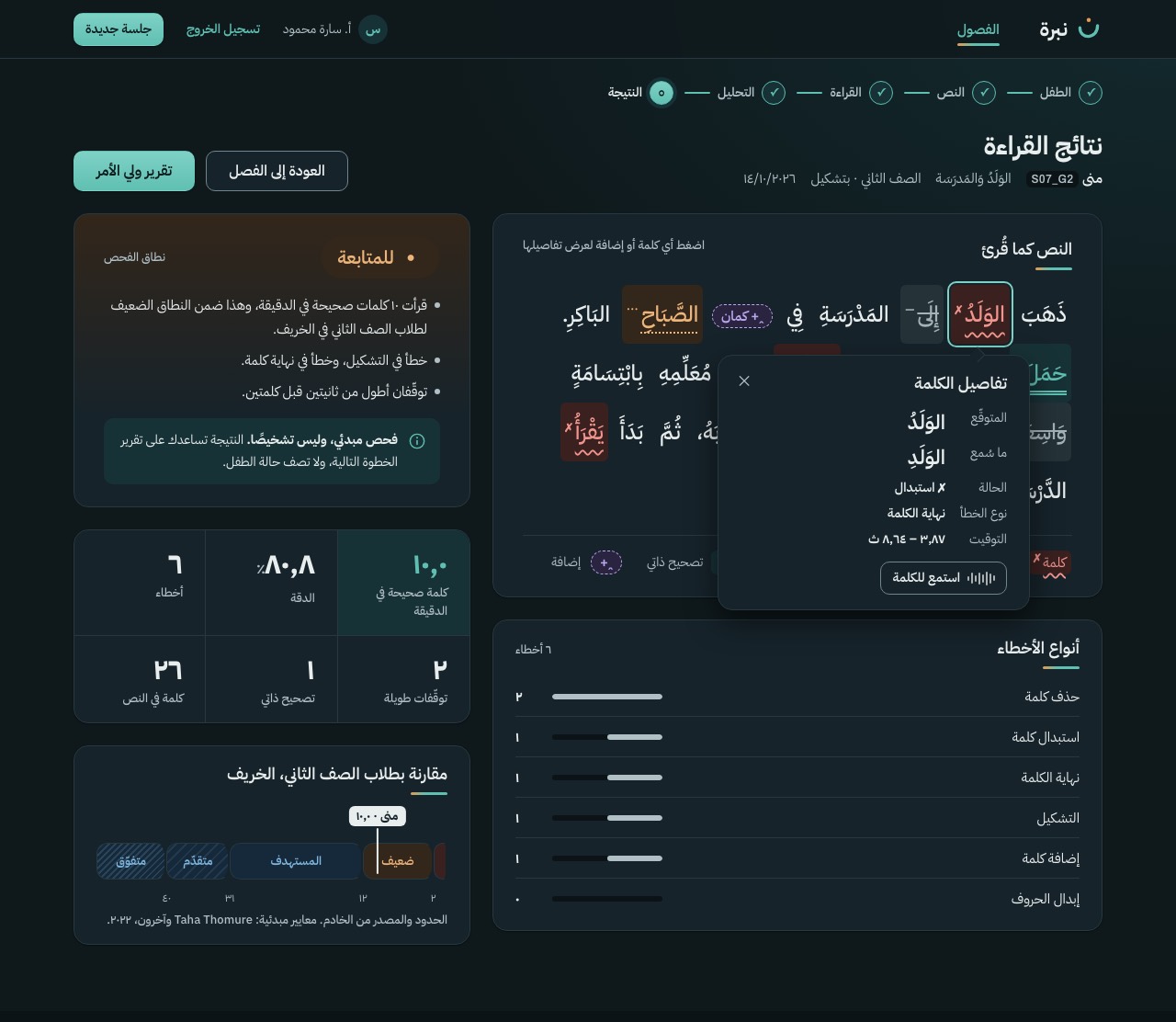
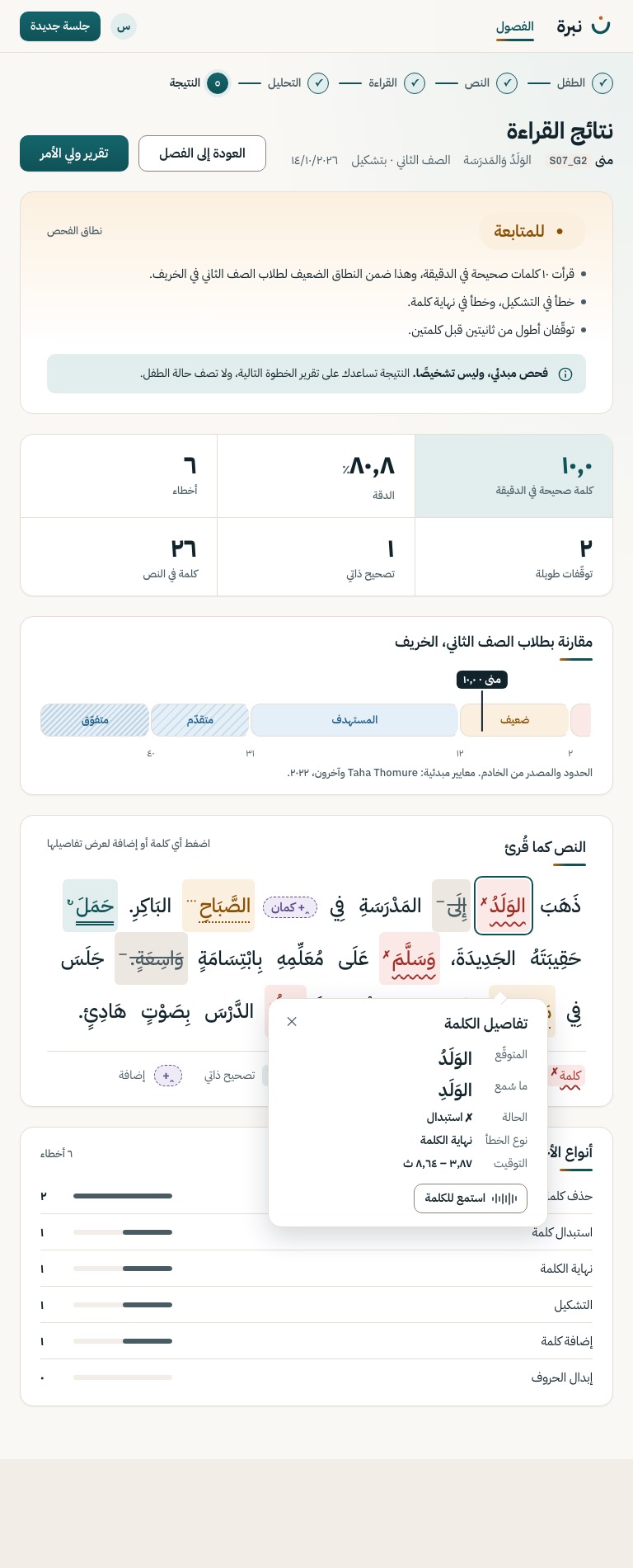
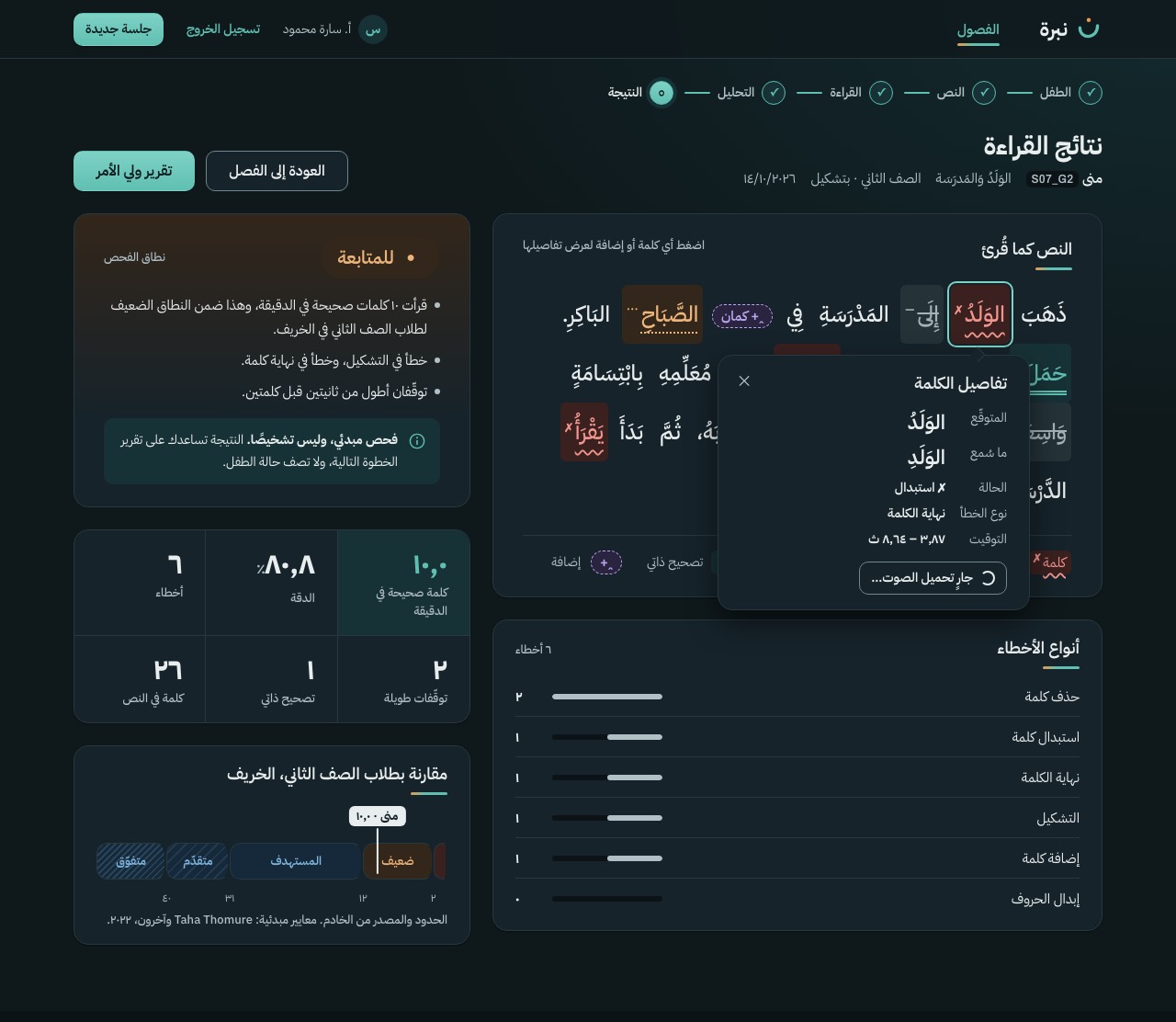
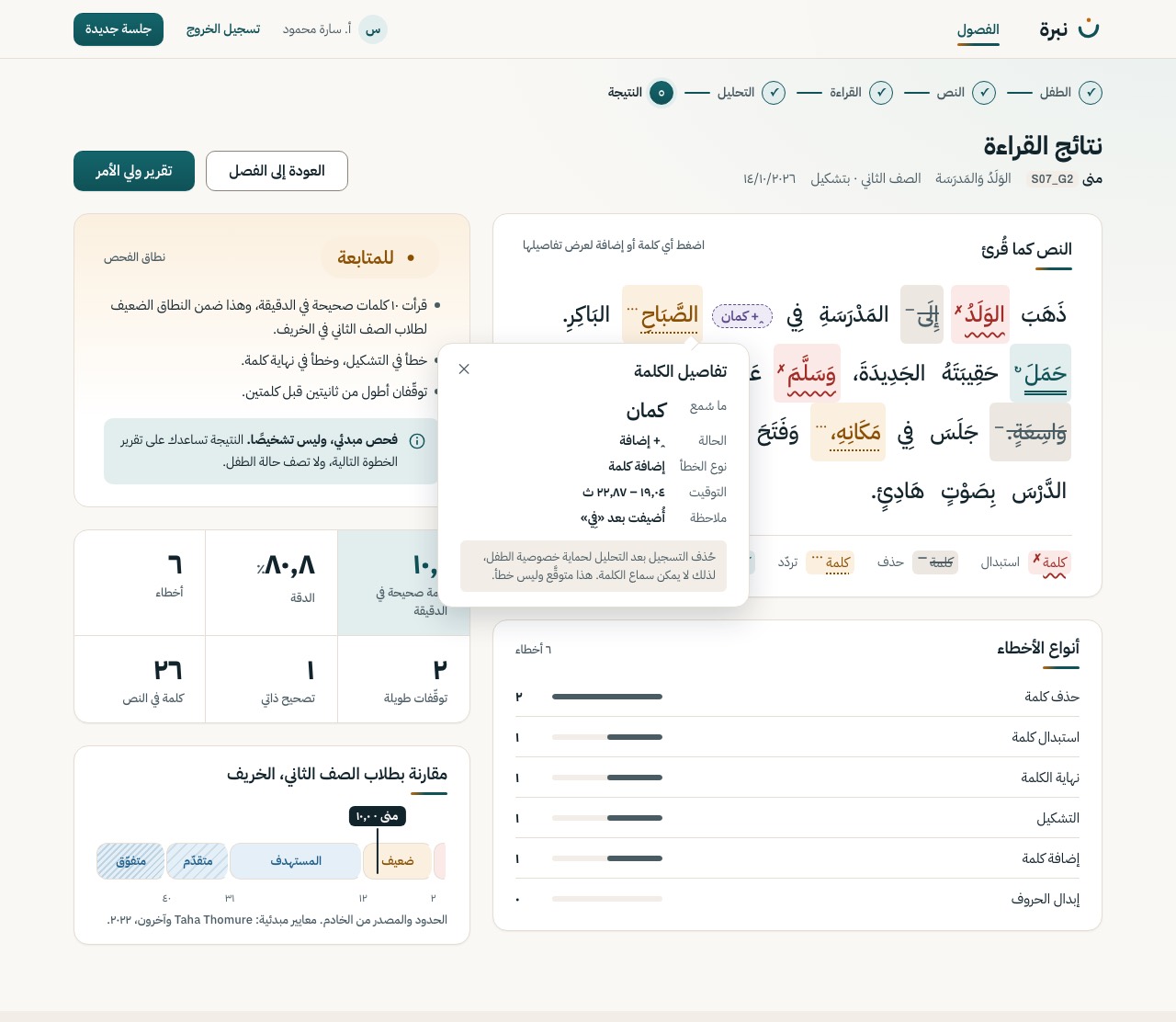
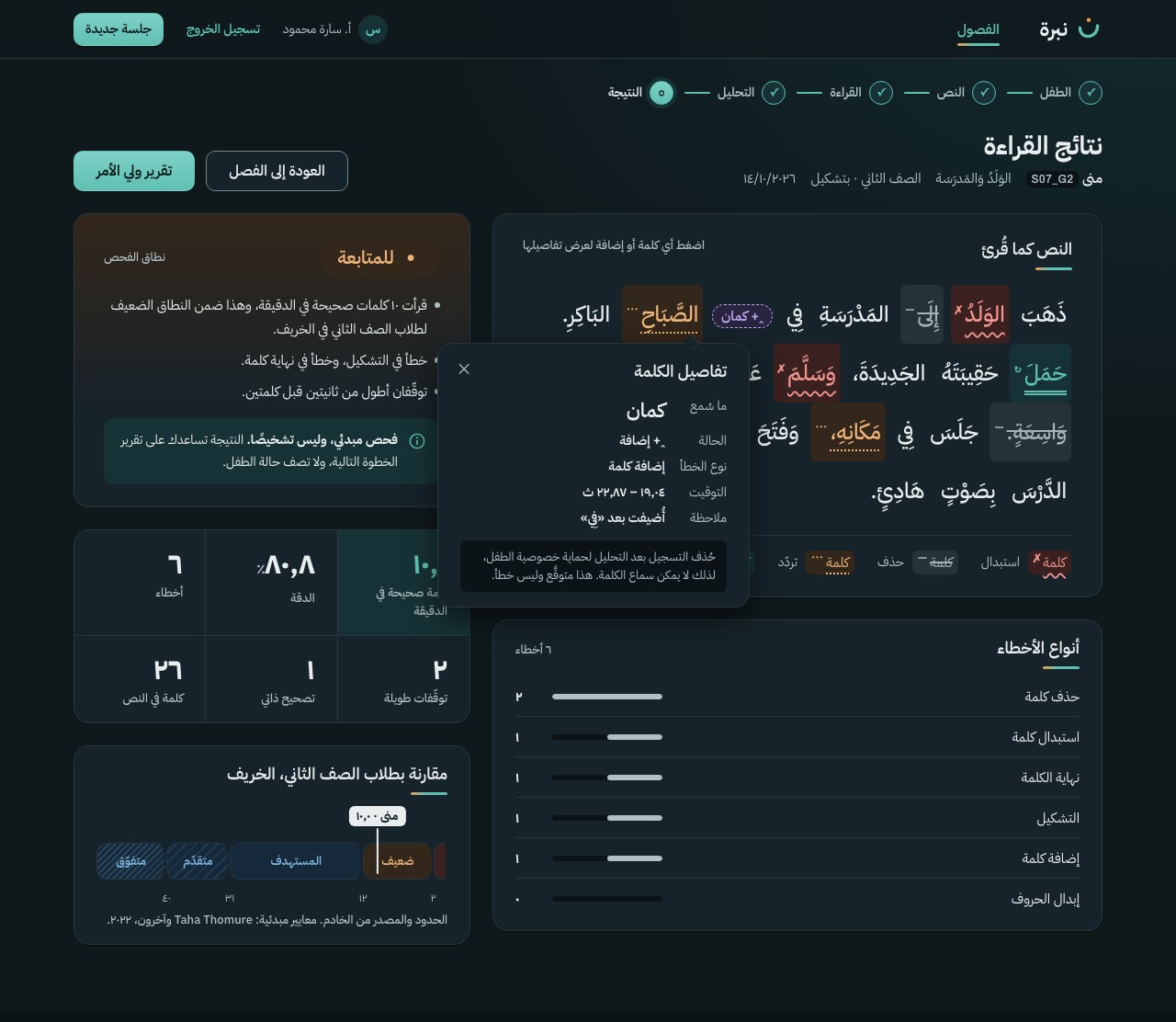
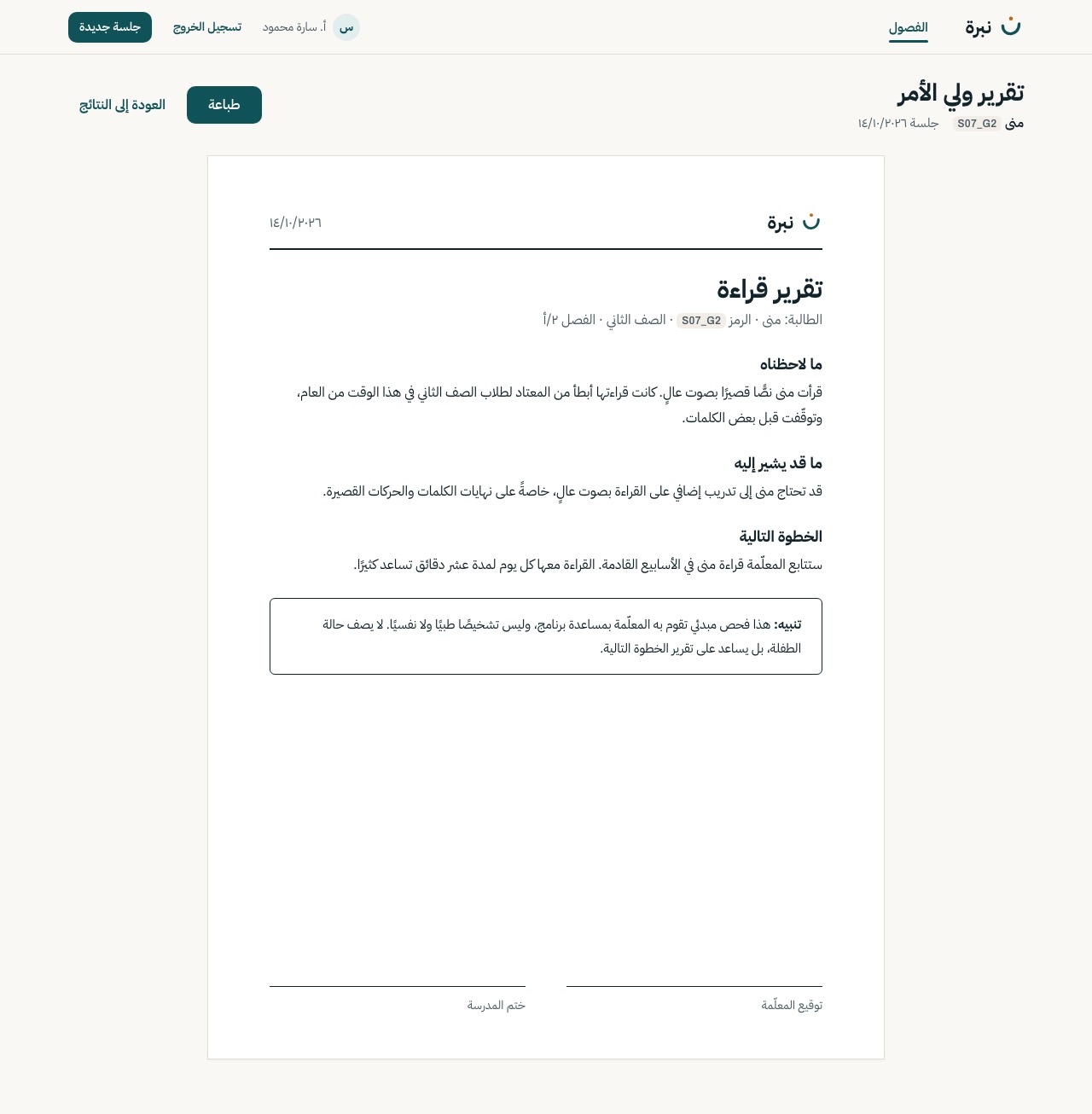
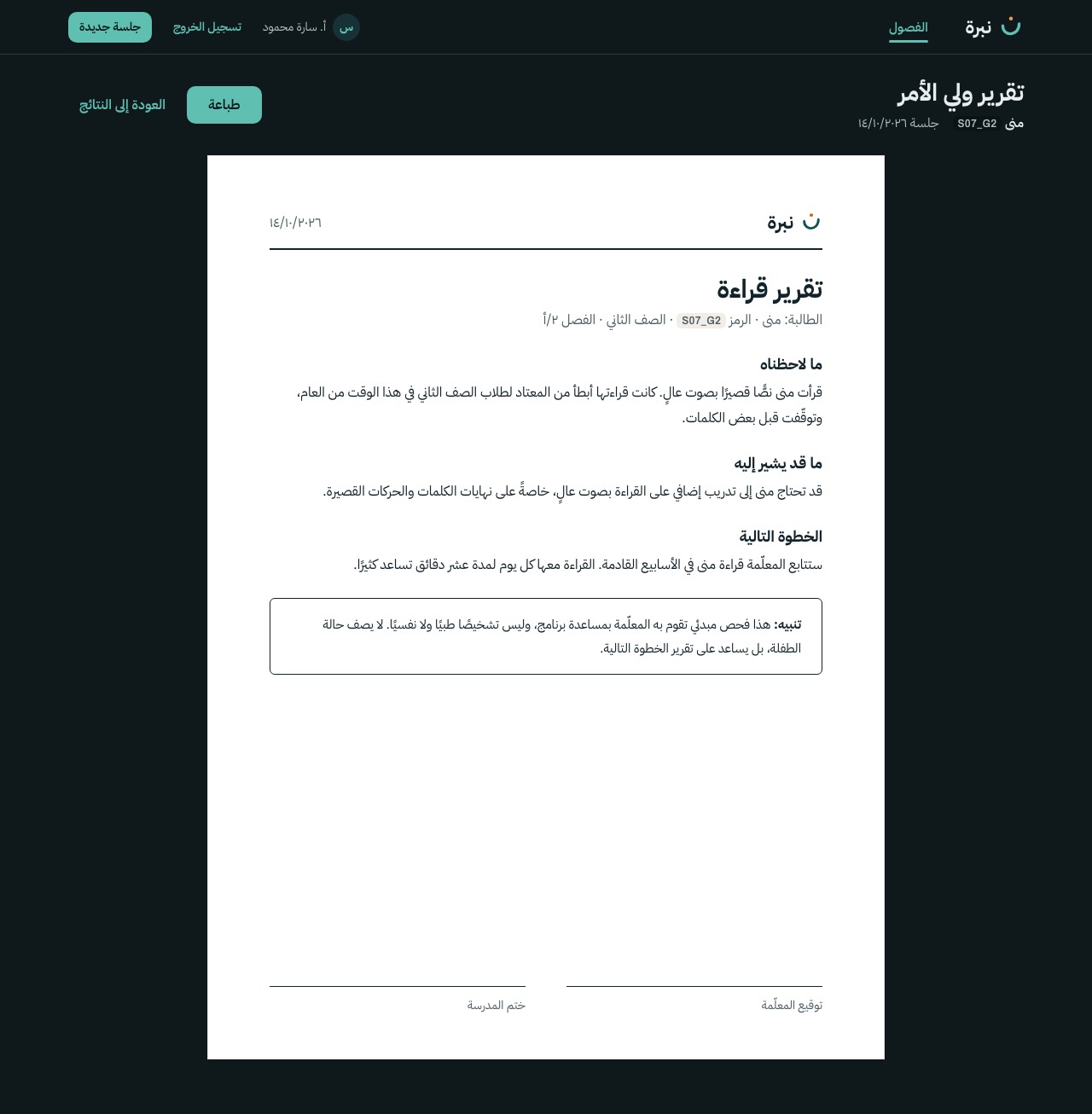
The marked passage, the band with its evidence, each word's detail, and a one-page report for the parent in plain Arabic. The report has no score, no band pill and no colour; it is always light and still, and it prints on one A4 page.
S-12
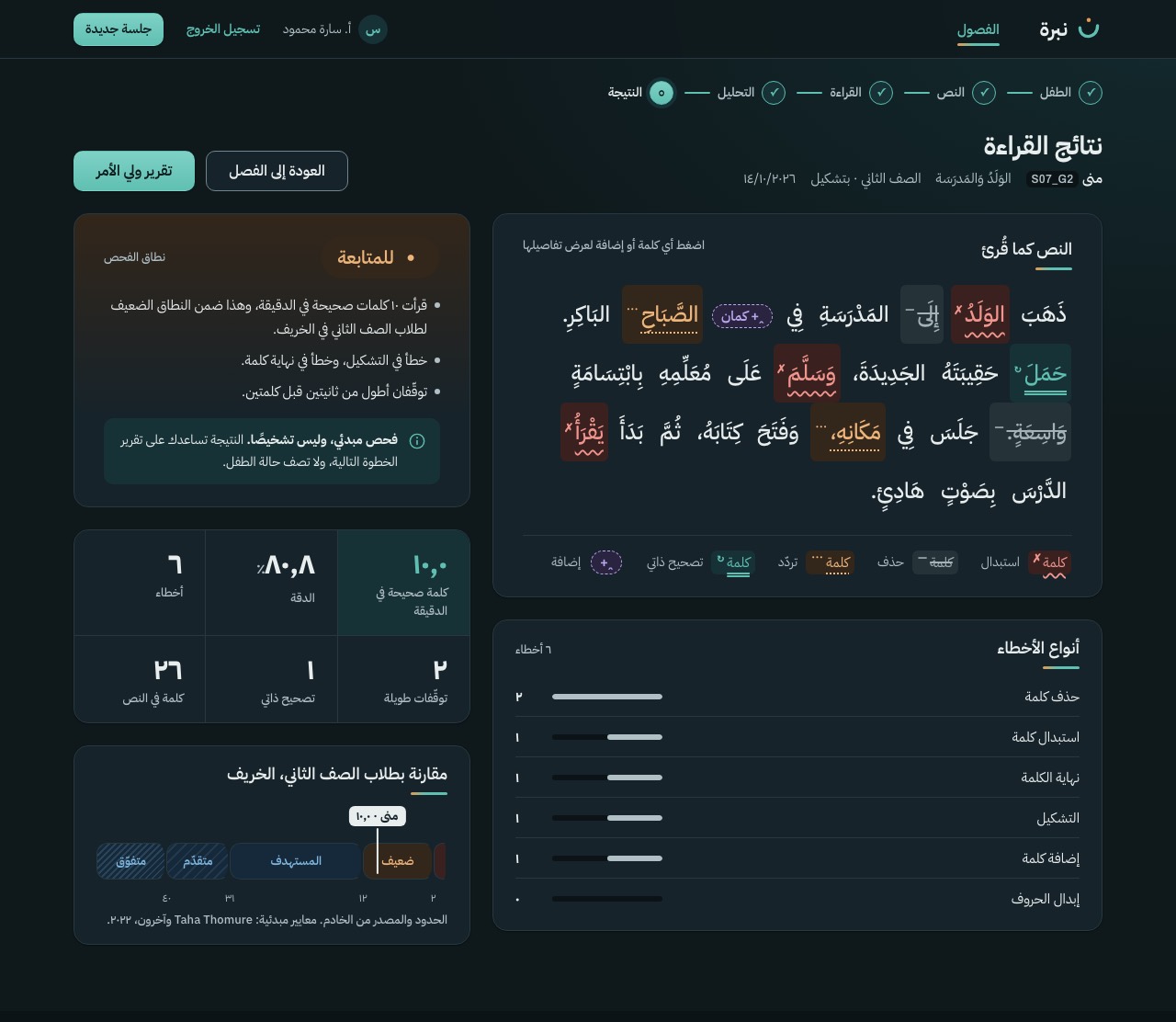
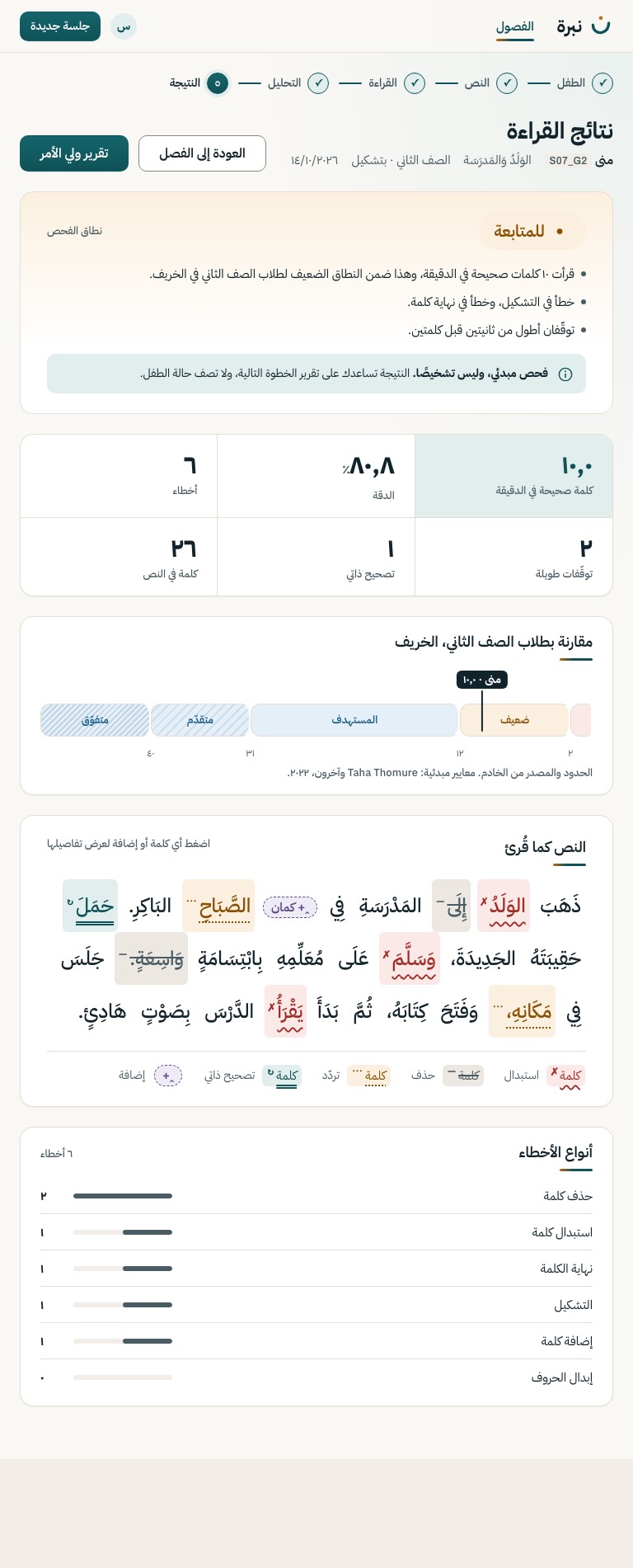
The marked passage takes the reading column; the band with its evidence and the screener notice, the numbers and the norm chart sit beside it (stacked above it under 1100 px). Every word and insertion opens its detail (S-12a).
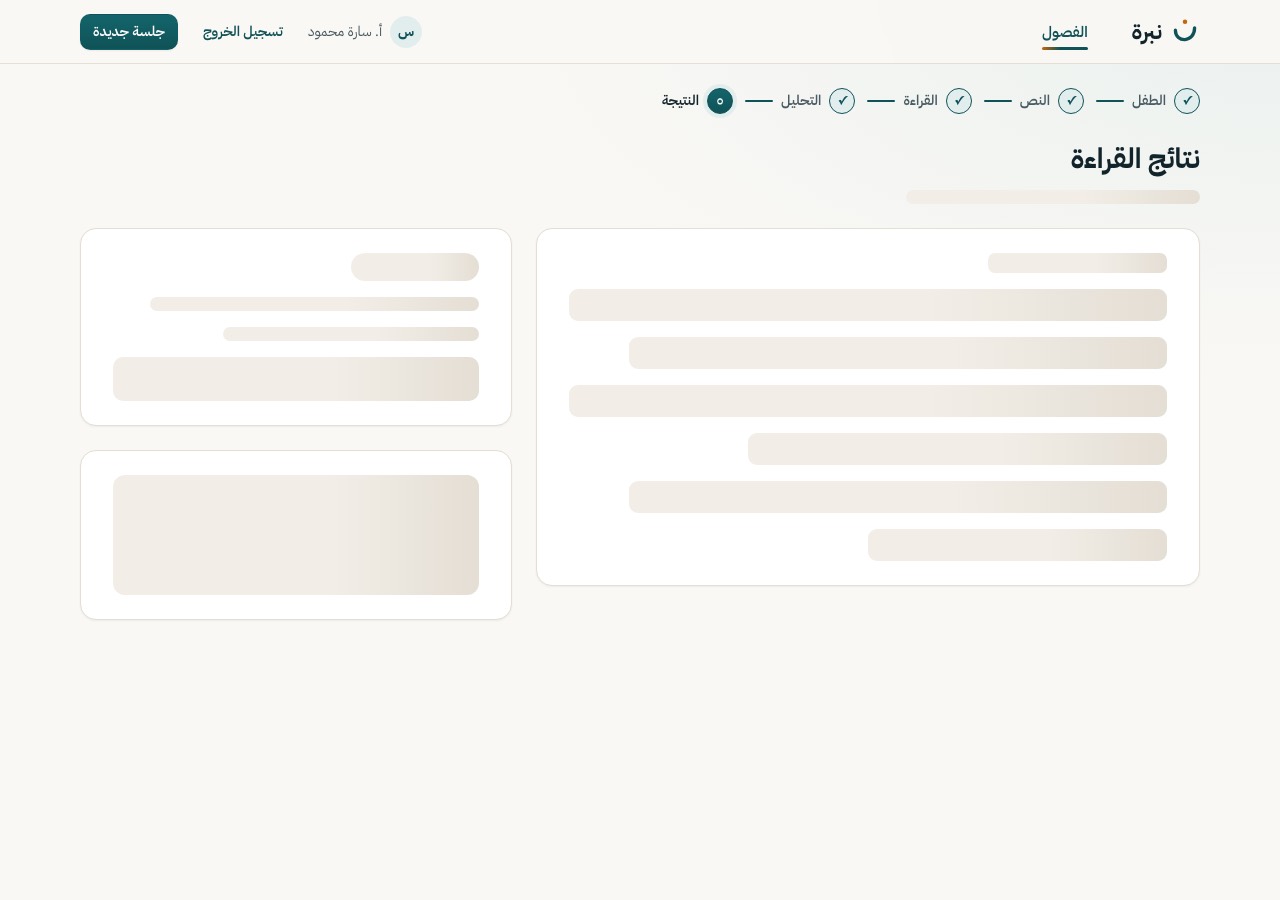
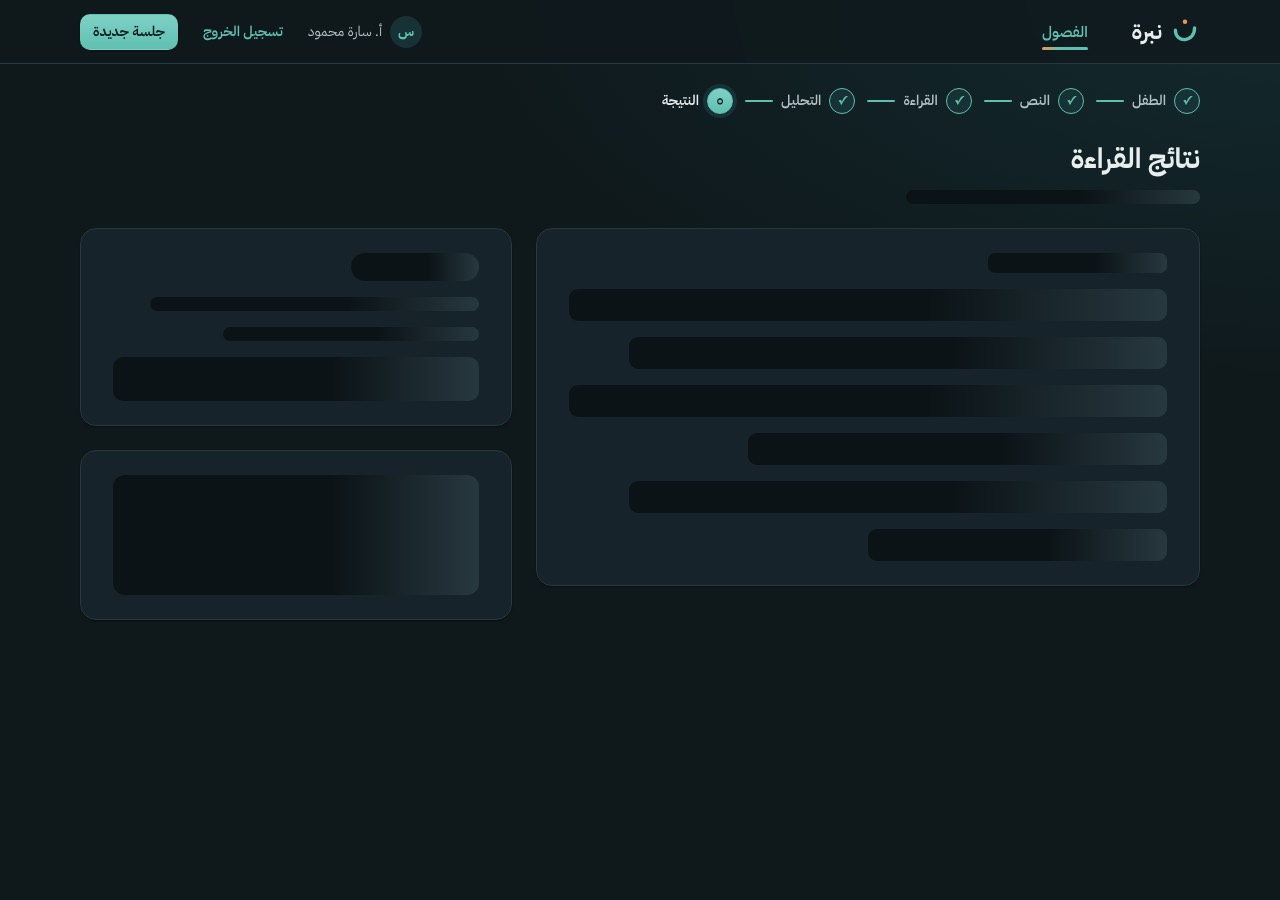
Motion Only the marks ink in, word by word along the reading order (35 ms apart, 1.3 s in all), like a teacher's pen. The band, the evidence, the notice and every number are there from the first frame.
POST /analyze response
S-12a
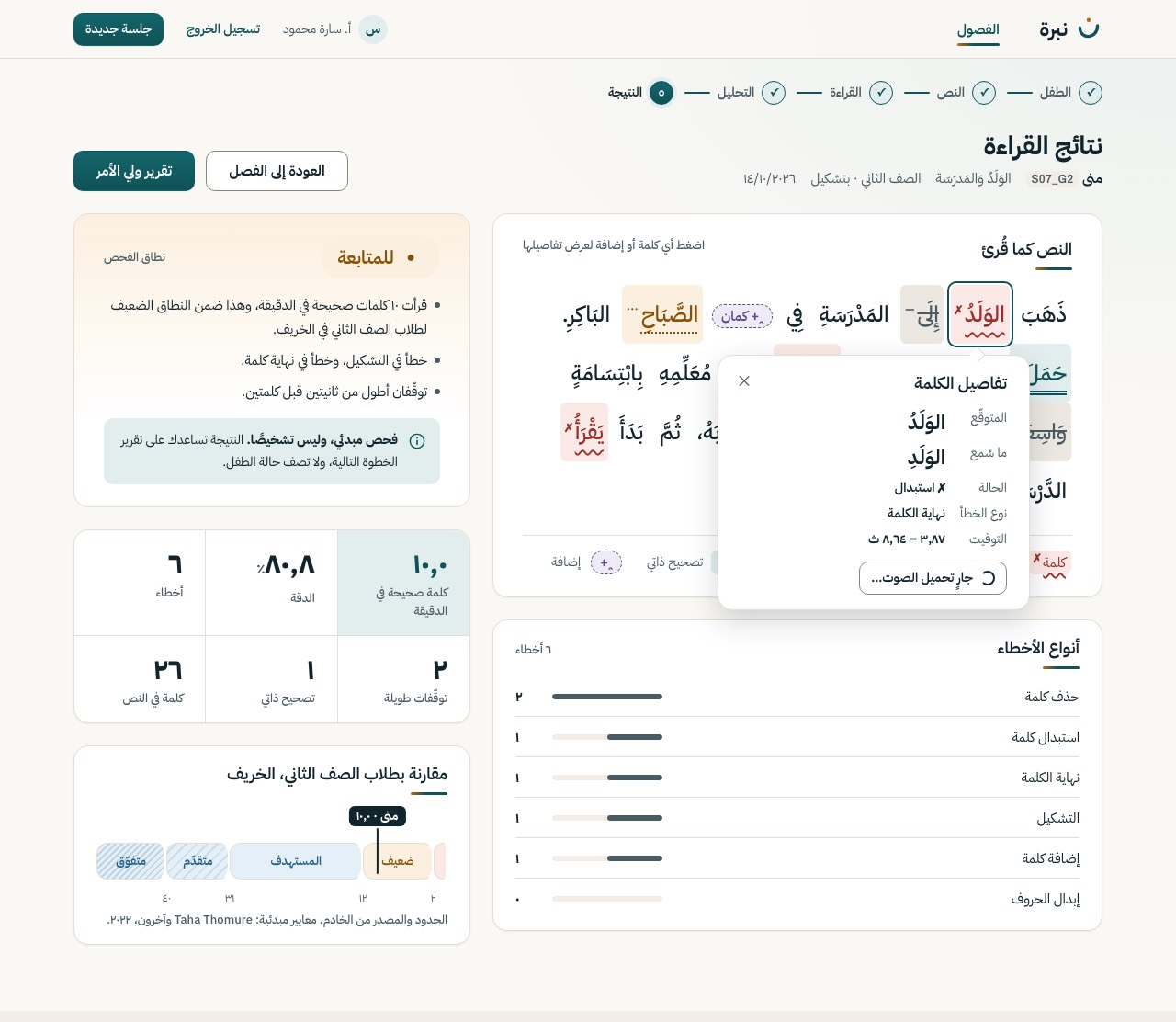
Expected, heard, state, error type, timing, and playback, anchored to the word and kept inside the screen. Correct words and insertions open the same popover with the rows that apply. Escape closes it and returns focus to the word.
Motion The popover rises 12 px in 240 ms; the chosen word keeps the focus ring while it is open.
GET /analyze/{id}/audio/{i}
S-14
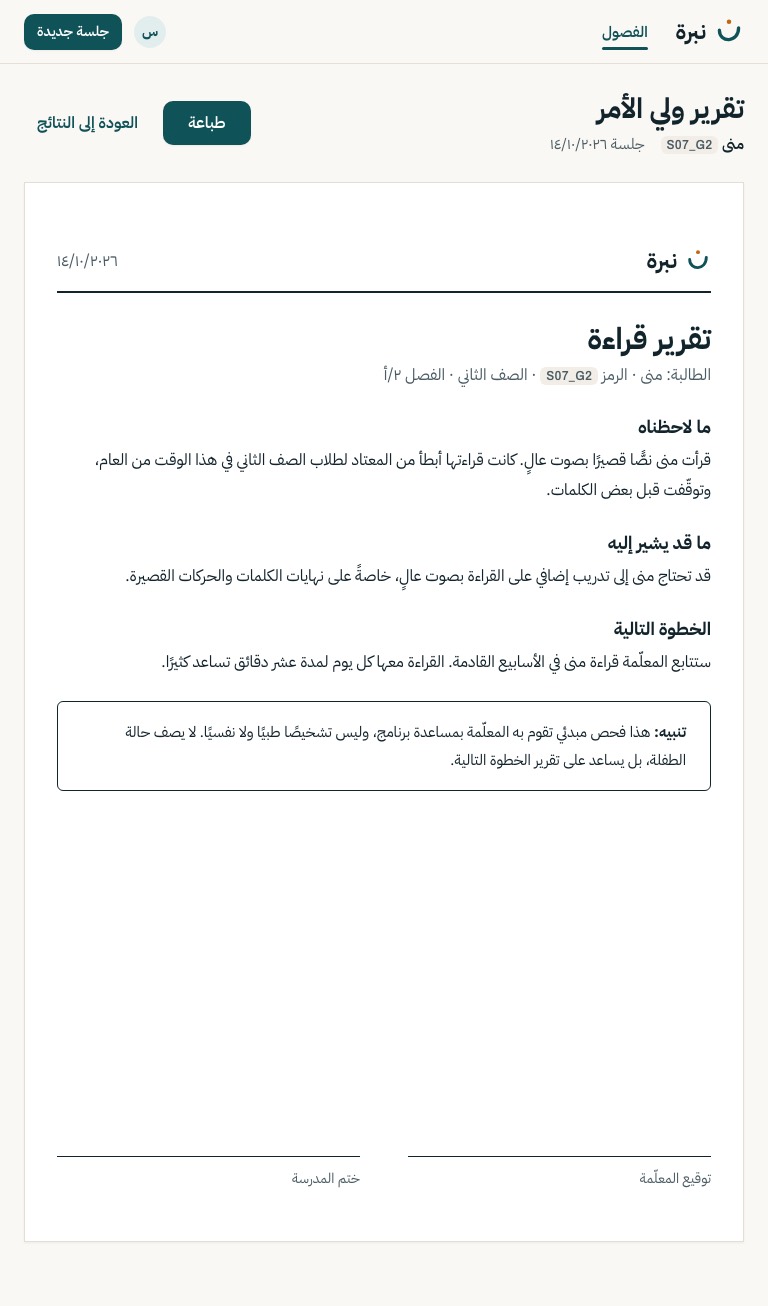
One printed page for the parent in plain Arabic: what was observed, what it may indicate, the next step, the disclaimer. No score, no band pill, no colour; the sheet is always light, flat and still (D-15). Printing gives the sheet alone on one A4 page, from a light or a dark screen; the app bar and the toolbar never print.
Motion None, by rule.
Still by rule. Nothing moves, glows or reveals here (D-15).
GET /report/{session_id}
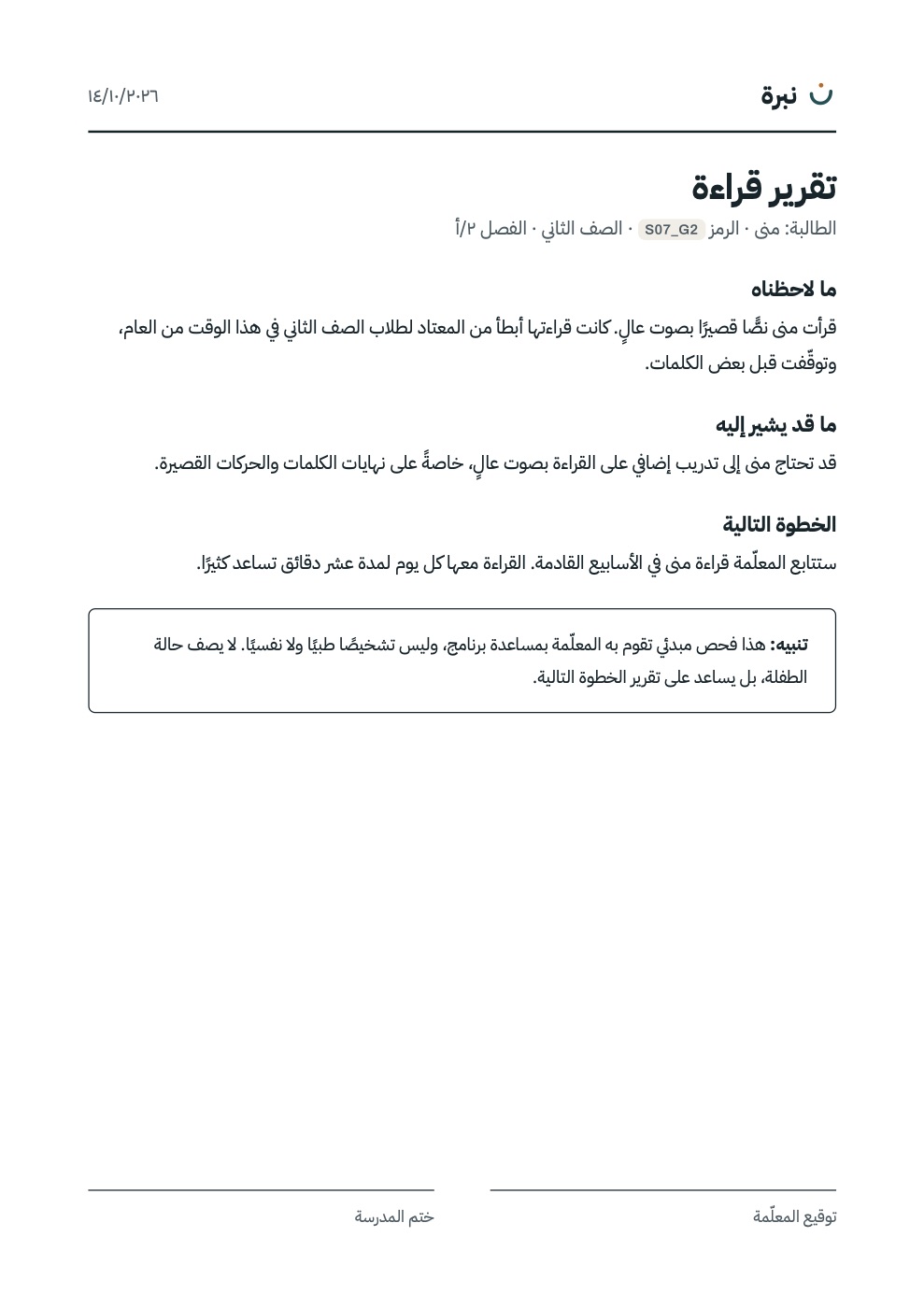
Chrome prints the parent report alone, on one A4 page, with the signatures at the foot. It prints the same from a light or a dark screen.
PDF printed from the light theme PDF printed from the dark theme
Every screen above lists its states: 45 designs for loading, empty, error, confirm and progress, on top of the base screens. Motion follows one decision, D-15: gradients and expressive motion on teacher screens only.
One dusk band, a soft glow on the key control and the selected item, short reveals, and an amber cursor dot for a mouse. At most one orchestrated moment per screen.
The reading stage (S-10) and the parent report (S-14). No gradient behind the text, no reveal, no glow, no custom cursor. On S-10 only the teacher's recording dot breathes.
Results never animate: the band, the evidence, the numbers and the notice are there from the first frame. Reduced motion switches every animation and the cursor off. The focus ring is never replaced by a glow.
Sign in. The bowl draws in 900 ms, then the dot drops in.
Hover to see the glow; press to see the 1 px press. Only the primary action and the selected item glow.
ذَهَبَ الوَلَدُ✗ إِلَى— المَدْرَسَةِ فِي + كمان (inserted) الصَّبَاحِ⋯ البَاكِرِ.
Results. Each mark fades in along the reading order, 35 ms apart, like a teacher's pen. Each has a glyph as well as a colour.
Processing. A progress state, so it may loop. The centre dot is the ن's amber.
With reduced motion on, or Motion off at the top, all four stay still and show their end state.
Open the live states and motion board
| Motion | Trigger | Timing | With reduced motion | Screens |
|---|---|---|---|---|
| M1 Mark draws | Page load | Bowl 900 ms from 200 ms · dot duration-slow from 950 ms · ease-enter | Mark shown complete | S-01 |
| M2 Rise | Page load | duration-slow · ease-enter | Shown at once | S-01, S-02, S-04, S-07, S-08, S-12, S-13 |
| M3 Rise on scroll | A block enters the viewport | duration-slow · ease-enter | Shown at once | — |
| M4 Band bar grows | Page load | 700 ms · ease-enter | Bar shown full | S-04 |
| M5 Marks ink in | Results arrive | duration-slow (marks) · duration-base (tags) · ease-enter | Marks shown at once | S-12 |
| M6 Key-control glow | Hover on the primary action or the selected item | duration-base · ease-standard | Glow still shows, no transition | Teacher screens |
| M7 Pressed | Pointer down on a button | duration-instant · ease-standard | No transform | Teacher screens |
| M8 Row hover | Hover on a list row | duration-fast (ground) · duration-base (action) | No transition; the action is always visible | S-04, S-07 |
| M9 Card lift | Hover on a class card or a passage card | duration-base · ease-standard | No transform | S-02, S-08 |
| M10 Word hover | Hover on a word | duration-fast / duration-base | No transition | S-12 |
| M11 Word detail opens | Click or Enter on any word or insertion | duration-base · ease-enter | Appears at once | S-12 → S-12a |
| M12 Fold opens | Click on «عرض … آخرين» | duration-base · ease-standard (chevron) | Chevron turns at once | S-04 |
| M13 Dialog opens | A dialog opens | duration-base · ease-enter | Appears at once | S-03, S-05, S-06, S-09b, S-10, S-11, S-15 |
| M14 Skeleton shimmer | Loading after 300 ms | 1.6 s linear loop | Static skeleton | Loading states (static on S-14) |
| M15 Listening dots | Analysis in progress | 1.4 s loop · ease-standard | Still dots | S-11 |
| M16 Spinner | A busy button or the current step | 800 ms linear loop | Still ring | Busy buttons, S-11, S-12a |
| M17 The cursor | Pointer moves (mouse only) | Follows with a 70 ms linear transform; changes size in duration-base | Off | Teacher screens except S-10, S-14 |
| M18 Focus ring | Keyboard focus | — | Unchanged | Everywhere |
| M19 Recording dot | Recording | 1.6 s ease-in-out loop | Steady dot | S-10 only |
All 62 designs in one list. 27 of them also have a 768 px image: every base screen and every dialog.
| Screen | Name | State | Open |
|---|---|---|---|
| S-01 | Sign in | Base design | LightDark768 pxLive |
| S-01 | Sign in | Error · wrong email or password (401) | LightDark768 px (not drawn)Live |
| S-01 | Sign in | Expired session · sign in and return to the same screen | LightDark768 px (not drawn)Live |
| S-02 | Classes | Base design | LightDark768 pxLive |
| S-02 | Classes | Empty · no classes yet | LightDark768 px (not drawn)Live |
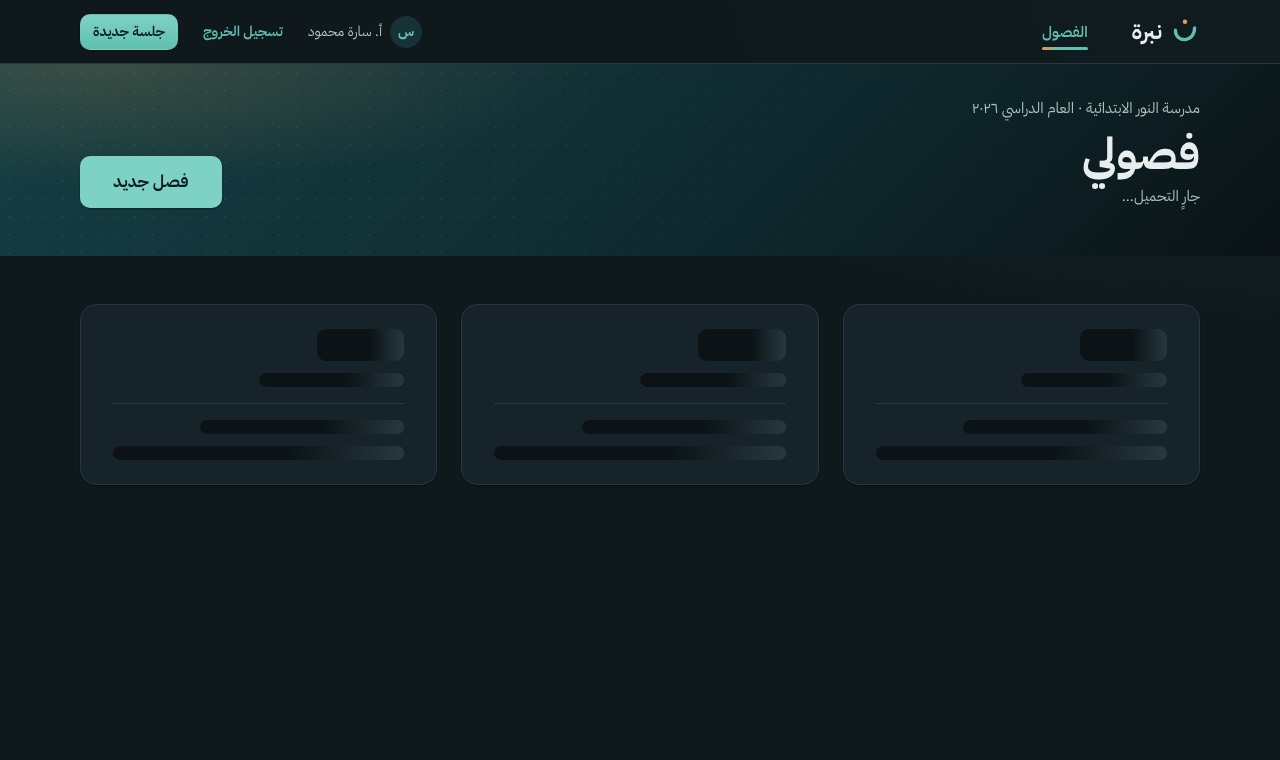
| S-02 | Classes | Loading · skeleton after 300 ms | LightDark768 px (not drawn)Live |
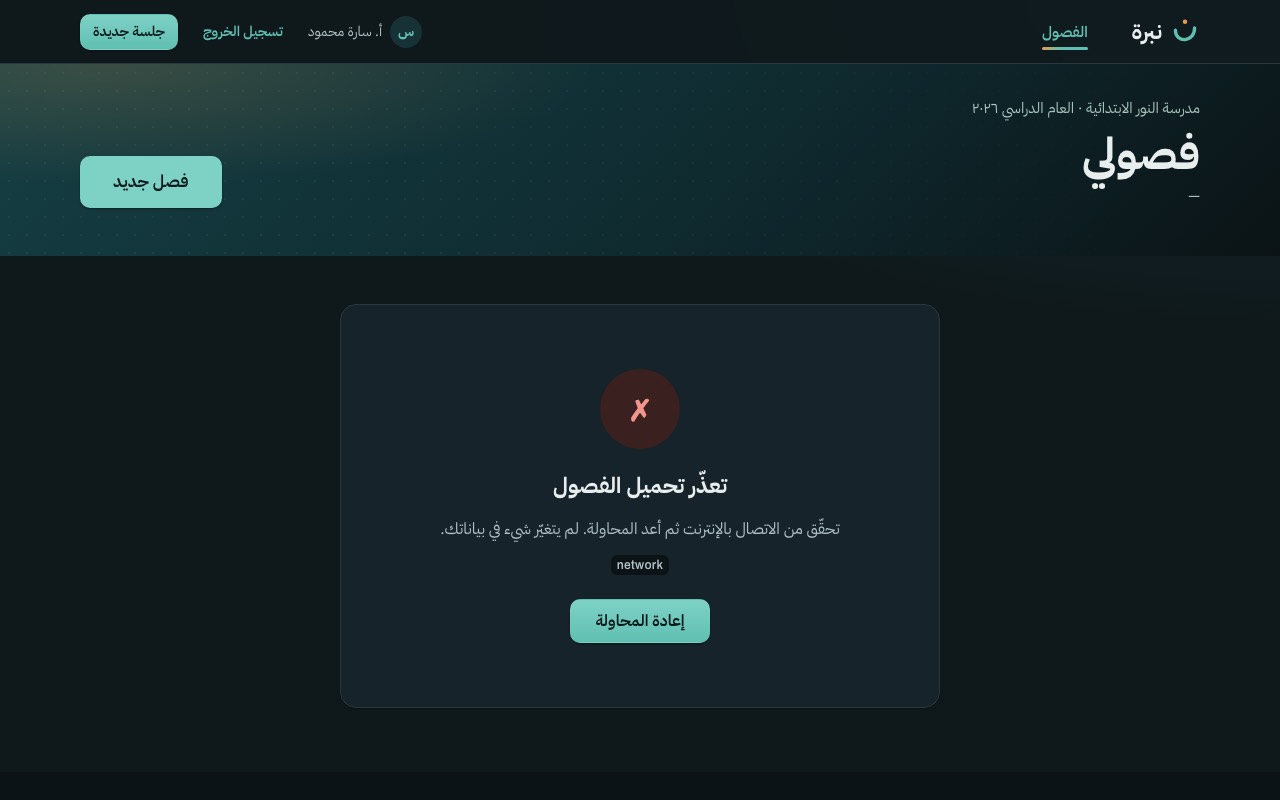
| S-02 | Classes | Error · retry repeats GET /class | LightDark768 px (not drawn)Live |
| S-03 | New class (dialog) | Base design | LightDark768 pxLive |
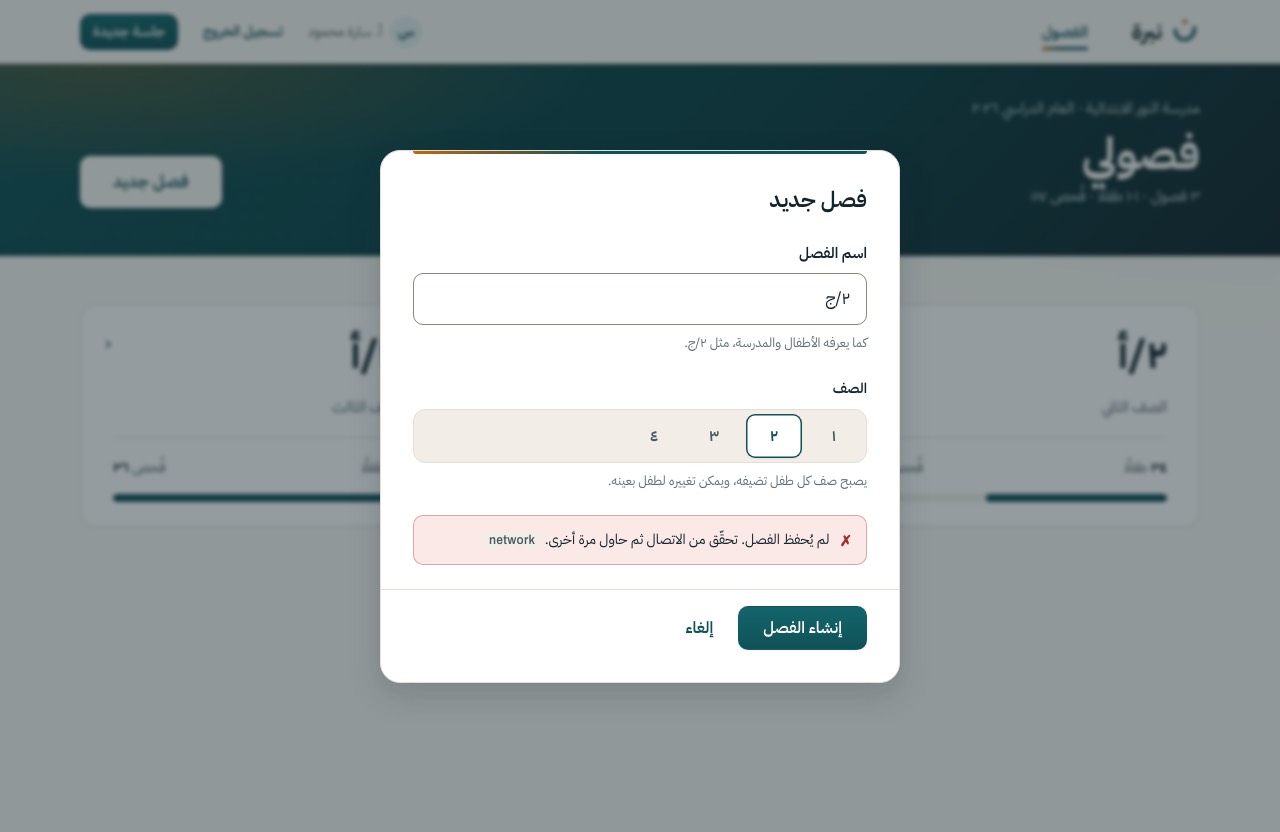
| S-03 | New class (dialog) | Error · values kept, submit again | LightDark768 pxLive |
| S-04 | Class dashboard | Base design · low and not-screened groups folded | LightDark768 pxLive |
| S-04 | Class dashboard | Groups open · low and not screened unfolded | LightDark768 px (not drawn)Live |
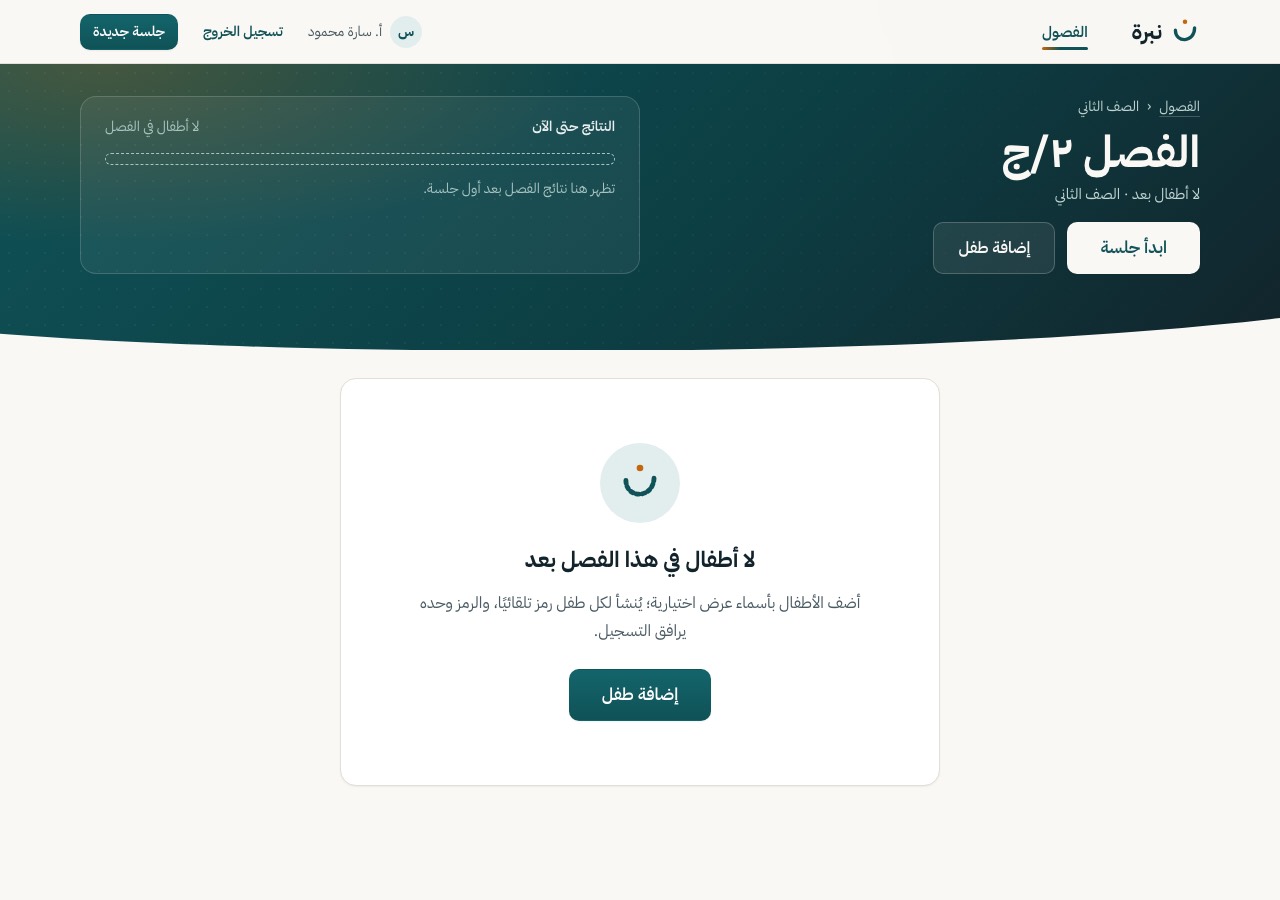
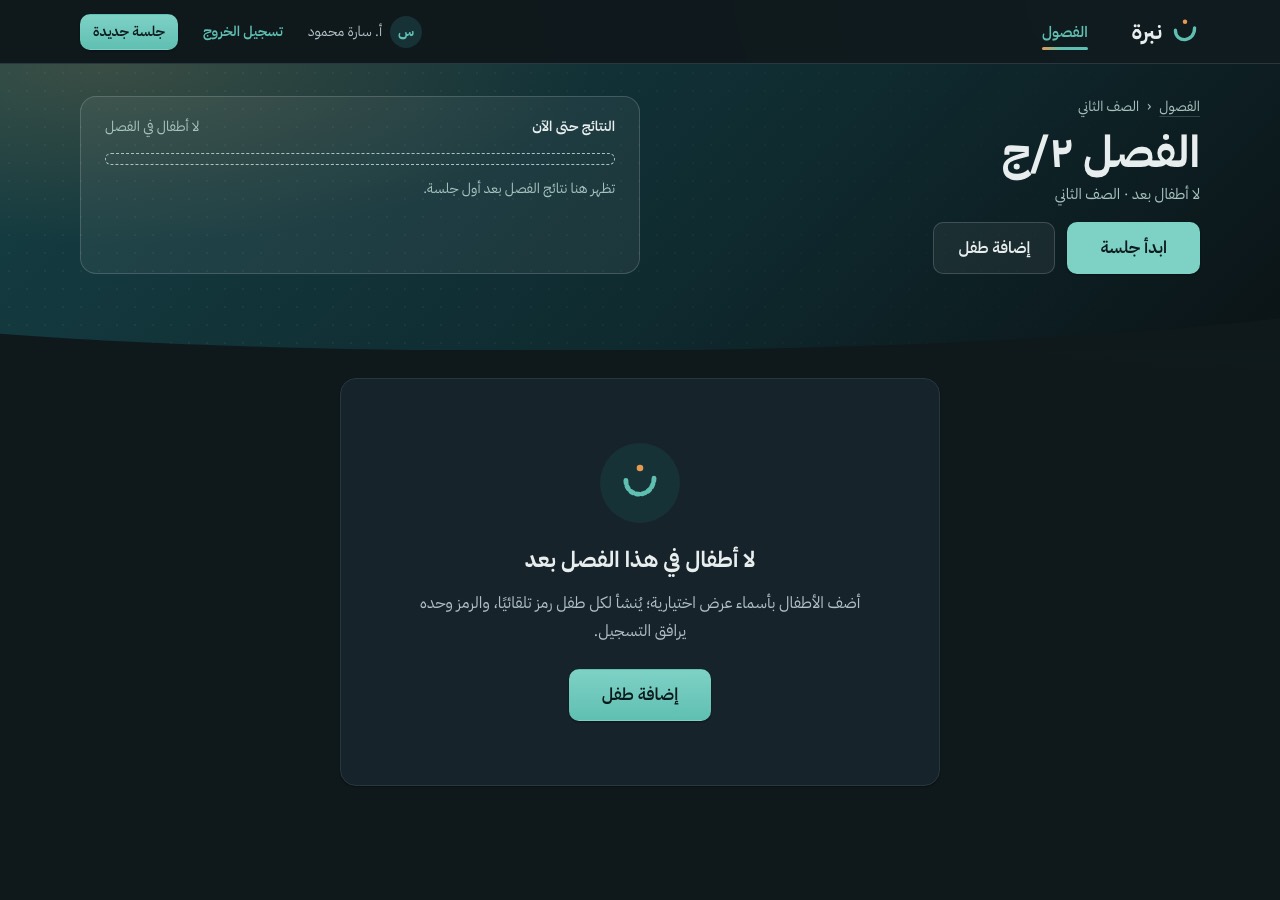
| S-04 | Class dashboard | Empty · no children yet | LightDark768 px (not drawn)Live |
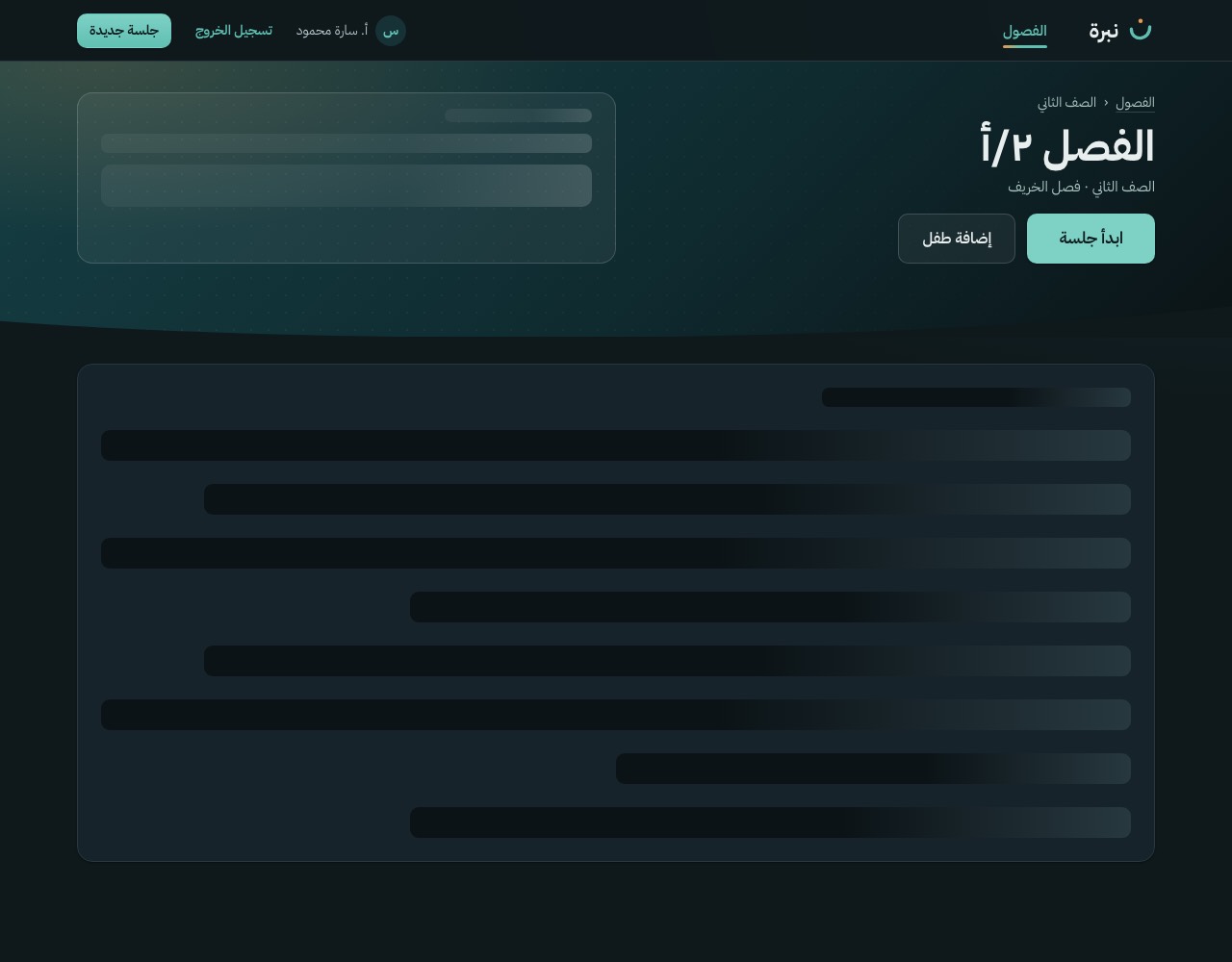
| S-04 | Class dashboard | Loading · skeleton rows after 300 ms | LightDark768 px (not drawn)Live |
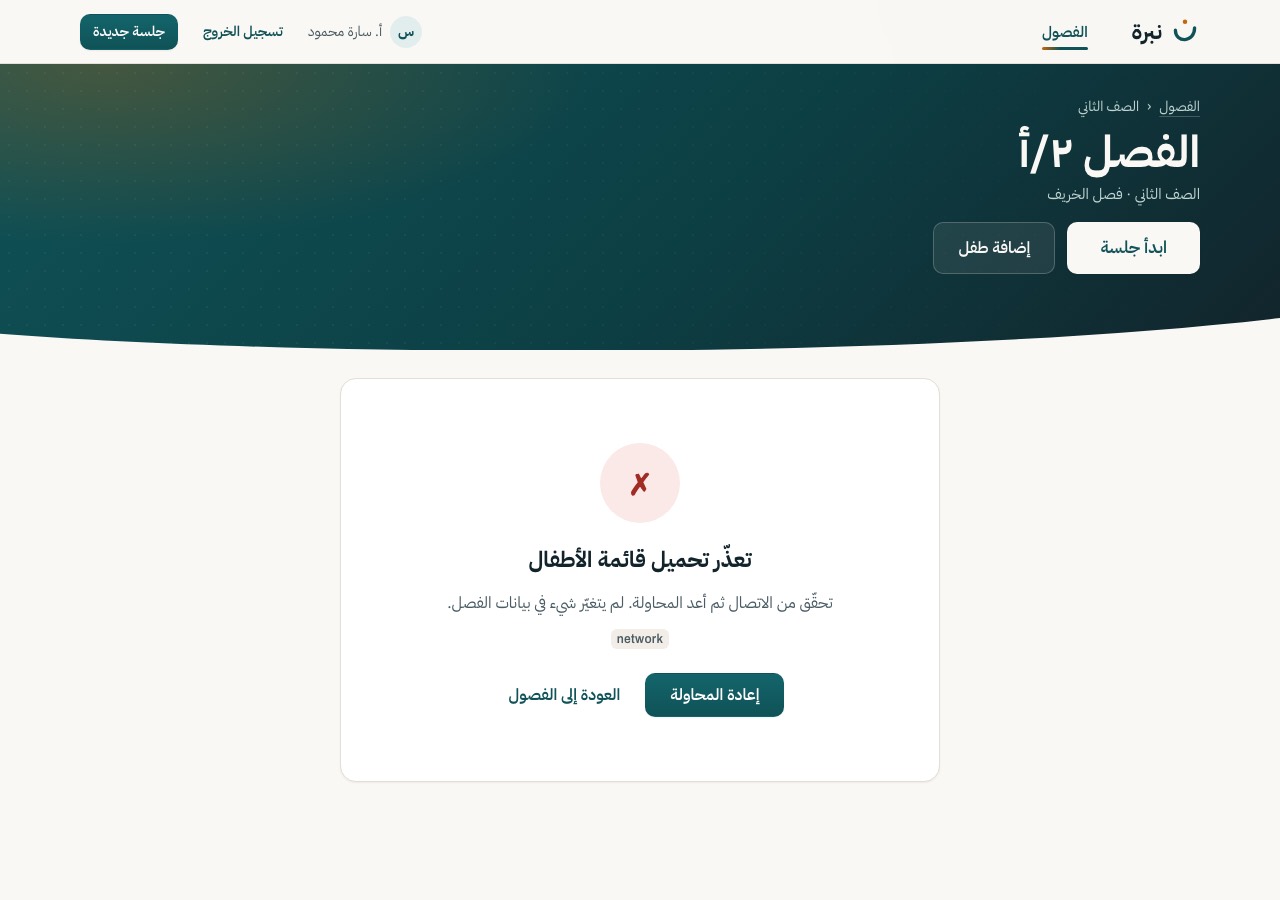
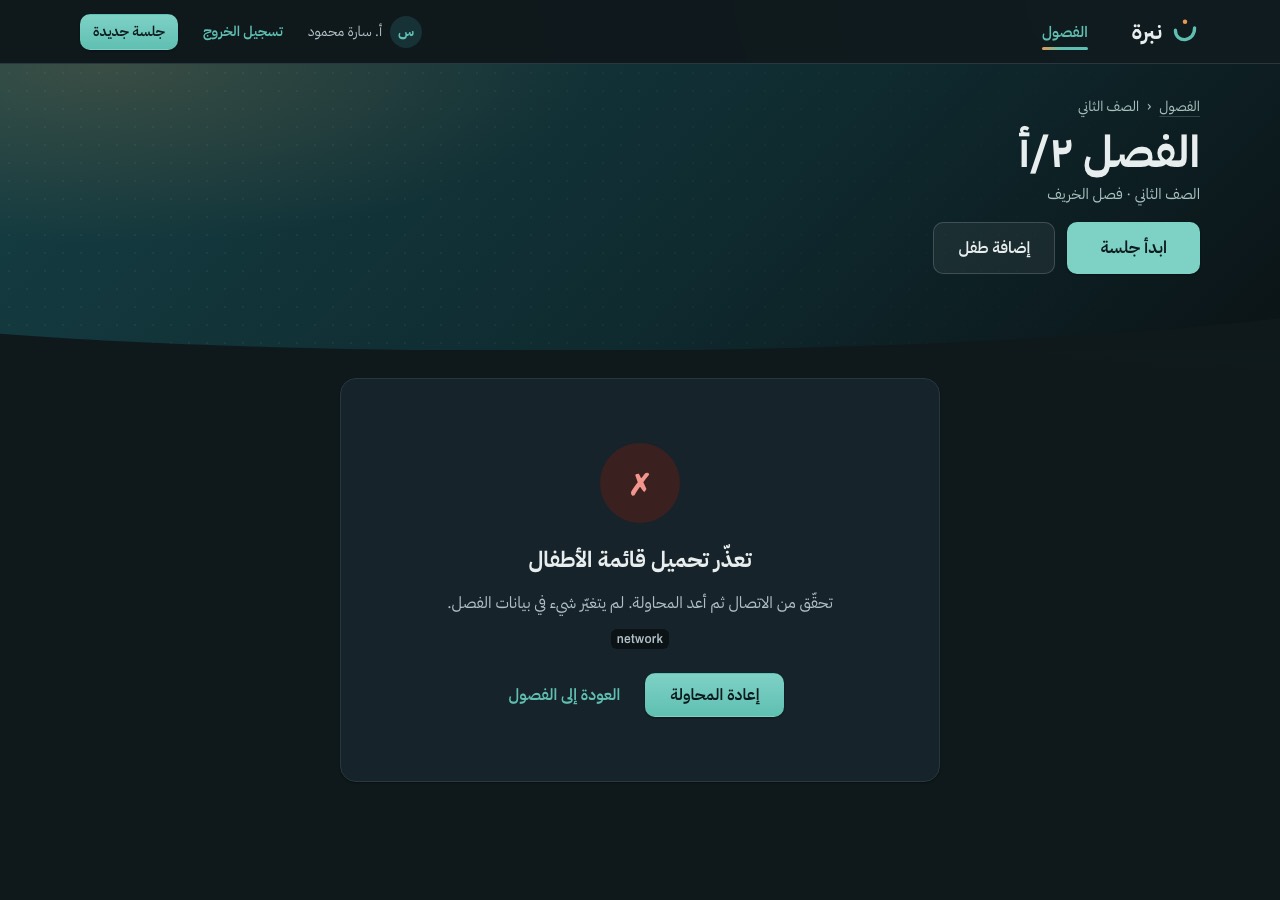
| S-04 | Class dashboard | Error · retry repeats the request | LightDark768 px (not drawn)Live |
| S-05 | Add child (dialog) | Base design | LightDark768 pxLive |
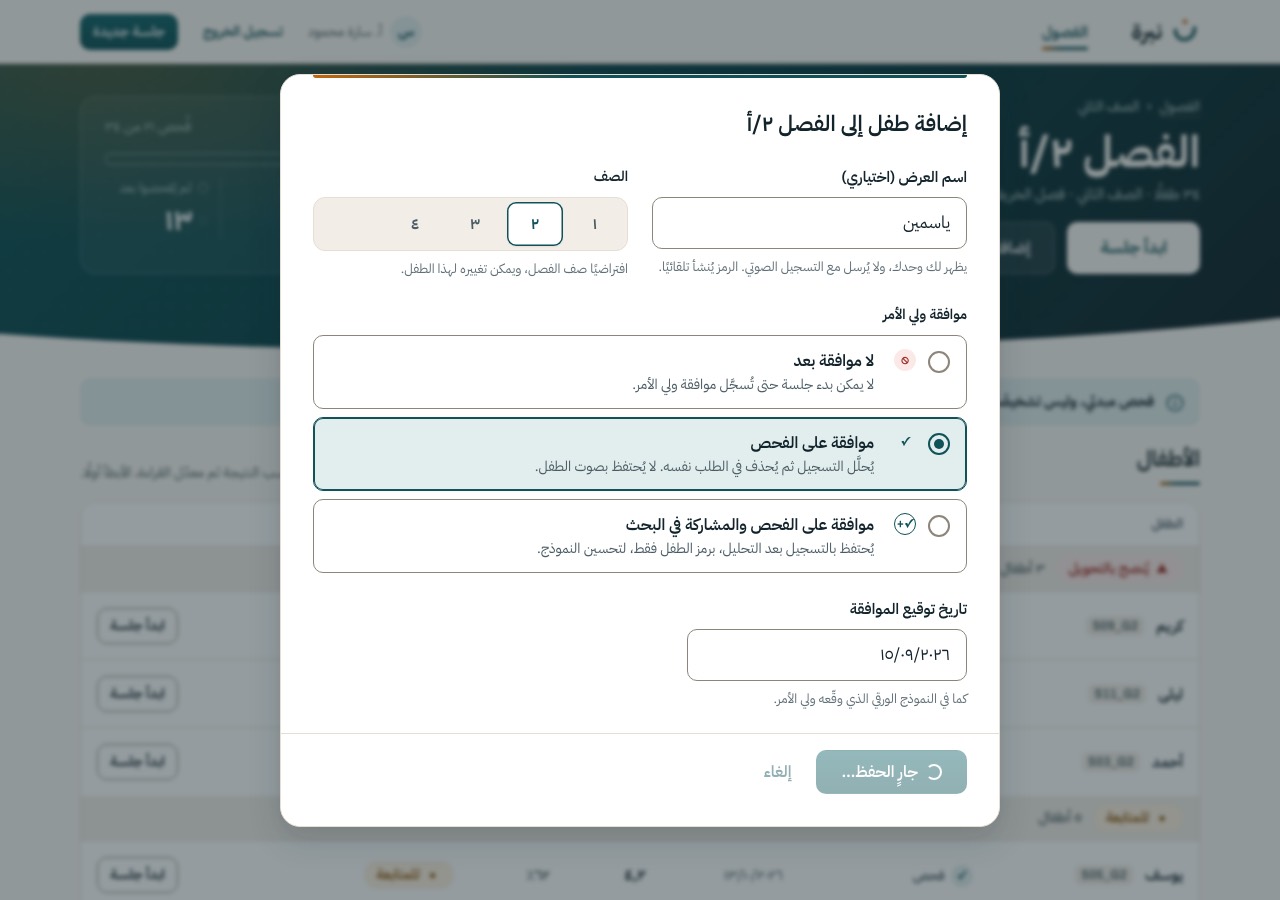
| S-05 | Add child (dialog) | Loading · busy button, cancel locked | LightDark768 pxLive |
| S-05 | Add child (dialog) | Error · message under the form, values kept | LightDark768 pxLive |
| S-06 | Update consent (dialog) | Base design | LightDark768 pxLive |
| S-06 | Update consent (dialog) | Loading · busy button, cancel locked, the old consent still shown | LightDark768 pxLive |
| S-06 | Update consent (dialog) | Error · values kept, the old consent still holds | LightDark768 pxLive |
| S-13 | Child profile and history | Base design · two or more sessions | LightDark768 pxLive |
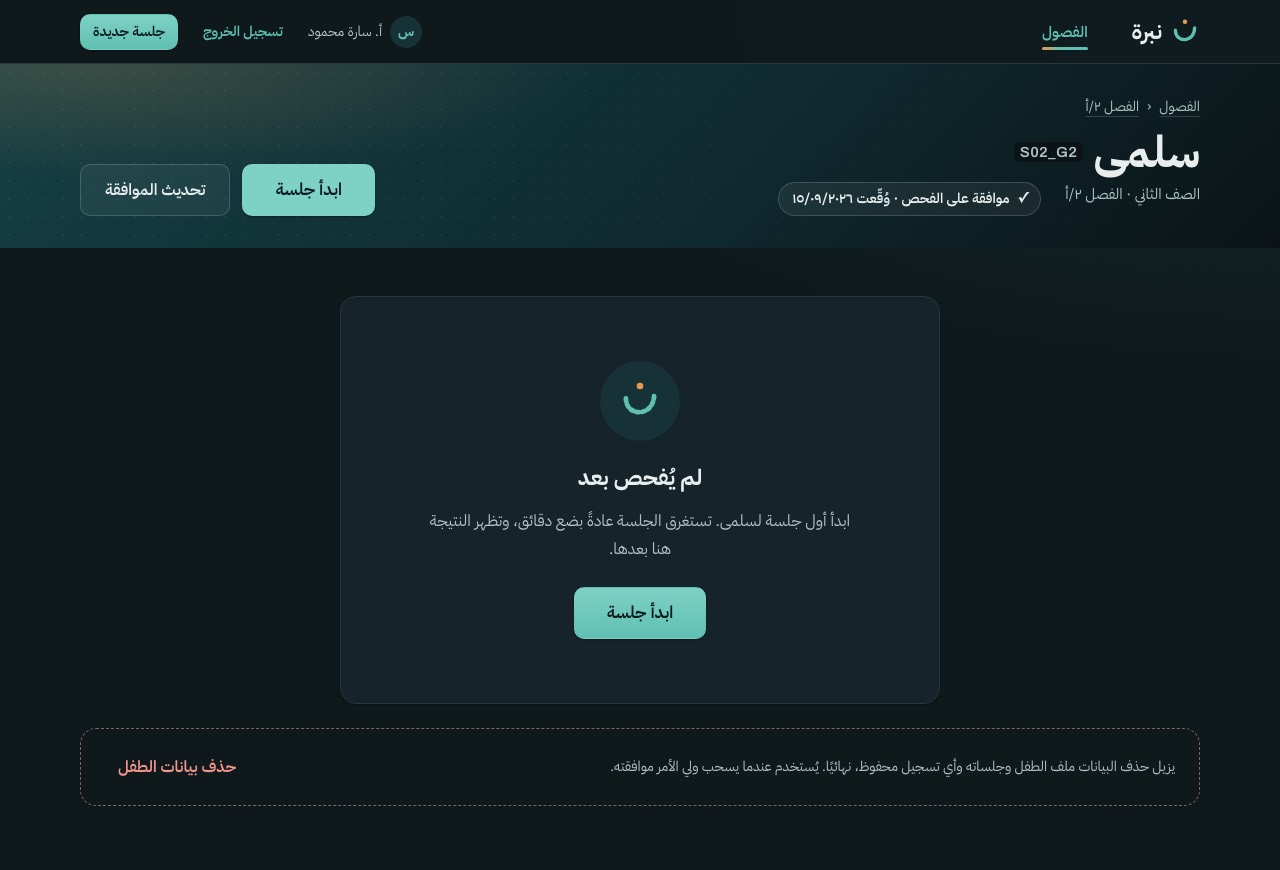
| S-13 | Child profile and history | Empty · not screened yet | LightDark768 px (not drawn)Live |
| S-13 | Child profile and history | One session · no trend yet, one sentence | LightDark768 px (not drawn)Live |
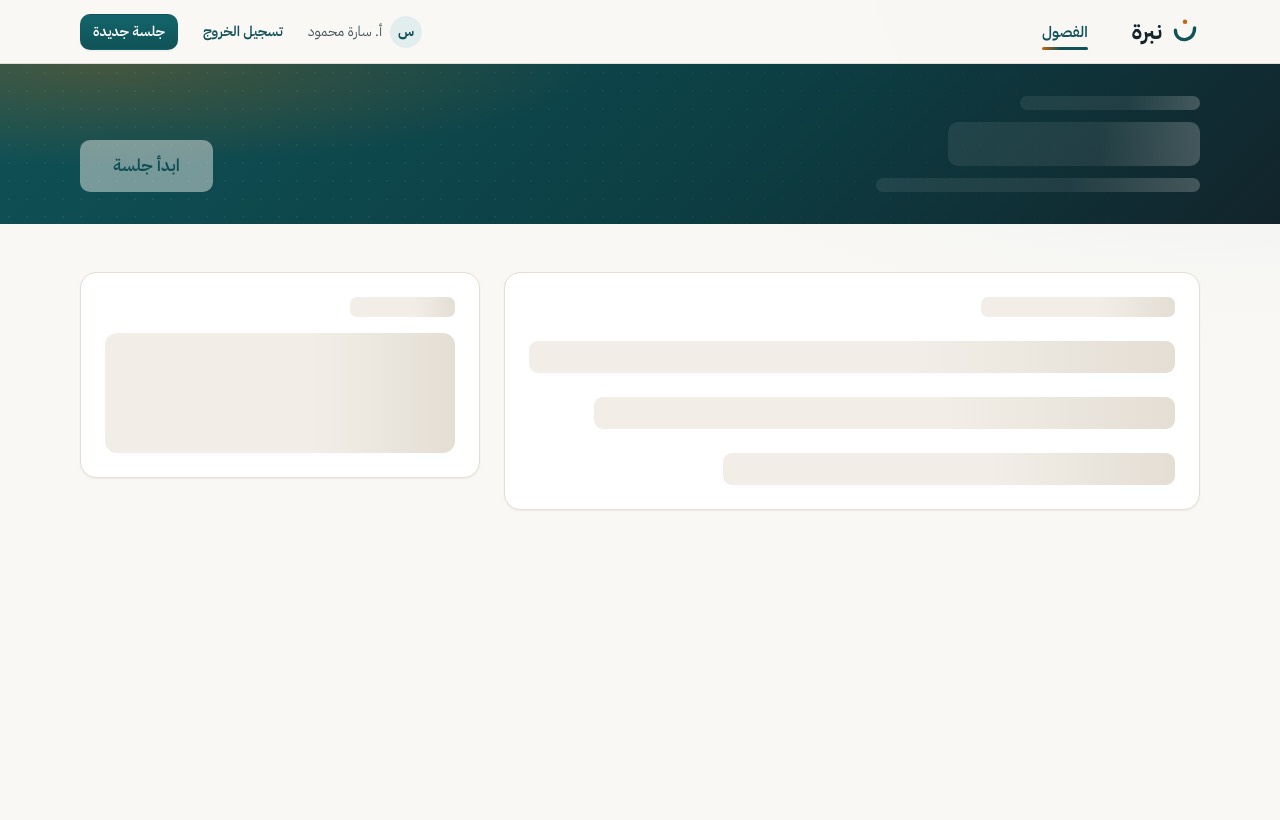
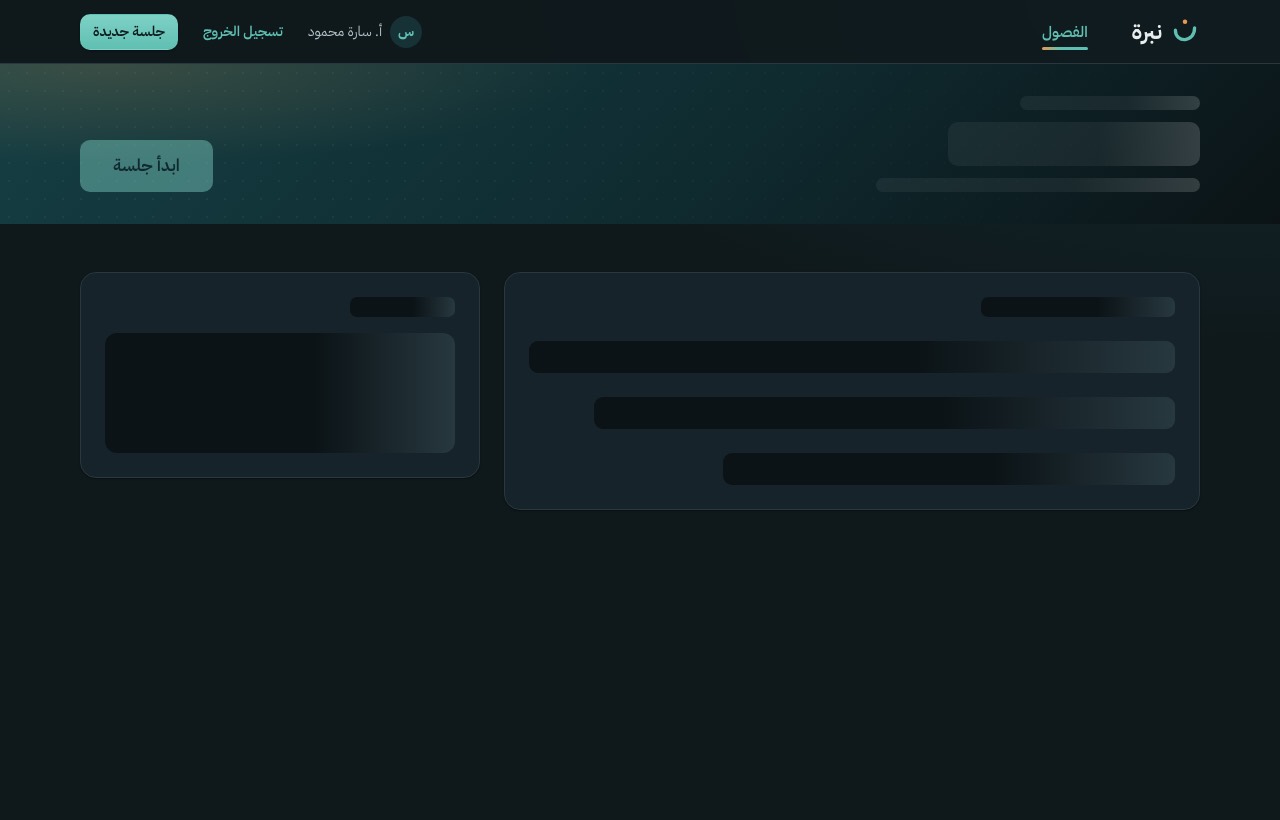
| S-13 | Child profile and history | Loading | LightDark768 px (not drawn)Live |
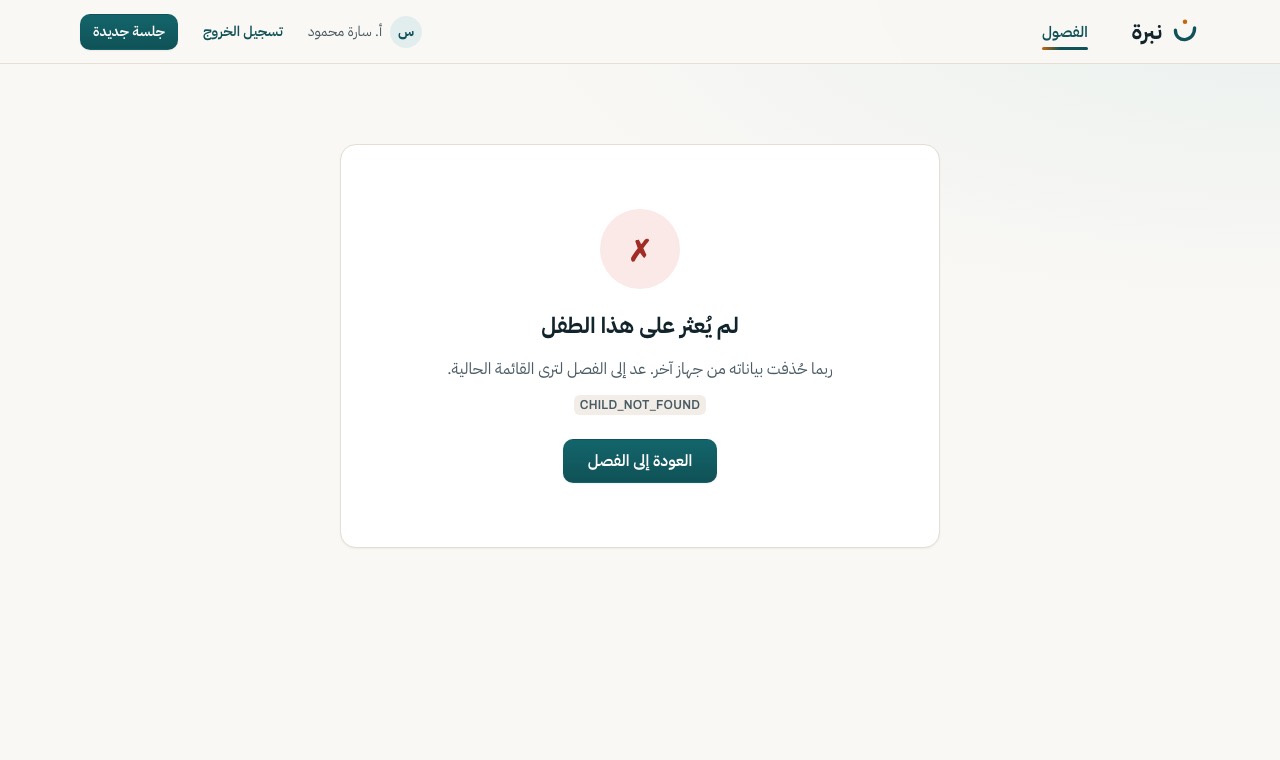
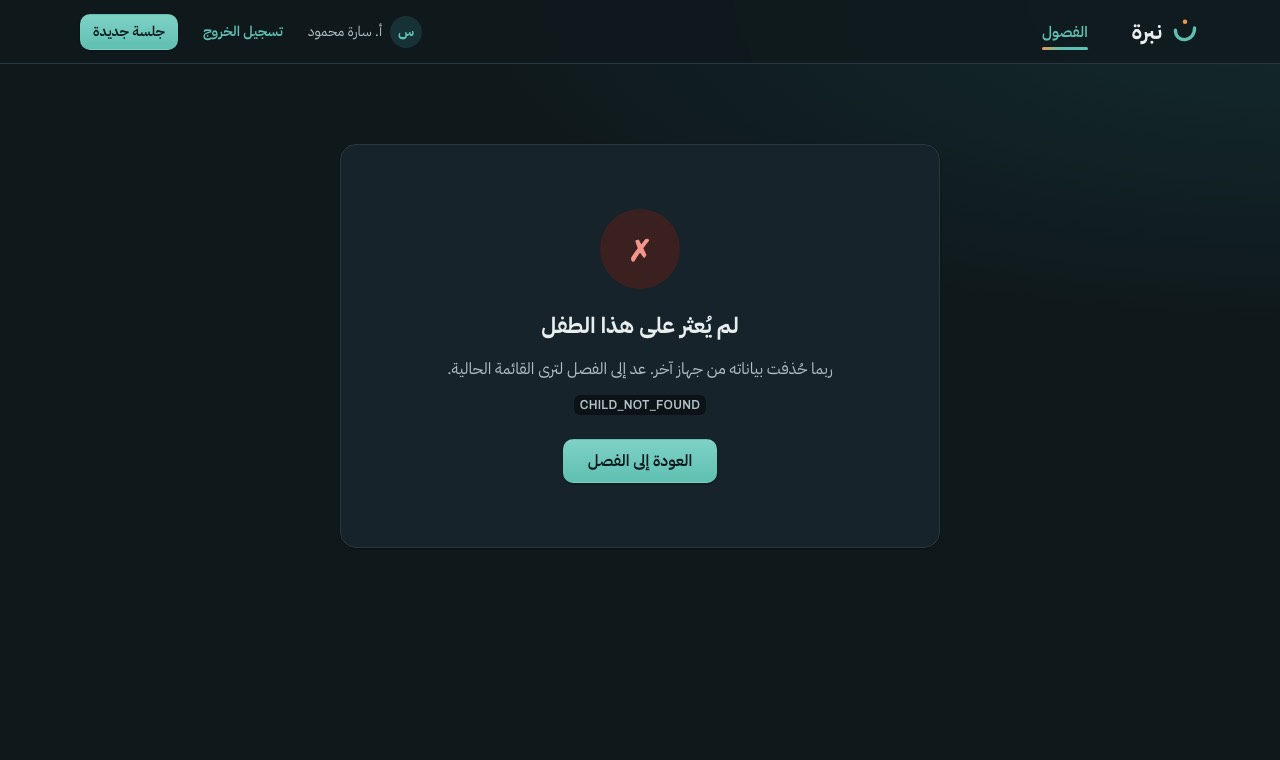
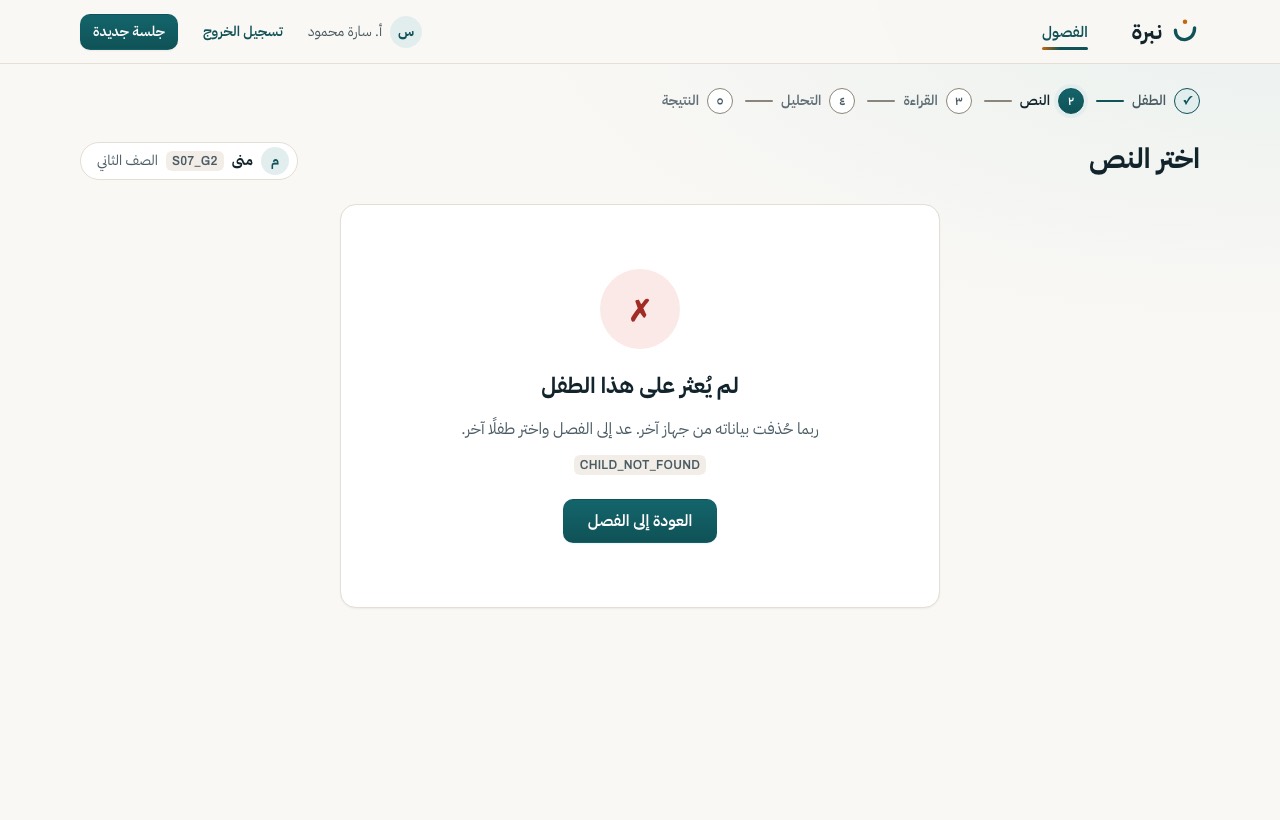
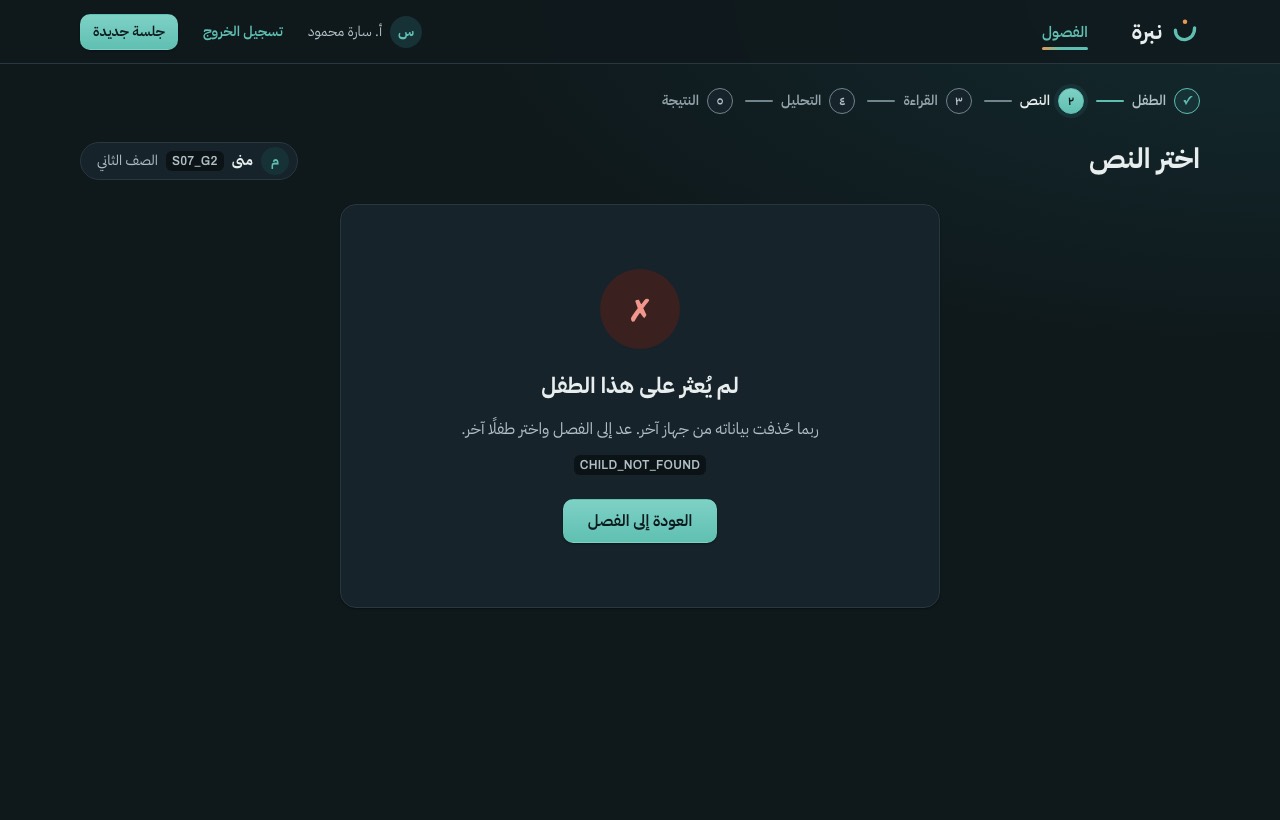
| S-13 | Child profile and history | Error · 404 CHILD_NOT_FOUND → back to the class | LightDark768 px (not drawn)Live |
| S-15 | Delete child data (dialog) | Base design · the delete button waits for the exact code | LightDark768 pxLive |
| S-15 | Delete child data (dialog) | Loading · code matched, deleting | LightDark768 pxLive |
| S-15 | Delete child data (dialog) | Error · nothing deleted, delete again | LightDark768 pxLive |
| S-07 | Pick a child | Base design | LightDark768 pxLive |
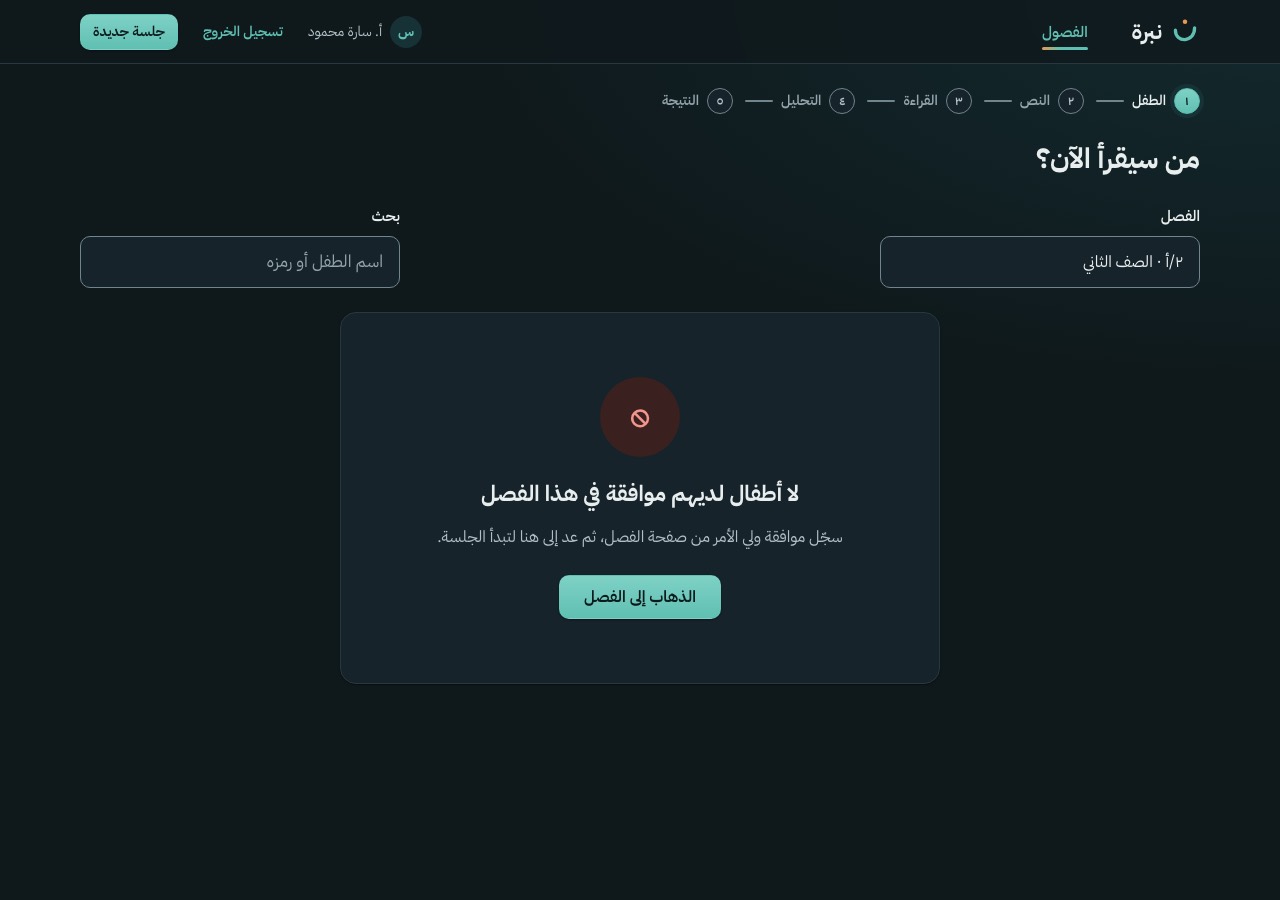
| S-07 | Pick a child | Empty · no child in this class has consent | LightDark768 px (not drawn)Live |
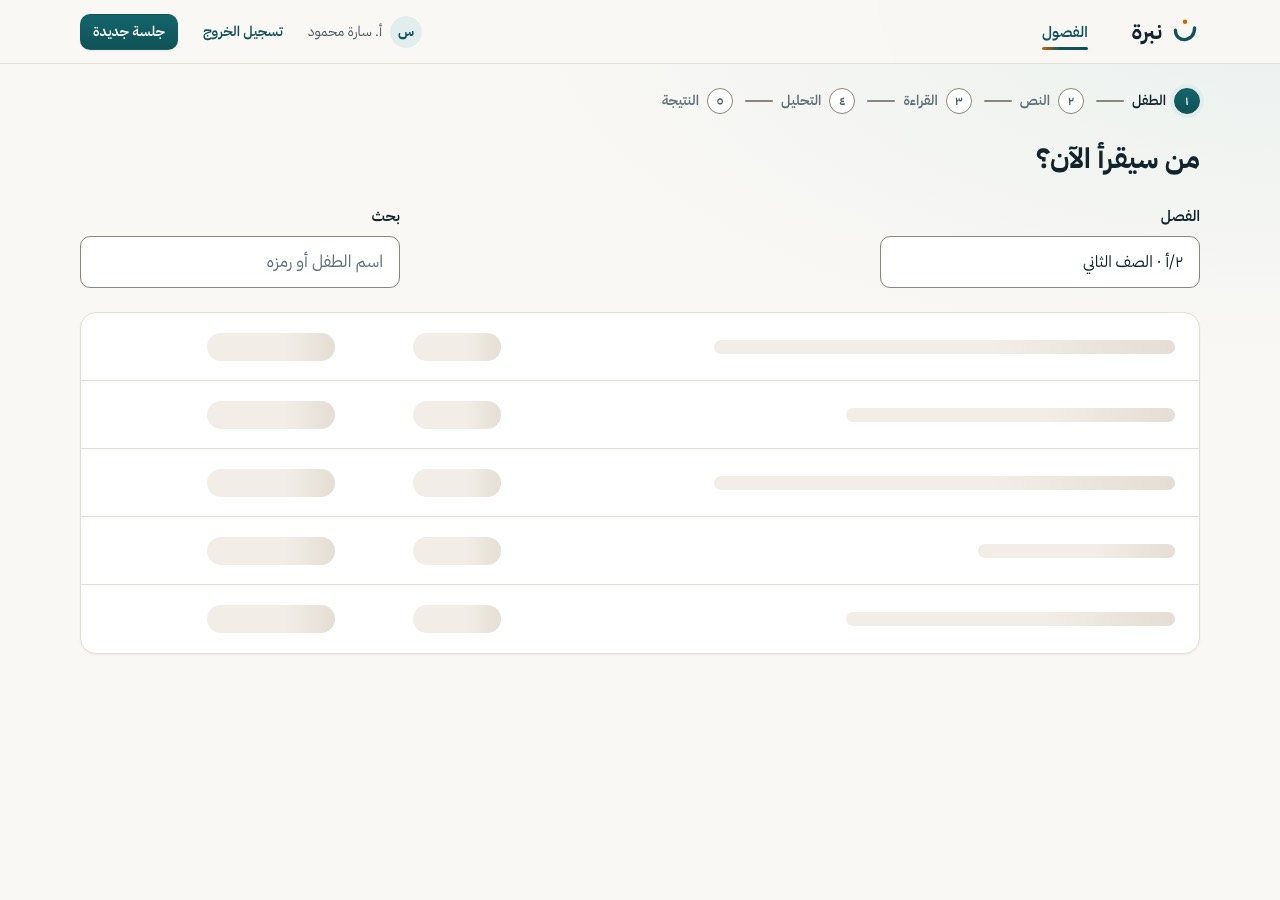
| S-07 | Pick a child | Loading | LightDark768 px (not drawn)Live |
| S-07 | Pick a child | Error · retry | LightDark768 px (not drawn)Live |
| S-08 | Choose passage | Base design | LightDark768 pxLive |
| S-08 | Choose passage | Loading · card skeleton | LightDark768 px (not drawn)Live |
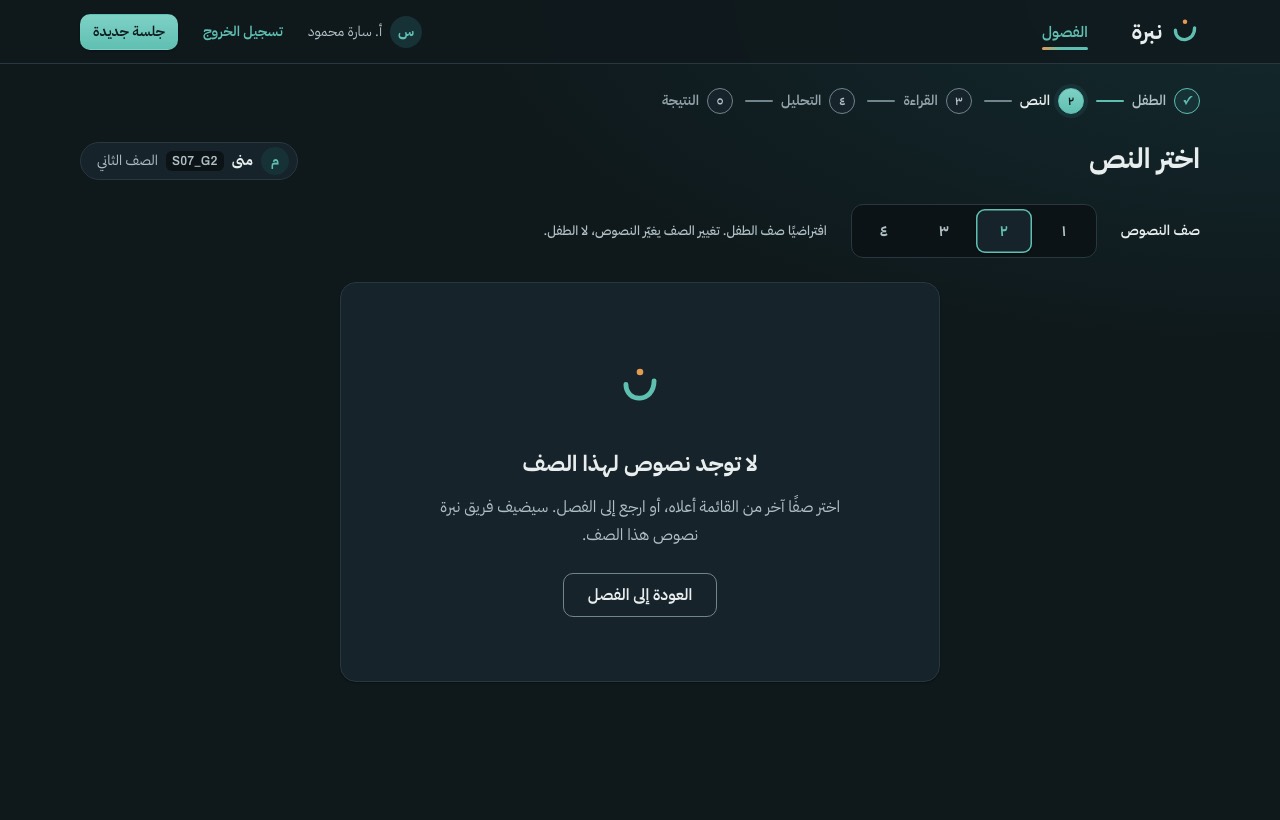
| S-08 | Choose passage | Empty · no passage for this grade (should not happen) | LightDark768 px (not drawn)Live |
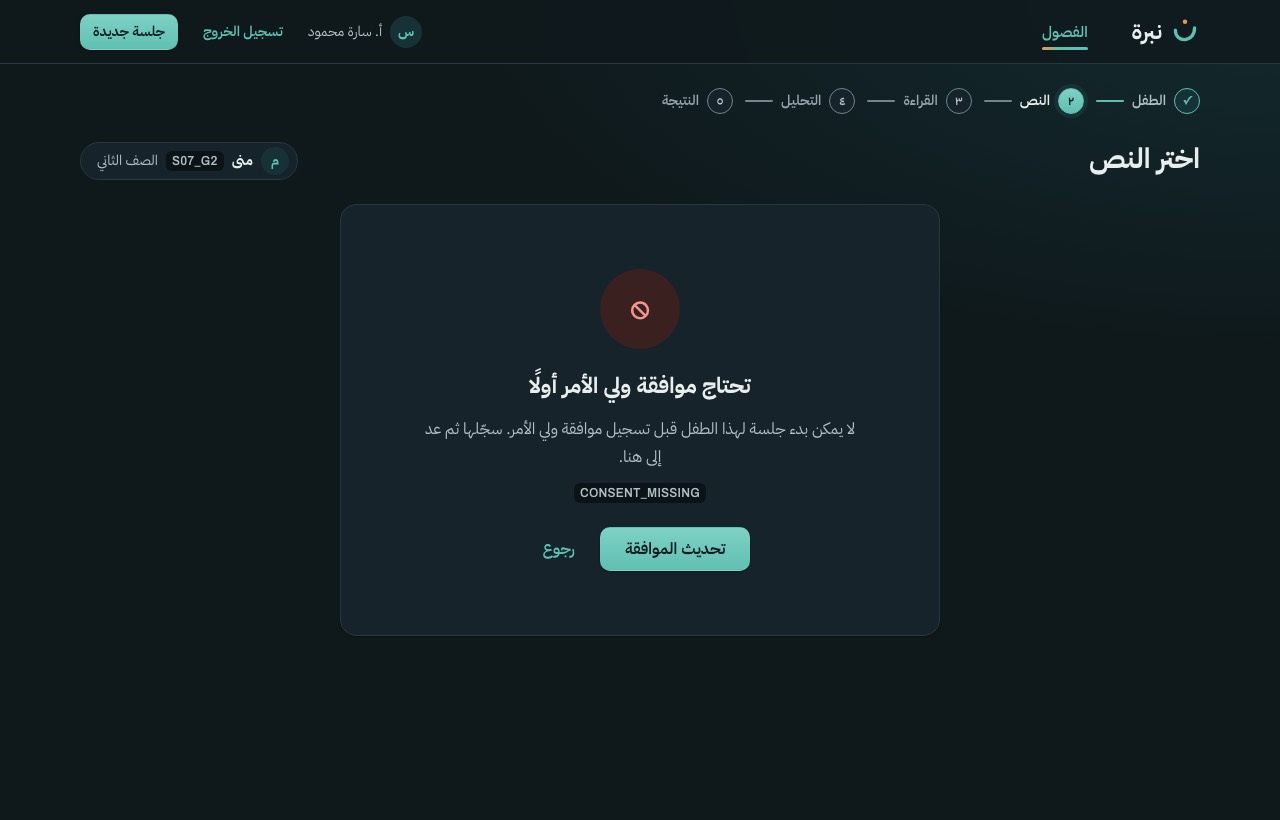
| S-08 | Choose passage | Error · 403 CONSENT_MISSING → S-06 | LightDark768 px (not drawn)Live |
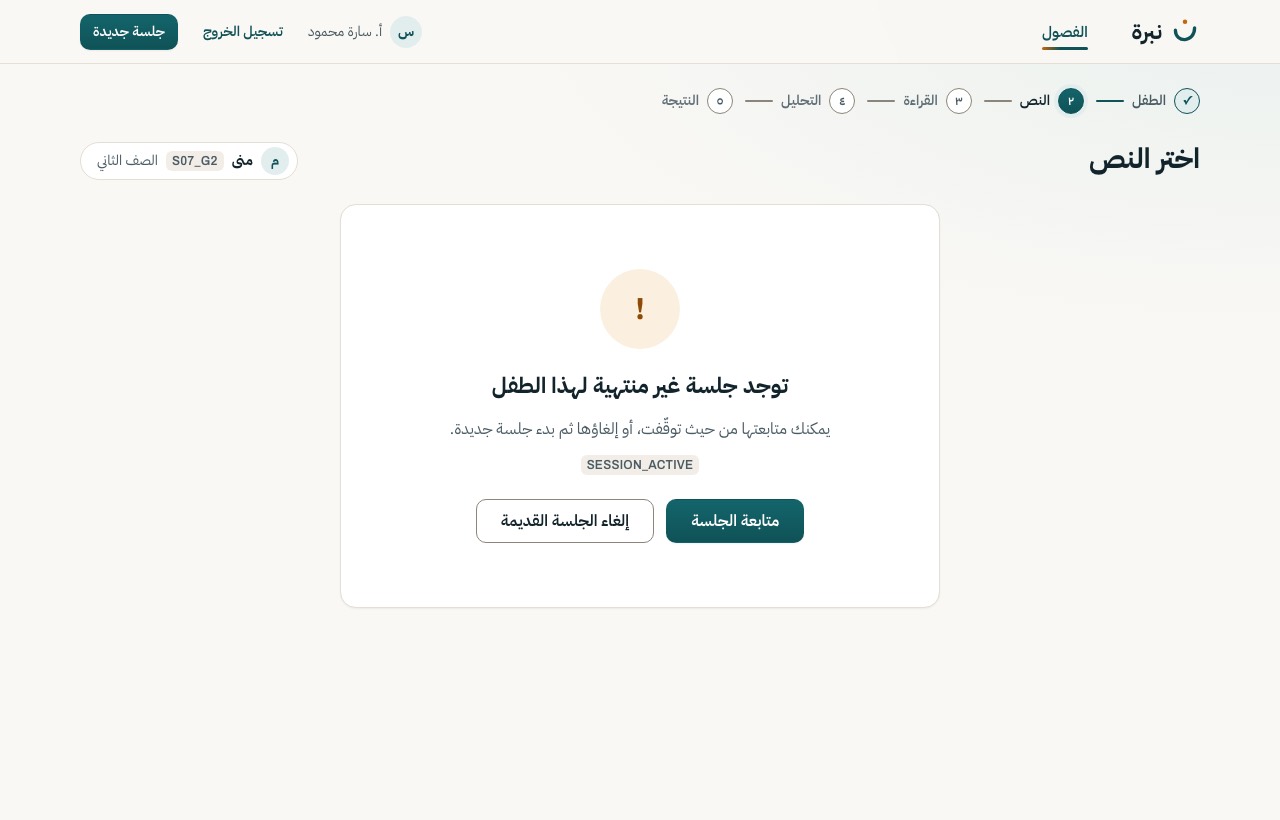
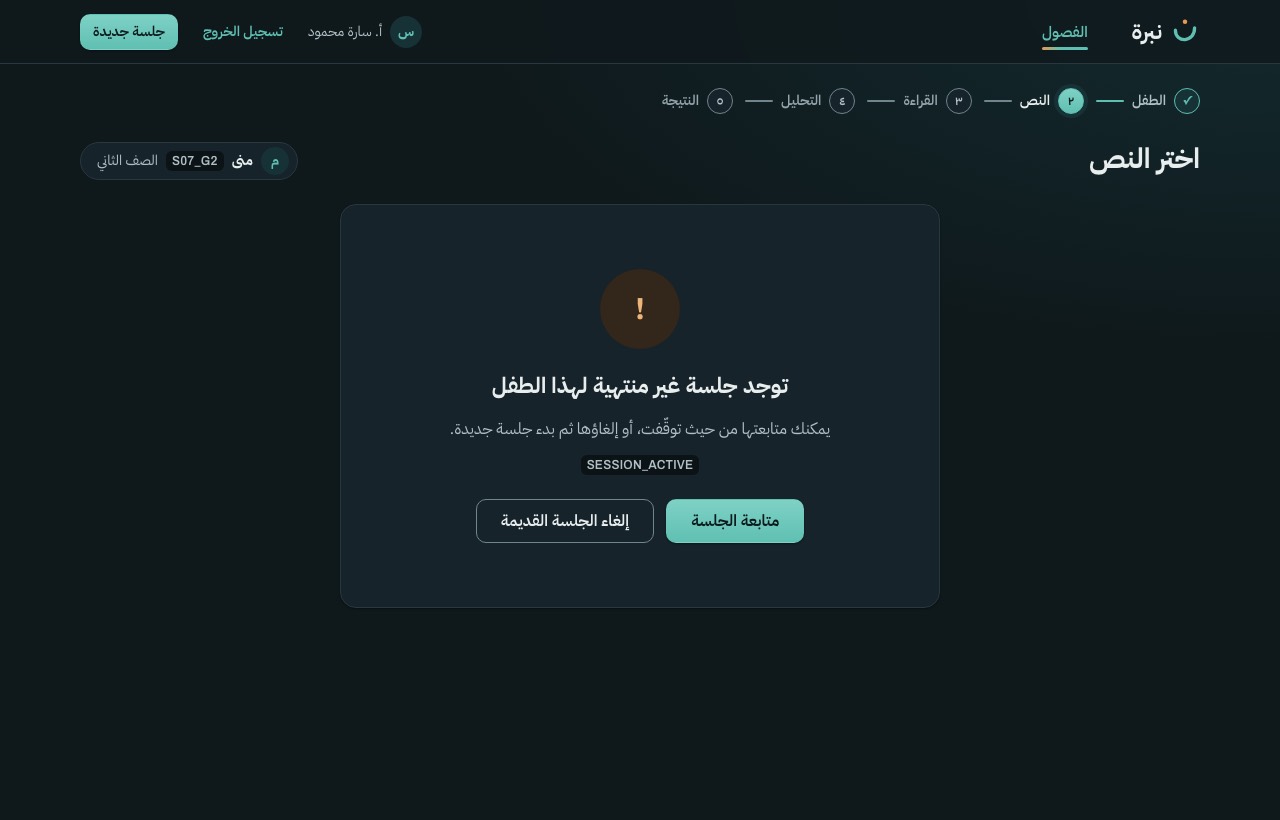
| S-08 | Choose passage | Error · 409 SESSION_ACTIVE | LightDark768 px (not drawn)Live |
| S-08 | Choose passage | Error · 404 CHILD_NOT_FOUND → S-04 | LightDark768 px (not drawn)Live |
| S-09 | Microphone check | Base design · sound detected | LightDark768 pxLive |
| S-09 | Microphone check | Loading · asking the browser for permission | LightDark768 px (not drawn)Live |
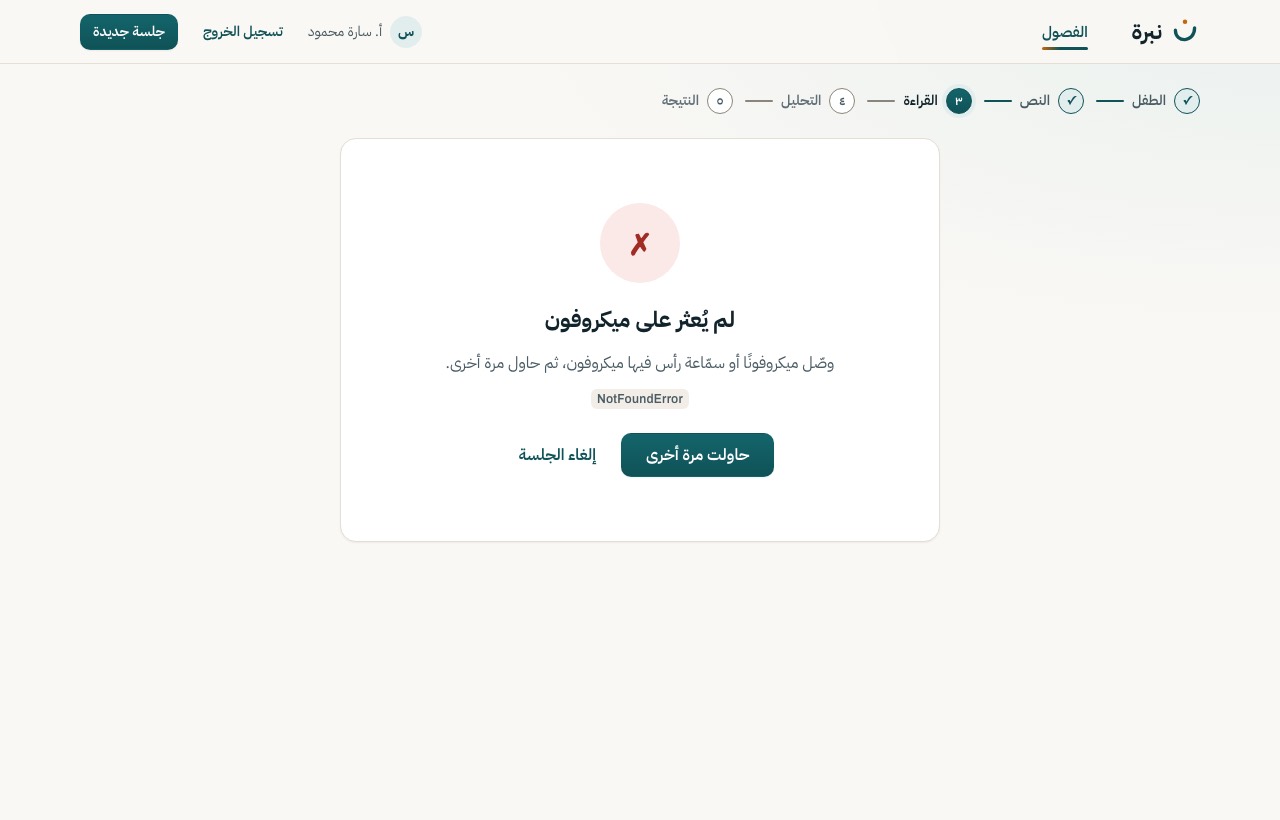
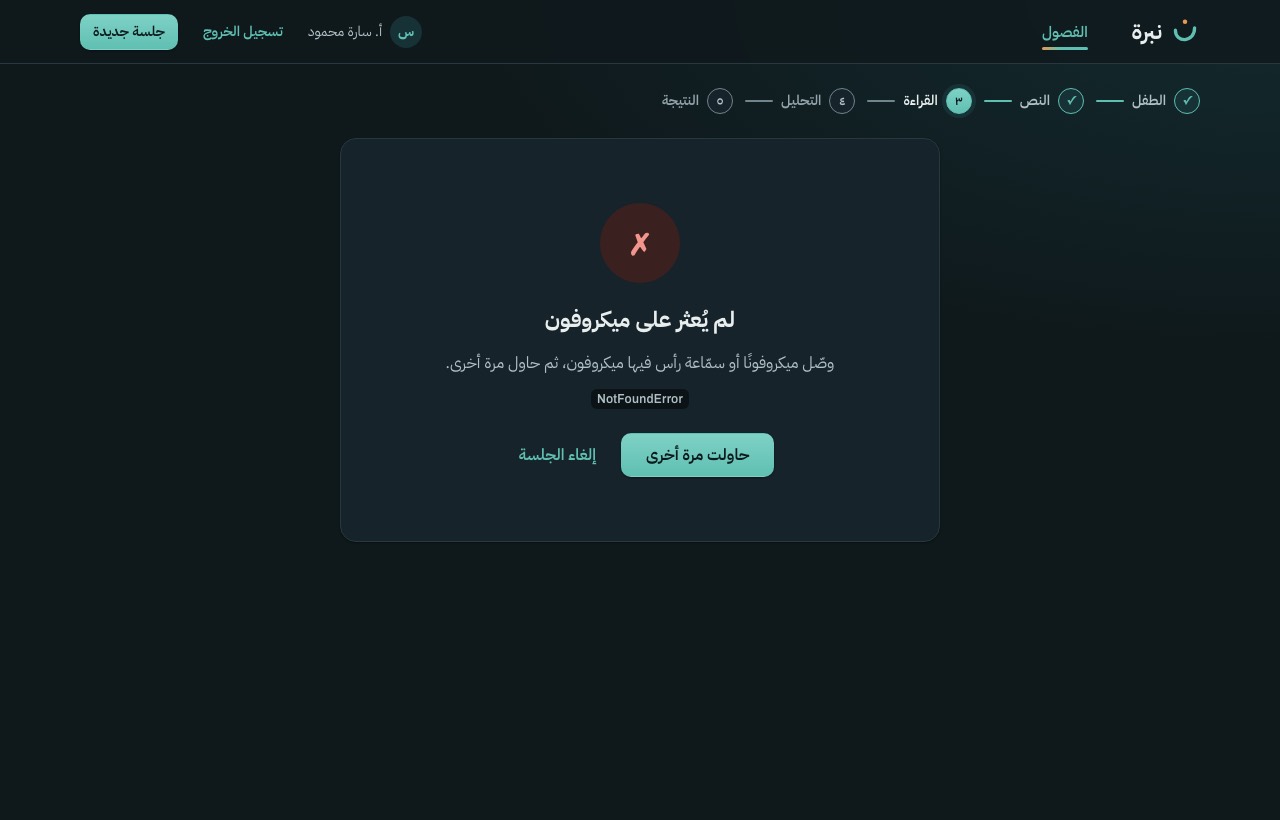
| S-09 | Microphone check | Error · no microphone found, cancel offered | LightDark768 px (not drawn)Live |
| S-09b | Microphone blocked (panel) | Base design | LightDark768 pxLive |
| S-10 | Reading stage | Base design · ready (status created) | LightDark768 pxLive |
| S-10 | Reading stage | Recording (status recording) | LightDark768 px (not drawn)Live |
| S-10 | Reading stage | Captured (status captured) · nothing uploaded yet | LightDark768 px (not drawn)Live |
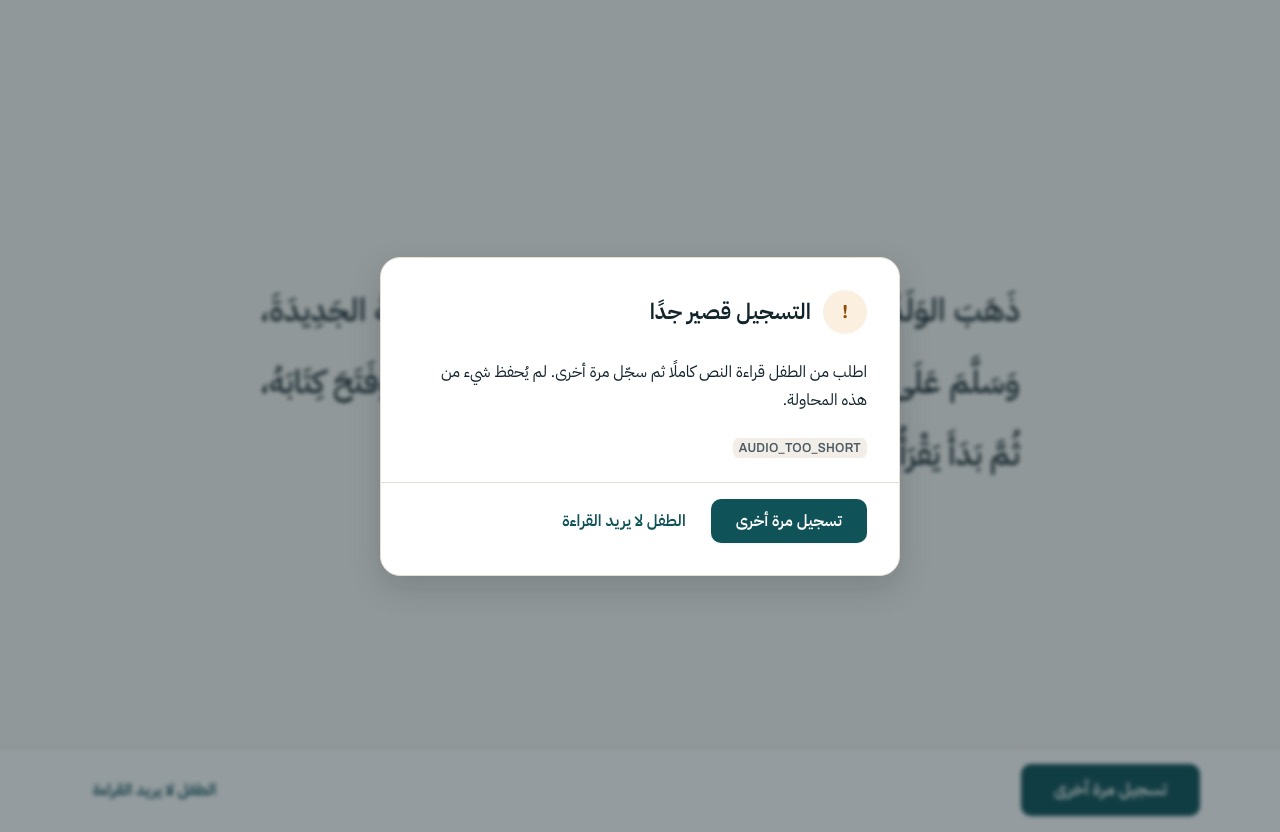
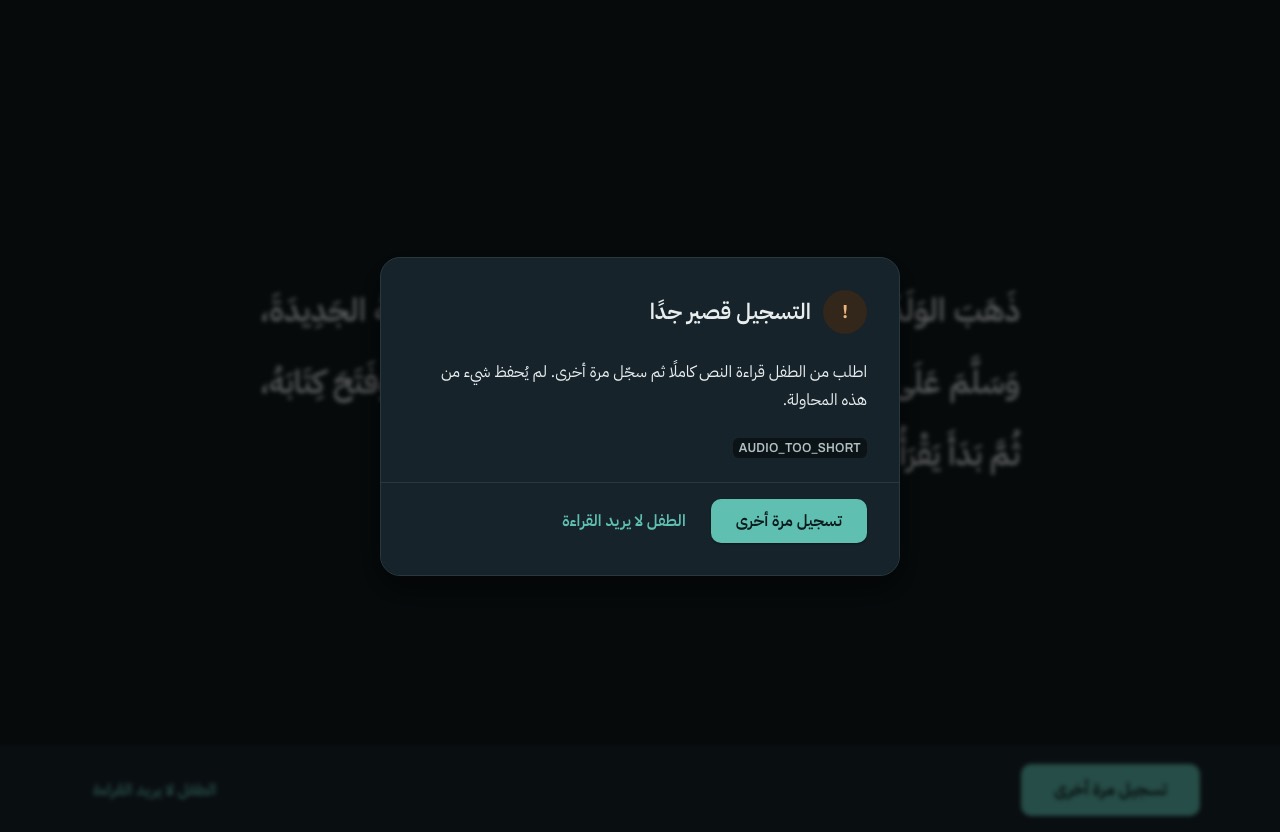
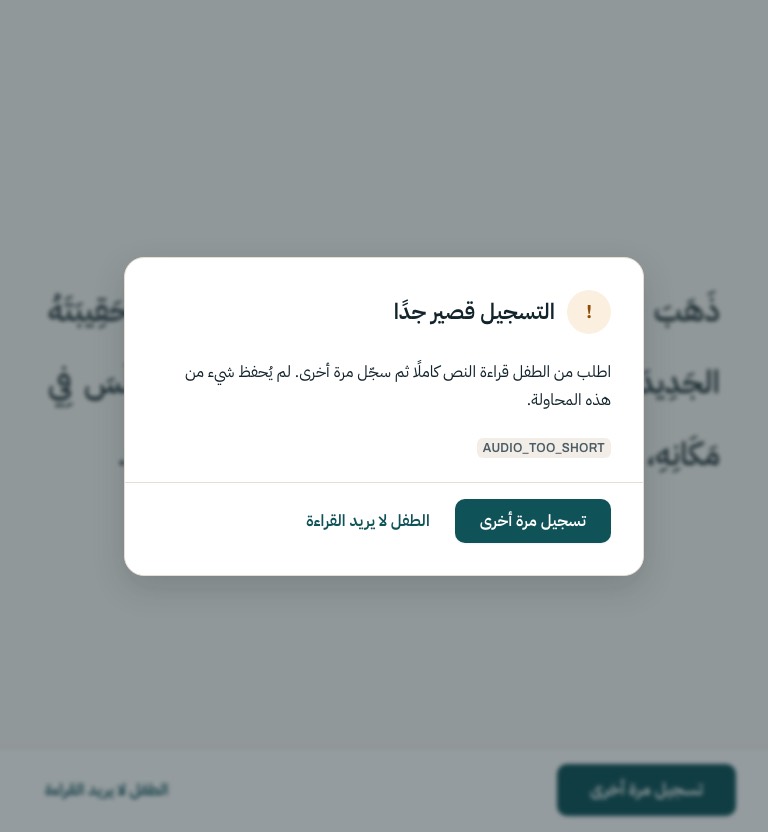
| S-10 | Reading stage | Error · AUDIO_TOO_SHORT from /analyze → record again | LightDark768 pxLive |
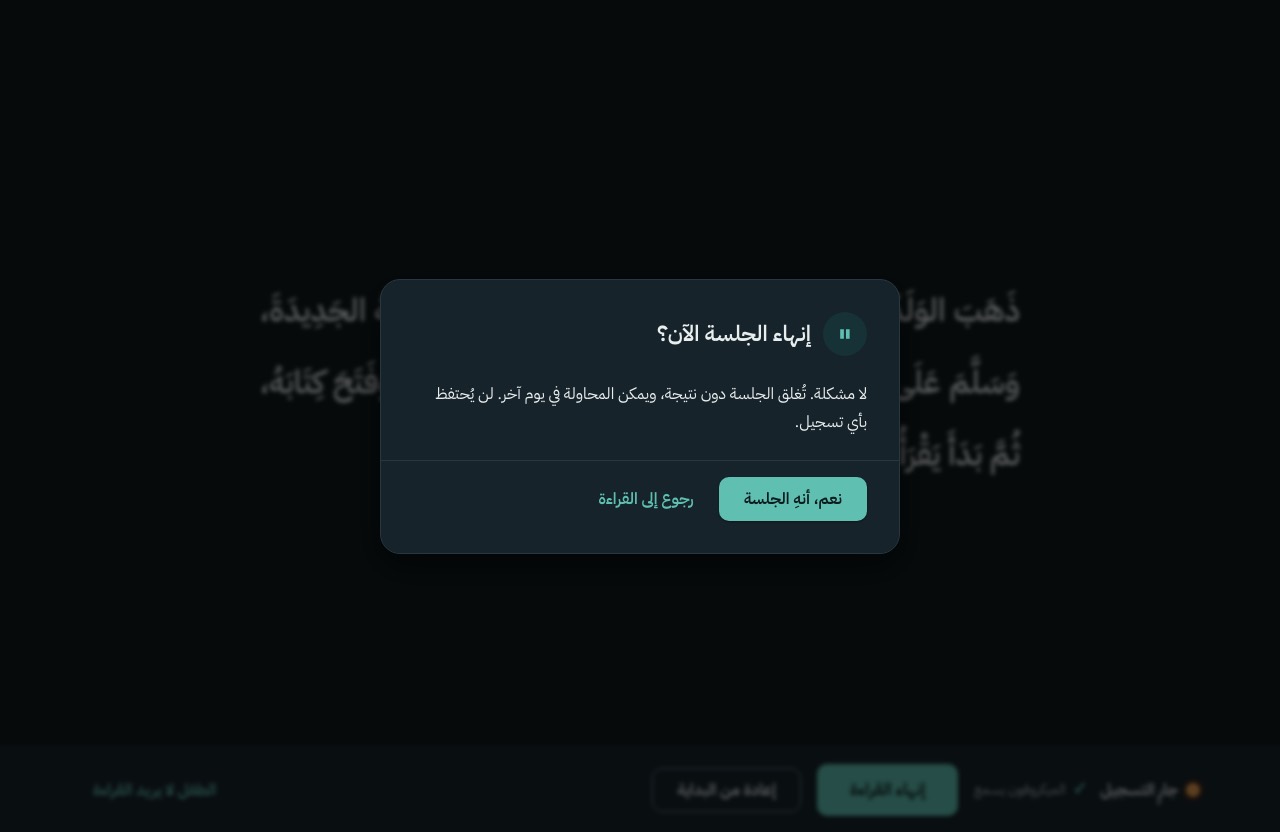
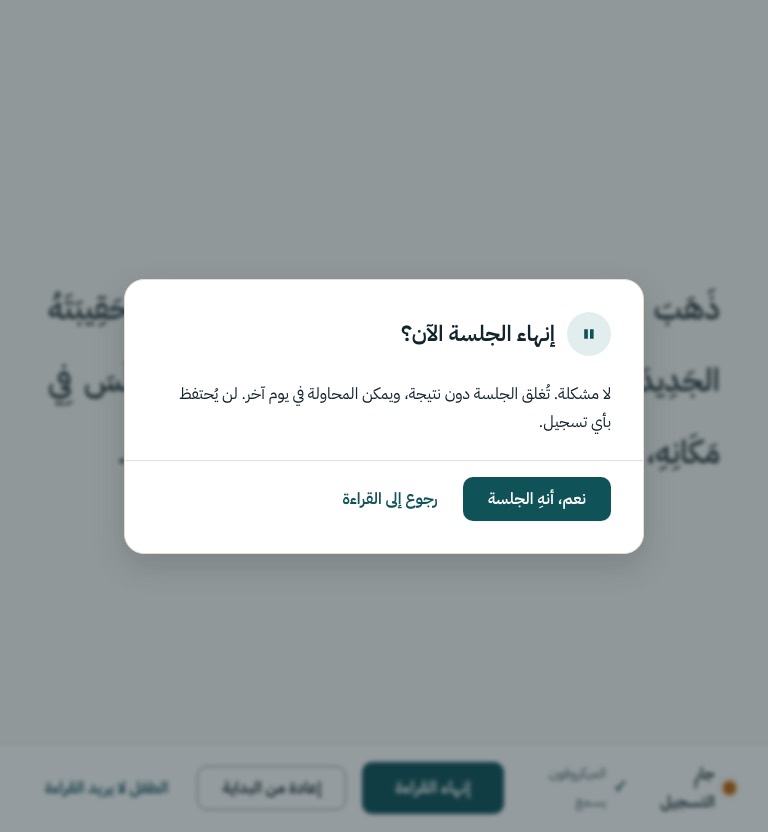
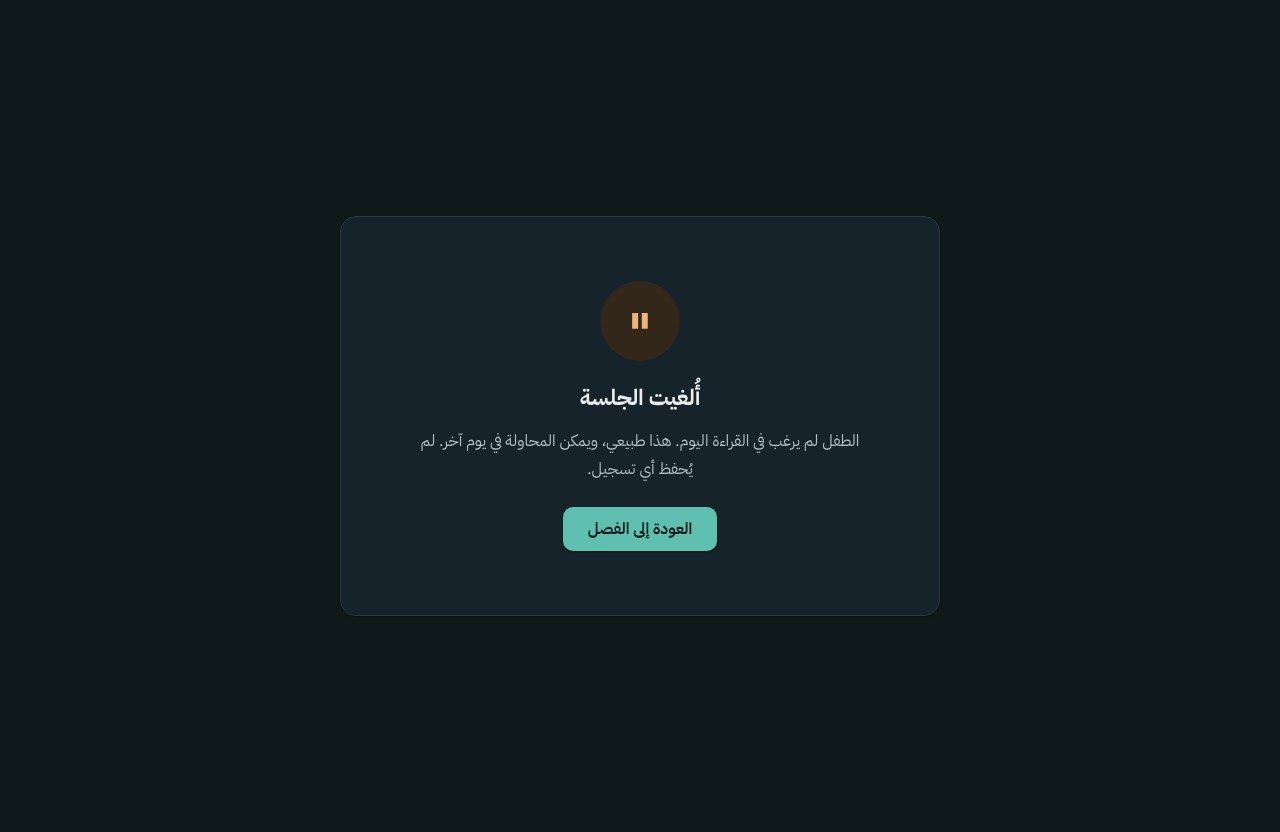
| S-10 | Reading stage | Confirm · the child does not want to read | LightDark768 pxLive |
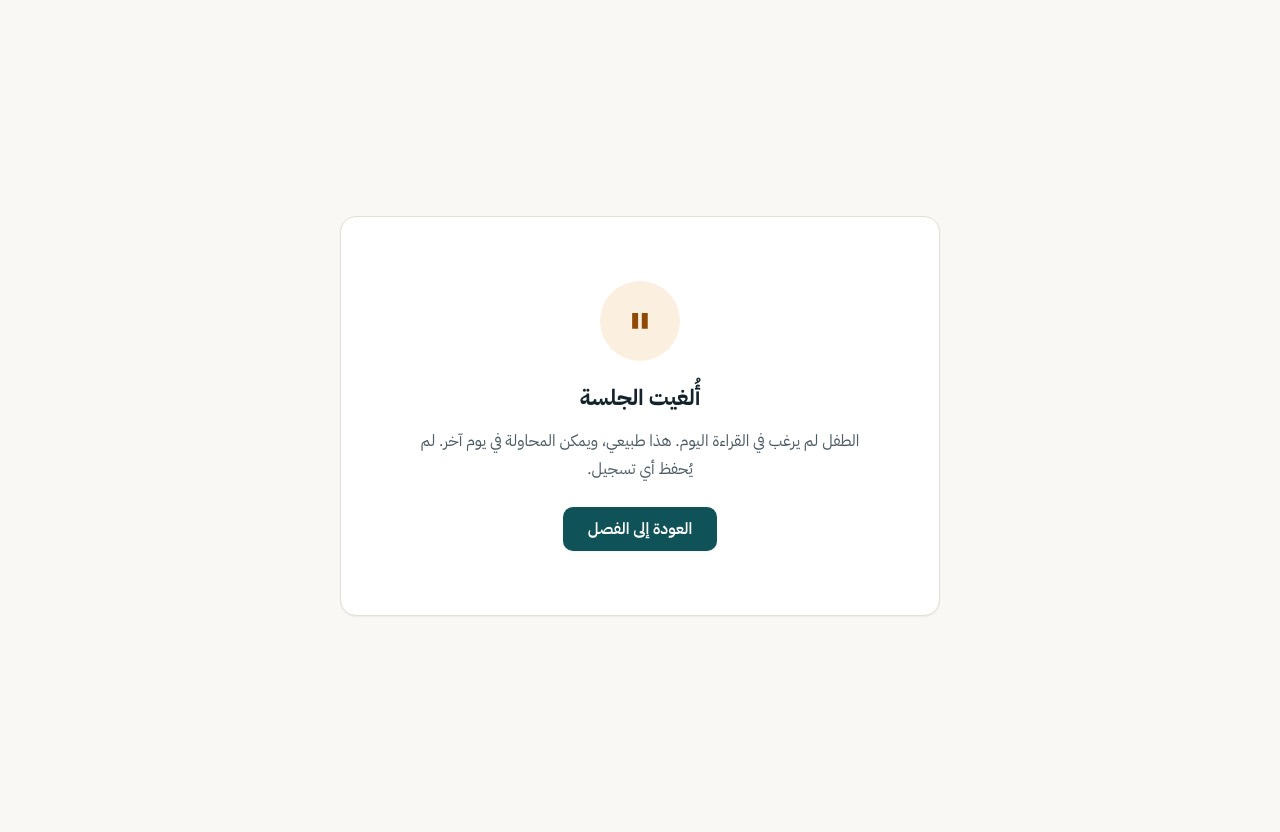
| S-10 | Reading stage | Cancelled · status cancelled, reason child_declined → S-04 | LightDark768 px (not drawn)Live |
| S-11 | Processing | Base design · uploading and analysing | LightDark768 pxLive |
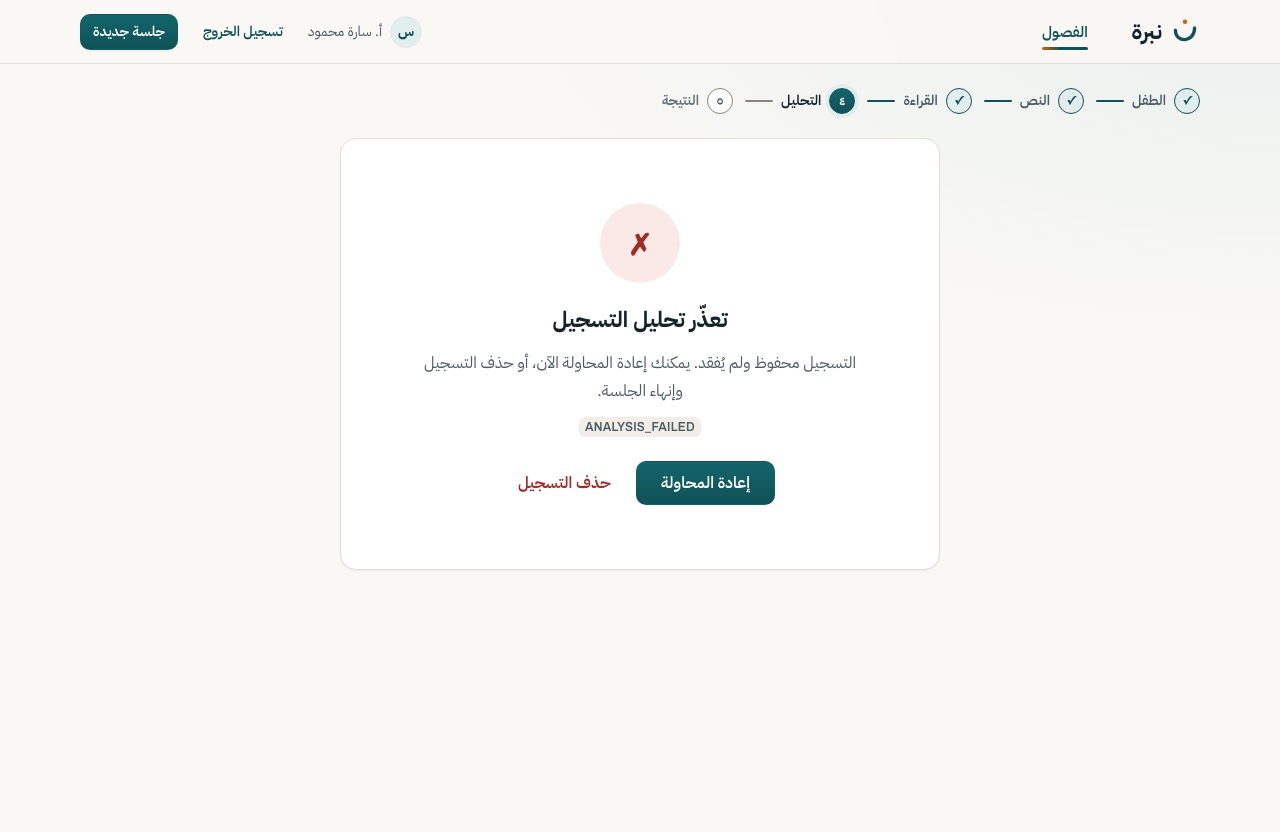
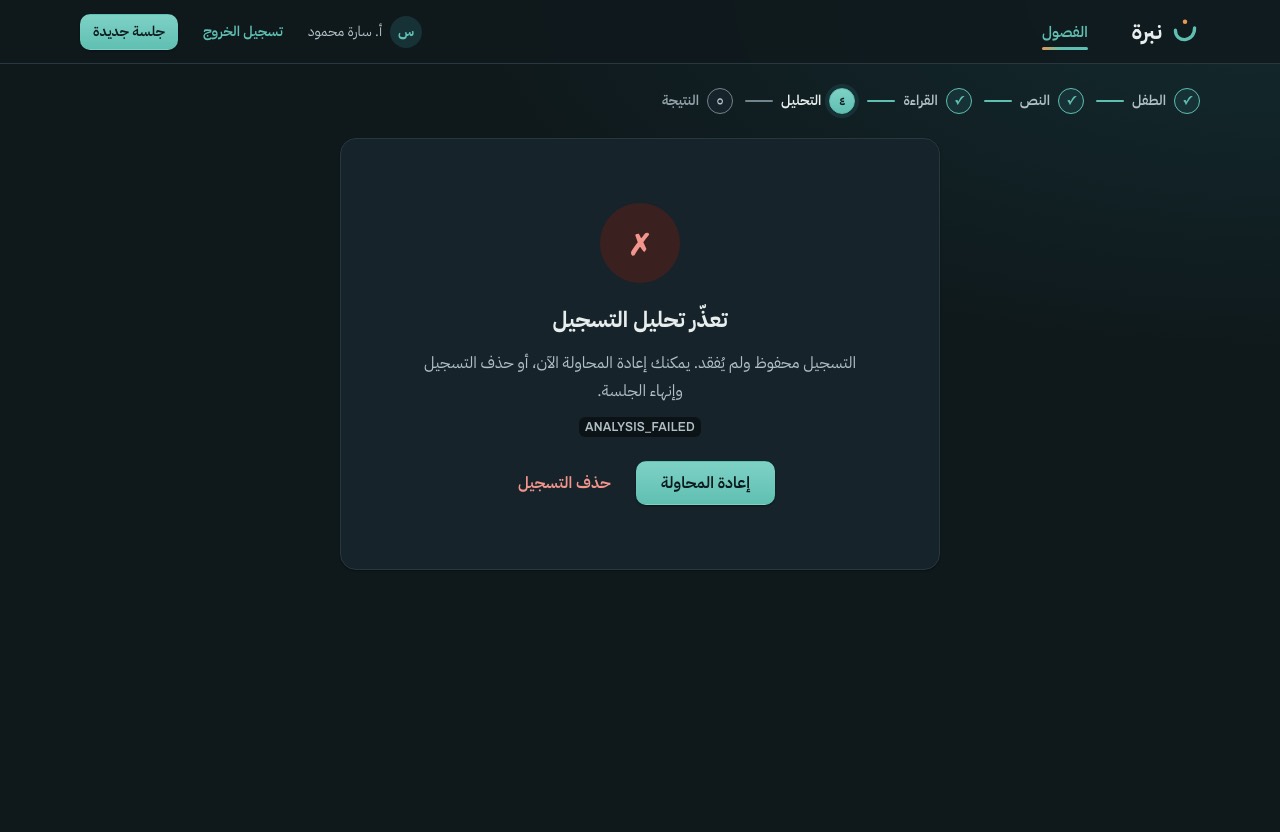
| S-11 | Processing | Error · 500 ANALYSIS_FAILED · retry with the kept audio, or discard | LightDark768 px (not drawn)Live |
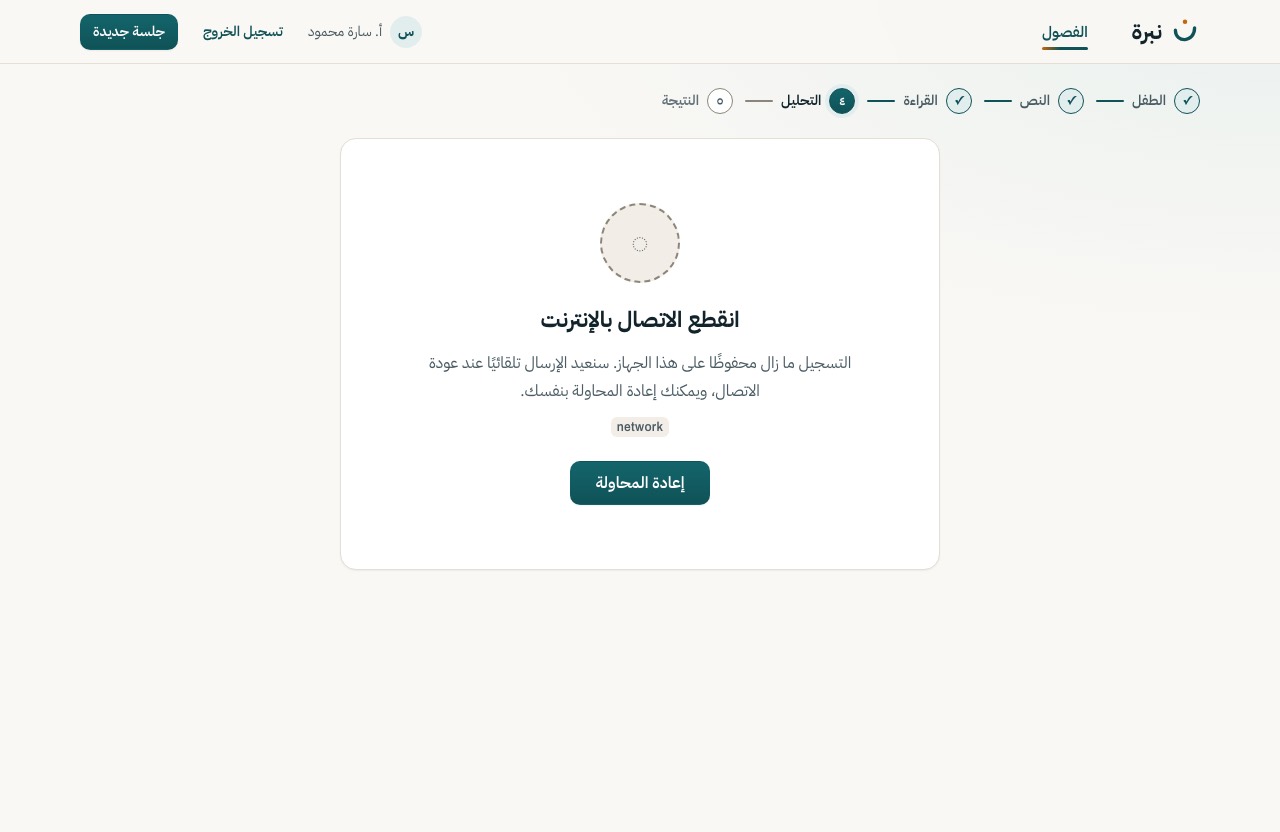
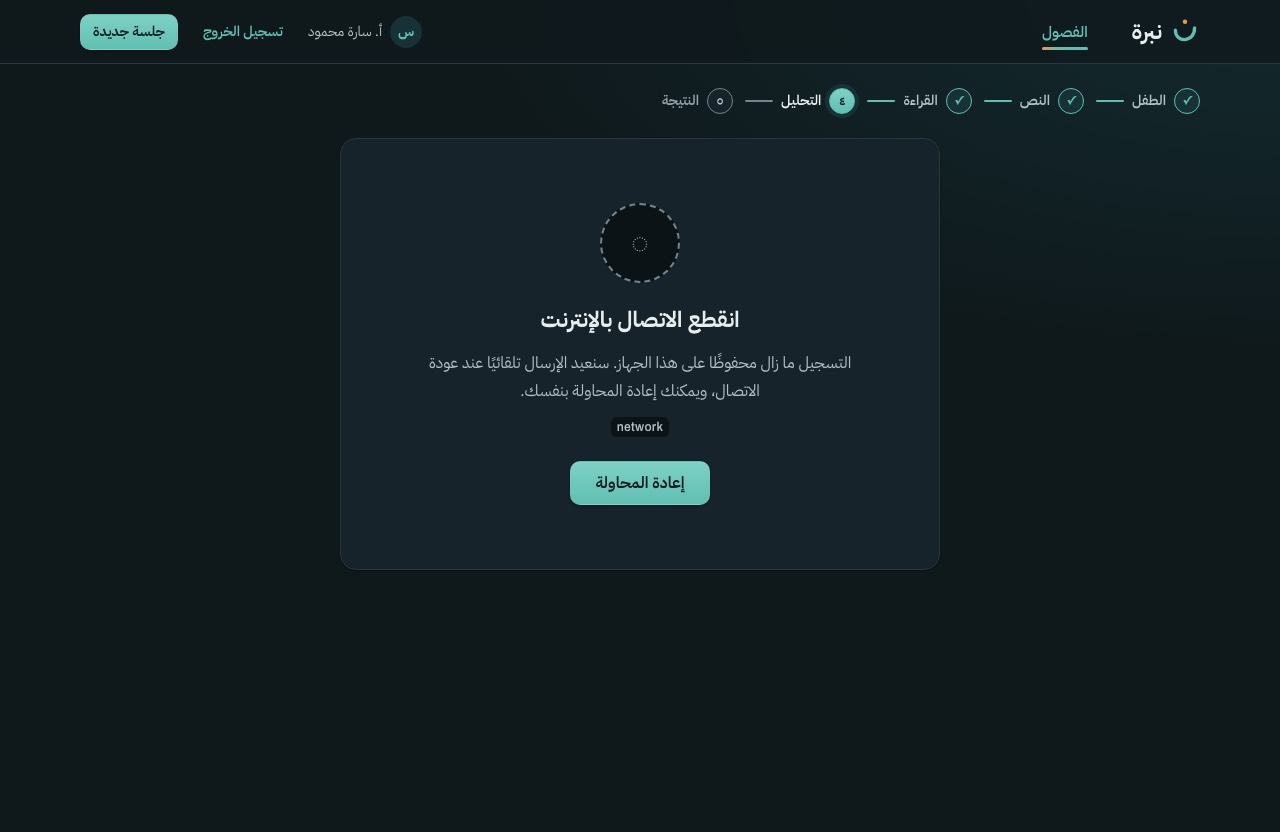
| S-11 | Processing | Offline · network lost · the same request is retried when back | LightDark768 px (not drawn)Live |
| S-11 | Processing | Confirm · discard the recording → status discarded → S-13 | LightDark768 pxLive |
| S-12 | Results | Base design · completed | LightDark768 pxLive |
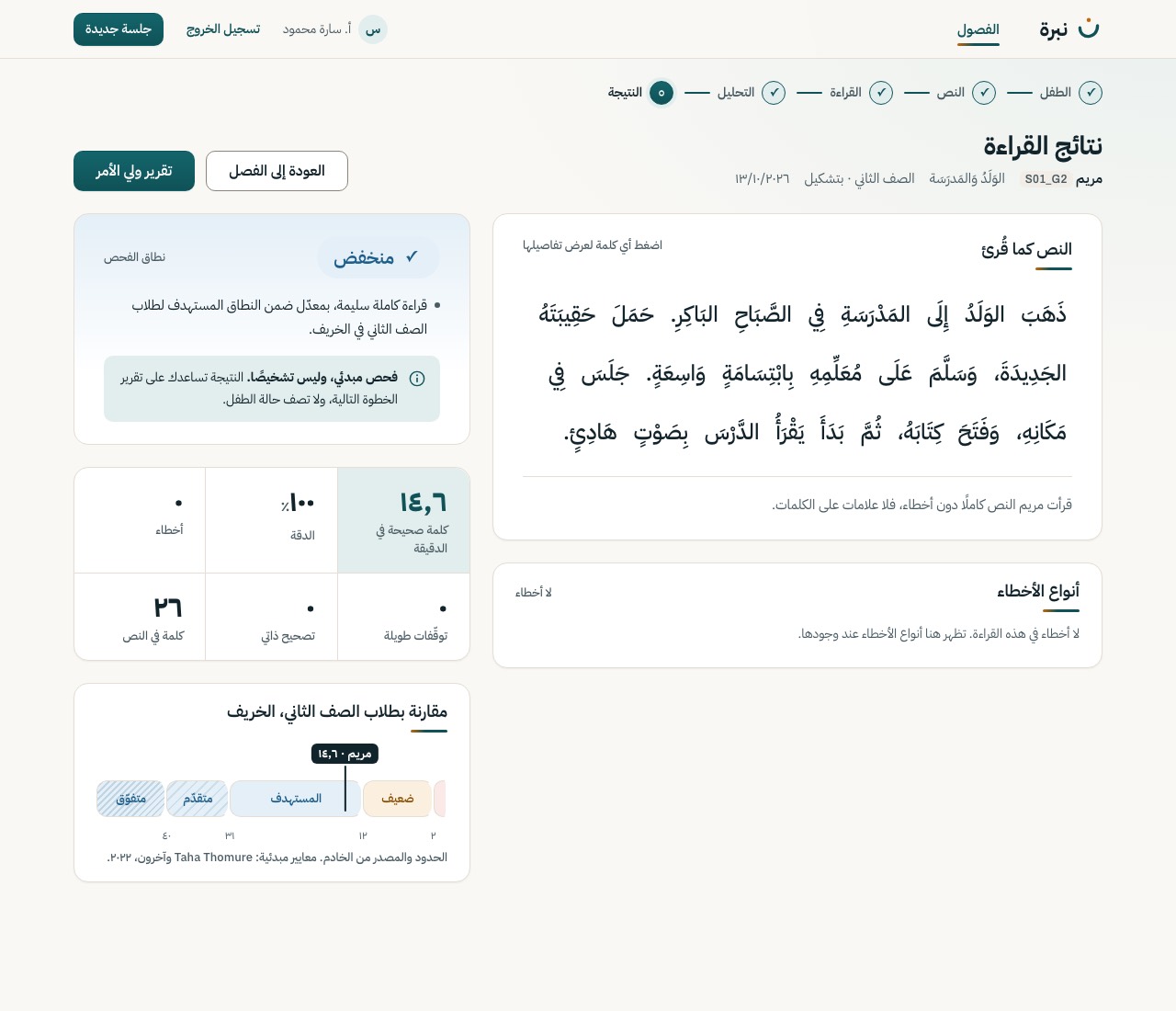
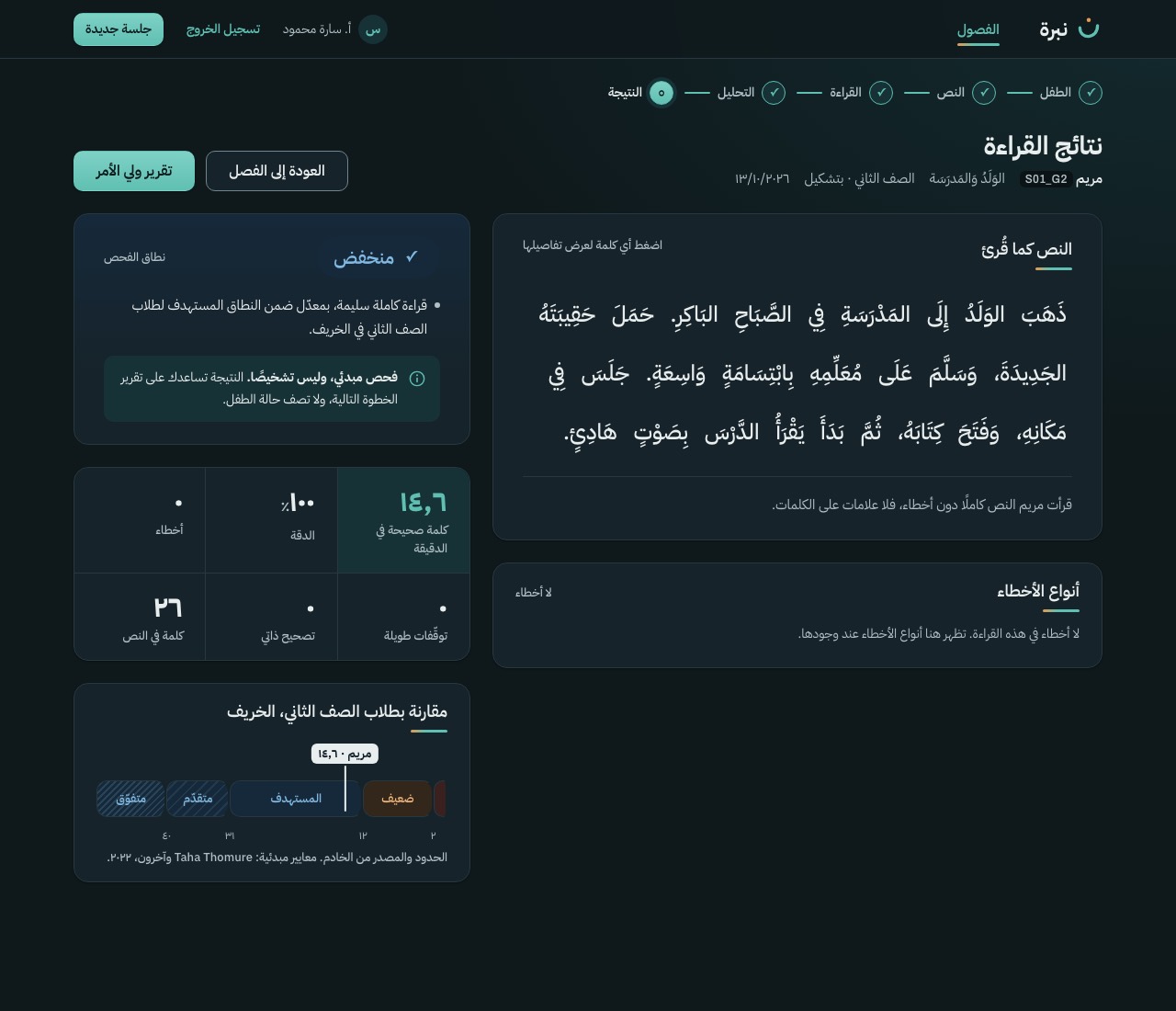
| S-12 | Results | Empty · no errors: a calm line, the passage still shown, counts zero | LightDark768 px (not drawn)Live |
| S-12 | Results | Loading · passage skeleton | LightDark768 px (not drawn)Live |
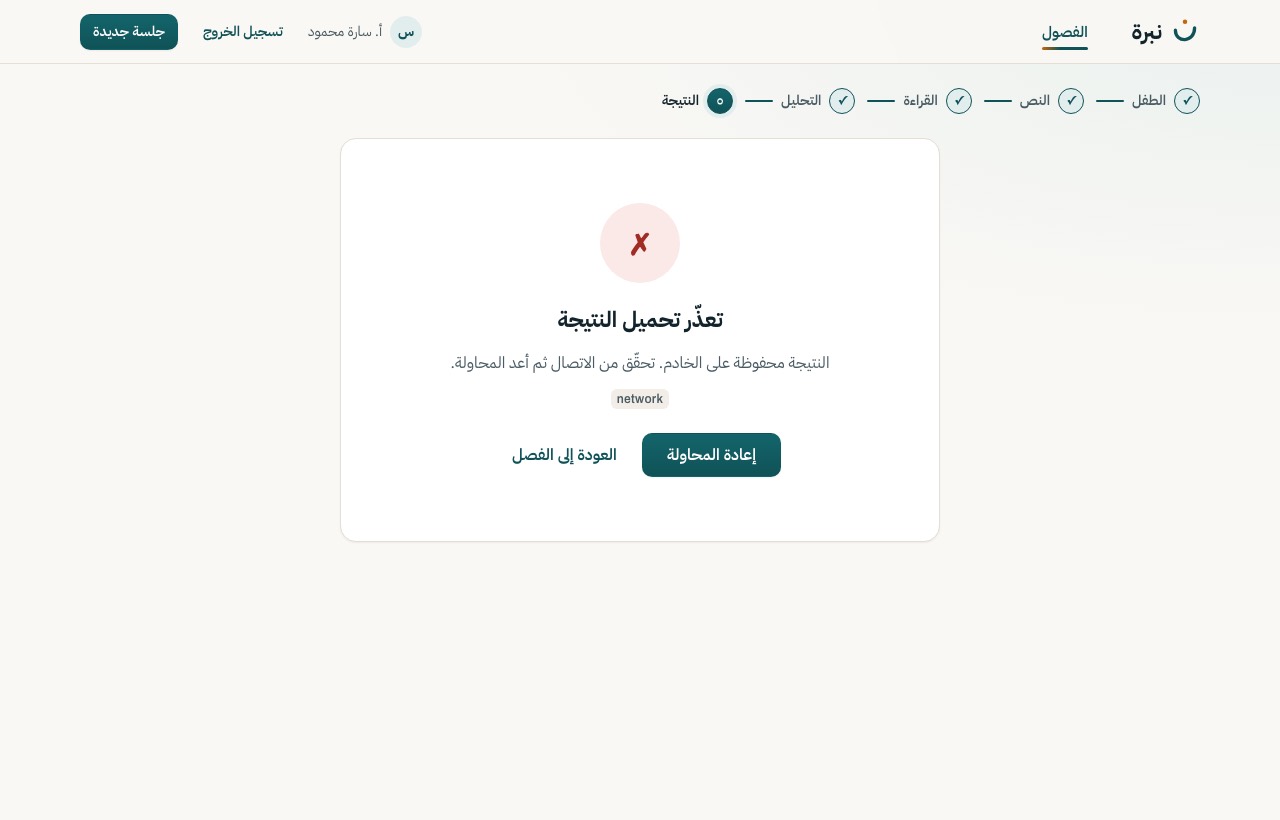
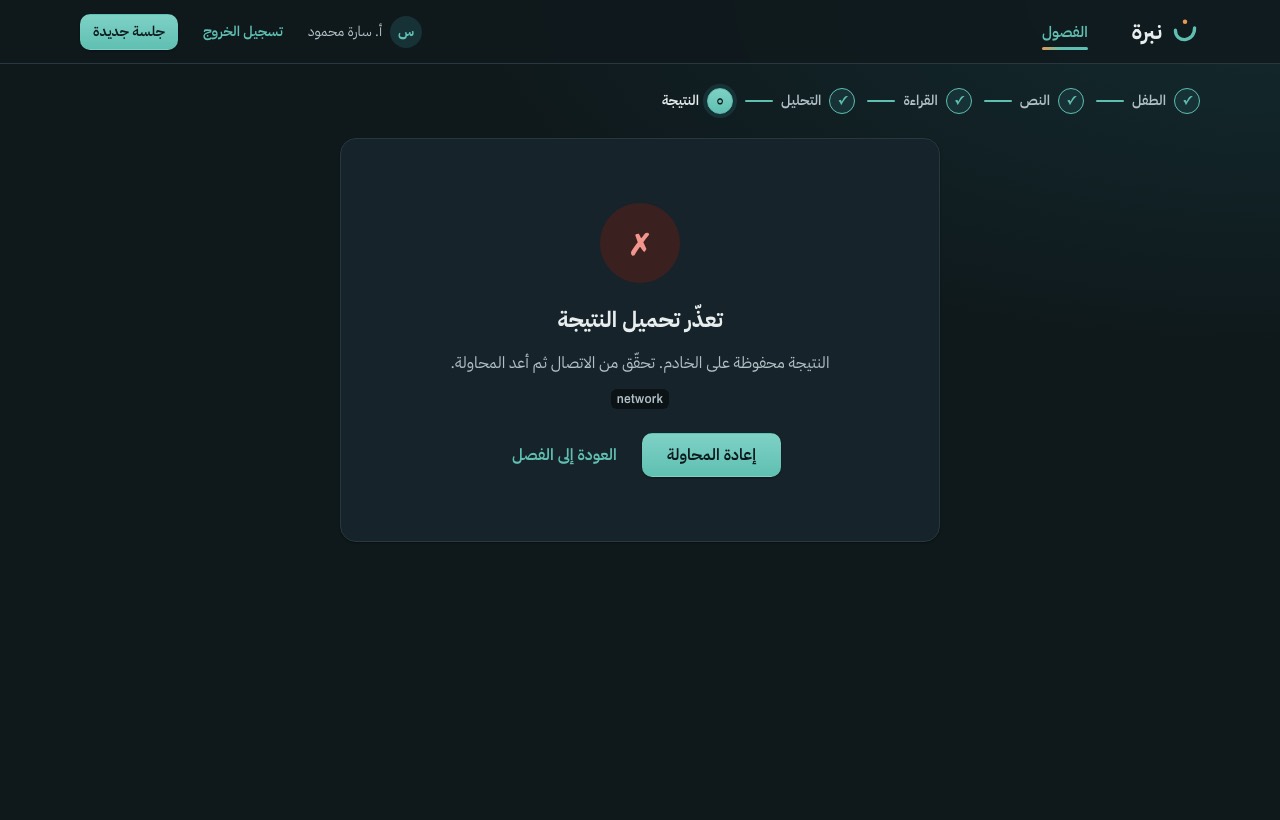
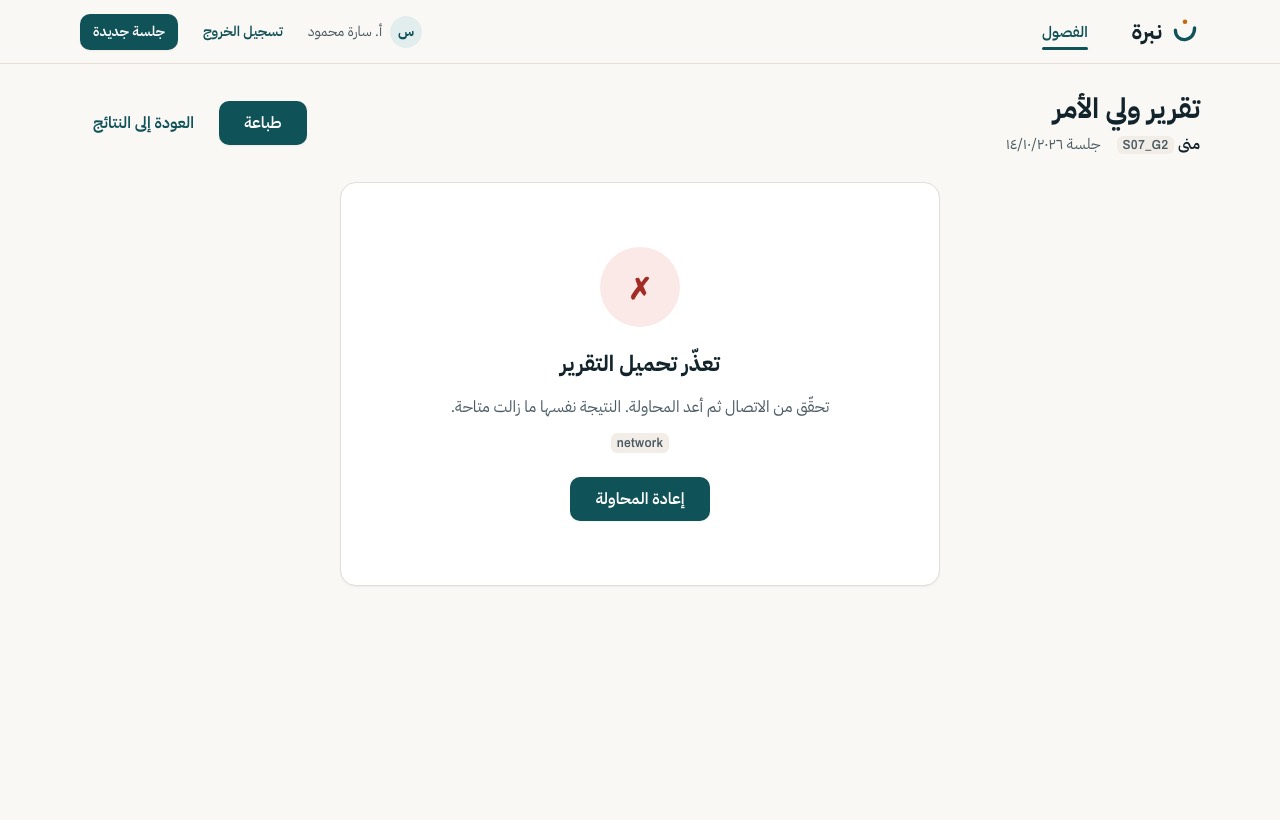
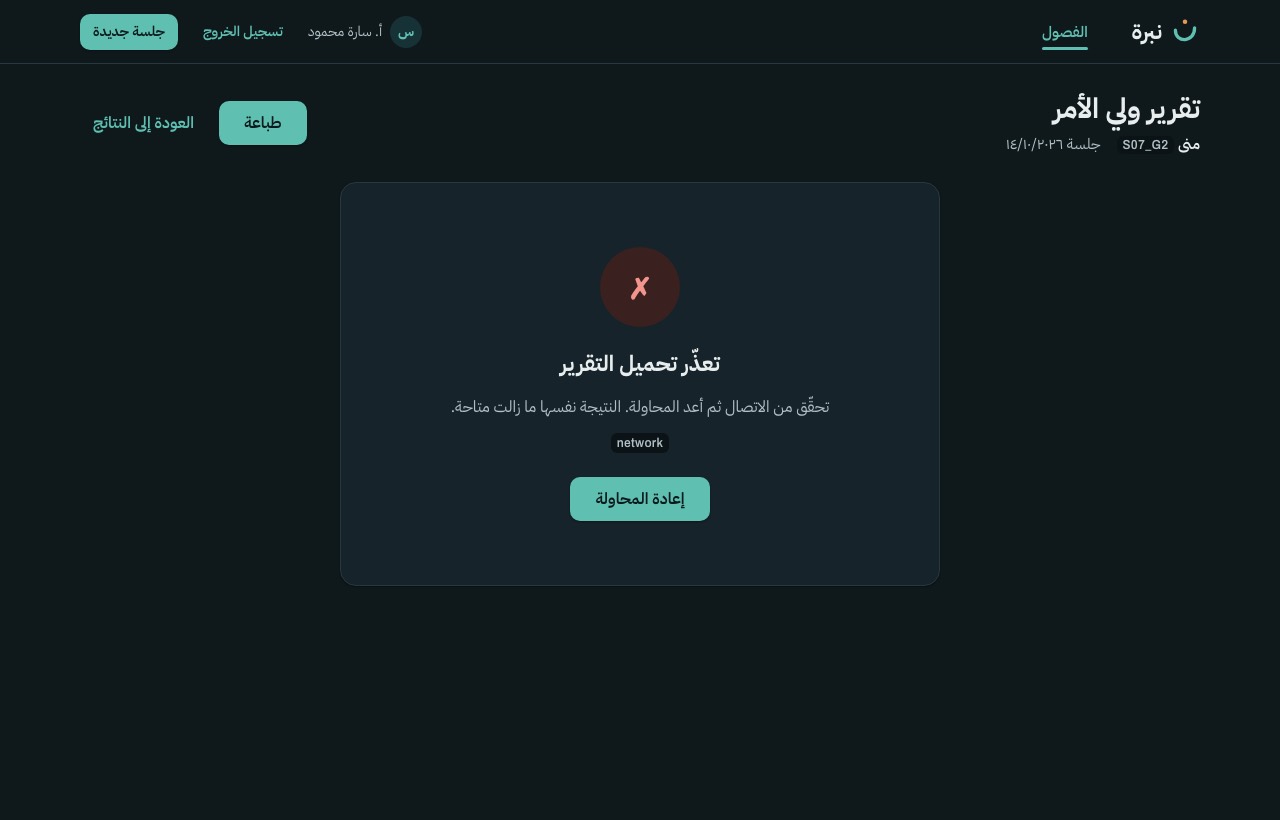
| S-12 | Results | Error · could not load · retry | LightDark768 px (not drawn)Live |
| S-12a | Word detail (popover) | Base design · a substituted word, audio kept (screening_research) | LightDark768 pxLive |
| S-12a | Word detail (popover) | Loading · the word's audio is loading | LightDark768 px (not drawn)Live |
| S-12a | Word detail (popover) | Audio deleted · an insertion, for a child with screening-only consent | LightDark768 px (not drawn)Live |
| S-14 | Parent report | Base design · one A4 page | LightDark768 pxLive |
| S-14 | Parent report | Loading · sheet skeleton | LightDark768 px (not drawn)Live |
| S-14 | Parent report | Error · could not load · retry | LightDark768 px (not drawn)Live |